


The most expensive words in construction are "just go ahead and we'll square up later."
You're on site. The owner points at a wall and asks for two more can lights and an outlet on the island. It's a fifteen-minute conversation. You say sure, your electrician does the work that afternoon, and everybody moves on. Then the invoice goes out, and suddenly nobody remembers agreeing to anything. "I thought that was included." "That doesn't sound like $1,400." Now you're the bad guy for billing work they asked for.
That's not a pricing problem. It's a paperwork problem — and it's completely avoidable.
Verbal change orders are just unpaid work with extra steps
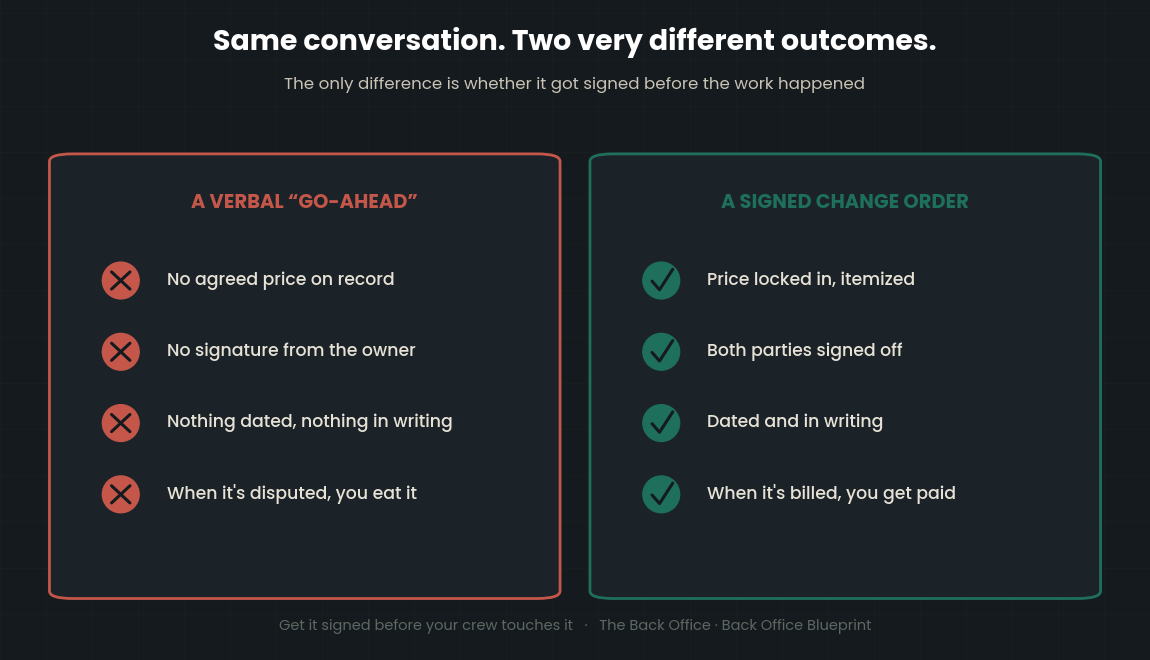
Every change order starts as a conversation. The mistake is letting it stay one. A verbal "go ahead" feels like agreement in the moment, but it carries none of the things you need when the money is actually on the line: no agreed price, no signature, no record of when the scope changed or what it did to your schedule.
When it comes time to collect, a handshake is worth exactly what you can prove. If the only record is your memory versus theirs, you're not negotiating from strength — you're hoping they're honest. Some are. The ones who aren't have already figured out that the contractor who didn't paper the change is the contractor who eats it.
What a real change order form has to contain
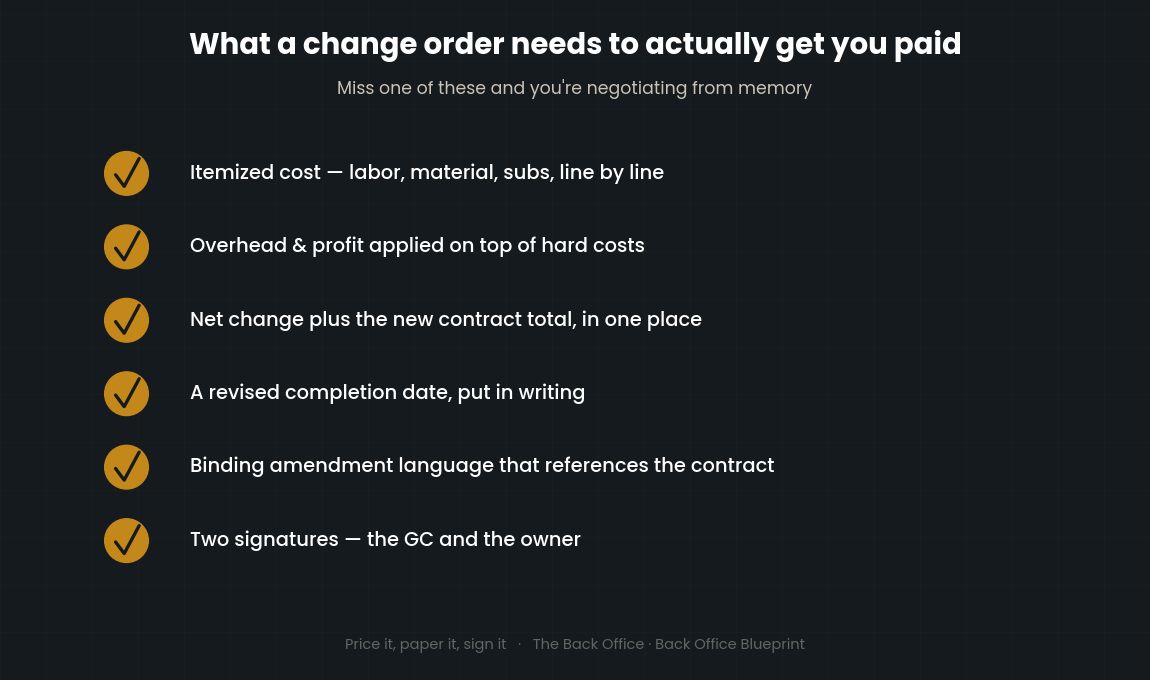
A change order isn't just a price tag stapled to a request. To be worth anything when a client pushes back, it has to do five jobs at once:
Itemize the cost of the change. Line by line — labor, material, subs — so the number isn't a mystery. A client will argue with a lump sum. It's much harder to argue with a breakdown that shows exactly what they're paying for.
Apply overhead and profit. Changed work carries the same burden your base contract does. If your form doesn't calculate overhead and profit on top of hard costs, you're quietly discounting every change you write.
Show the net change and the new contract total. The client should be able to see, in one place, what this change adds (or credits), and what the contract is worth now. No math on their end, no surprises at final billing.
Adjust the completion date. This is the piece almost everyone forgets. Extra scope takes extra time, but if you never document the schedule impact, you've silently agreed to finish on the original date while doing more work. A change order should push the completion date automatically and put that new date in writing.
Include binding amendment language and two signatures. The form has to actually say it amends the original contract, and it needs a signature from both you and the owner. One signature is a proposal. Two signatures is an agreement. That's the difference between a document that gets you paid and a document that gets you a shrug.
Get the signature before the work, not after
Here's the uncomfortable truth: the leverage to get a change order signed disappears the second the work is done. Before you do it, the client wants the change and you hold the cards. After you do it, they already have what they wanted and you're just asking nicely for money.
So the rule is simple. Scope changes, you write the change order, you get it signed, then your crew touches it. It feels slower. It is not slower than chasing $1,400 for three weeks or writing it off entirely because you can't prove they said yes.
If a change is genuinely an emergency and can't wait, at minimum get a text or email confirming the price and the go-ahead before work starts — something dated, in writing, with a number attached. It's not a substitute for a signed form, but it's a paper trail, and a paper trail beats a memory every time.
Make it look like you do this for a living
There's a quiet benefit to a clean, client-ready change order that nobody talks about: it signals you're organized. When a homeowner or a GC gets a sharp, itemized, professional-looking change order the same day they asked for the change, they stop wondering whether you know what you're doing. The paperwork is the pitch. Sloppy or slow change orders make clients nervous. Fast, clear ones make them trust the number.
Getting it signed is one problem and pricing it is another. If you are not sure what to charge for the change itself, the free change order pricing calculator works out the markup.
The tool I built for exactly this
I put together a Change Order Form that does all five jobs above without you building a thing. It's a white-label Excel template with an itemized cost table, automatic overhead and profit, automatic net change and new contract total, an automatically revised completion date, built-in binding amendment language, and a dual signature panel for the GC and the owner. It comes with a User Guide and a filled sample so you can see exactly how a finished one should look. You fill in the change, it does the math, you send it — client-ready, same day.
If you're running changes across several jobs at once and losing track of which ones are approved, pending, or still floating, pair it with the Change Order Tracker — that's the log that keeps every change from every project in one place so nothing slips through to final billing unrecorded.
Changed work is real work. Price it, paper it, and get it signed. Your bank account will notice the difference by the end of the first job.
Get the Change Order Form here

I'm a working construction CFO and the founder of Back Office Blueprint, where I build the estimating, job costing, and compliance systems I wished every builder and trade contractor had from day one.
Keep reading
You’re not short on profit — you’re short on collections — what happens after the change order is signed and still unpaid.
Construction punch list: why the last 5% of the job holds 100% of your money — the other document standing between you and final payment.
The construction change order log: tracking every CO from signature to payment — the signed form is only half of it — the log is what gets it billed.
Writing the change order is half of it; tracking every one through to approval is the other half. The Change Order Bundle pairs the form with the tracker.
Change orders are one link in a longer chain. Here is what a construction back office is, and the ten systems it runs on.