


I have never lost money on a change order because the form was wrong. I’ve lost it because a signed change order sat in somebody’s truck for five weeks and never made it onto an invoice. I’m a working construction CFO, and if you want to know where small builders quietly leak profit, it isn’t the bid — it’s the gap between “the client approved it” and “we actually billed it.”
The change order form and the change order log are two different tools solving two different problems, and most contractors only have the first one.
The form gets you the signature. The log gets you the money.
A change order form is a document. It describes the work, prices it, and captures an approval. Its job ends the moment somebody signs.
A change order log is a register. It’s one row per change order across the whole job, and its job starts at the moment of signature and doesn’t end until the money lands. One is paperwork. The other is a control.
If you only have the form, every change order lives in whatever state its individual piece of paper is in — and nobody can answer the one question that matters at month end: what’s approved that we haven’t billed?
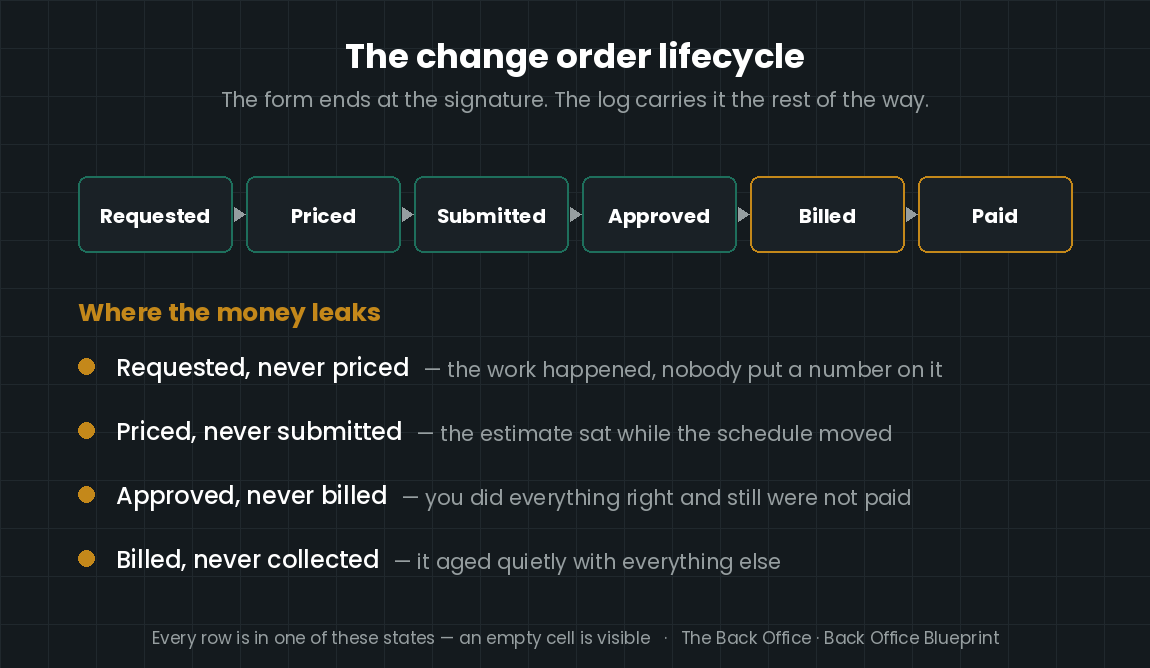
The four places change order money actually disappears
Requested but never priced. The client asks in passing, the super says “sure, we can do that,” the crew does it, and nobody ever put a number on it. This one is pure donation.
Priced but never submitted. The estimate got written and then sat. The work proceeded anyway, because the schedule wouldn’t wait for the paperwork.
Approved but never billed. The most common and the most painful, because you did everything right and still didn’t get paid. Signed change orders do not invoice themselves.
Billed but never collected. It made it onto an invoice and then aged quietly alongside everything else.
A log catches all four, because every row has to be in one of those states — and an empty cell is visible.
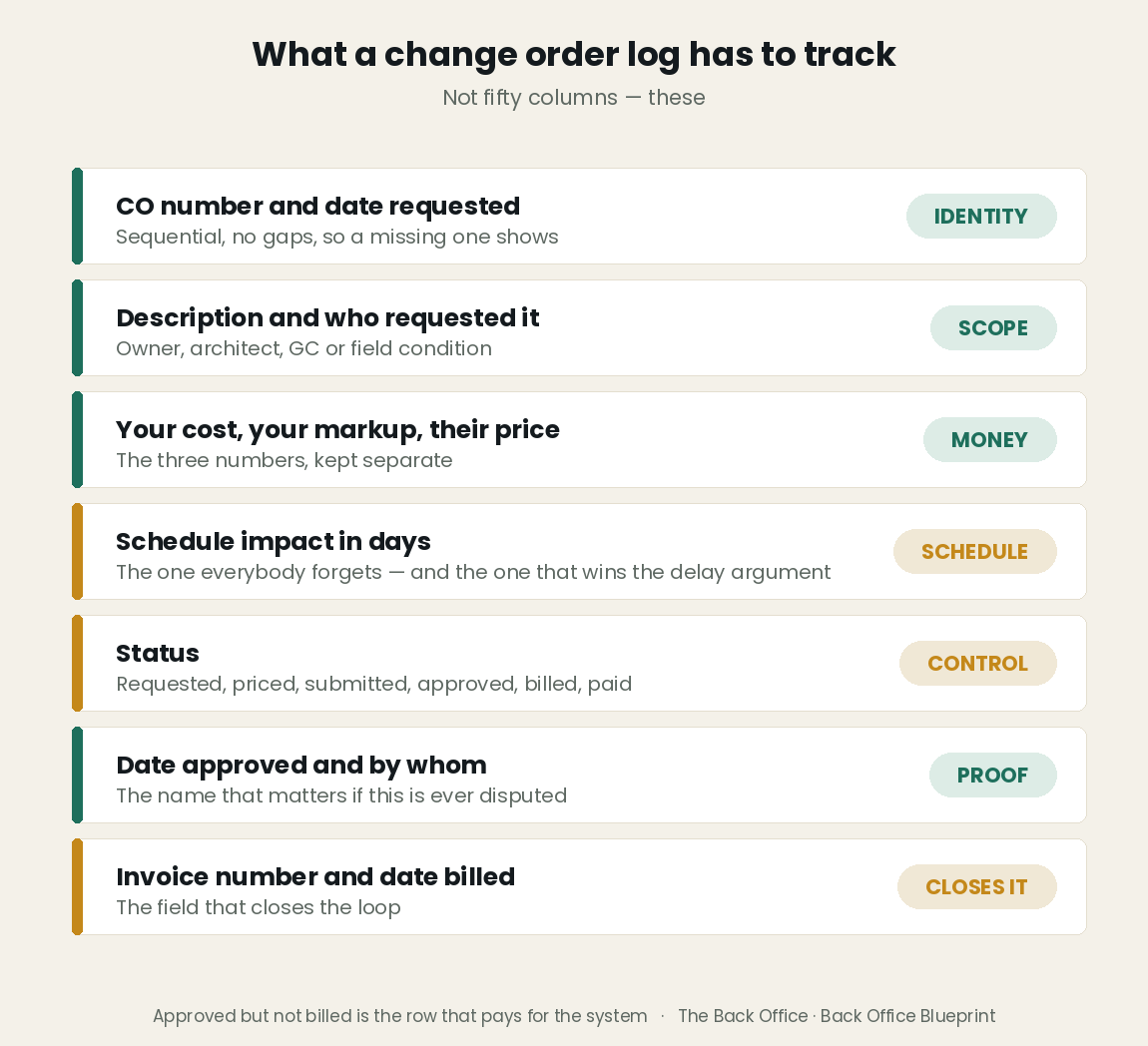
What a change order log actually has to track
Not fifty columns. These:
CO number and date requested — sequential, with no gaps, so a missing one shows up
Description and who requested it — owner, architect, GC or field condition
Cost, markup and price — the three numbers, kept separate
Schedule impact in days — the one everybody forgets, and the one that wins the delay argument later
Status — requested, priced, submitted, approved, rejected, billed, paid
Date approved and by whom — the name that matters if this is ever disputed
Invoice number and date billed — the field that closes the loop
Date paid
The one column that pays for the whole system
Approved, not billed. Filter the log to that status and you are looking at money you have already earned, that a client has already agreed to, that you have not asked for. On a busy job that number is rarely zero, and it is almost never small.
It’s also the easiest money in construction to collect. There’s no negotiation left. The scope is agreed, the price is agreed, the signature exists. Somebody just has to invoice it.
How often to reconcile it
Weekly, against the schedule of values, and again before every draw or progress invoice goes out. The reconciliation is one question asked twice: is every approved CO on an invoice, and is every invoiced CO on the aging? Do it weekly and it takes ten minutes. Do it quarterly and you’ll spend a day reconstructing what happened from text messages.
Change orders are also where the schedule argument gets settled. If you tracked days as you went, the delay conversation at the end of the job is arithmetic. If you didn’t, it’s a memory contest — and you will lose it. Getting the change order itself right is a separate discipline, and I covered that in how to actually get paid for changed work.
Logging the change and pricing the change are two different jobs. For the second one, the free change order pricing calculator gives you the number before you send it.
Build the log before you need it
You can build this in a spreadsheet — plenty of builders have. The version that survives contact with a real job is the one where the statuses are fixed, the totals roll up on their own, and approved change order value is a number you can see without filtering anything.
The Construction Change Order Tracker is that version: one log with fixed statuses, a dashboard of approved and pending value, and an alert when work starts before approval. It tracks approval, not invoices.
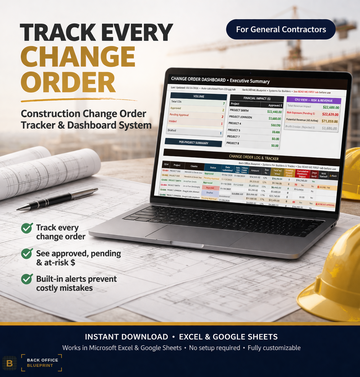
See the Change Order Tracker →
I'm a working construction CFO and the founder of Back Office Blueprint, where I build the estimating, job costing, and compliance systems I wished every builder and trade contractor had from day one.
Keep reading
You’re not short on profit — you’re short on collections — the same leak, one step further downstream.
The construction punch list — the other thing standing between finished work and final payment.
Markup vs. margin in construction — so the change you just logged is actually priced right.
The form gets the signature; the tracker keeps every change order and its approval on one list. The Change Order Bundle is both, in one purchase.