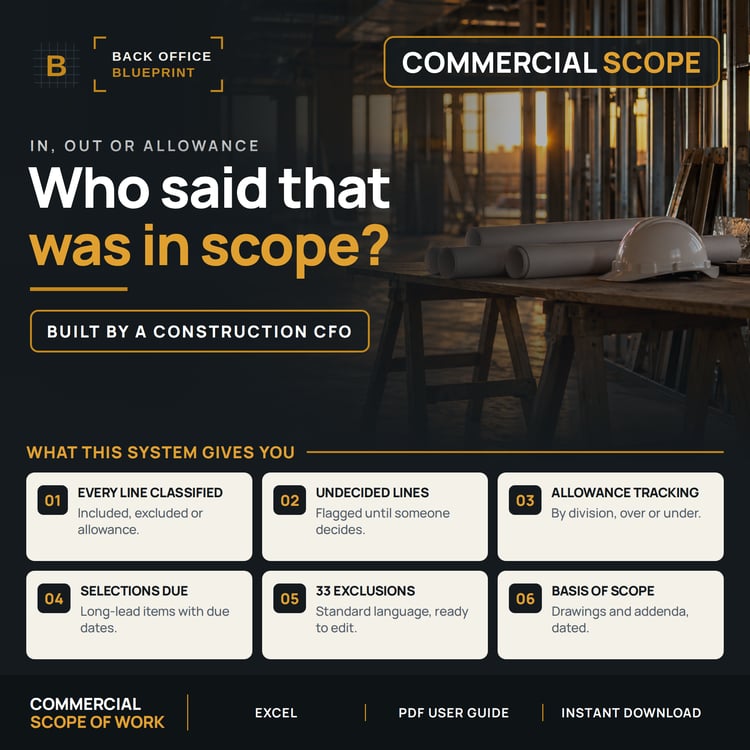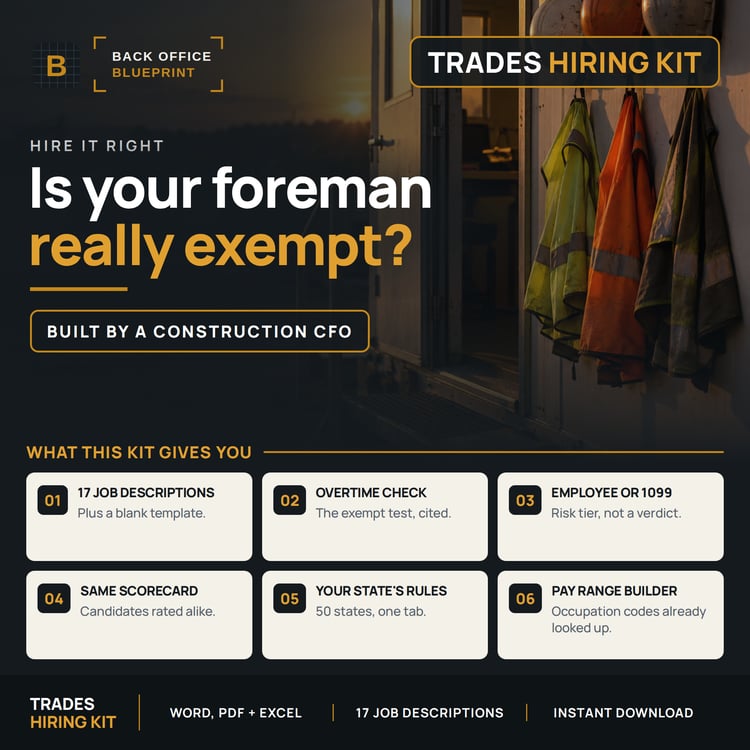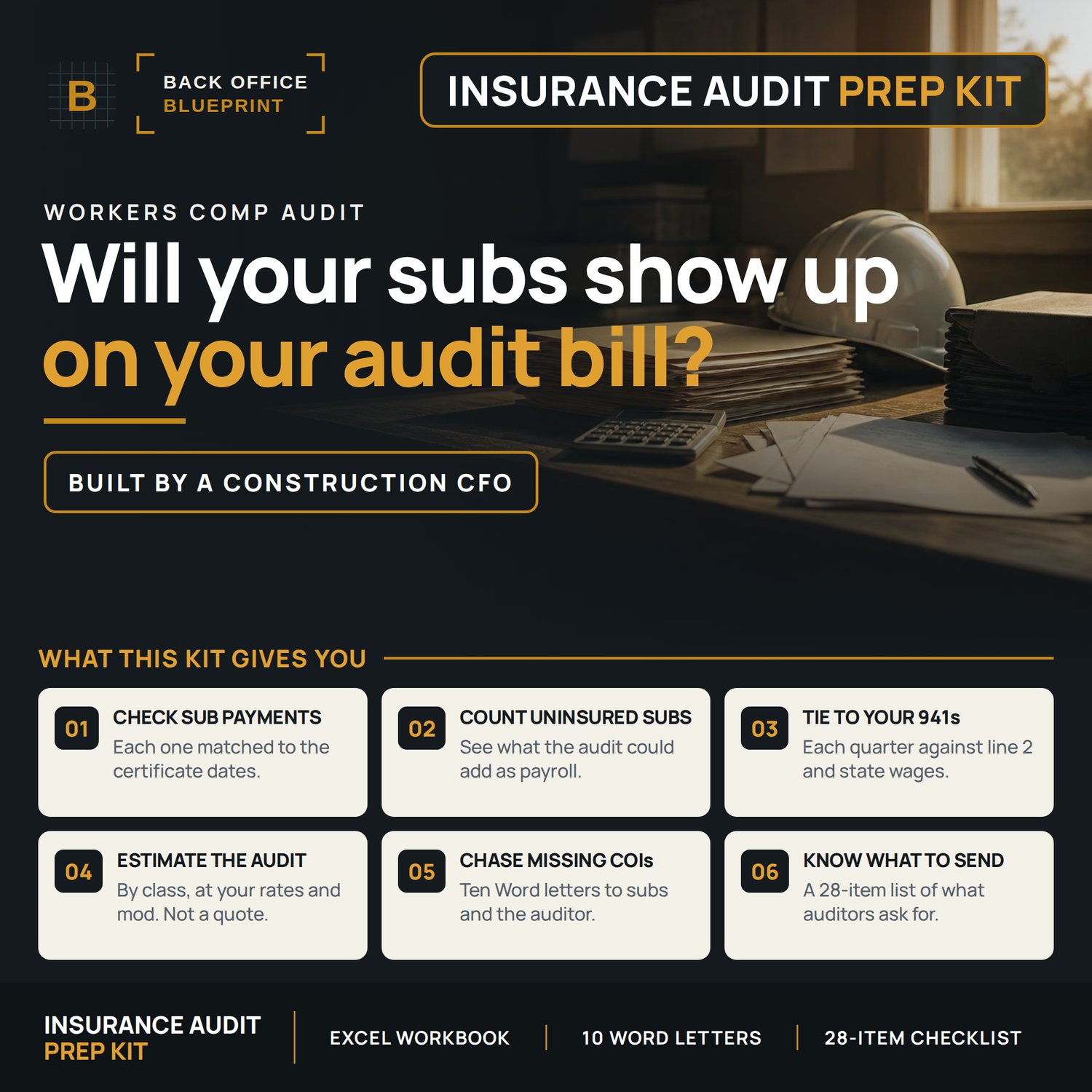

Workers Comp Audit Prep Kit | Payroll, Subs and Letters
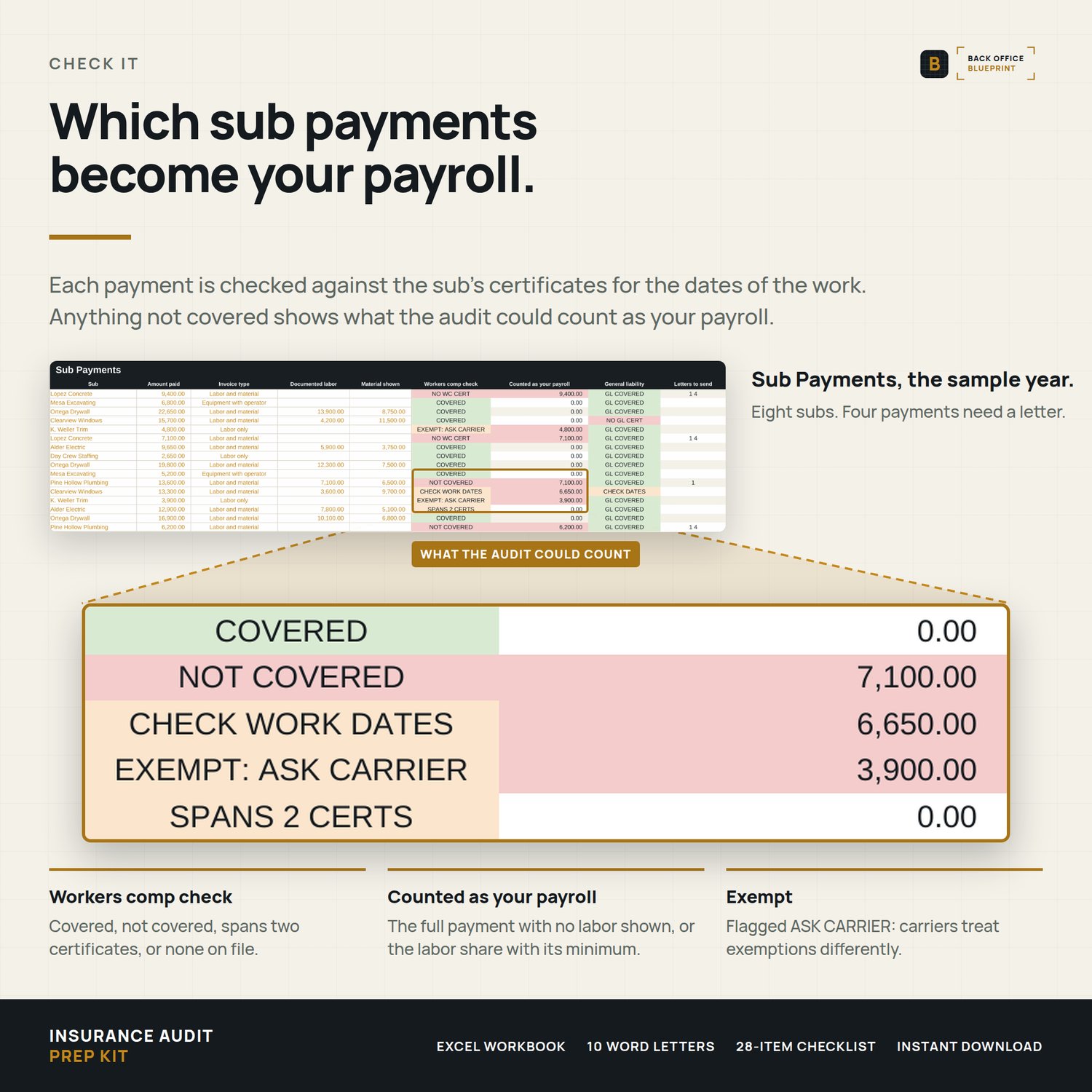
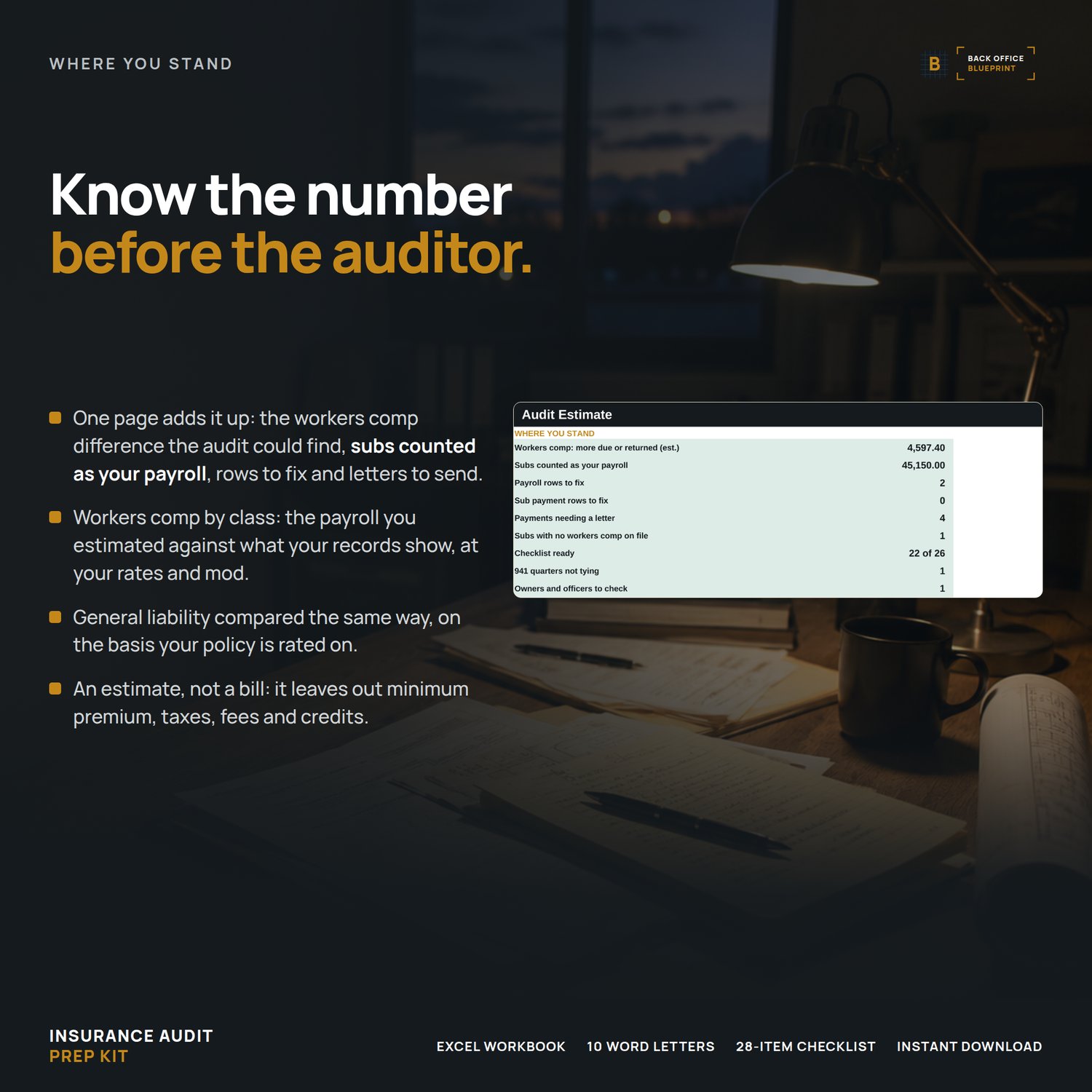
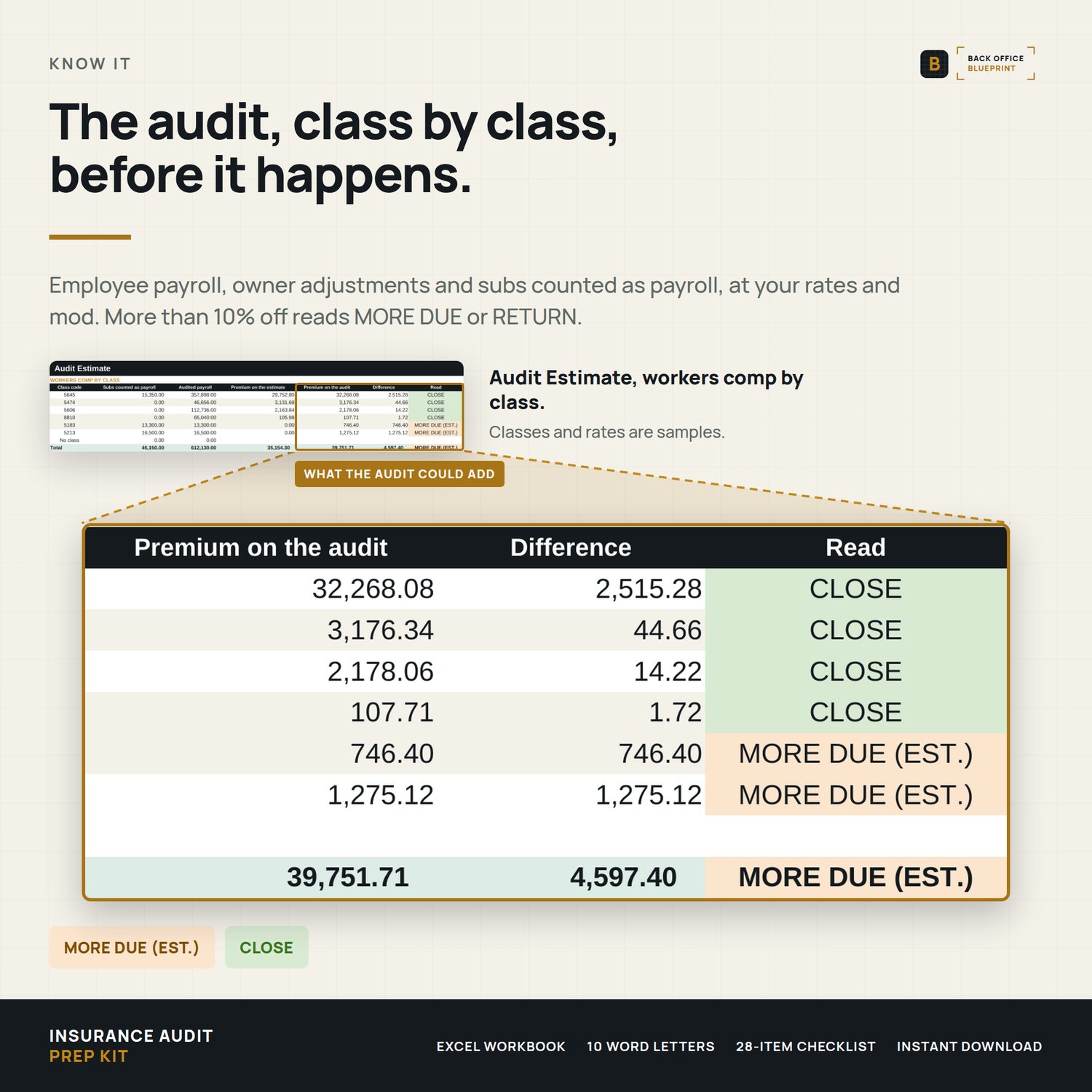
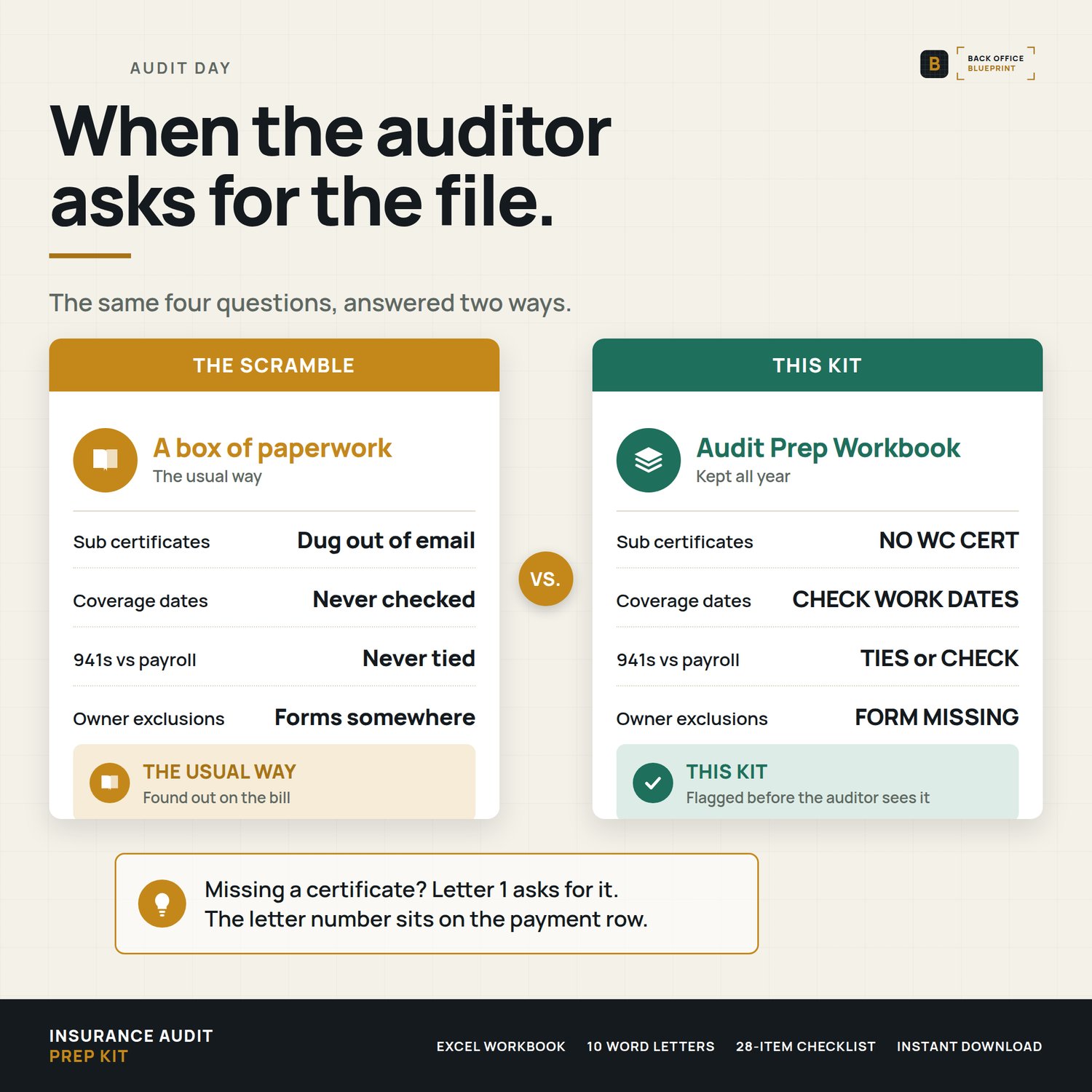
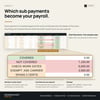
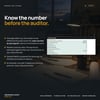
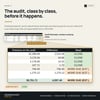
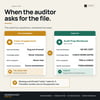
Your carrier's premium auditor will ask for your payroll by class and a workers comp certificate for every sub you paid. Any payment to a sub without one covering the dates they worked can be counted as your own payroll, so this kit does that count first.
Built for a contractor with a handful of employees and a list of subs, not a company with a risk department.
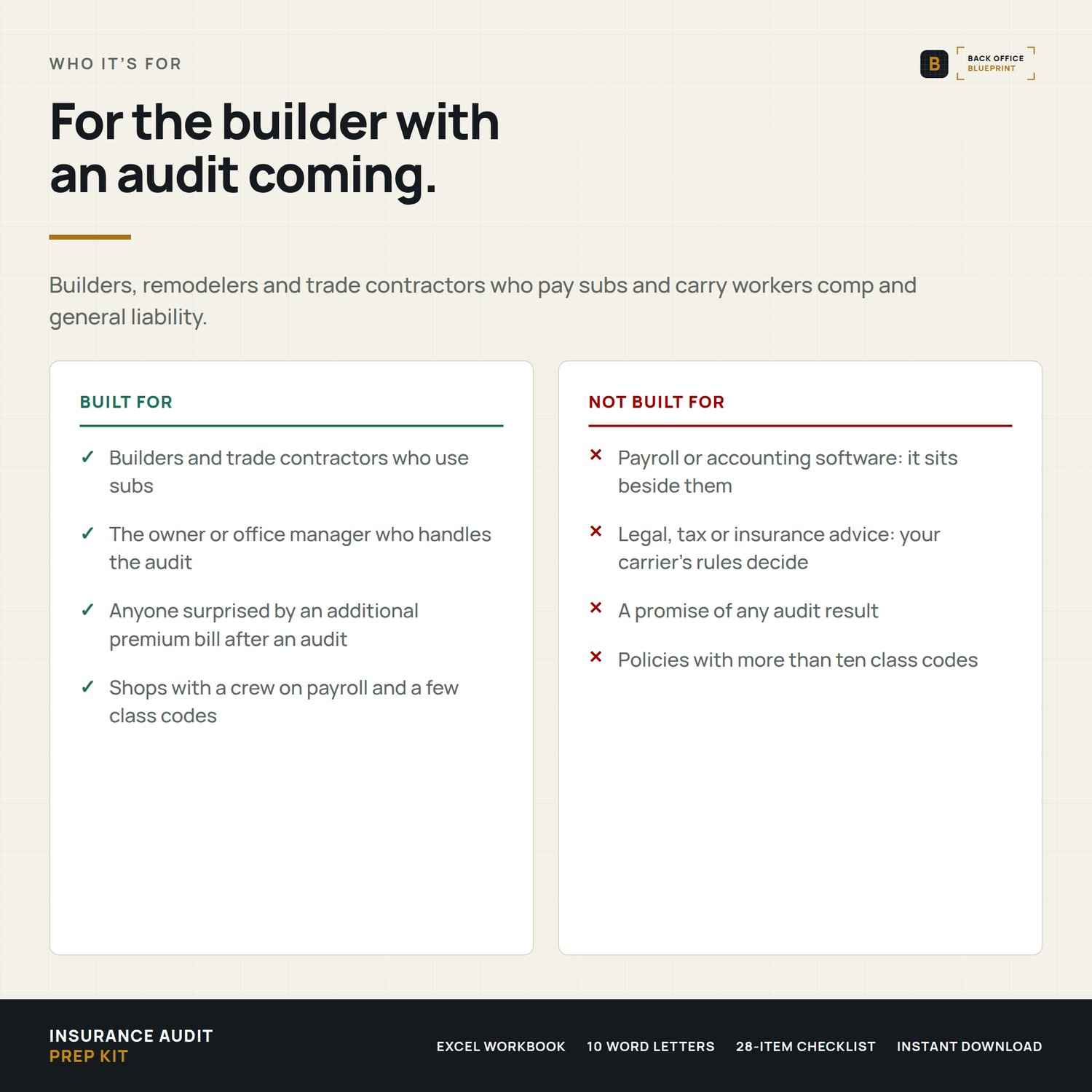
Who it's for
- Builders, remodelers and trade contractors with 1 to 20 employees who pay subs
- Anyone whose last audit came back higher than the estimate on the policy
- First audit coming up and no idea what they'll ask for
Not for you if a payroll department or a risk manager already handles your audits.
What's inside
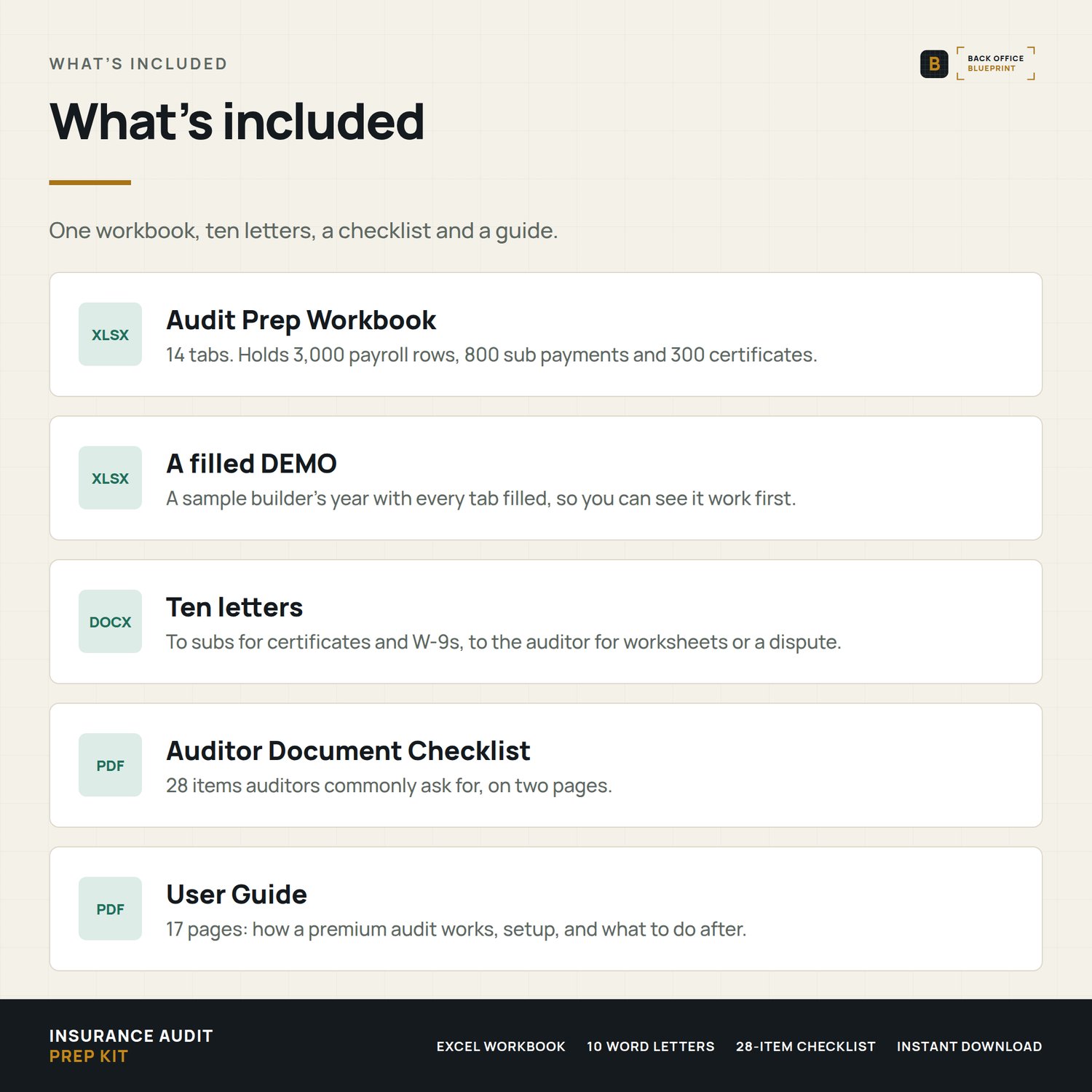
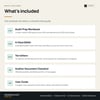
- Excel workbook, 14 tabs: Setup, Employees, Payroll (3,000 rows), Owners, Subs, Certificates, Sub Payments, 941 Tie-Out, Quarterly Check-In, Audit Estimate, Checklist, Audit Log and Calendar.
- DEMO workbook: a sample company, filled in, so you see every check working first.
- 10 Word letters: 6 to subs and 4 to your auditor, carrier or agent, every blank highlighted.
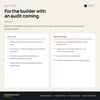
- Auditor Document Checklist: 28 items, printable.
- User Guide: 17 pages, with how an audit works, a glossary and FAQ.
What it catches before the auditor does
- Uncovered sub payments: no certificate covered the work dates, and what each adds to your payroll.
- Renewal gaps: a gap between a sub's old and new policy.
- 941 mismatches: payroll that doesn't tie, quarter by quarter.
- Split classes: employees split between classes without the records to back it.
- Payroll running hot: ahead of the estimate, while there's still time to call your agent.
Format
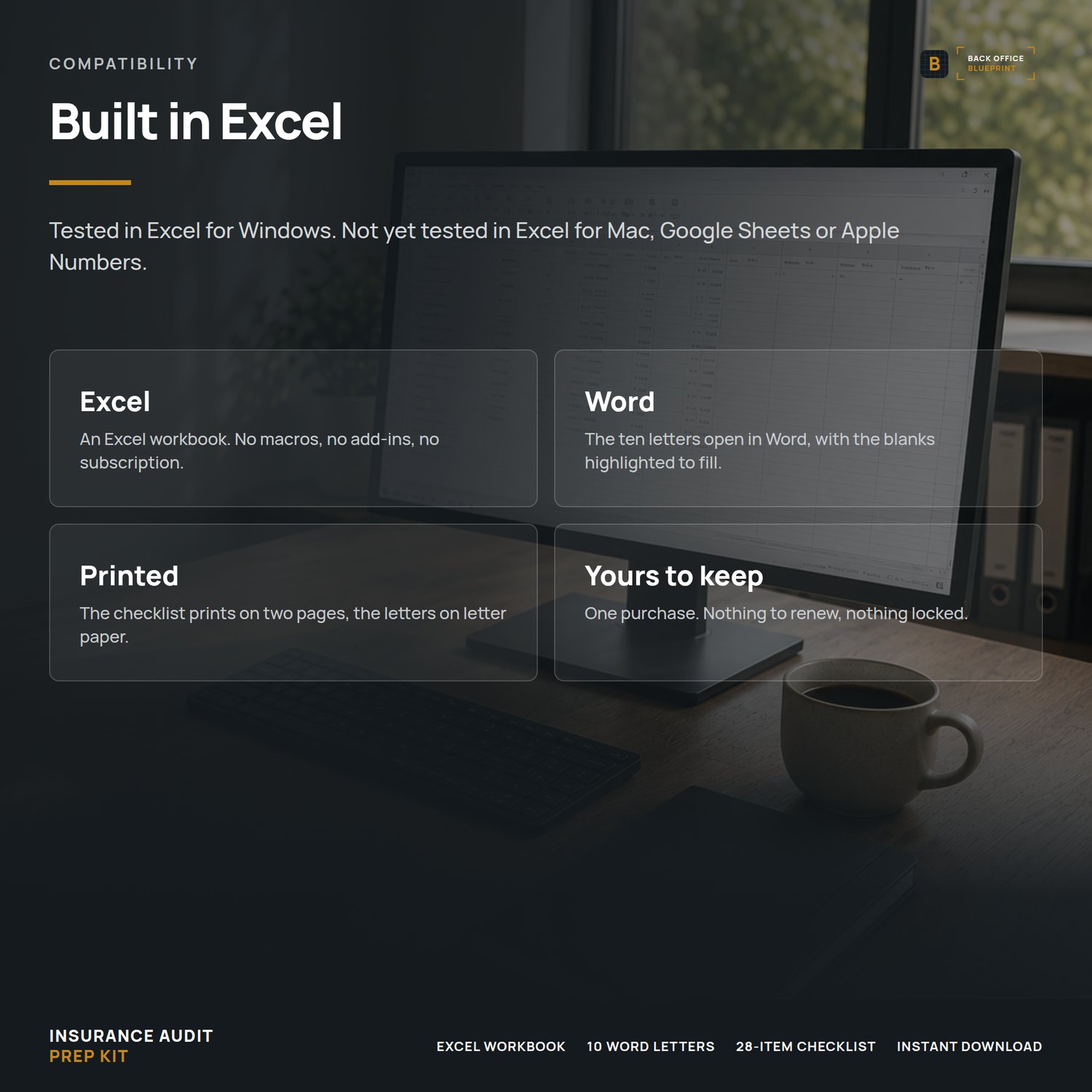
Microsoft Excel (.xlsx). Excel is the reference version. The workbook hasn't been tested in Excel for Mac, Google Sheets or Apple Numbers, so formatting, drop-downs and print setup can shift there. Word (.docx) letters with a PDF preview. PDF guide and checklist.
Rules that vary by state and carrier are settings you type from your policy, not numbers built in. It's an estimate, not a quote, and not insurance or legal advice.
After you buy
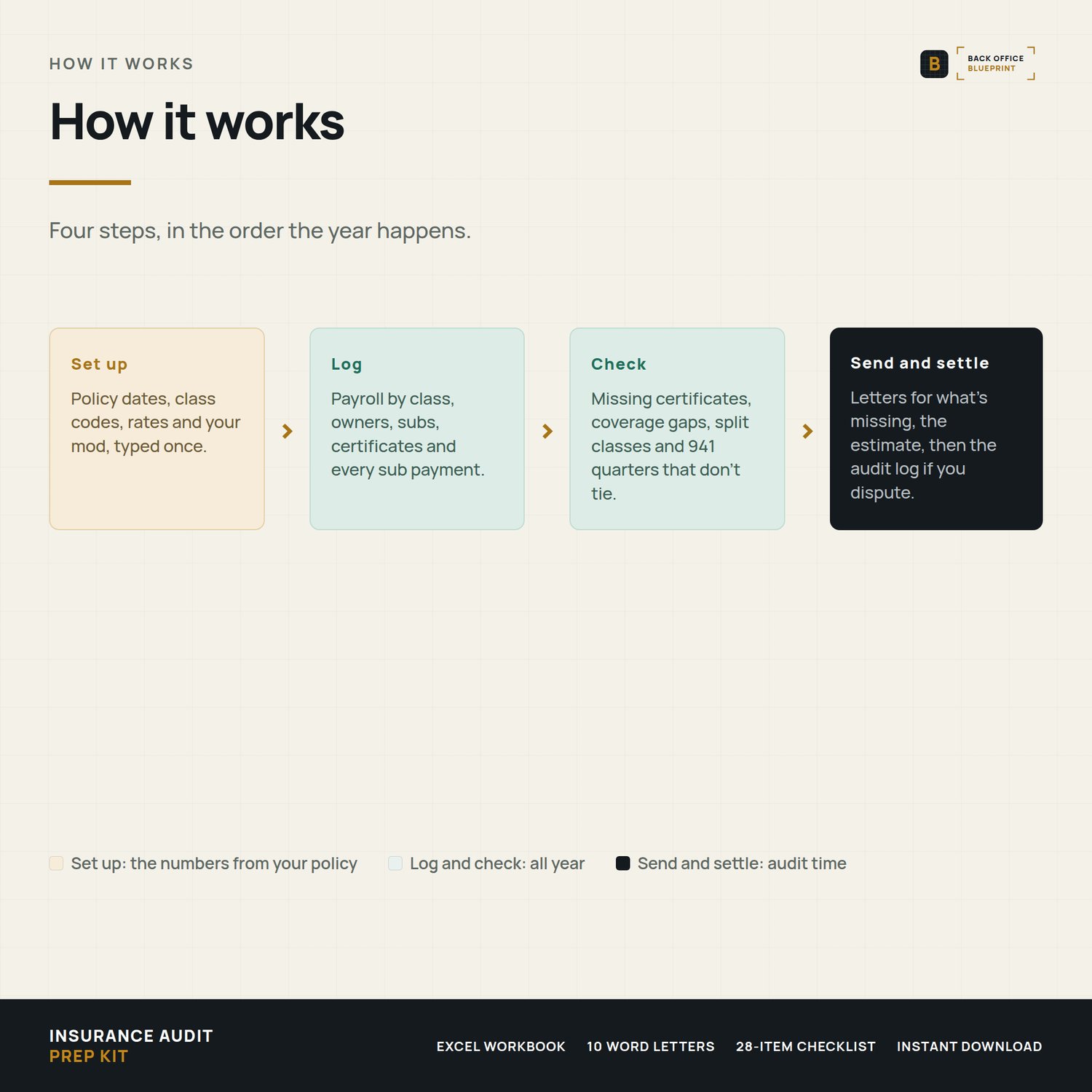
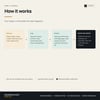
- Open the DEMO first.
- Copy your class codes, rates and estimated payroll from your declarations page into Setup.
- Add your subs and their certificates, then send Letter 1 to anyone the workbook flags.
Questions?
Email hello@getbackofficeblueprint.com. We respond personally.