








Subcontractor Compliance System — COI, W-9 & 1099 Tracker
One uninsured sub can turn into your claim. And you find out the certificate lapsed after the incident, not before.
Track every sub's insurance, W-9, agreement and 1099 status in one place, with the expiration dates working for you instead of sitting in a folder. An Excel tracker, plus an editable agreement and insurance requirements sheet. Updated for 2026: the 1099 flag uses $2,000, the IRS reporting threshold starting with the 2026 tax year.
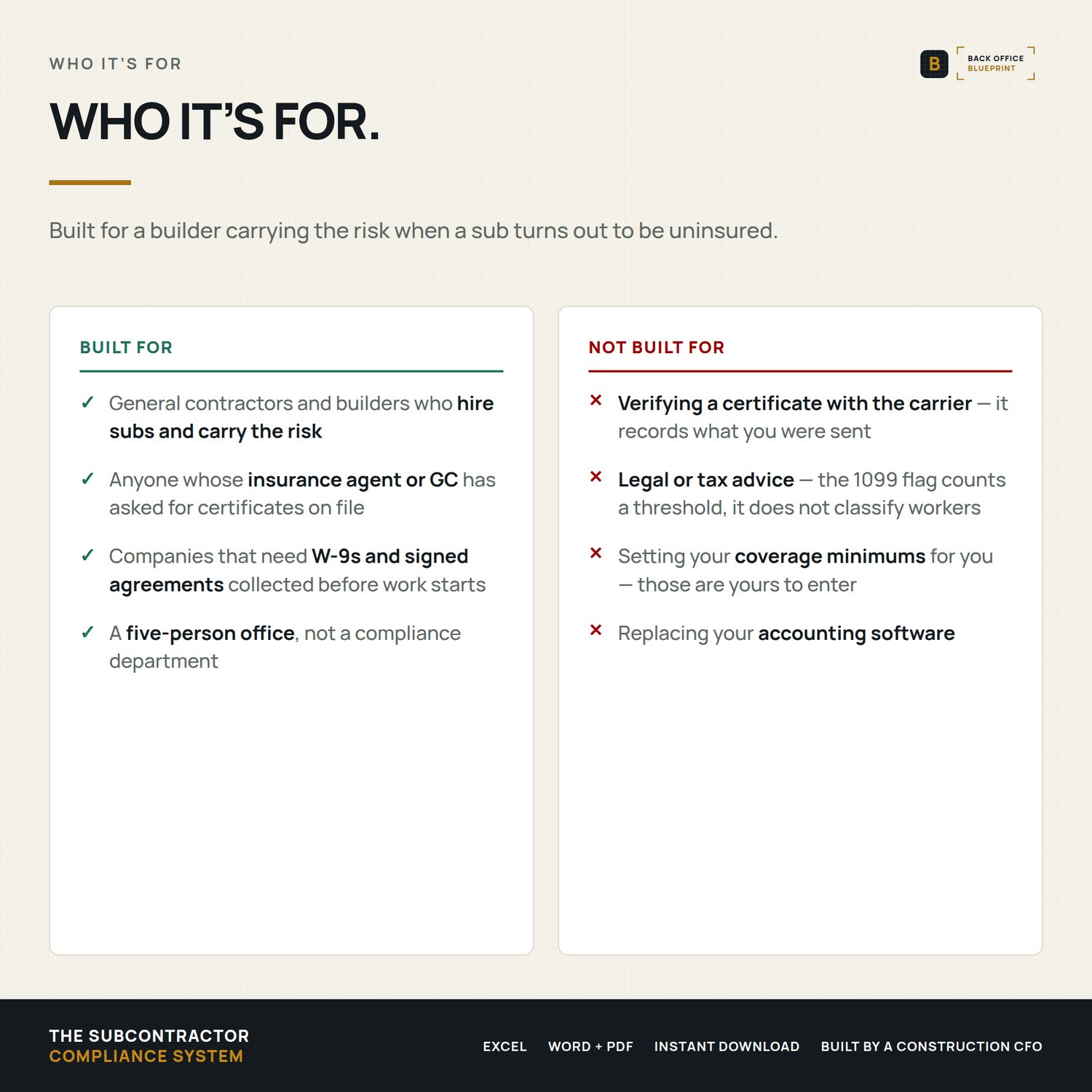
Built for a five-person crew and not a compliance department.
Who it's for
You hire 5 to 50 subs a year and you're the one chasing their COIs.
Not for you if you pay a compliance service to verify certificates for you.
What you get
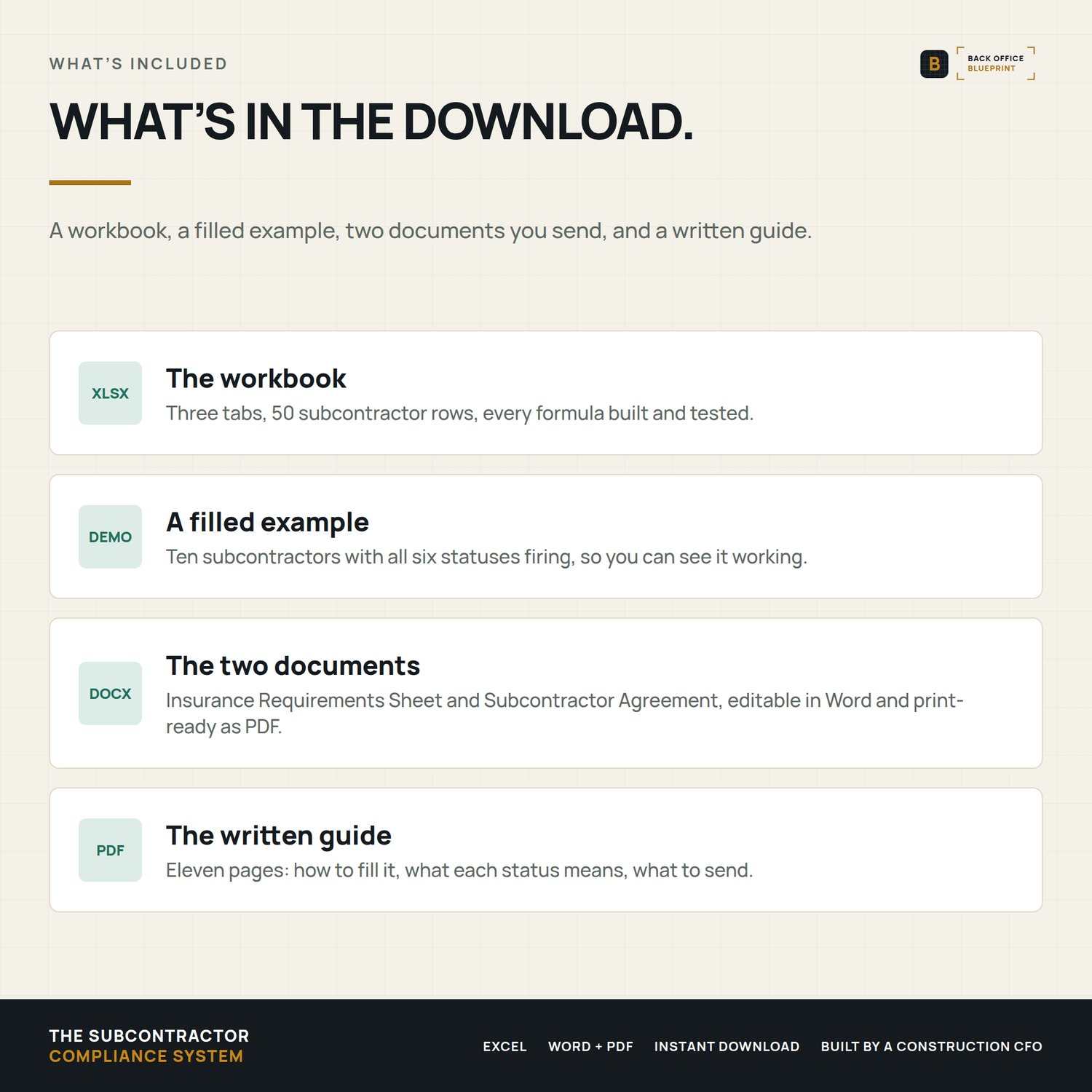
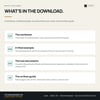
- Compliance Tracker (Excel). Three tabs: a READ ME, the Compliance Dashboard and the Subcontractor Tracker, with room for 50 subs.
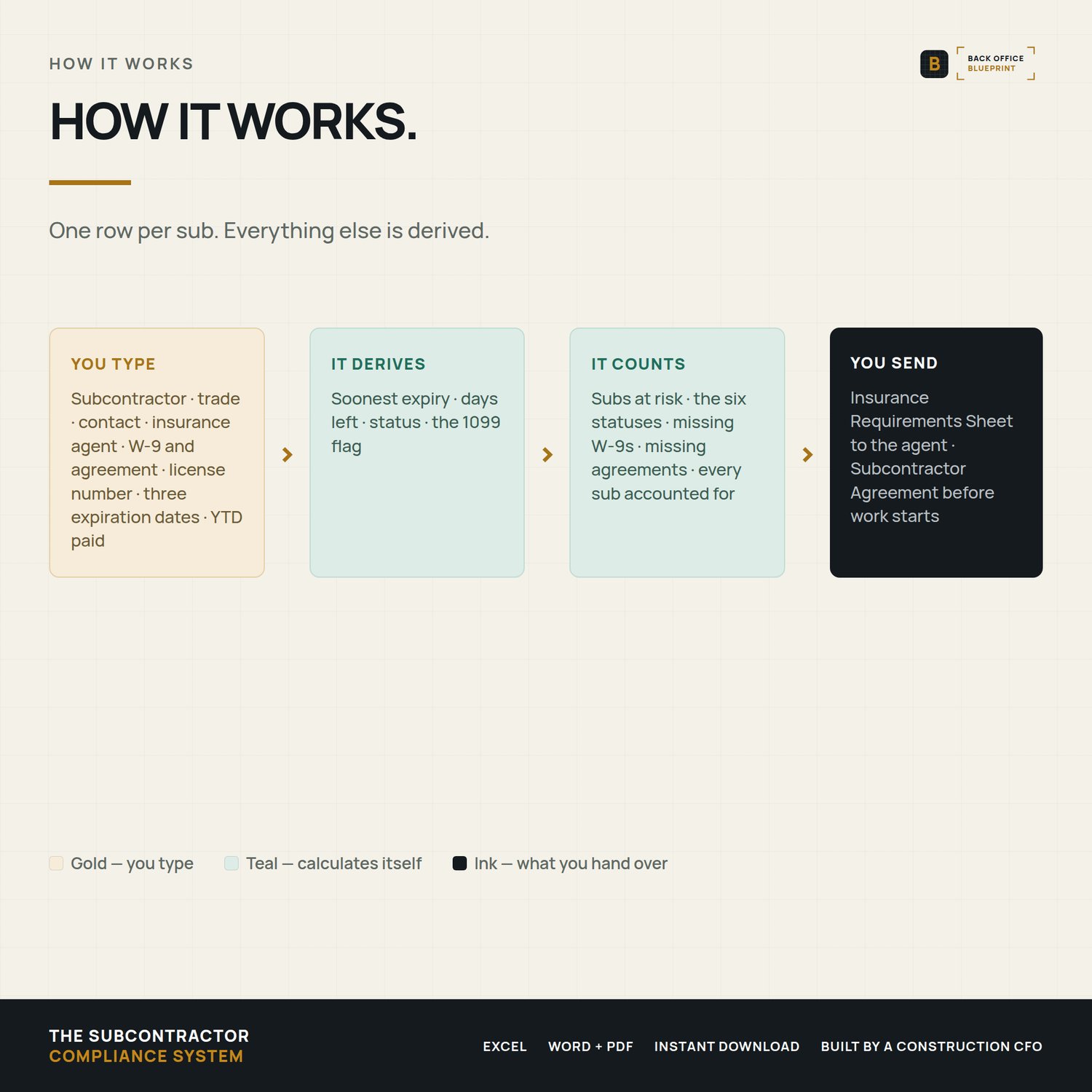
- Subcontractor Tracker. Insurance expiration dates, W-9 status, signed agreement, license number, COI status and 1099 status, one row per sub.
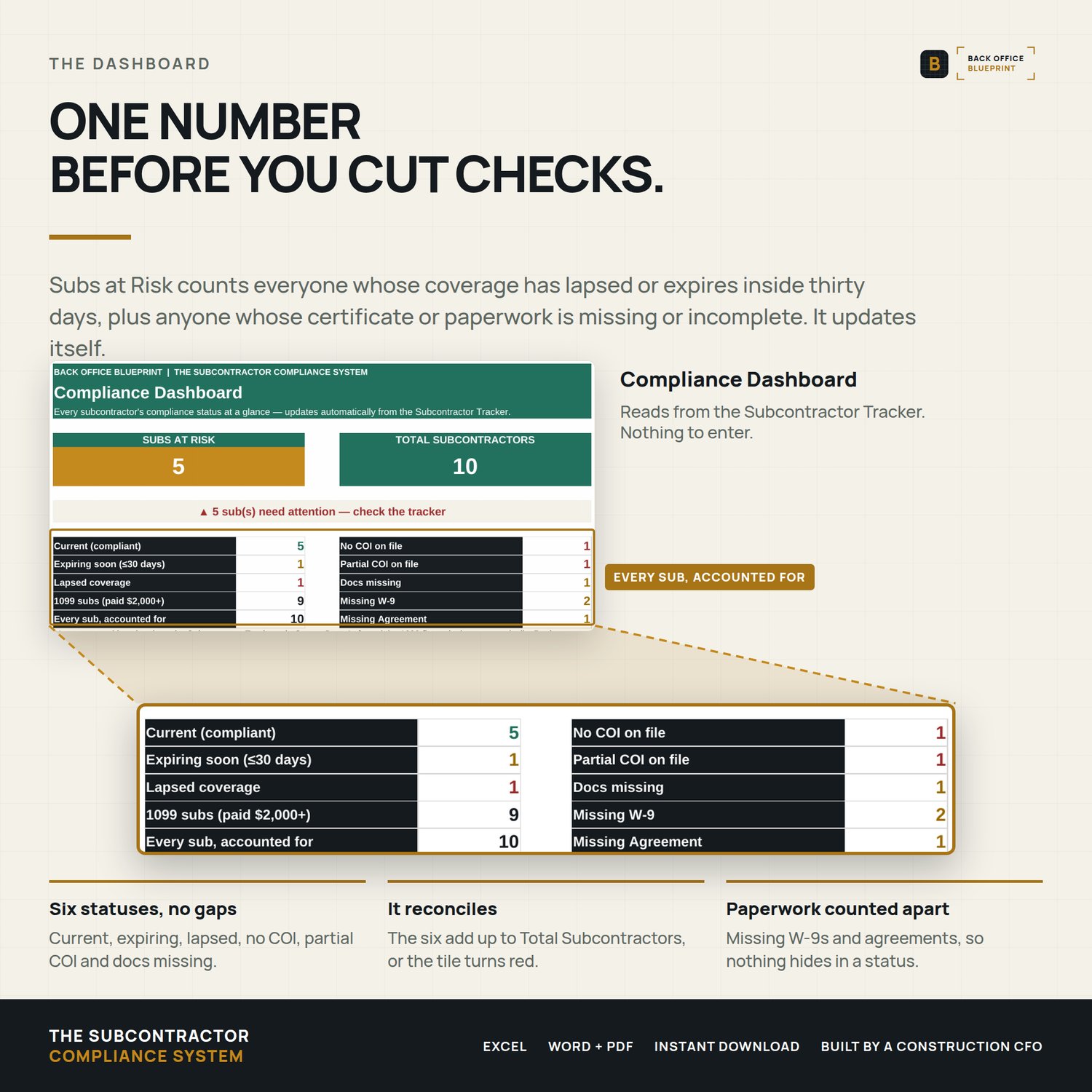
- Compliance Dashboard. A live Subs at Risk count and a red, amber and green rollup, so the answer to "are we covered?" takes a glance rather than an afternoon.
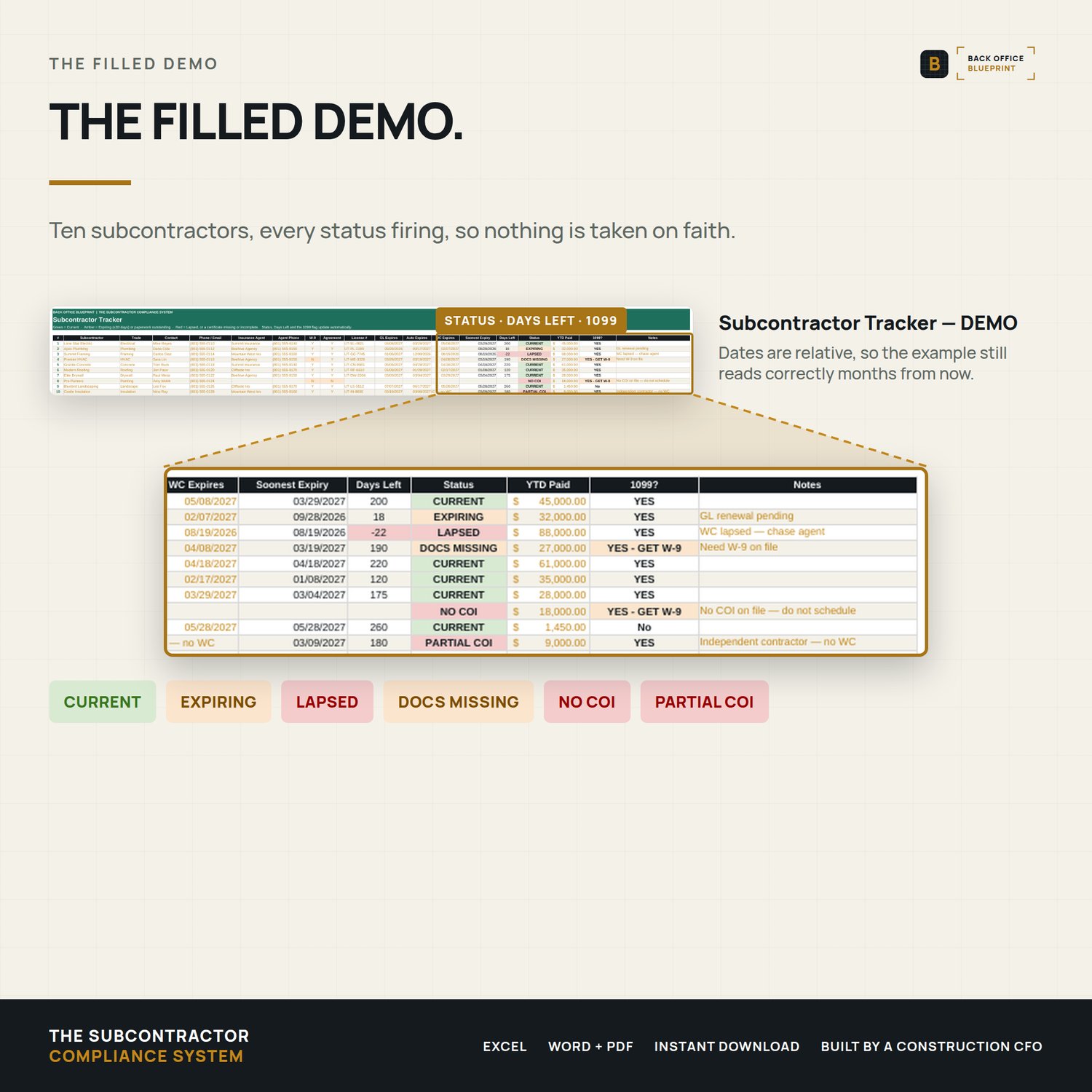
- DEMO workbook. The same tracker filled with ten example subs, all six statuses showing.
- Insurance Requirements Sheet. Editable Word plus print-ready PDF, so the coverage you require is communicated in writing before the sub sets foot on the job.
- Subcontractor Agreement. Editable Word plus print-ready PDF covering scope, payment terms and indemnification.
- User Guide. An 11-page PDF. Setup takes about twenty minutes.
The two automations that do the work
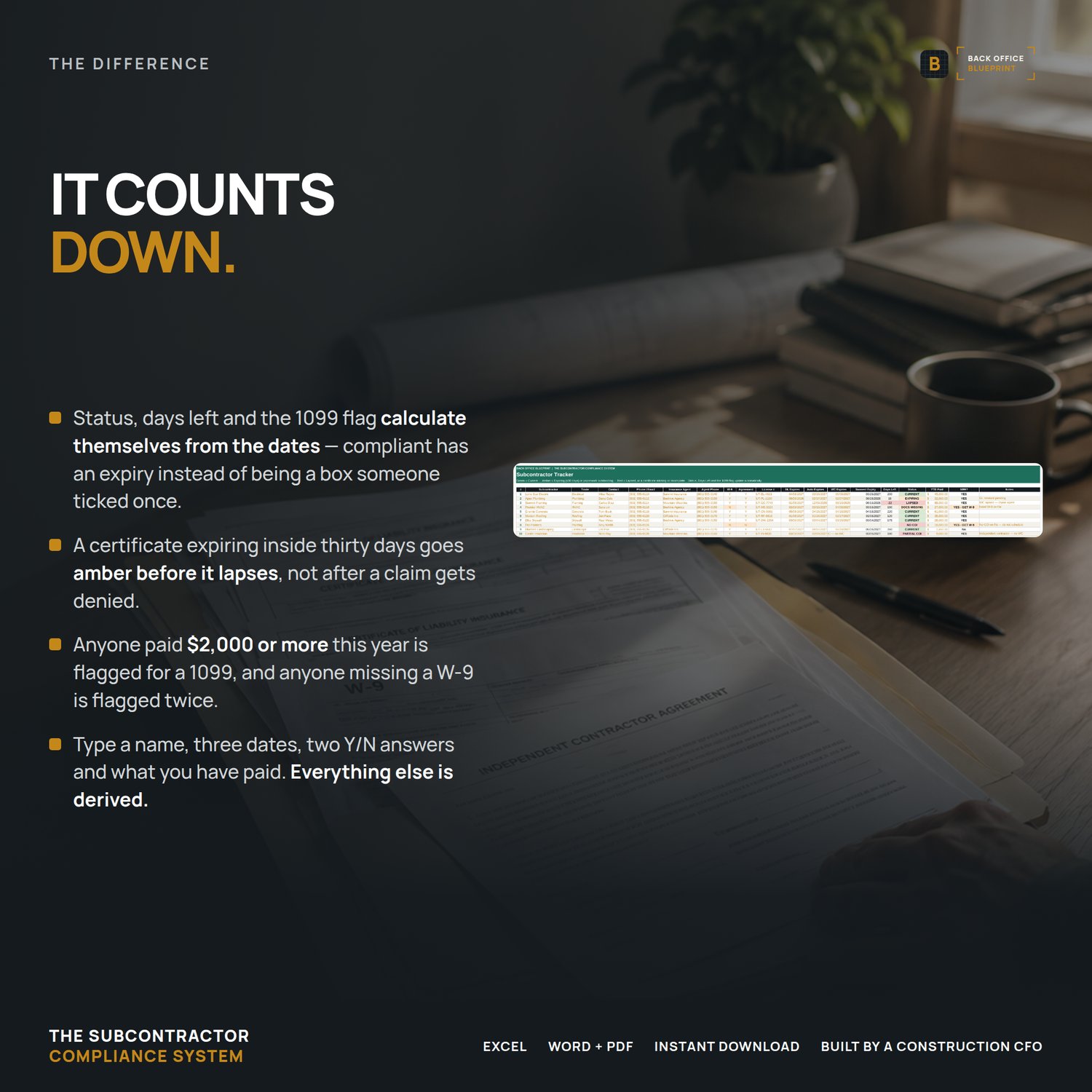
Automatic expiration flagging. Enter the general liability, auto and workers' compensation dates from each certificate, and update them as renewals arrive. Thirty days out, the status changes itself to EXPIRING. Past the date, it changes to LAPSED. A sub with a date still blank, or a note in place of a date, reads PARTIAL COI in red instead, until all three coverages are dated. Check the dashboard once a week and the dates do the remembering.
1099 and missing-document flags. Unreturned W-9s and unsigned agreements surface all year rather than in the last week of January, and the tracker flags everyone you have paid $2,000 or more this year, the reporting threshold for payments made after 2025. The flag counts a threshold; it is not tax advice.
Why it is the paperwork and not just the spreadsheet
A tracker alone tells you a document is missing. This includes the documents. The insurance requirements sheet is what you send when you need a sub to fix their coverage, and the agreement is what you send when there is nothing on file at all. Both are editable, so your company name, your limits and your terms go in once.
Protected, not locked
You type only in the input cells. The formula cells are protected so they can't be typed over by accident, and there's no password: Review, Unprotect Sheet, and you can change anything, including the 1099 threshold. The User Guide shows every cell to update. Add a sub in under a minute.
Questions buyers ask
Is the 1099 flag current? Yes. It flags subs paid $2,000 or more, the IRS threshold starting with the 2026 tax year. The IRS may adjust it for inflation starting in 2027, and the User Guide shows how to update it. The flag counts a threshold. It isn't tax advice.
Can I change the formulas? Yes. The sheets are protected without a password, so you can unprotect any tab and edit it.
How many subs does it hold? 50, one row each on the Subcontractor Tracker.
Does it check certificates with the insurer? No. It tracks the dates you enter from each COI and flags them 30 days out, then again when they lapse.
What you need
Microsoft Excel. Excel is the reference version. Every formula uses functions Google Sheets also supports, but the workbook has not been tested in Excel for Mac, Google Sheets or Apple Numbers, so formatting, drop-downs and tab links can shift there. The documents are Word files; the Insurance Requirements Sheet PDF also has fill-in fields for your company and contact.
Pair it with
The OSHA Inspection & Audit-Readiness Kit. This system tracks your subs: their COIs, W-9s and signed agreements, with certificates flagged 30 days before they expire. That one tracks your own records: the 300 log, the self-audit, and what to do the day an inspector shows up.
The agreement and the insurance requirements sheet are editable starting-point templates, not legal or insurance advice. Rules vary by state, so have your attorney and insurance advisor review them before use.
Instant download. Single-business commercial use: use it on every project your business bids and builds. Questions? Email me. I answer every message personally.