







Plumbing Contractor Business Kit | 9 Excel Workbooks
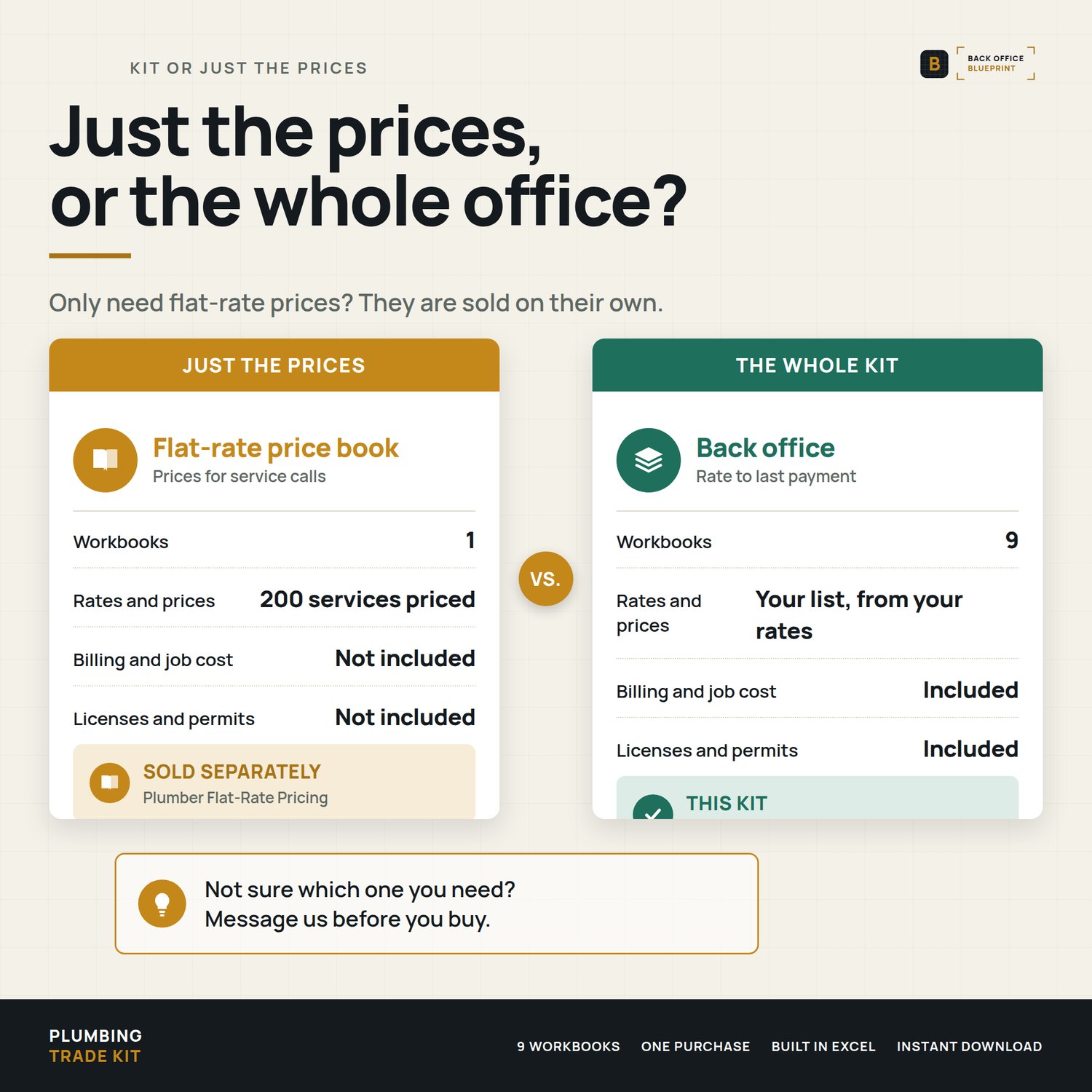
You price the job in your head, the extra gets done on a handshake, the bill goes out late, and at month end you still can't say which job made money. This is the back office for a plumbing contractor, in 9 Excel workbooks that follow a job from the labor rate to the final payment.
Who it's for
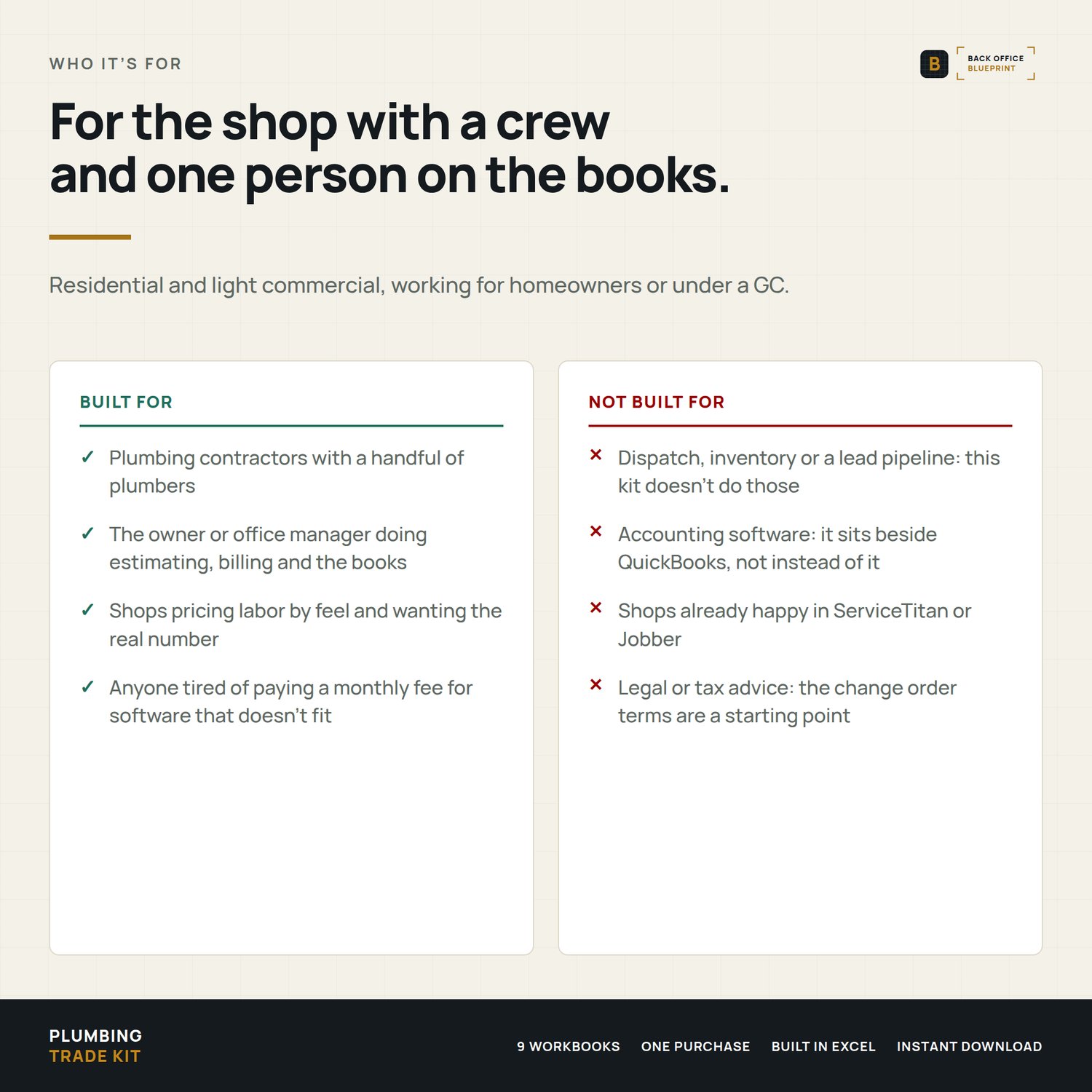
Plumbing contractors with a handful of plumbers and one person doing the books, residential or light commercial, working for homeowners or under a GC.
Not for you if you already run the office in ServiceTitan or Jobber and it fits, or you need dispatch, inventory or a lead pipeline. This kit doesn't do those.
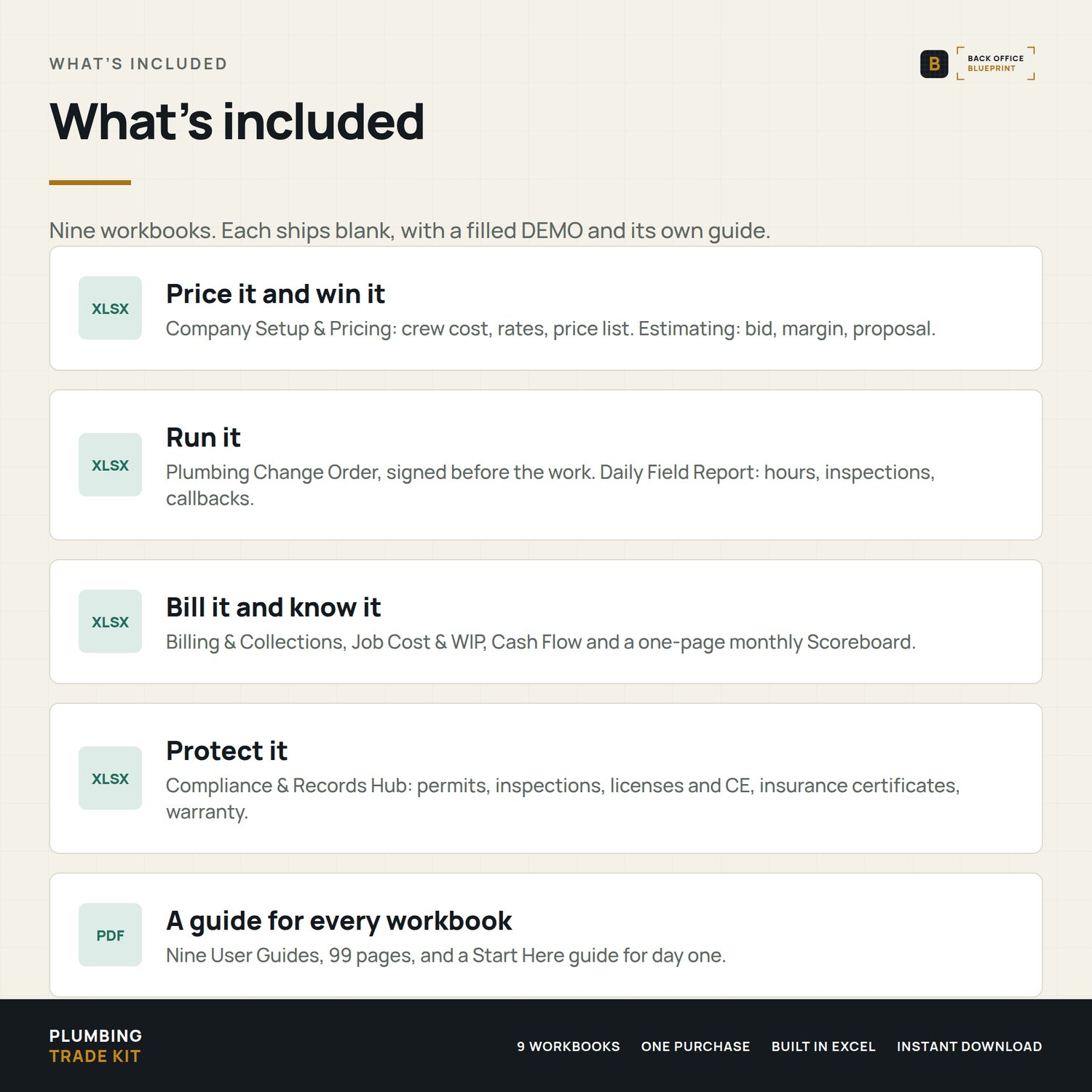
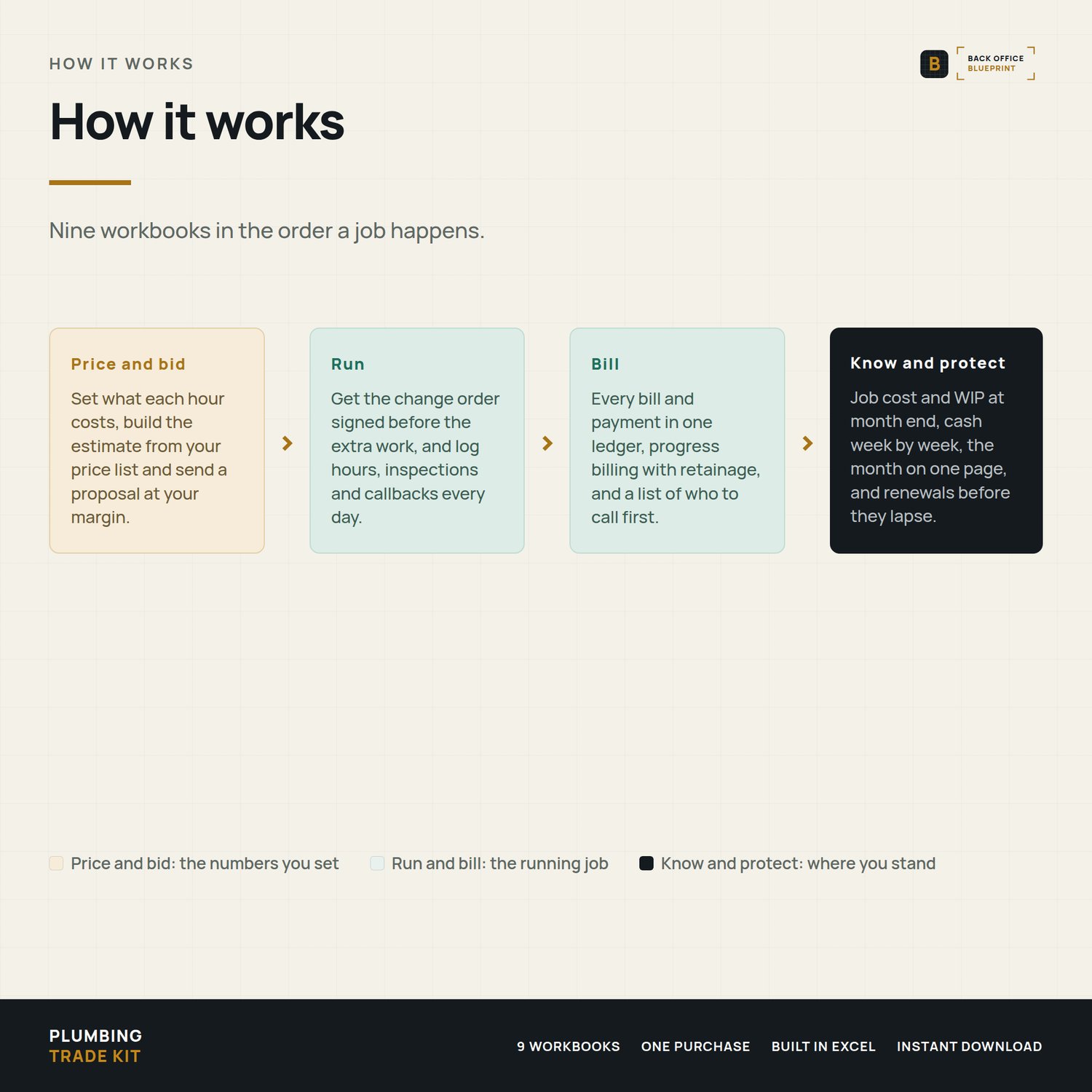
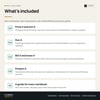
What's inside: 9 workbooks, in the order a job happens
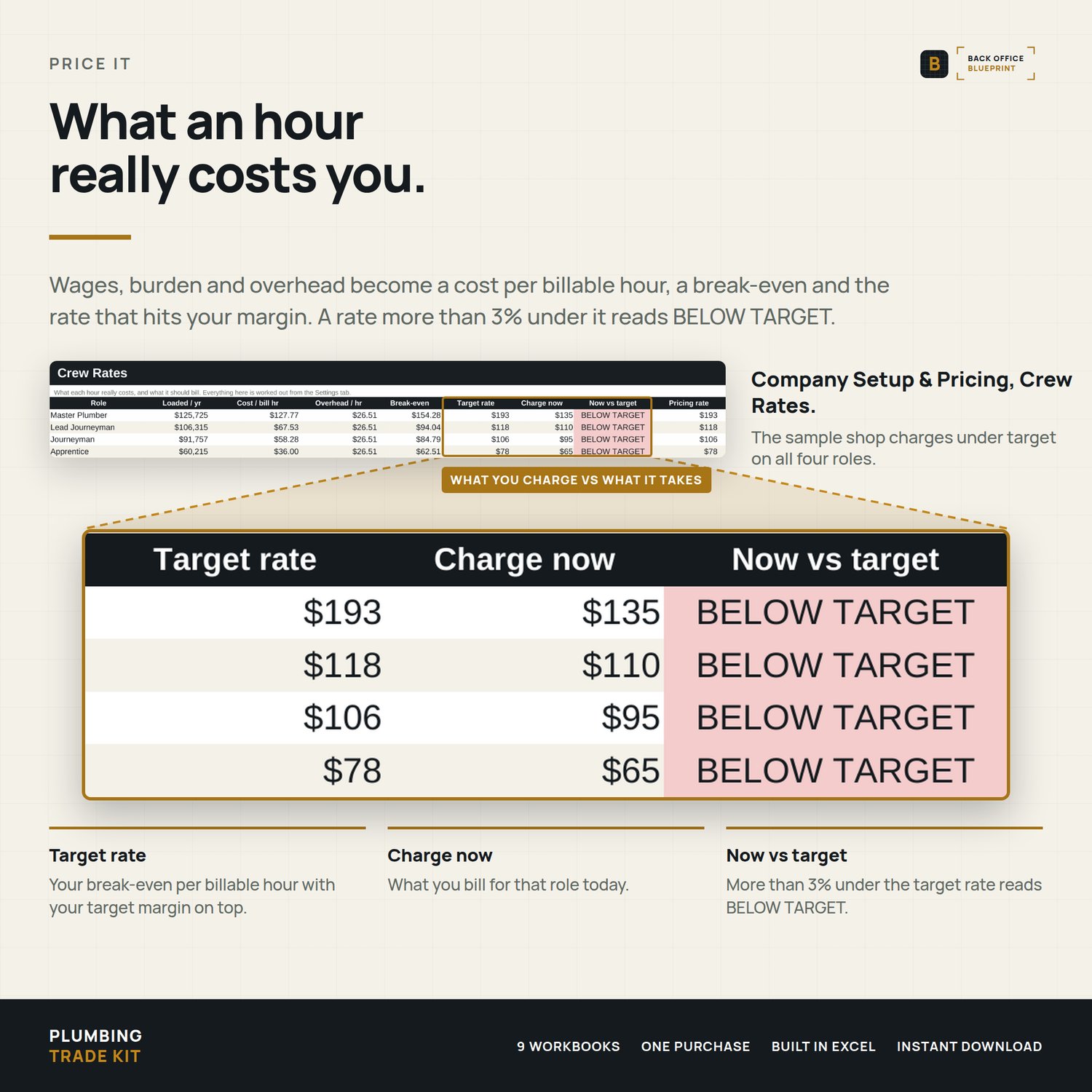
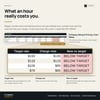
- Company Setup & Pricing: what each person on your crew really costs per billable hour, the rate that covers it, your price list, and a what-if for up to three rates
- Estimating: estimate lines from your price list, bid summary against your target margin, a proposal to send
- Plumbing Change Order: reason for change, permit field, priced lines and a signature block, signed before the extra work starts
- Daily Field Report: who worked where and for how long, inspections, callbacks, a daily report to send
- Billing & Collections: one ledger for every bill and payment, progress billing with retainage, service tickets, AR aging and who to call first
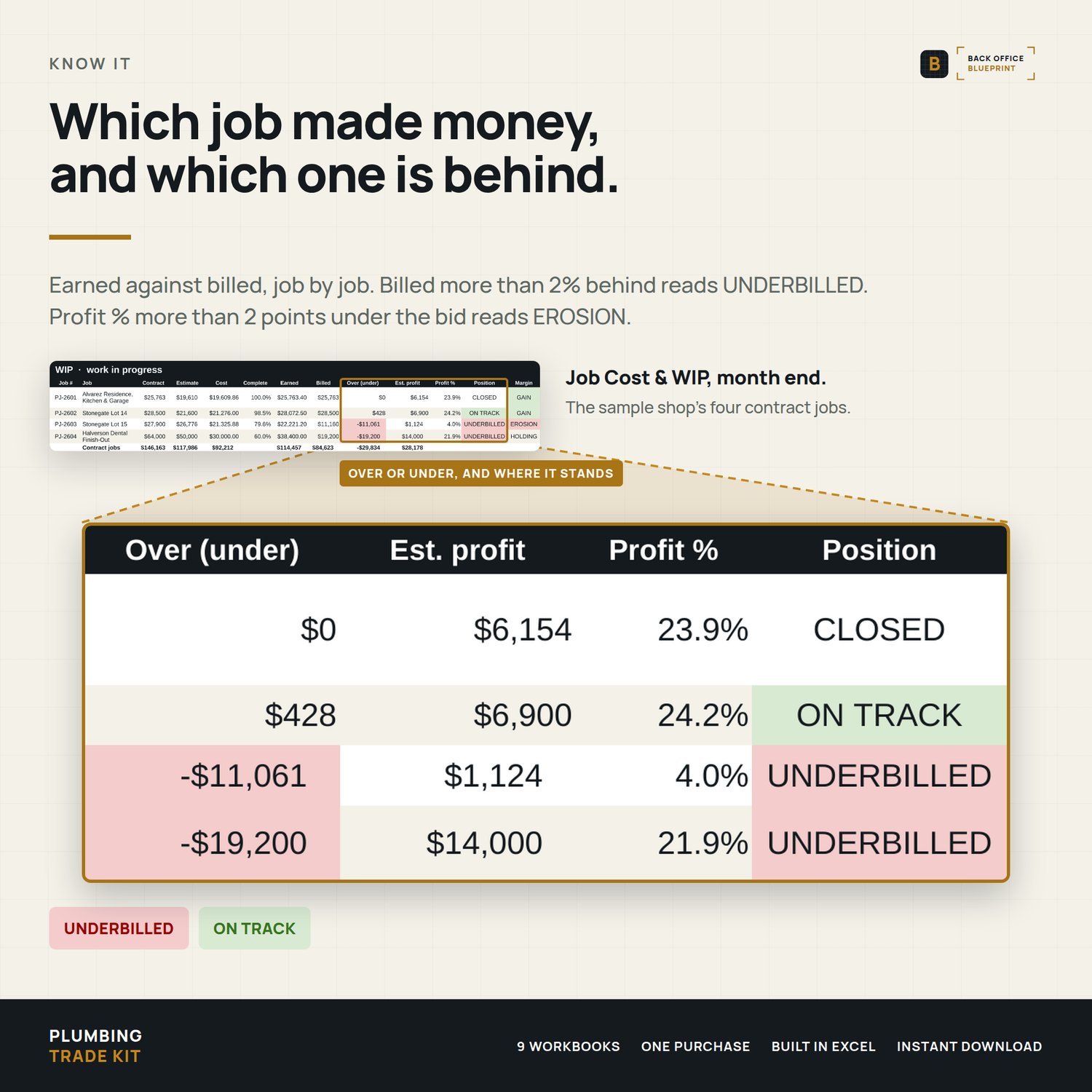
- Job Cost & WIP: cost by job and phase, earned against billed, and a month-end WIP record that stays put
- Cash Flow: money in and out, week by week, and what's actually available
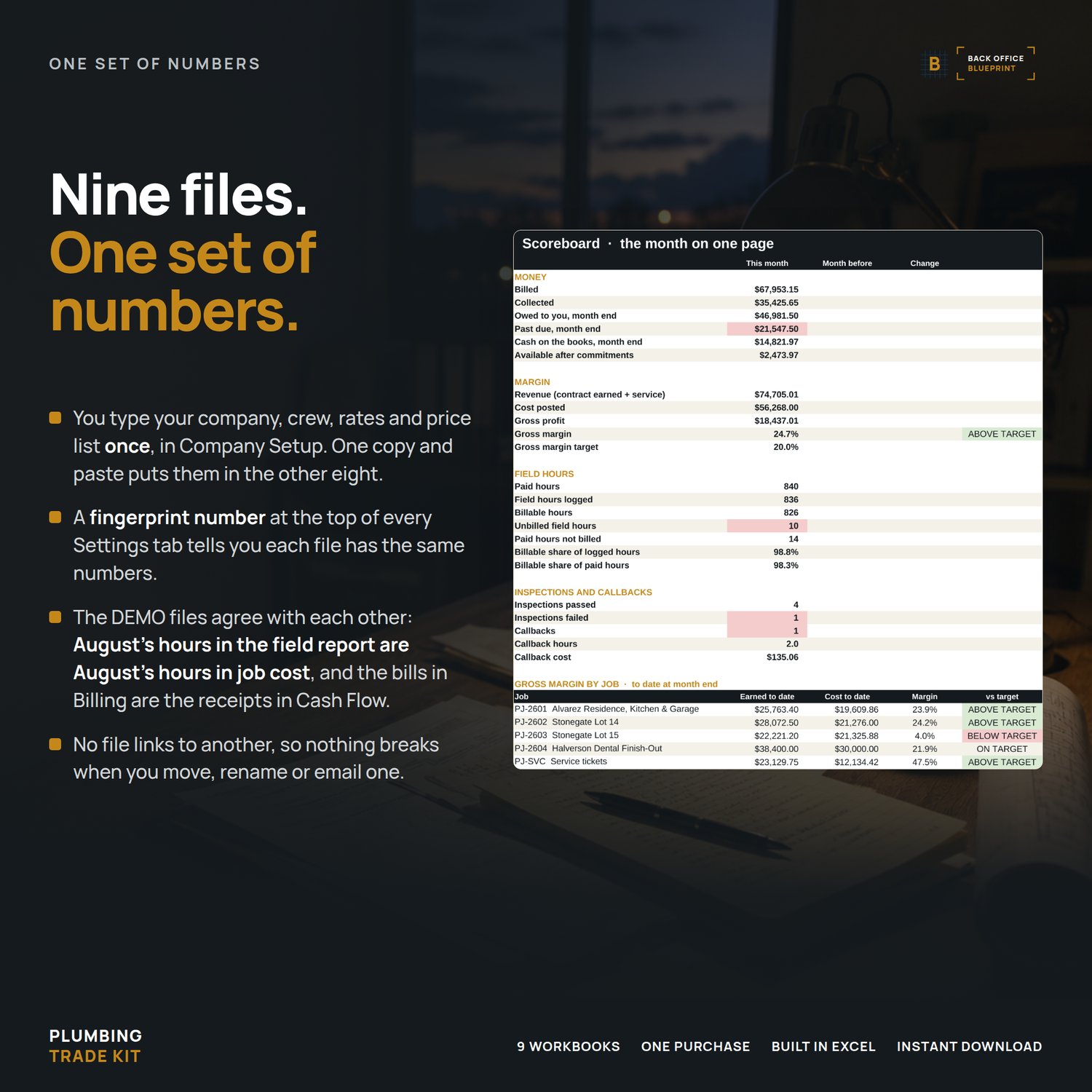
- Scoreboard: the month on one page
- Compliance & Records Hub: permits, inspections, license and CE renewals, insurance certificates, callbacks and warranty
Also in the download:
- Each workbook comes blank plus a filled DEMO for a sample shop, and the nine DEMOs agree with each other
- A User Guide (PDF) for every workbook, 99 pages in all, each with a troubleshooting table
- A Start Here guide: what to open on day one, on every job and every month
How the nine stay in step
You type your company, crew, rates and price list once, in Company Setup. Copy one block, paste it into the other eight, and a fingerprint number at the top of each Settings tab tells you every file has the same numbers. No file links to another, so nothing breaks when you move, rename or email one. At month end you copy the totals into the Scoreboard, and each line names the file and tab its number comes from.
A change to your rates never rewrites a signed change order, an issued invoice or a closed month.
Format
Microsoft Excel (.xlsx) on a computer, Windows or Mac. No macros, no add-ins. Also opens in Google Sheets: upload a file to Drive and choose File, Save as Google Sheets. The workbooks use only functions Sheets supports.
One-time purchase. No subscription.
After you buy
You'll download a ZIP with 9 numbered folders (blank workbook, DEMO workbook and User Guide in each) and two Start Here guides: one for the kit, one for the shop. Open Company Setup first. Day one takes about an hour.
Questions? Email hello@getbackofficeblueprint.com. We respond personally.