




Construction Permit & Inspection Tracker: Excel Log
The tracker that flags a lapsed permit before an inspector does.
Log every permit and inspection by job — dates, status, who pulled it, what's expiring — so nothing sits waiting on a call nobody made.
Built for a five-person crew and not a permit expediter's office.
Who it's for
You run 3 to 15 jobs at a time, often in more than one jurisdiction.
Not for you if you use a permit runner who already tracks all of this for you.
WHAT IT DOES THE SECOND YOU TYPE
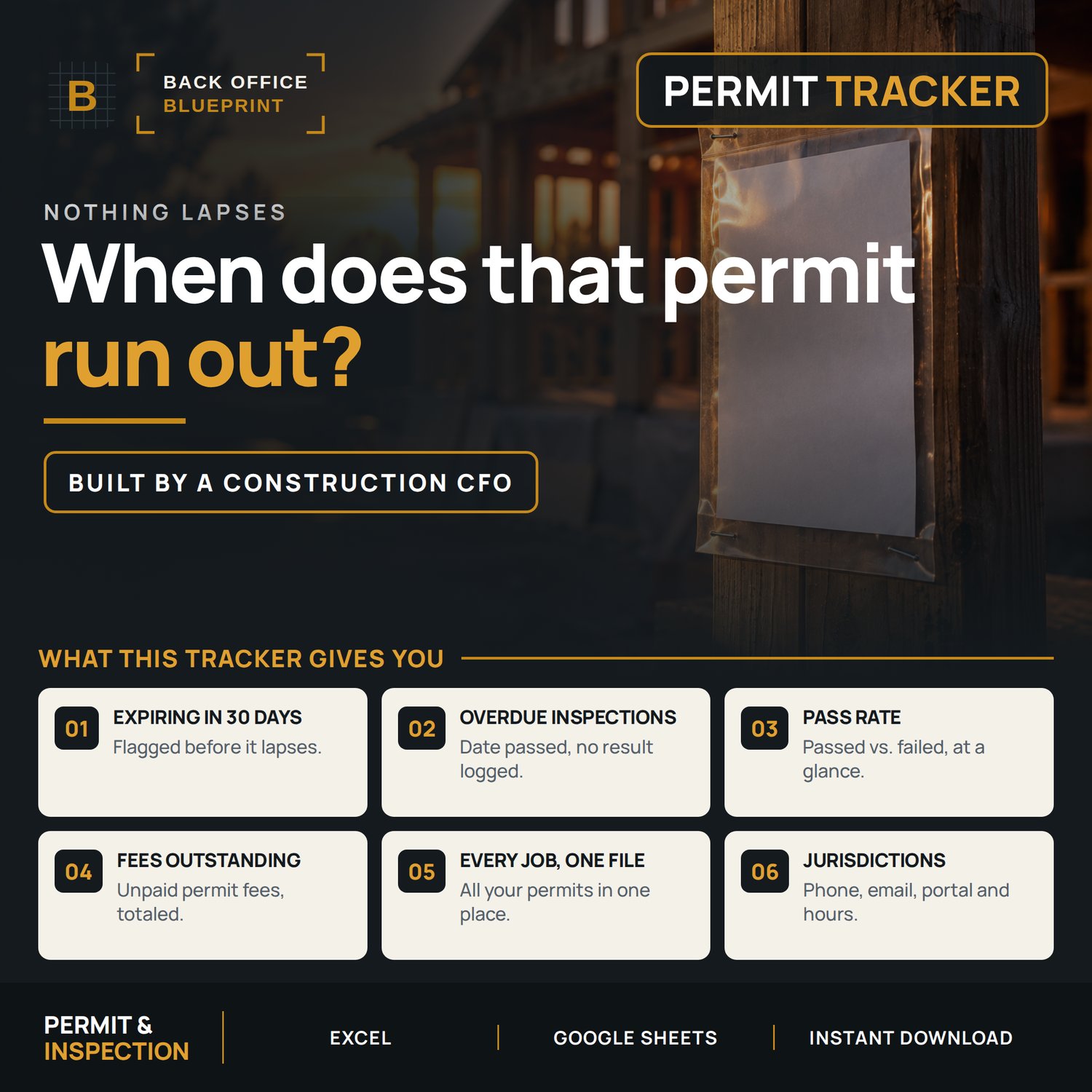
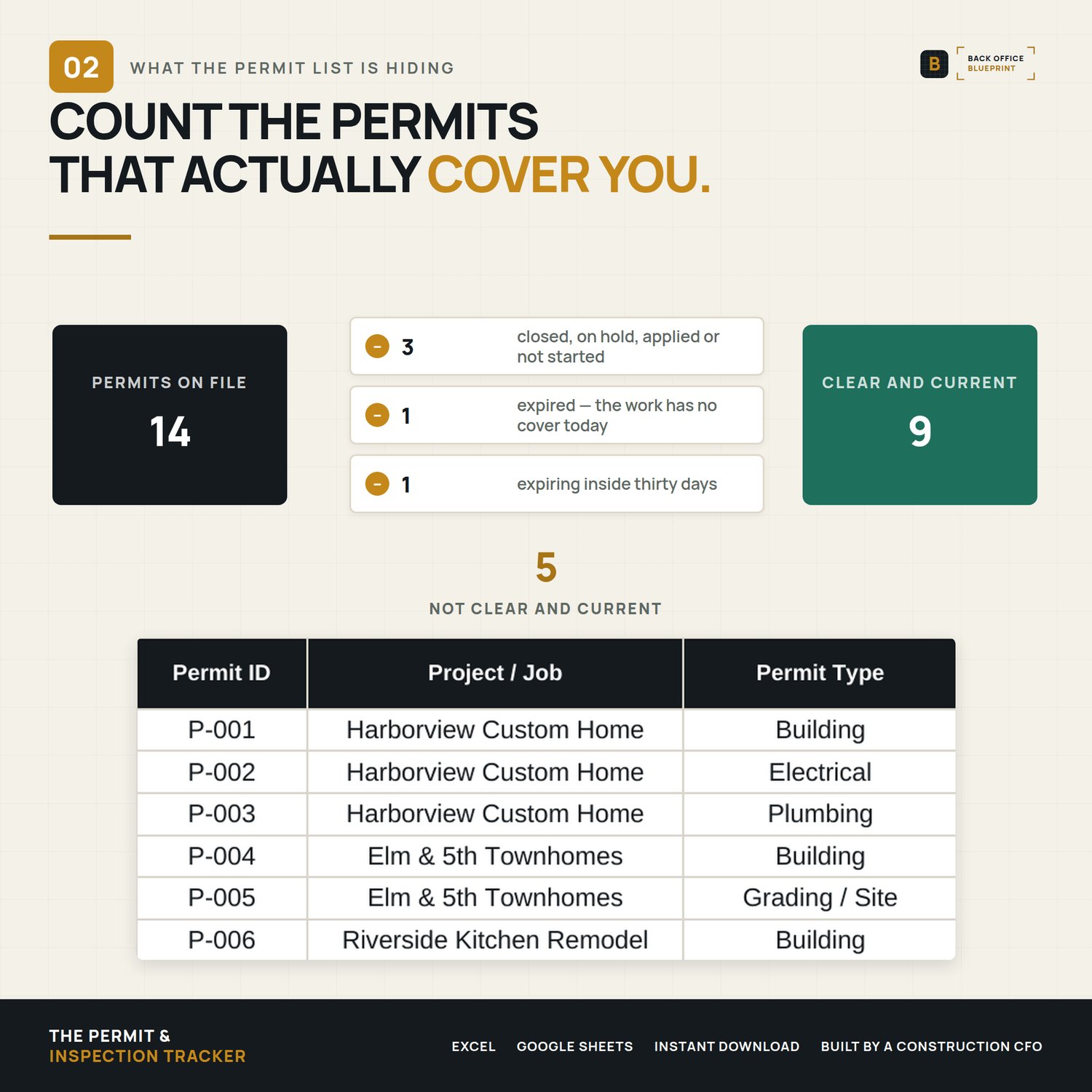
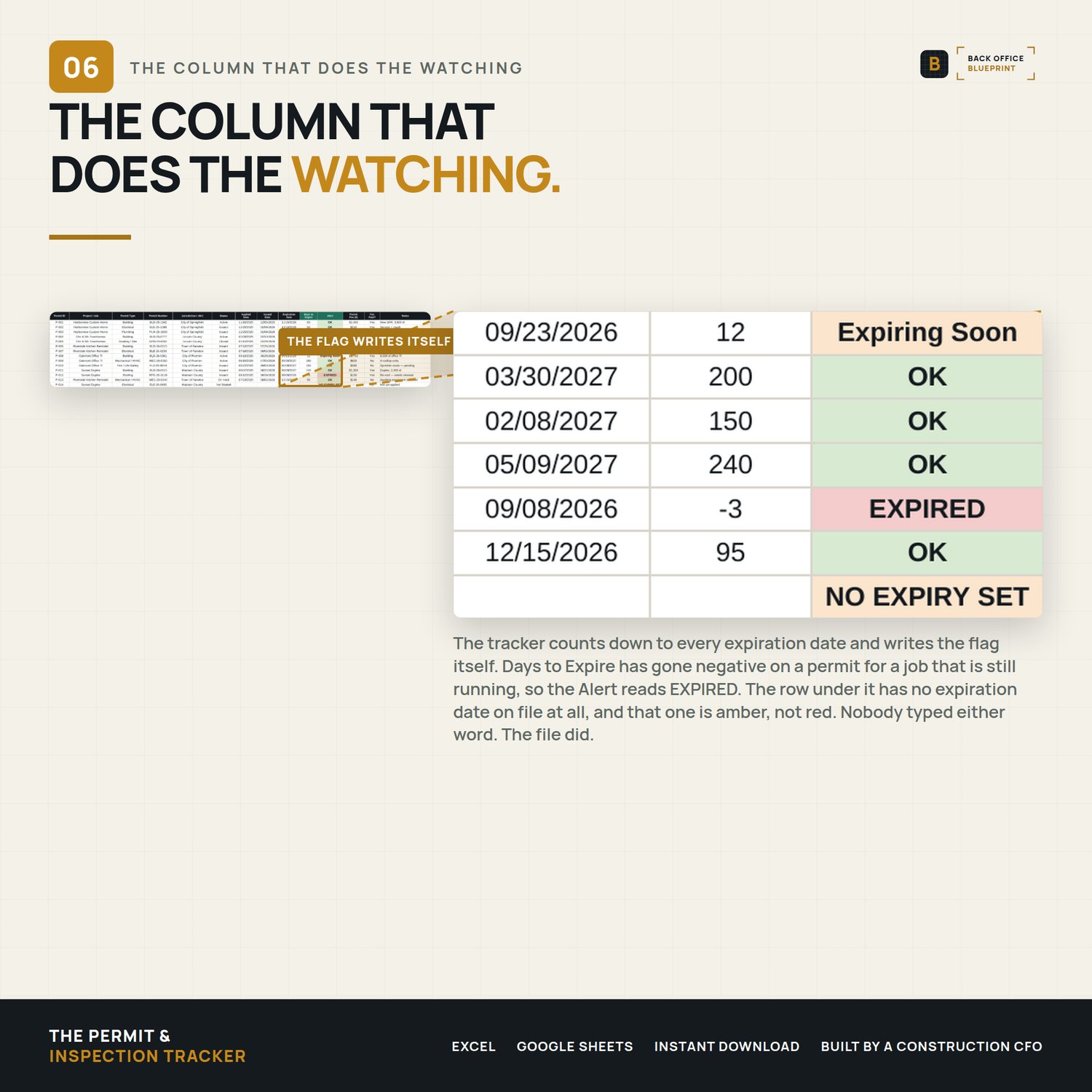
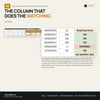
- Flags expirations - every permit's expiration is counted down from today and flagged EXPIRED, Expiring Soon (30 days or less), NO EXPIRY SET or OK. Color-coded, automatic, and a Closed permit stops counting down.
- Catches overdue inspections — schedule an inspection; if the date passes without a result, it flips to OVERDUE on its own.
- Totals your fees — mark a fee unpaid and it rolls up as Fees Outstanding on the dashboard.
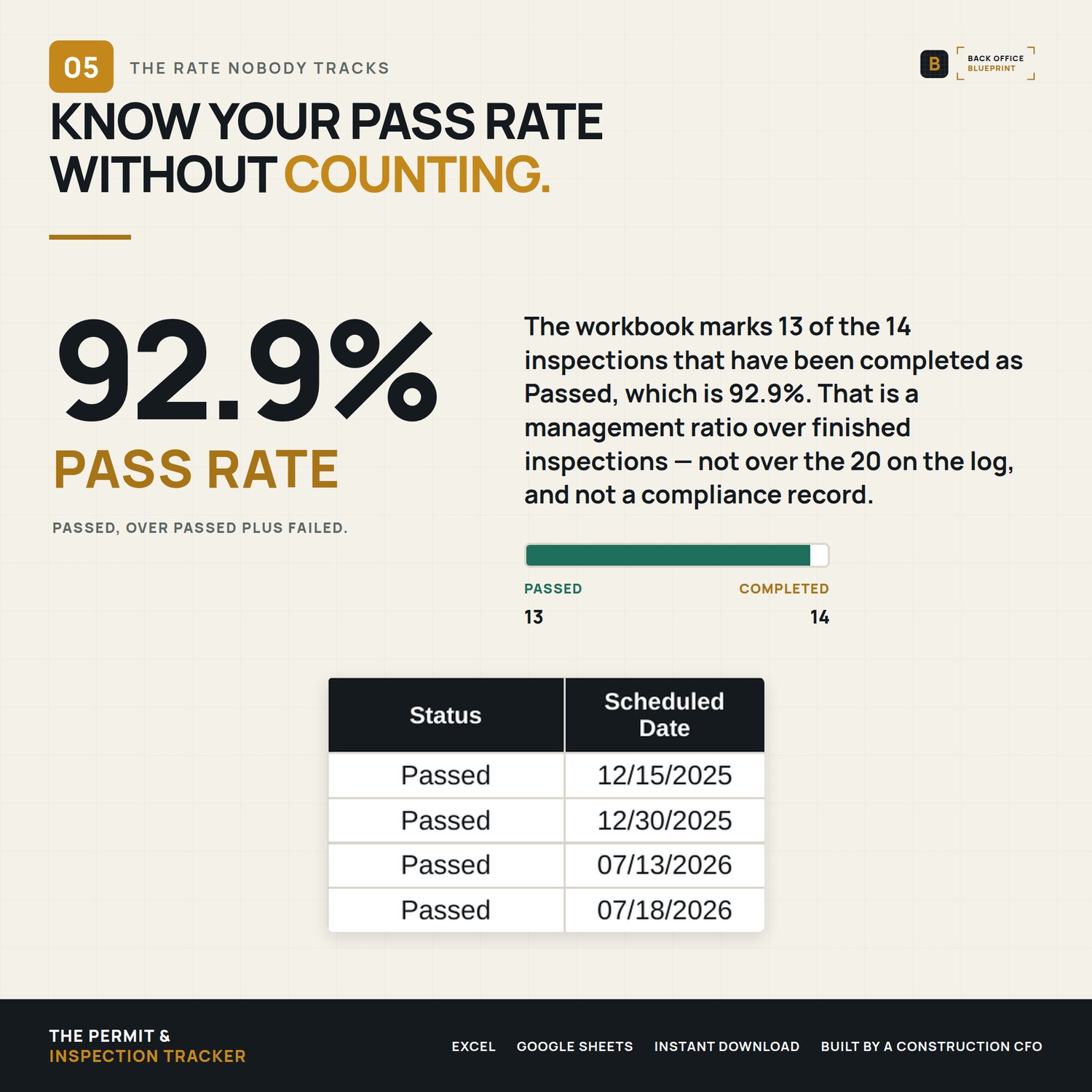
- Scores your inspections — passed vs. failed becomes a live pass rate.
- Runs every job at once — one file holds all your projects; the dashboard totals across all of them.
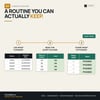
You fill the dark-headed columns. The two teal-headed ones, Days to Expire and Alert, handle the flagging, the counting, and the math.
WHAT'S INSIDE
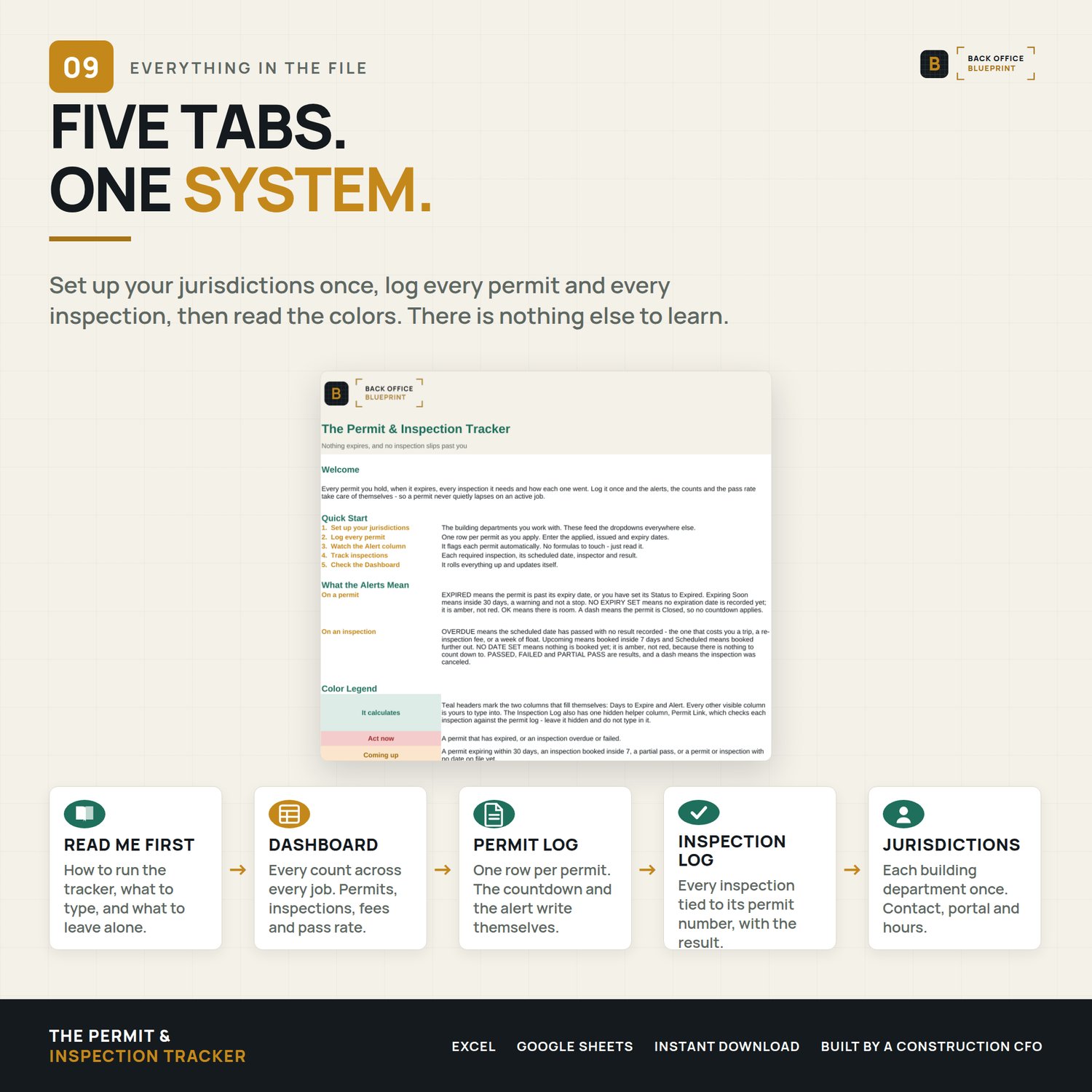
- The Permit Log (Excel) — One row per permit: type, number, jurisdiction, status, applied/issued/expiration dates, fee. The countdown and the alert calculate themselves.
- The Inspection Log — One row per inspection, tied back to its permit: type, scheduled date, inspector, result, corrections. Overdue and failed inspections flag red automatically.
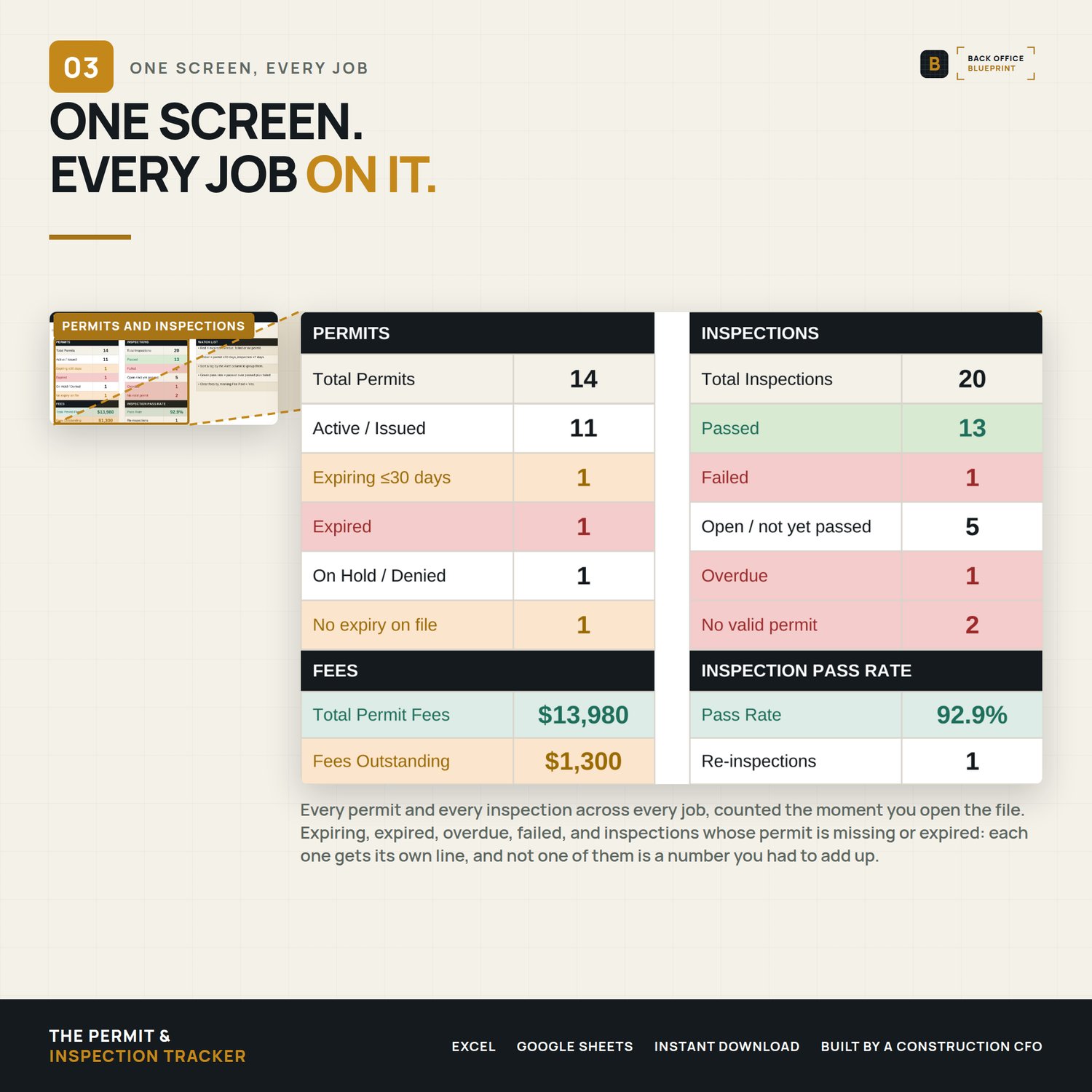
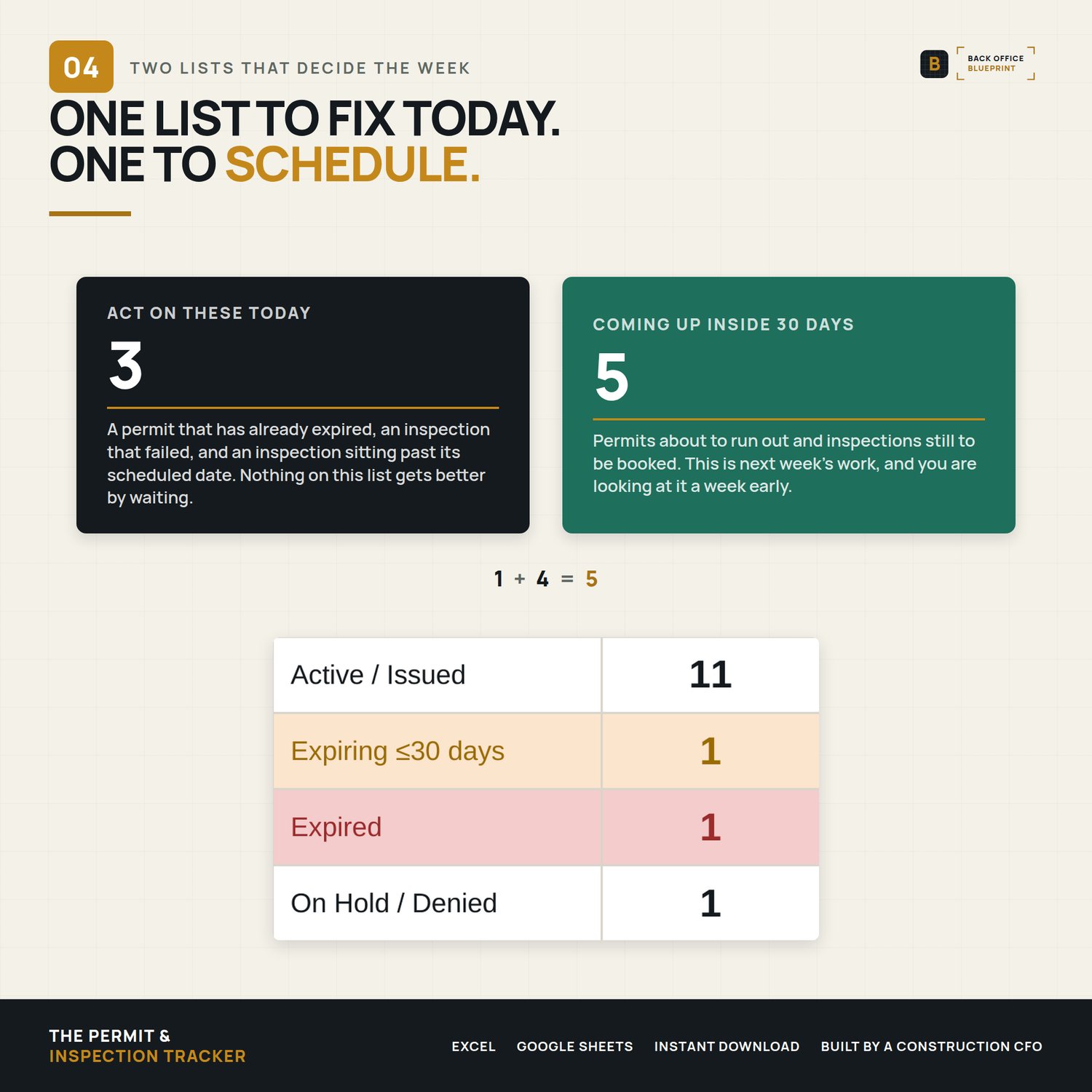
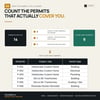
- A live Dashboard — Active permits, what's expiring, what's expired, fees outstanding, inspection pass rate, and overdue count — all rolled up across every project.
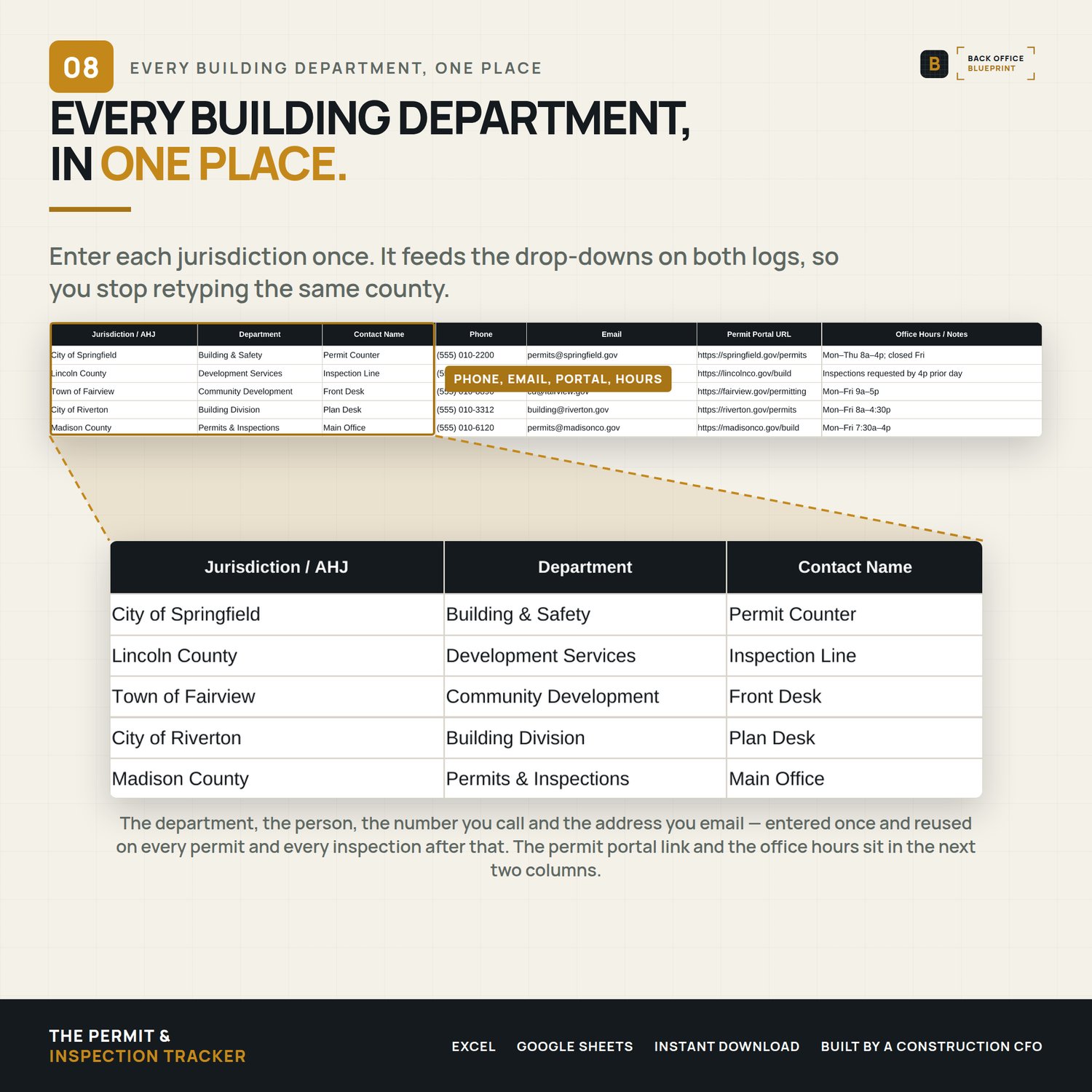
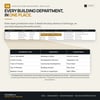
- A Jurisdiction Directory — Your building departments in one place: phone, email, portal link, hours, inspection cutoffs. Feeds the dropdowns.
- Step-by-step User Guide (PDF) — A plain-English walkthrough of every column, the alert logic, best practices, and troubleshooting.
- Filled sample (DEMO) — A lived-in tracker across five active projects so you can see exactly how it works before you start yours.
WHY IT'S DIFFERENT
- It warns you — you don't have to remember. The alerts run every time you open the file.
- Every job in one place. Built to hold all your projects at once, not one form per permit.
- Two logs that talk to each other. Permits and inspections tie together, then roll up into one dashboard.
- No subscription. A one-time Excel workbook — not another monthly platform.
- Built by a construction CFO who manages permits and compliance every day.
HOW IT WORKS
- Buy and download instantly (Excel .xlsx + a User Guide PDF + a filled sample).
- Open in Excel for Mac or Windows (also works in Google Sheets — import the Excel file).
- List your jurisdictions once. Log each permit and inspection as it happens.
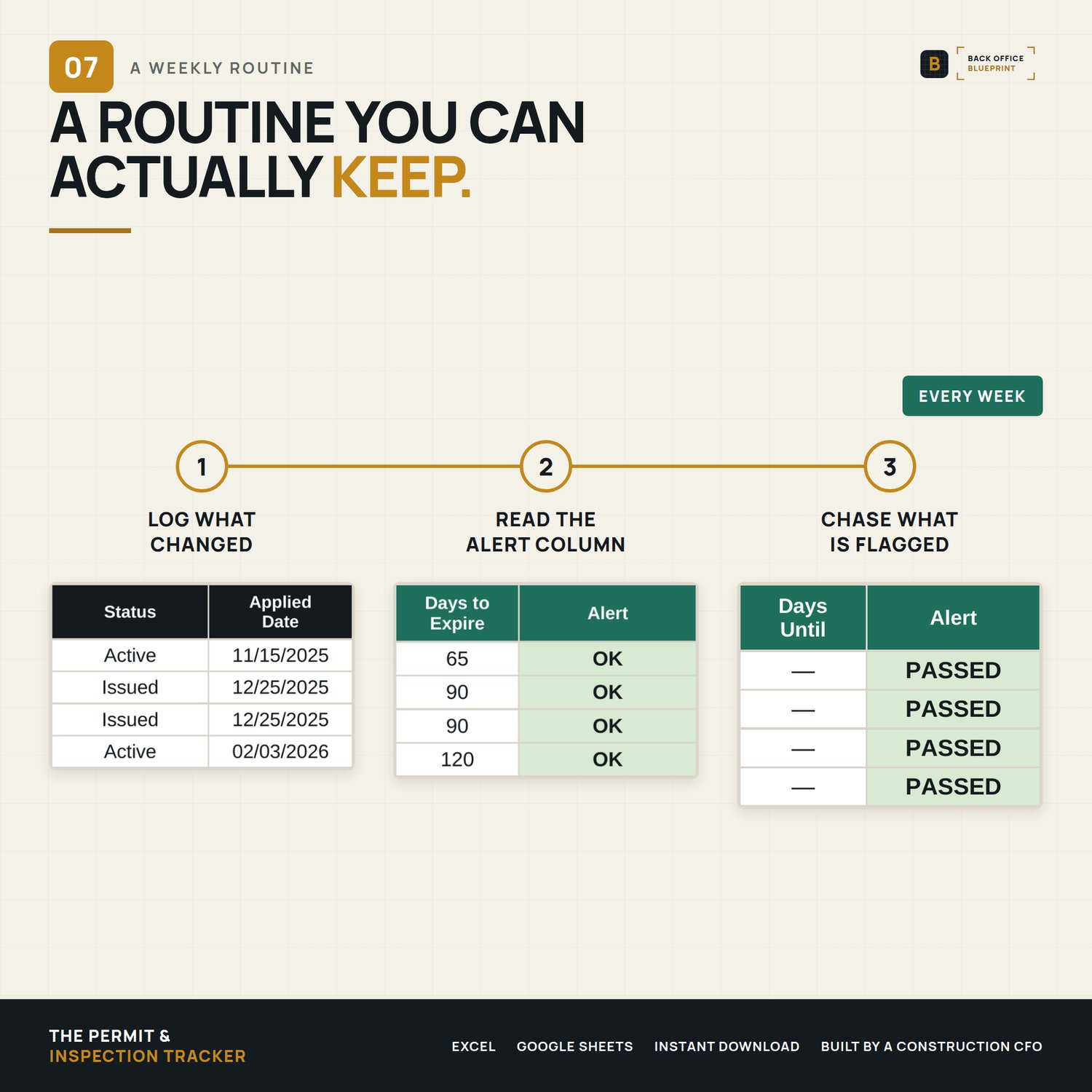
- The alerts, countdowns, and dashboard fill themselves — glance at it weekly and act on the red and amber.
DETAILS
Format: Microsoft Excel (.xlsx) + PDF guide and a filled DEMO. Excel 2019 or newer recommended; also opens in Google Sheets with minor formatting differences.
License: Single-business commercial use. Use it on every job your business runs; modify freely for your own use. Don't redistribute, resell, or share with another business.
Delivery: Instant digital download. Nothing physical ships. All sales final on digital products.
Please note: Permit and inspection requirements vary by jurisdiction and change over time. This tracker helps you stay organized — it doesn't replace your local building department's rules or tell you which permits or inspections a job requires. Always confirm requirements with your AHJ.
Questions before you buy? Email hello@getbackofficeblueprint.com — we respond personally.