












Electrical Change Order Form for Electricians | Excel
The GC won't pay an extra that isn't on a signed change order, and the homeowner forgets the EV charger was their idea. This is an Excel change order built for electrical contractors, from a one-truck shop to a crew of fifteen, with the reason, the permit and the new contract total on the document you both sign.
You open the wall and find a full 100A panel. The inspector writes a correction at rough-in. The owner adds a circuit on the site walk. The work gets done that week, the paperwork never does, and it turns into an argument at the final bill.
Who it's for
Electricians and electrical contractors doing residential and light commercial work, whether your contract is with the homeowner or with the GC you're working under.
Not for you if you need a full project-management system, or you already send change orders your clients sign inside field service software.
What's inside
- 1 change order form (Excel) with your company name, license # and contact at the top
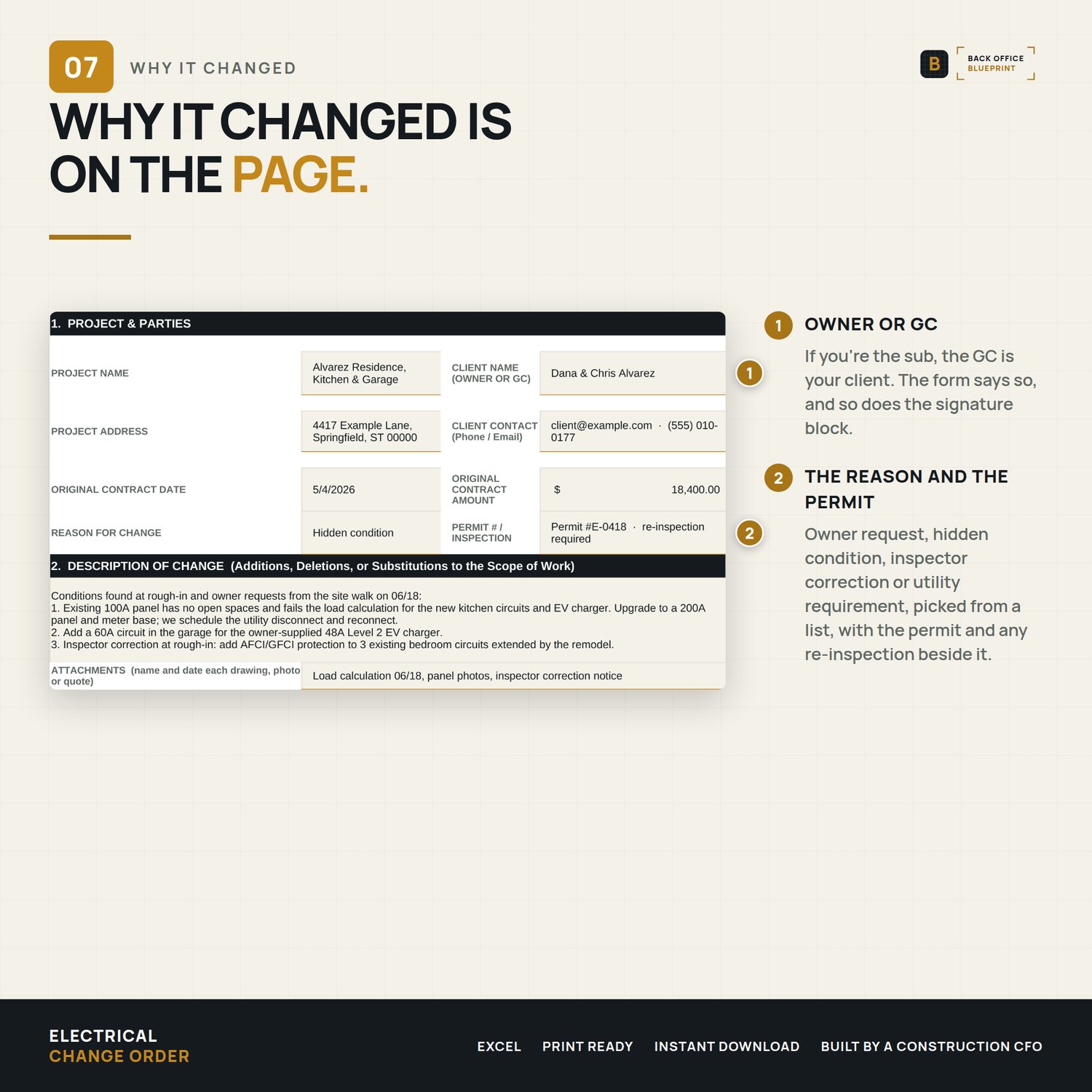
- Reason for Change dropdown: owner request, hidden condition, inspector correction, utility requirement, GC request, plan change, other
- Permit # and re-inspection field
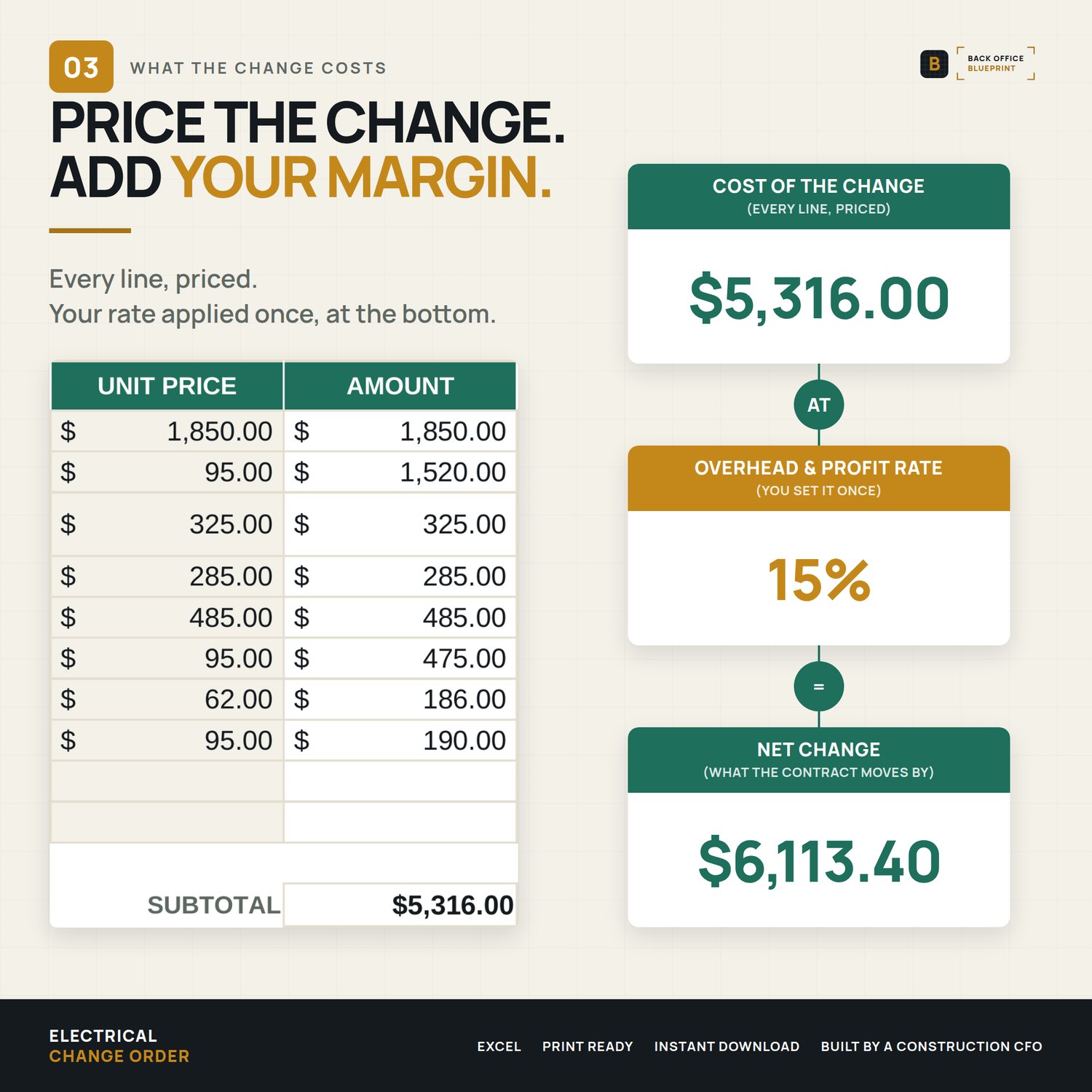
- 10 itemized cost lines (labor, material, equipment, sub, permit/fee) with your overhead & profit rate
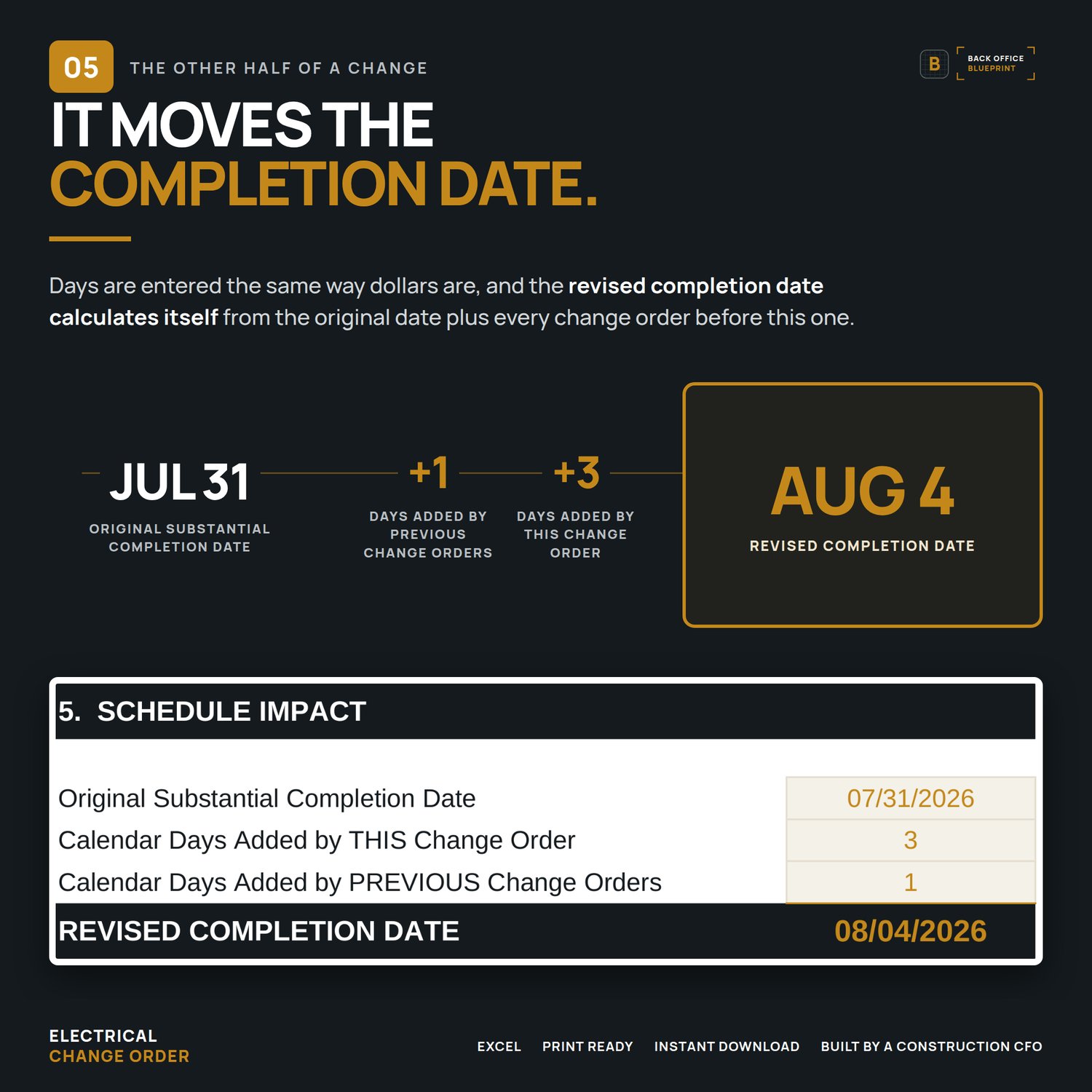
- New contract total and revised completion date that calculate themselves
- Credit lines: enter a negative price for removed scope and the contract total goes down
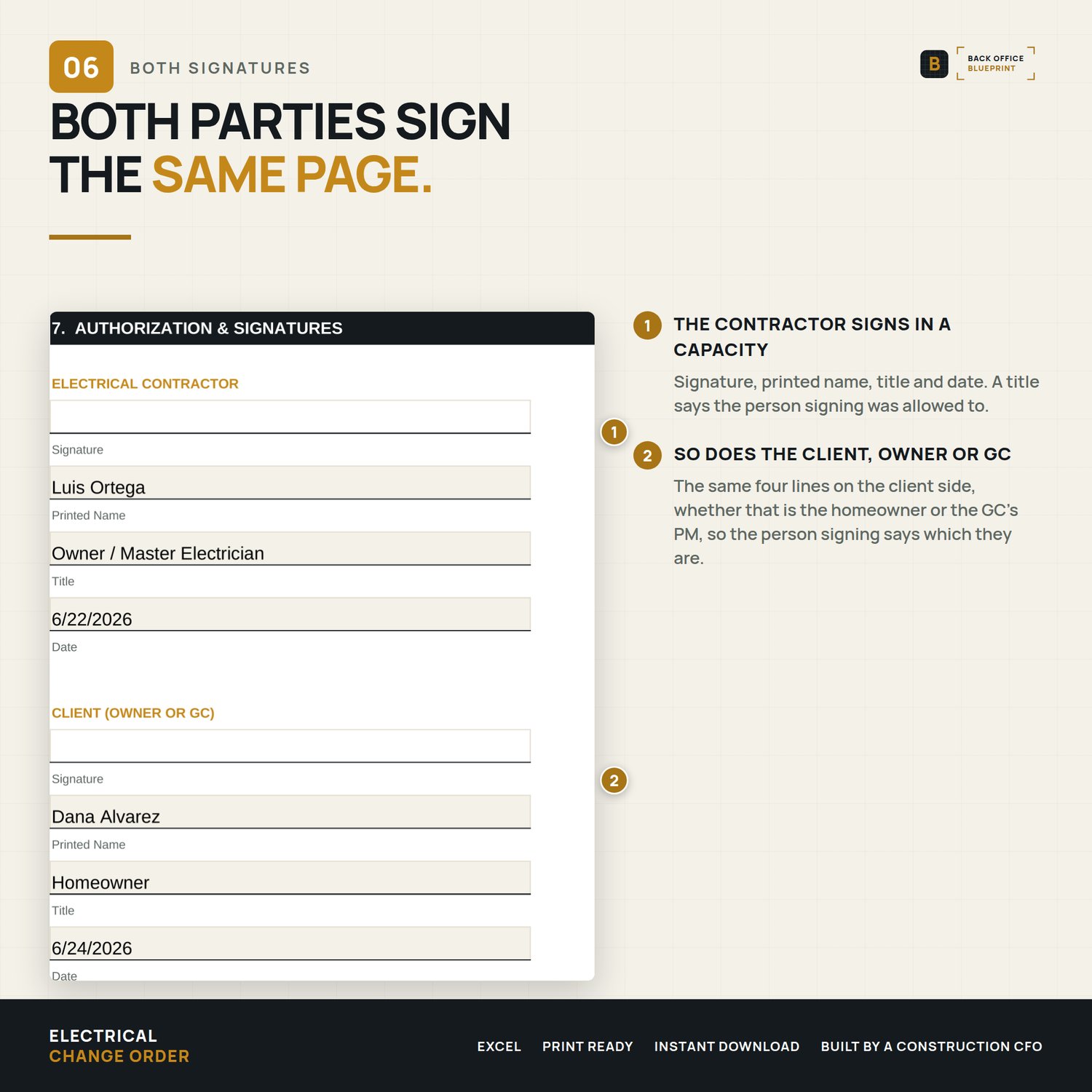
- Amendment terms and a two-party signature block: electrical contractor and client (owner or GC)
- 12-page User Guide (PDF)
- A filled sample, as Excel and PDF: a 200A service upgrade, an EV charger circuit and an inspector's AFCI/GFCI correction
Why it pays for itself
- The service upgrade in the sample prices out at $4,577 with O&P. That's the kind of change that gets done on a handshake and argued about later.
- The reason is on the signed change order, so an inspector- or utility-driven change isn't your word against theirs.
- A line you haven't priced reads CHECK PRICE and the total says it's incomplete, so you never send a short number.
Format
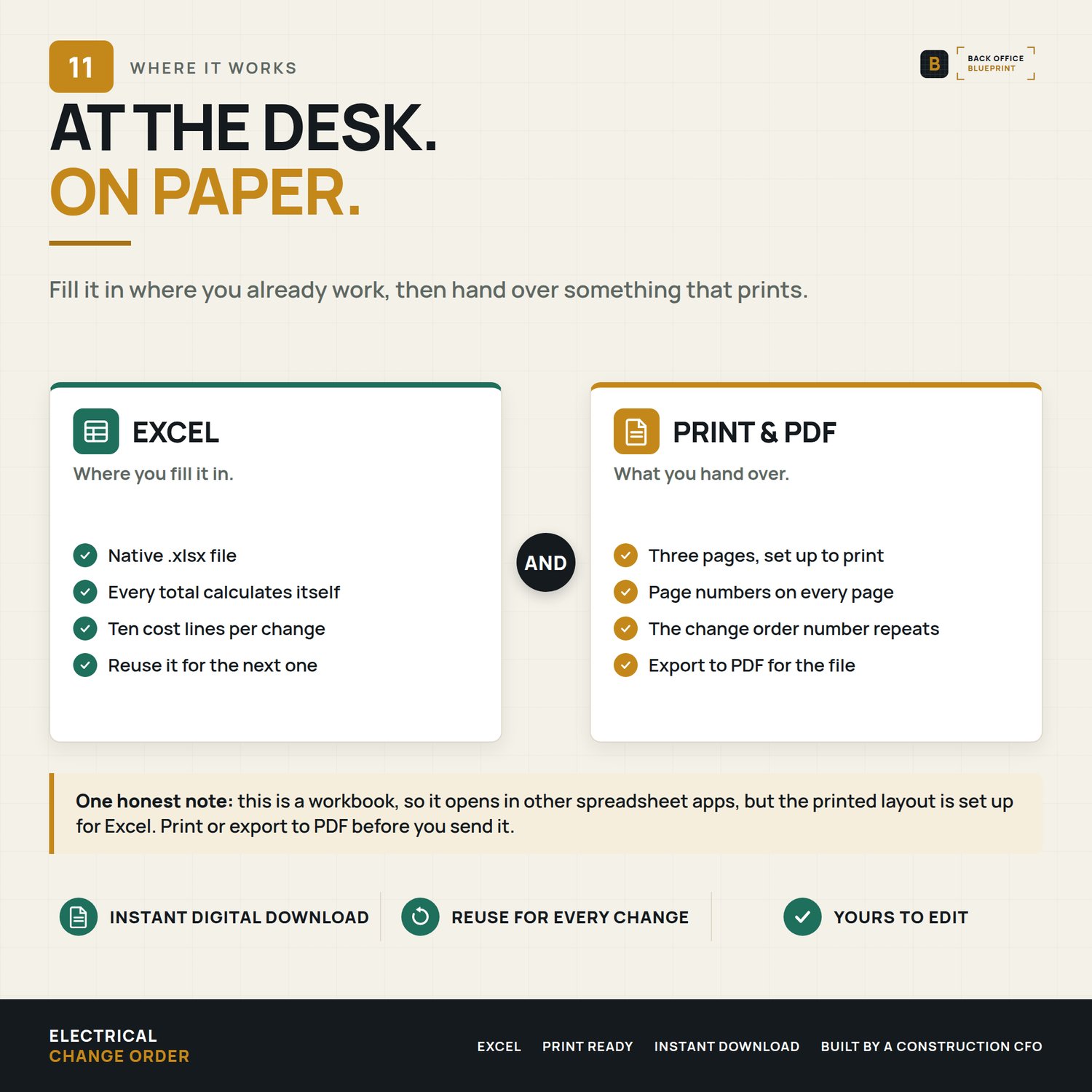
Microsoft Excel (.xlsx). Print it or save it to PDF for signing on paper or with any e-sign tool.
After you buy
You'll download 5 files: the blank form, the filled sample (Excel and PDF), the User Guide and a Start Here page. Set your letterhead once, save it as your master, and write up the next change before the crew leaves the job.
Questions? Email hello@getbackofficeblueprint.com. We respond personally.