













Daily Construction Report & Jobsite Log — Excel Template
One row a day. A record you can stand behind for the whole job.
Log the day once and it totals your man-hours, crew count and delay days across the job, then prints a clean daily report for the owner.
Built for a five-person crew and not a project controls department.
Who it's for
You run 3 to 15 jobs and somebody — an owner, a GC, or one day an attorney — may ask what actually happened on a Tuesday in March.
Not for you if your field team already logs dailies in Procore or Raken.
WHAT IT DOES THE SECOND YOU TYPE
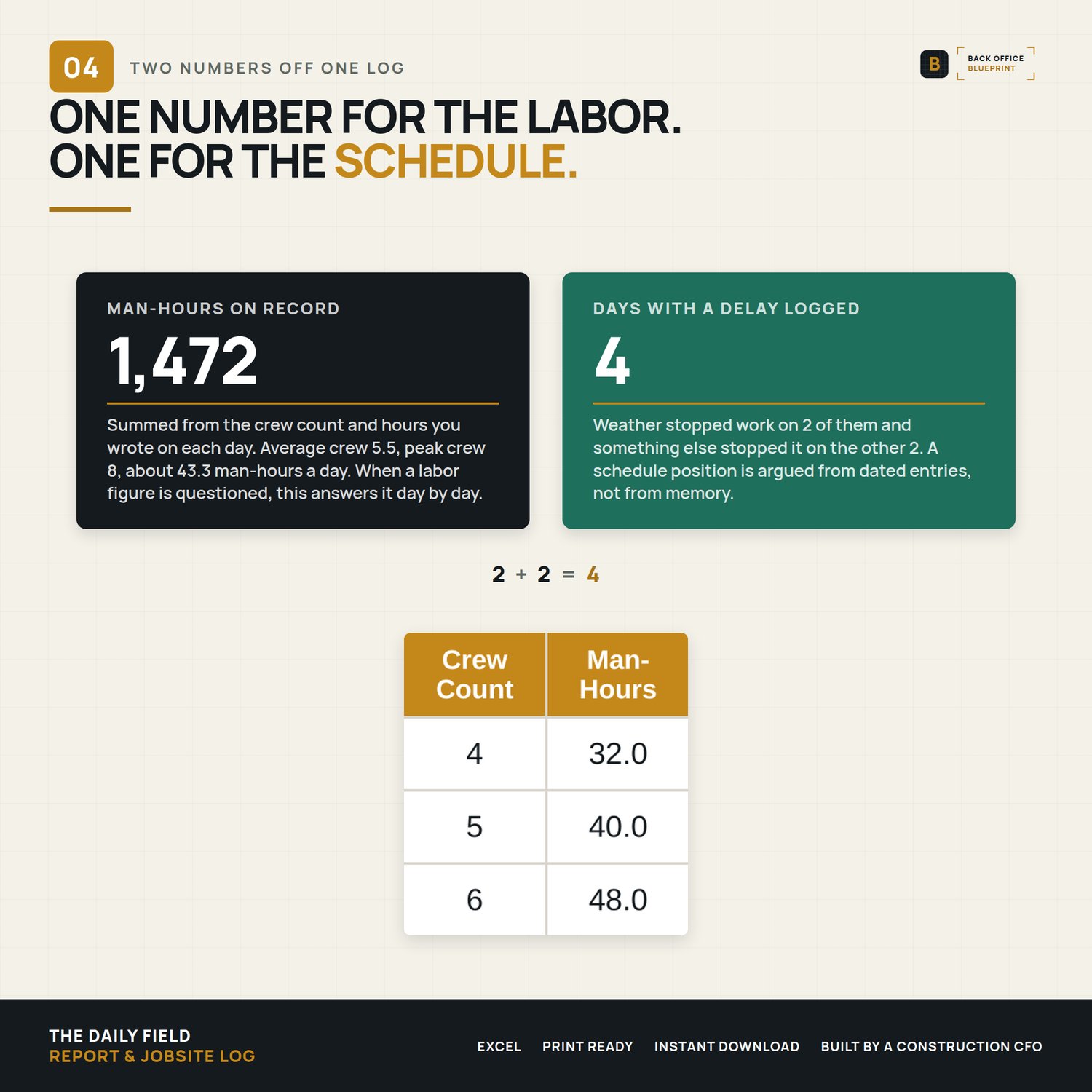
- Totals your labor — man-hours and crew count roll up to job totals, plus average and peak crew, automatically.
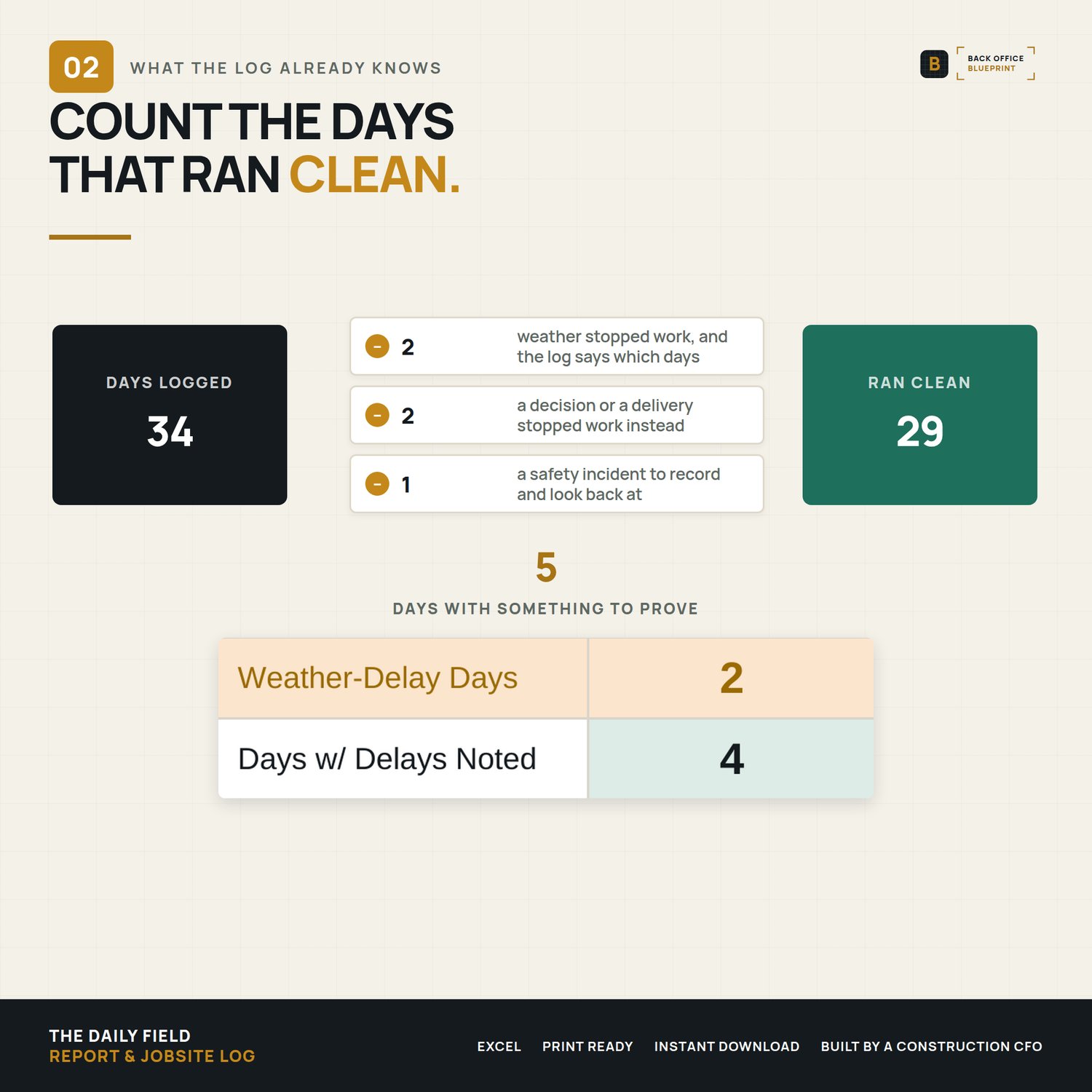
- Counts your delay days — flag a weather delay and it's counted; your schedule-impact evidence builds itself.
- Fills the report header — enter your project info once and the printable Daily Report fills its own header on every day.
- Flags safety days — mark an incident and it highlights and counts.
- Reads the calendar — type the date, the day of the week fills itself.
On the Summary you fill the gold Project Information cells. On the log you fill every column except Day, which fills itself from the date. The teal cells are formulas, and they handle the totals and the formatting.
WHAT'S INSIDE
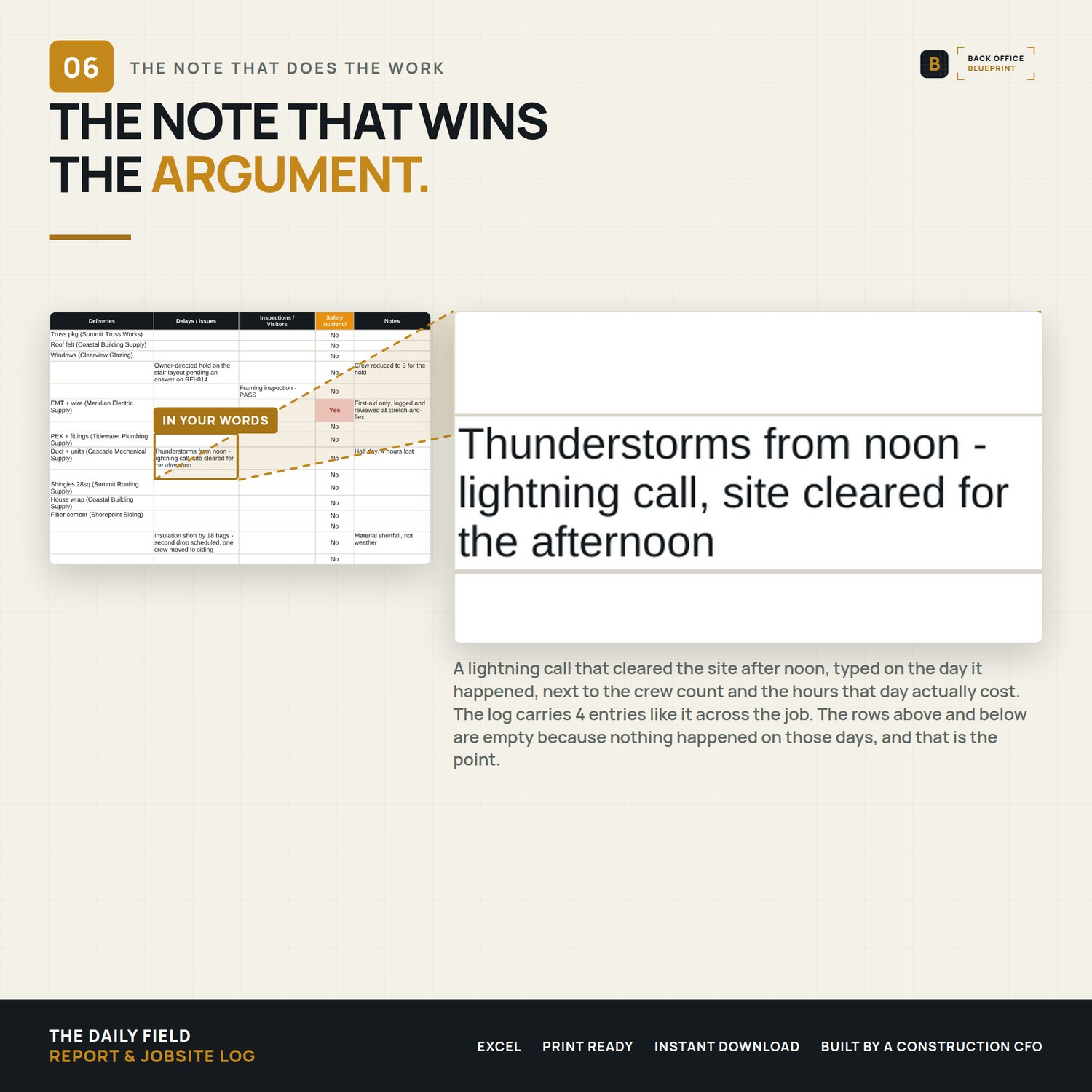
- The Field Log (Excel) — Your running record, one row per day: weather, high/low, crew count, man-hours, trades on site, work completed, deliveries, delays, inspections, and a safety flag.
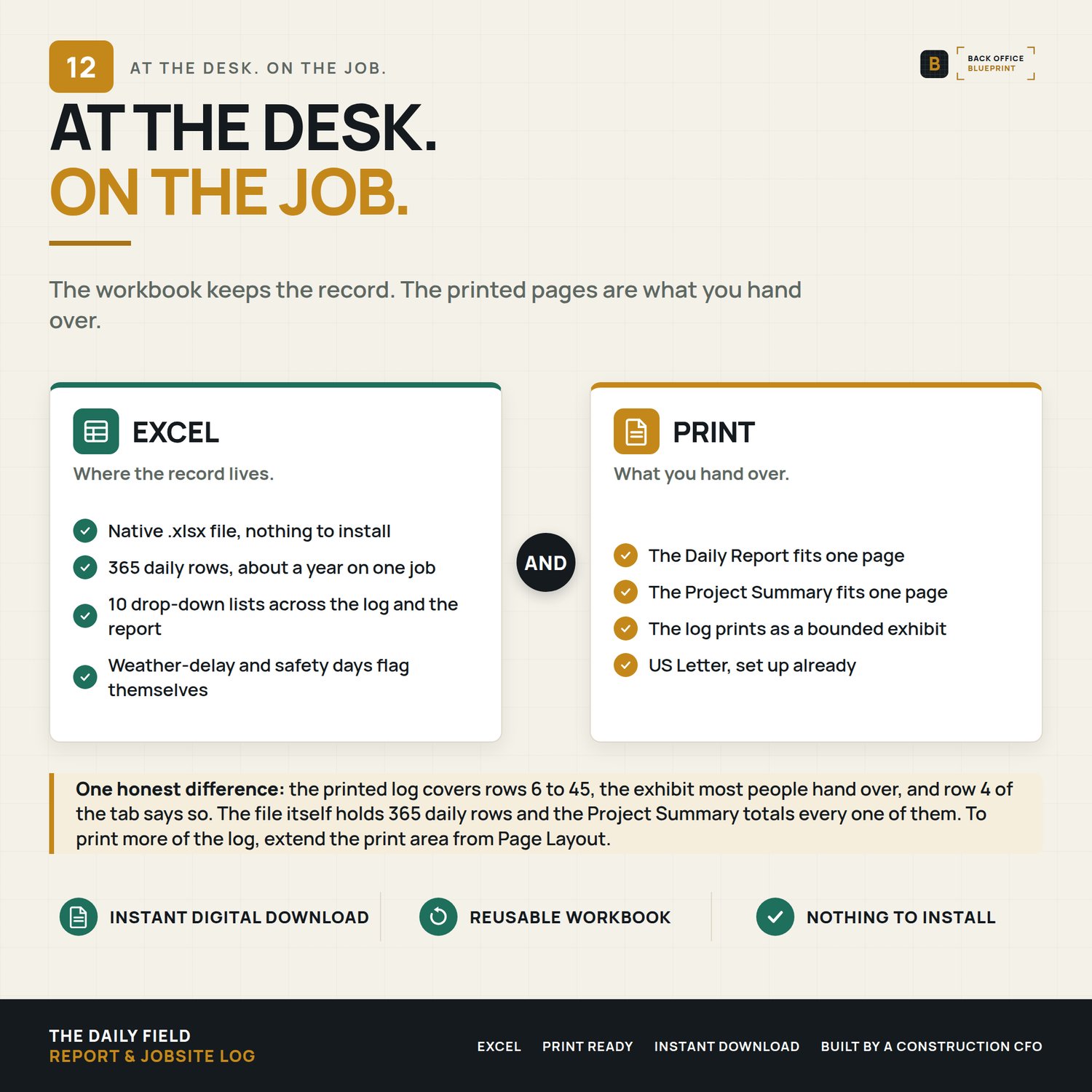
- The printable Daily Report — A clean, one-page form for the owner or your file. The header pulls your project name, location, and contractor automatically; you fill the day. Set to print on one page.
- A live Project Summary — Days logged, total man-hours, average and peak crew, weather-delay days, days with delays noted, and safety incidents — totaled across the whole job.
- Step-by-step User Guide (PDF) — A plain-English walkthrough of every field, the automation, best practices, and troubleshooting.
- Filled sample (DEMO) — A month-plus of a real-feeling job (foundation through framing) so you can see a lived-in log before you start yours.
- Start Here (PDF). A short orientation that comes with every Back Office Blueprint system.
WHY IT'S DIFFERENT
- It totals the job for you. Man-hours, crew, and delay days add themselves — no formulas to build, no tallying at month-end.
- Log once, print clean. The daily record and the owner-facing report are the same workbook; your project info fills the report header for you.
- Delay days become evidence. Weather and delay days are flagged and counted — the documentation you need if the schedule is ever questioned.
- No subscription. A one-time Excel workbook — not another monthly platform.
- Built by a construction CFO who's seen which jobs get paid and which get argued.
HOW IT WORKS
- Buy and download instantly (Excel .xlsx + a User Guide PDF + a filled sample).
- Open in Excel for Mac or Windows.
- Enter your project info once. Log each day in the Field Log.
- Man-hours, crew, and delay days total themselves — print the Daily Report for the owner whenever you need it.
DETAILS
Format: Microsoft Excel (.xlsx) + PDF guide and a filled DEMO. Excel 2019 or newer recommended.
License: Single-business commercial use. Use it on every job your business runs; modify freely for your own use. Don't redistribute, resell, or share with another business.
Delivery: Instant digital download. Nothing physical ships. All sales final on digital products.
Please note: A well-kept daily log is strong documentation, but it isn't legal advice and doesn't guarantee any outcome in a dispute or claim. For contract, delay, or backcharge matters, consult a construction attorney familiar with your jurisdiction.
Questions before you buy? Email hello@getbackofficeblueprint.com — we respond personally.