




Contractor Historical Data Tracker — Project Cost Database
Stop estimating from memory. Start estimating from the jobs you already built.
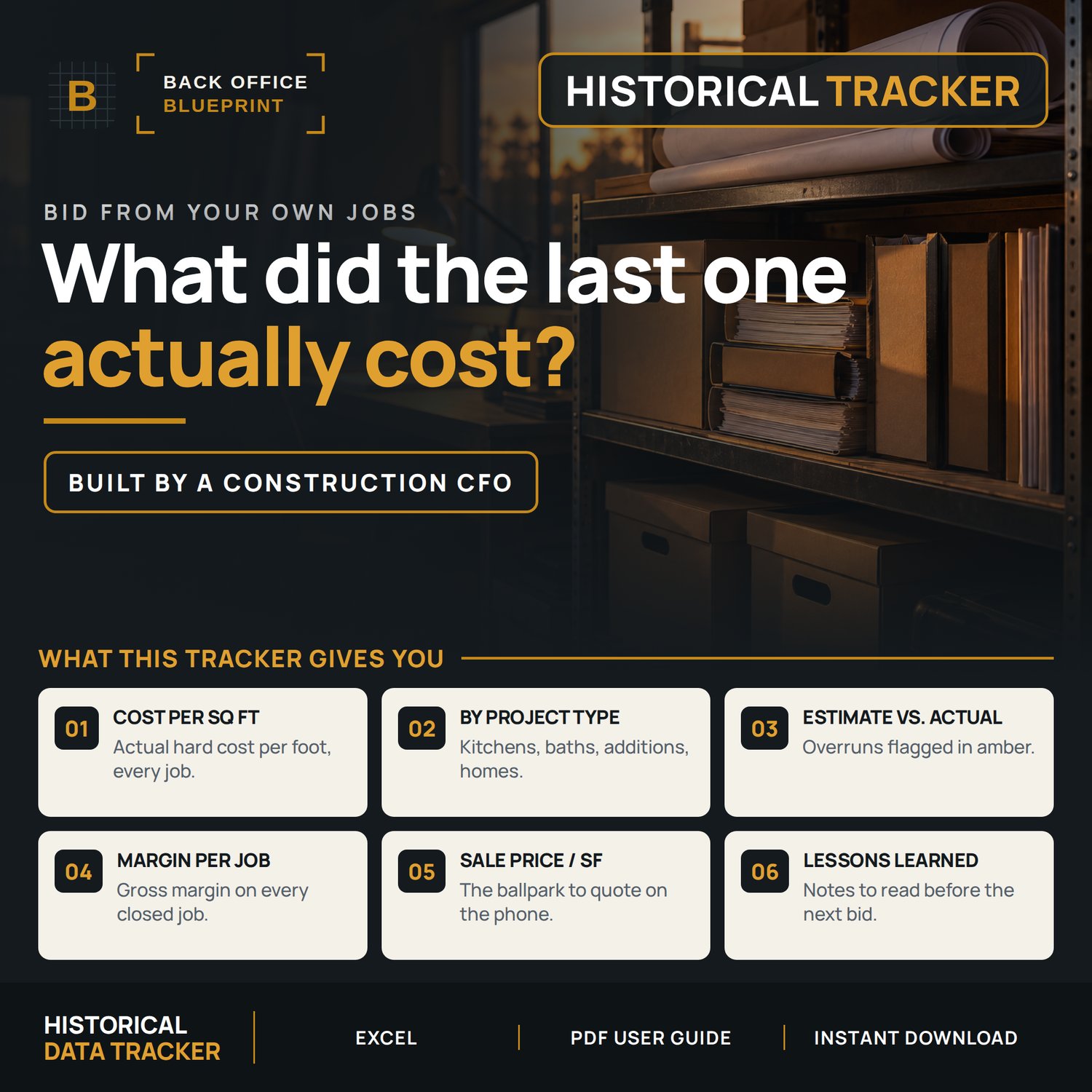
Every project you close out becomes a data point — cost per square foot by project type, gross margin trends, and estimated versus actual variance — so the next bid starts from what the work really cost you.
Built for a five-person crew and not an estimating department.
Who it's for
You've closed out at least ten jobs and your bids still start from a gut number.
Not for you if you're brand new. This needs completed jobs before it has anything to work with.
What's Included
- Contractor Historical Data Tracker (.xlsx, designed to import into Google Sheets), 1,000 project rows ready to use
- User Guide PDF (13 pages, walks every column, every formula, every workflow)
- Built-in READ ME FIRST tab for quick reference inside the workbook
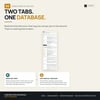
Two tabs included
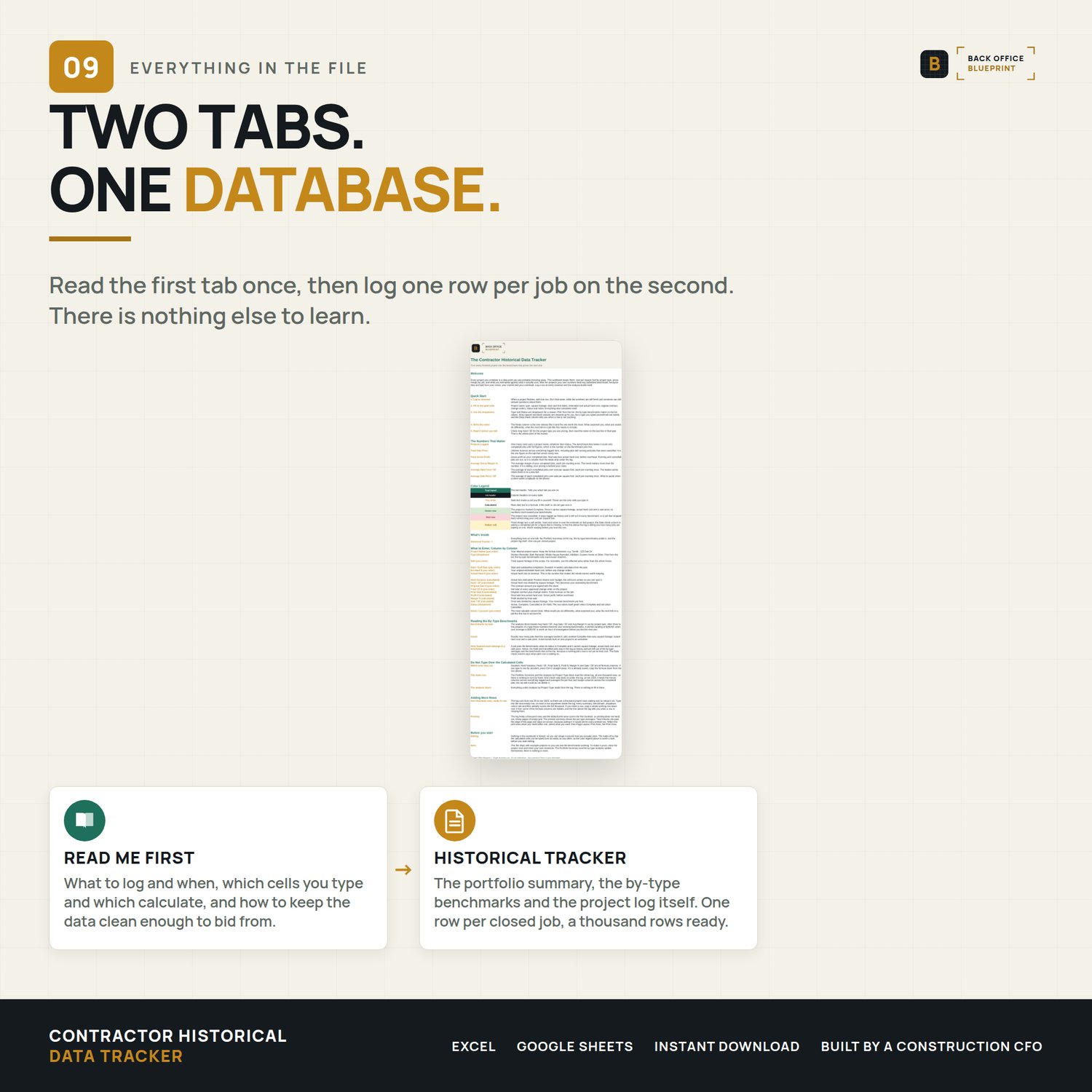
- READ ME FIRST — column-by-column guide, status rules, formula explanations
- Historical Tracker — Portfolio Summary, Analysis by Project Type, and Project Log all in one place
What It Tracks
- Project Name, Type, Sqft, Start/End Dates
- Est Hard $ vs. Actual Hard $ (variance auto-calculated)
- Hard / SF benchmark per project — auto-calculated
- Original Sale $ + Total CO $ = Final Sale $ — auto-calculated
- Profit $ and Margin % — auto-calculated
- Sale / SF revenue benchmark — auto-calculated
- Status: Active / Complete / Cancelled / On Hold (rows tint by status)
- Notes / Lessons Learned — the most valuable column in the workbook
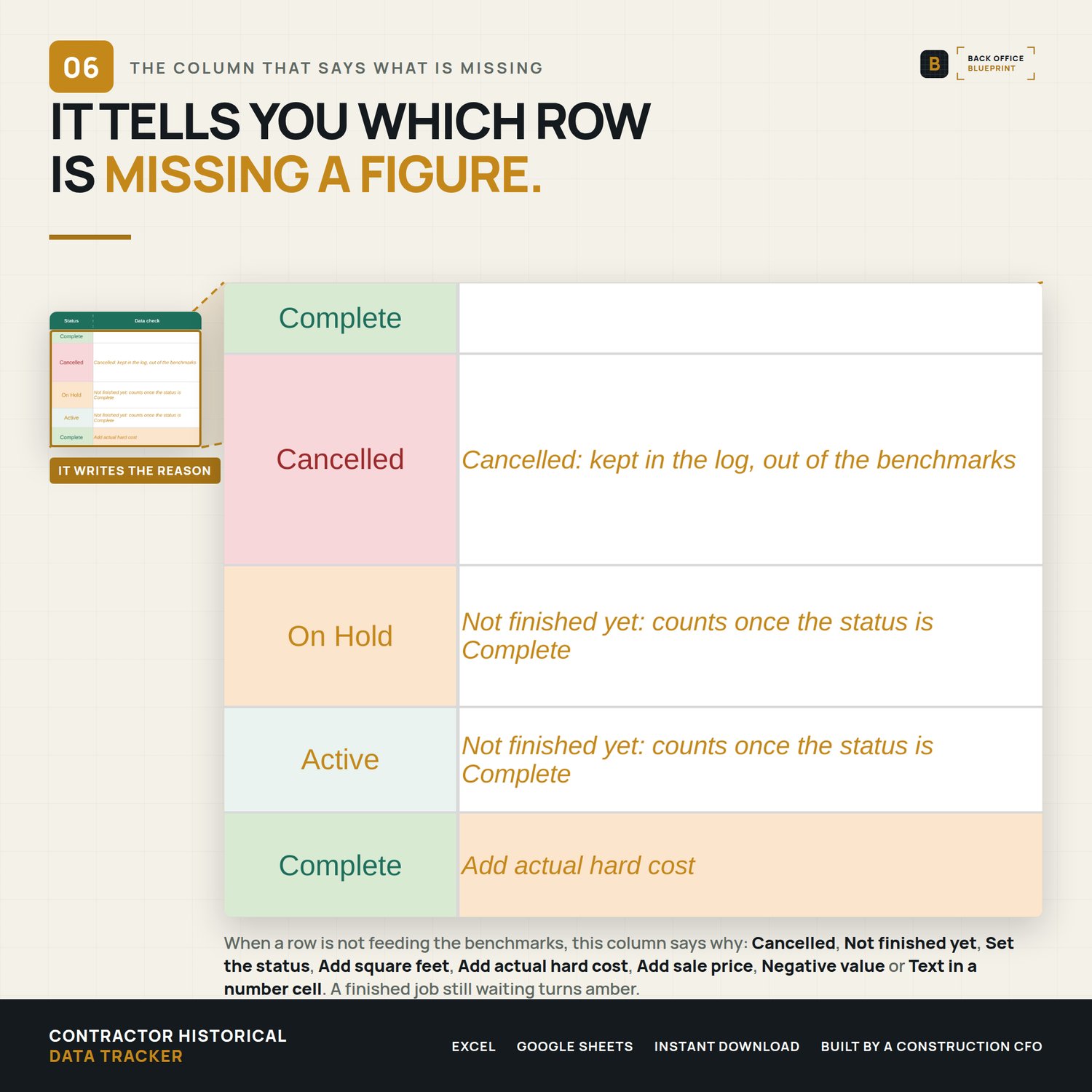
- Data check: names why a row is not counting, so an unfinished job or a missing cost cannot quietly distort a benchmark
Portfolio Analytics (Auto-Calculated)
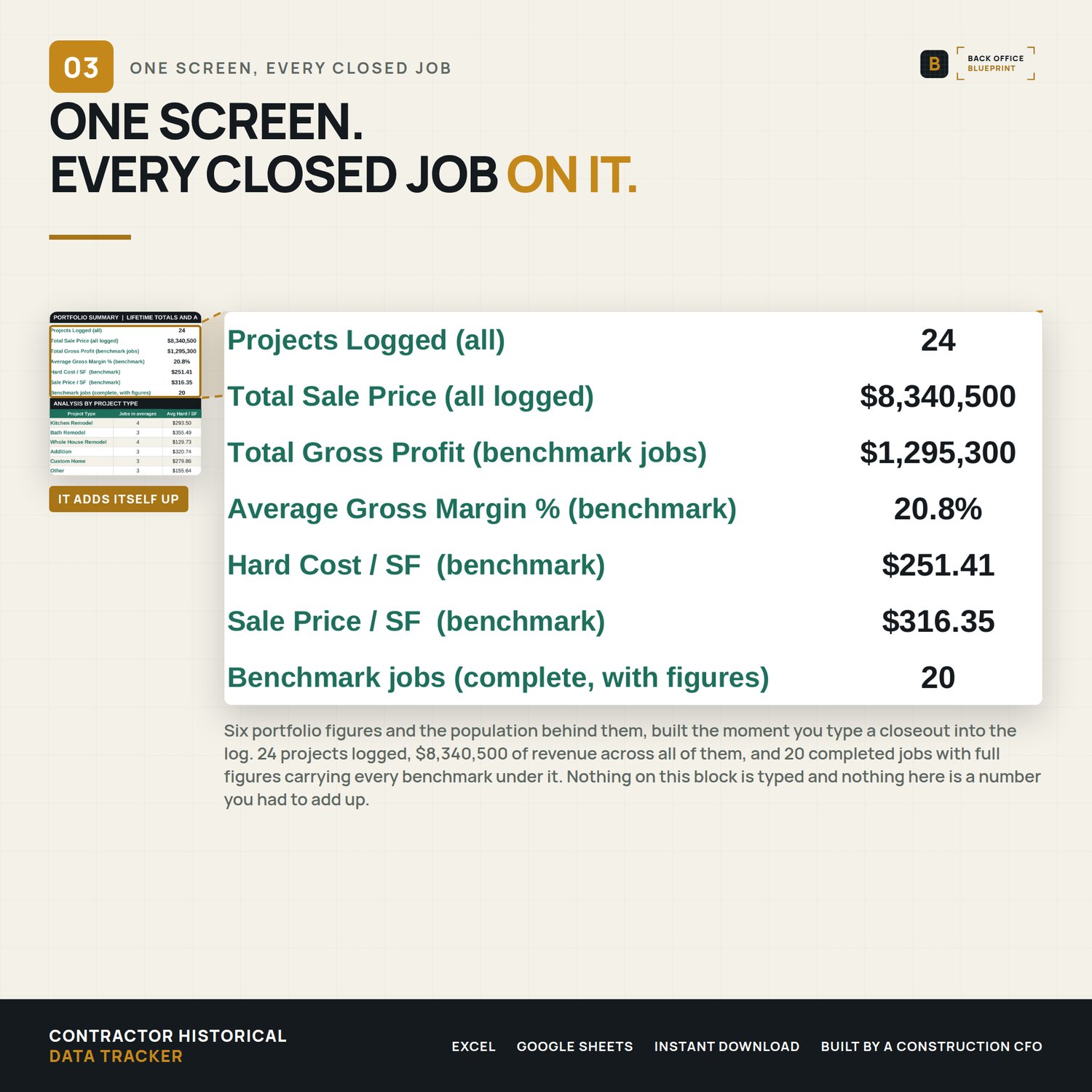
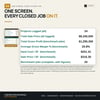
- Projects Logged (all)
- Total Sale Price (all logged)
- Total Gross Profit (benchmark jobs)
- Average Gross Margin % (benchmark)
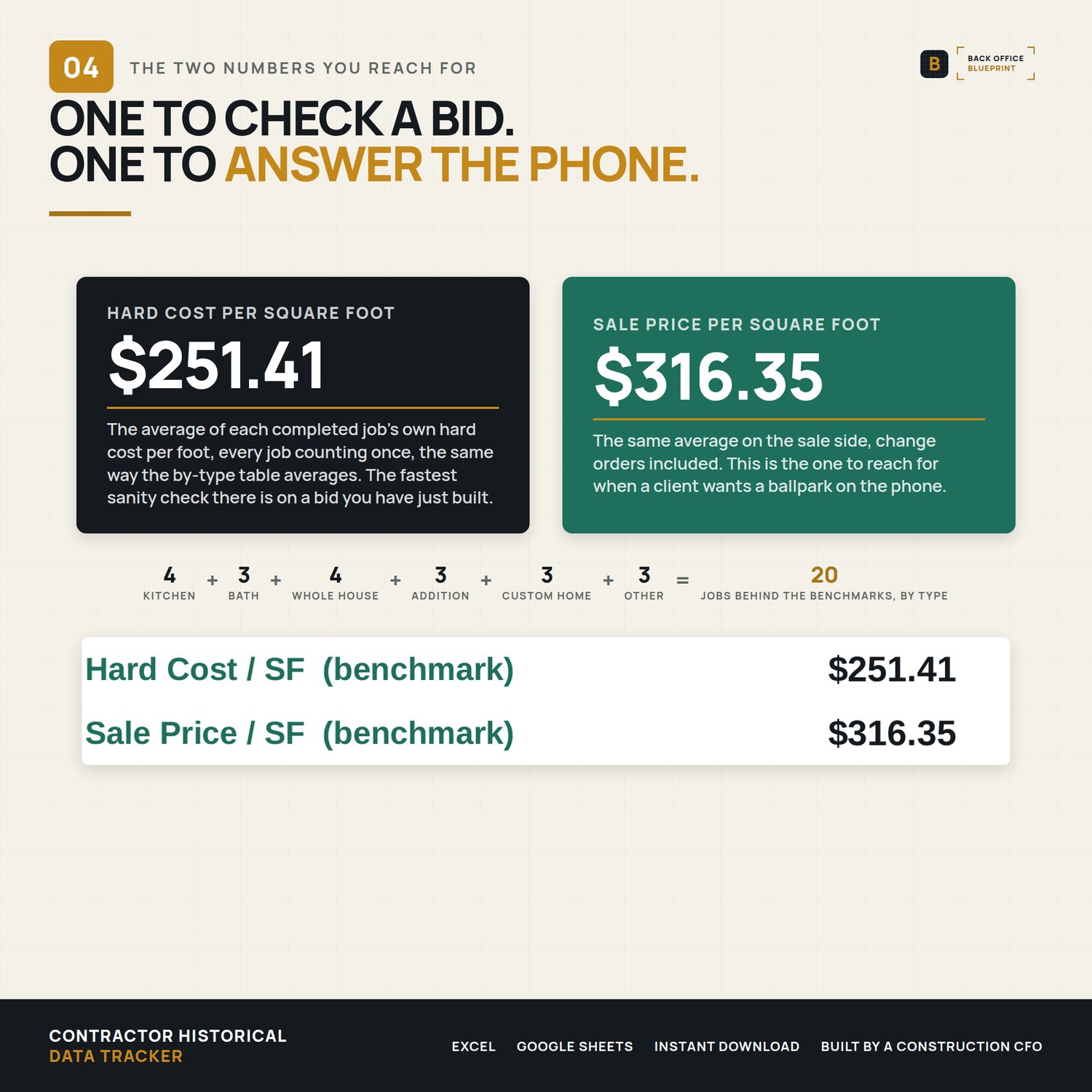
- Hard Cost / SF (benchmark)
- Sale Price / SF (benchmark)
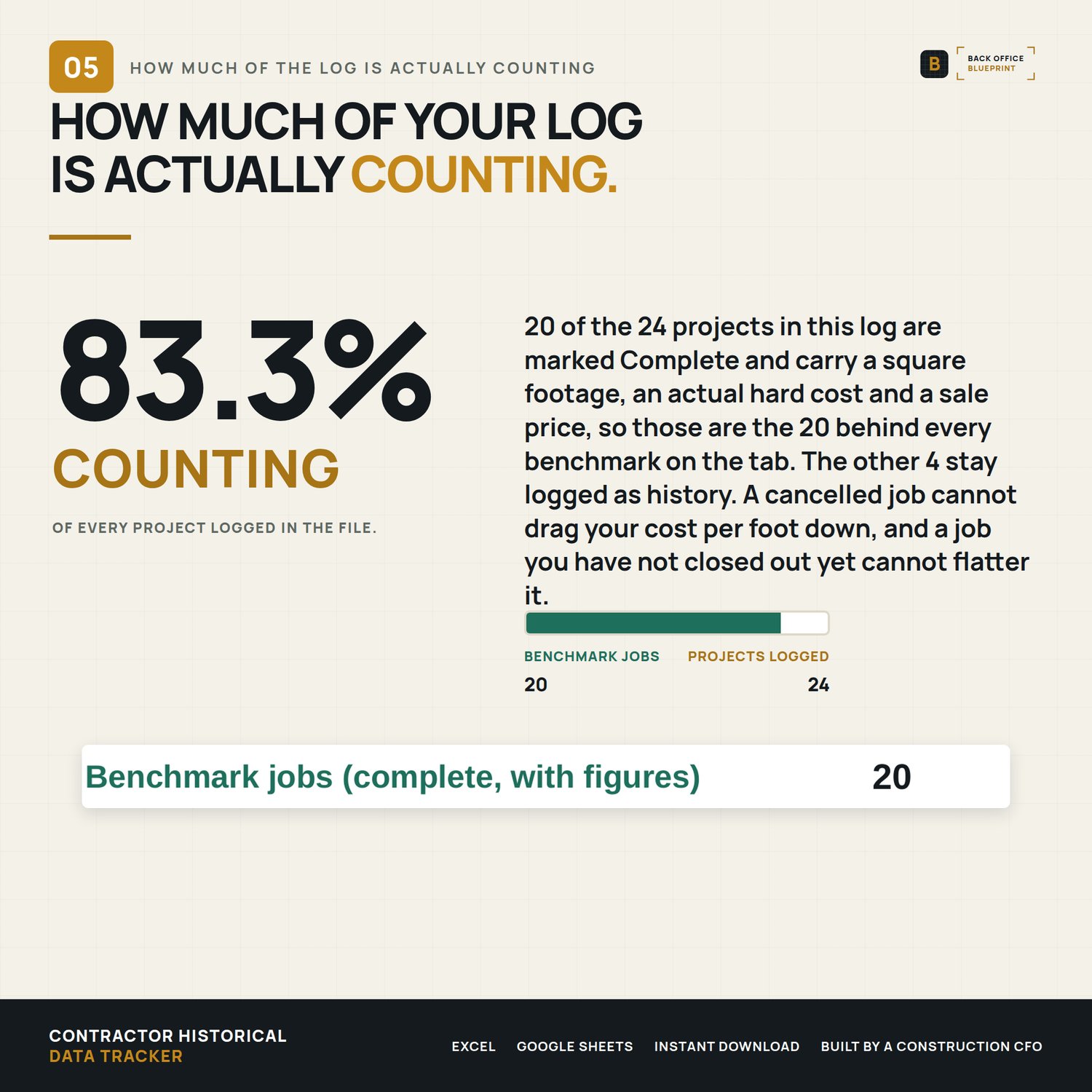
- Benchmark jobs (complete, with figures), so you can see how many jobs every average above is built from
And By Project Type:
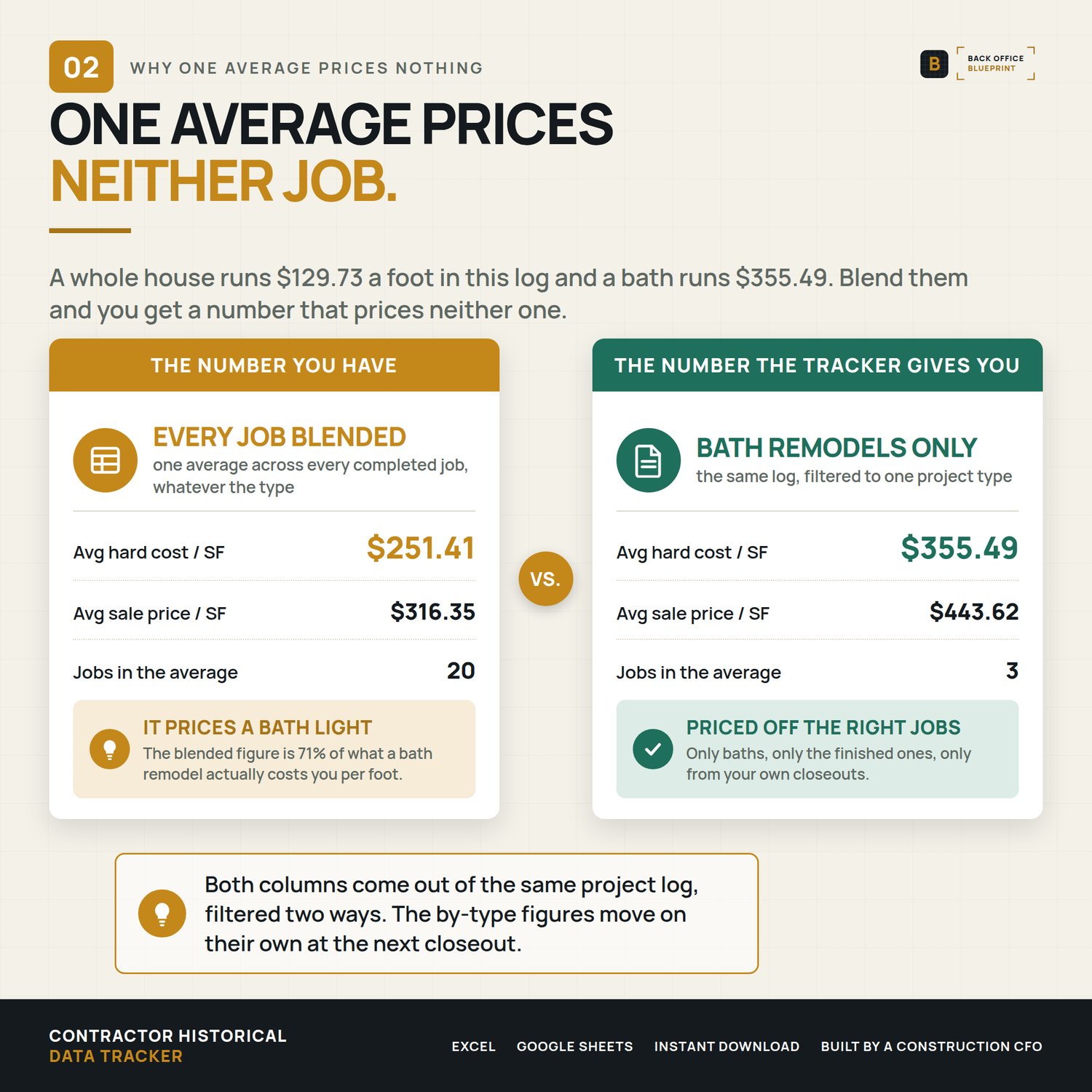
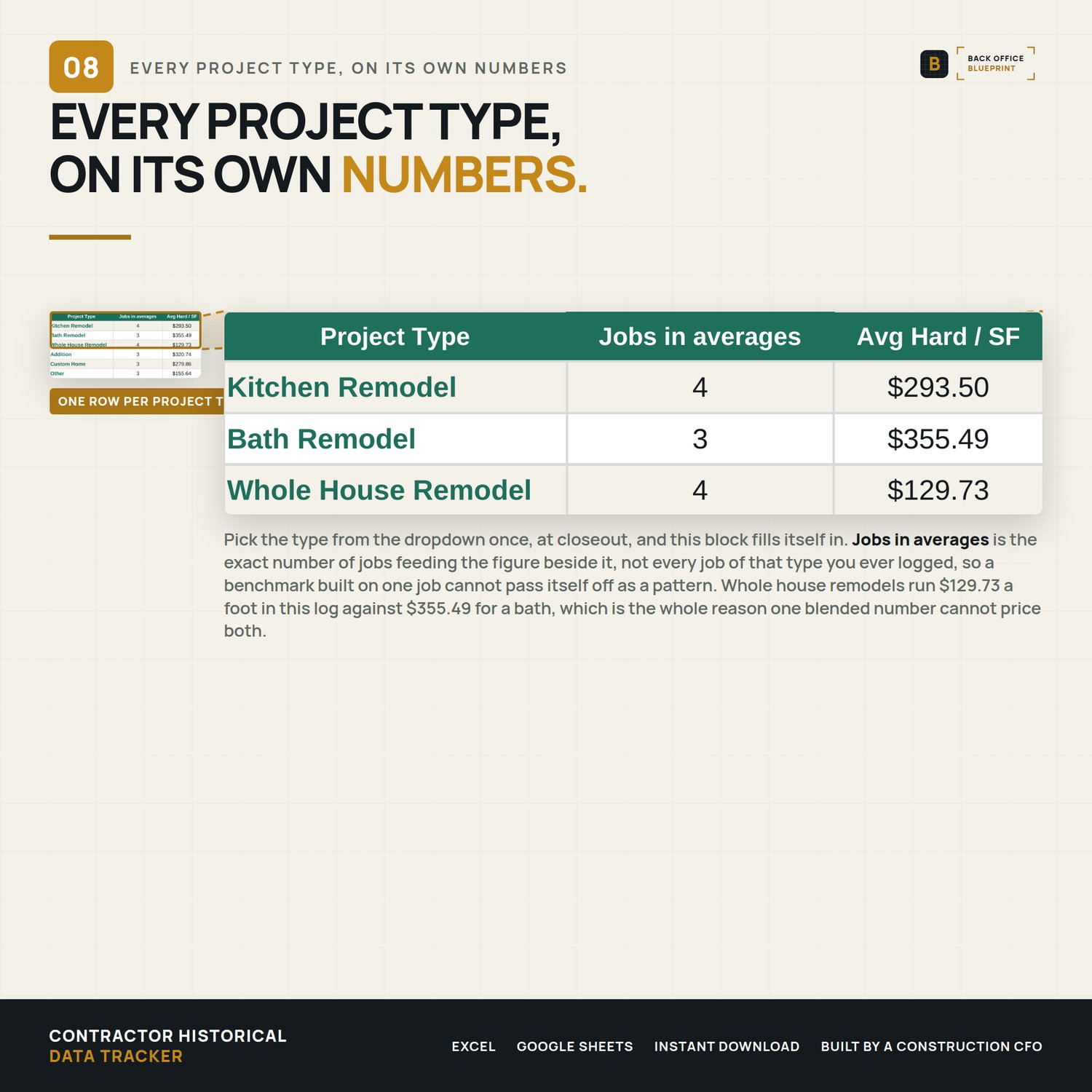
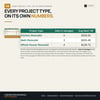
- Jobs in averages, Avg Hard / SF, Avg Sale / SF, Avg Margin %, Total Volume
- Six pre-built types: Kitchen Remodel, Bath Remodel, Whole House Remodel, Addition, Custom Home, Other
- Only completed jobs build the benchmarks. Cancelled, active and on-hold jobs stay in the log as history
Why This Is Different
- Most contractors estimate from gut feel — looking at a project and saying "feels like $X per square foot" based on the two or three jobs they happen to remember. That's wildly inaccurate. With a real database of cost-per-SF by project type, margin trends, and lessons learned, you can quote your next kitchen remodel with confidence and back it up with data.
- That's a competitive advantage almost no residential builder has.
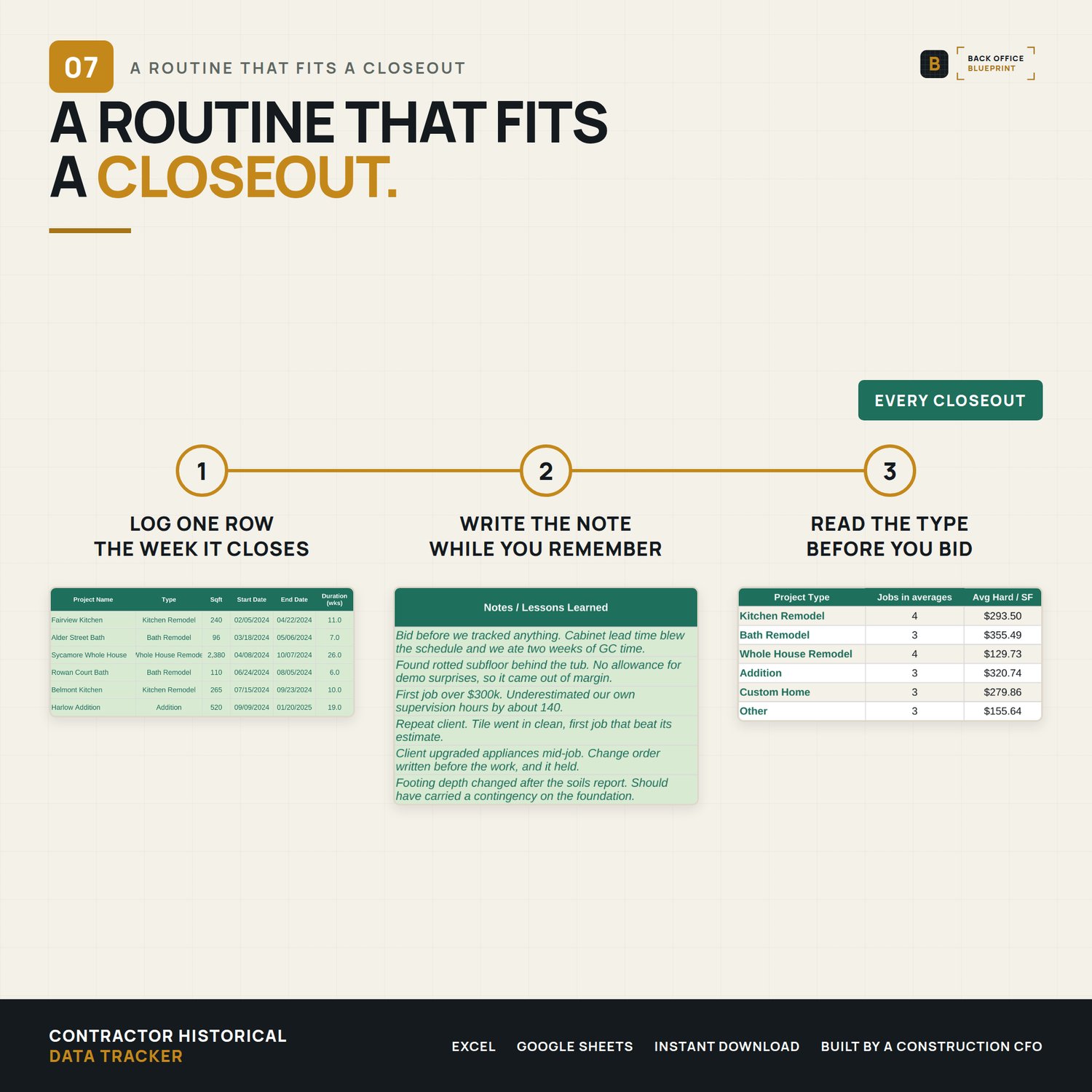
- The NOTES column captures what almost no one writes down — what surprised you, what you'd estimate differently, what to know before the next similar project. Numbers tell you what. Notes tell you why.
- The ANALYSIS BY PROJECT TYPE section turns your portfolio into actionable benchmarks. After three to five projects of a type, those averages become your go-to bidding reference.
- The PORTFOLIO SUMMARY is the dashboard to pull up every time you sit down to write a new bid. Five seconds of context prevents 30 minutes of correction later.
How To Use It
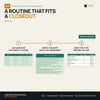
- Download the Excel file (or open in Google Sheets)
- Open the READ ME FIRST tab for a 2-minute overview
- Log your most recent 5-10 projects from memory and QuickBooks
- Add one row per project at every future closeout
- Watch the Portfolio Summary and Analysis sections update in real time
- Pull up the dashboard every time you write a new bid
Instant Download
All files delivered immediately after purchase. Excel-compatible. Designed to import into Google Sheets: the formulas use functions both programs support, and formatting may vary after import. No subscription, no software required beyond Excel or a Google account. The log holds a thousand rows and prints the first hundred by default, so a printout is never pages of empty grid.
Questions? Message me. I respond personally.
© Back Office Blueprint. Single business license. Not for resale or redistribution.