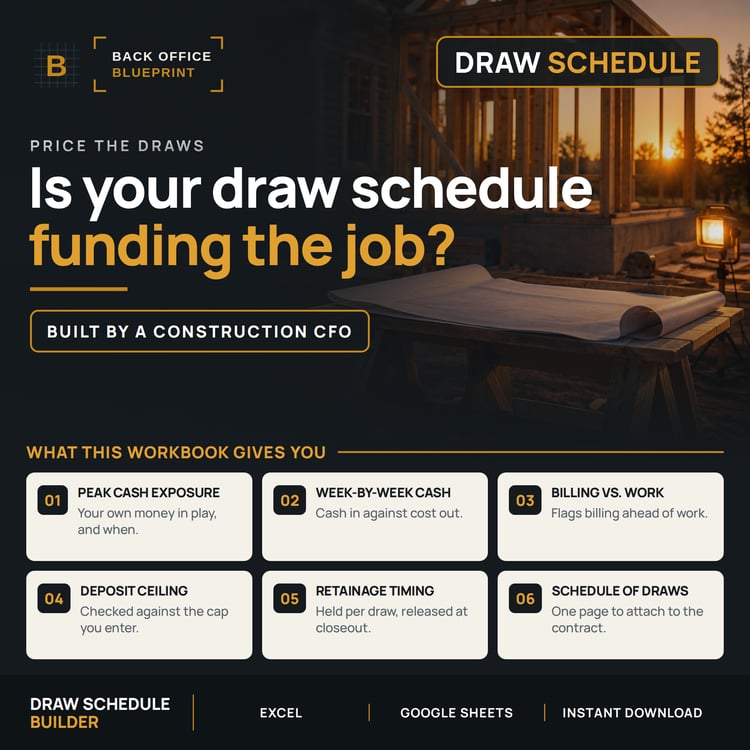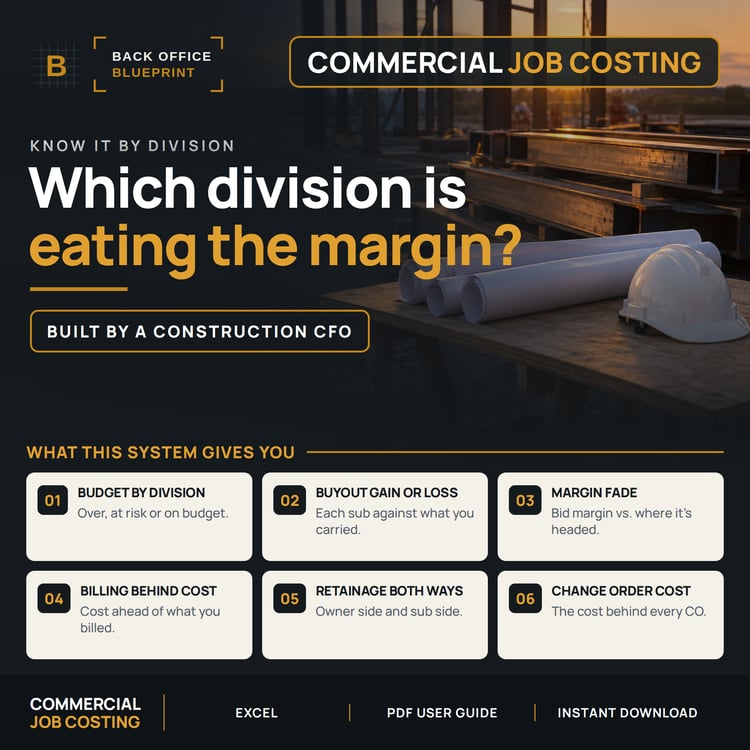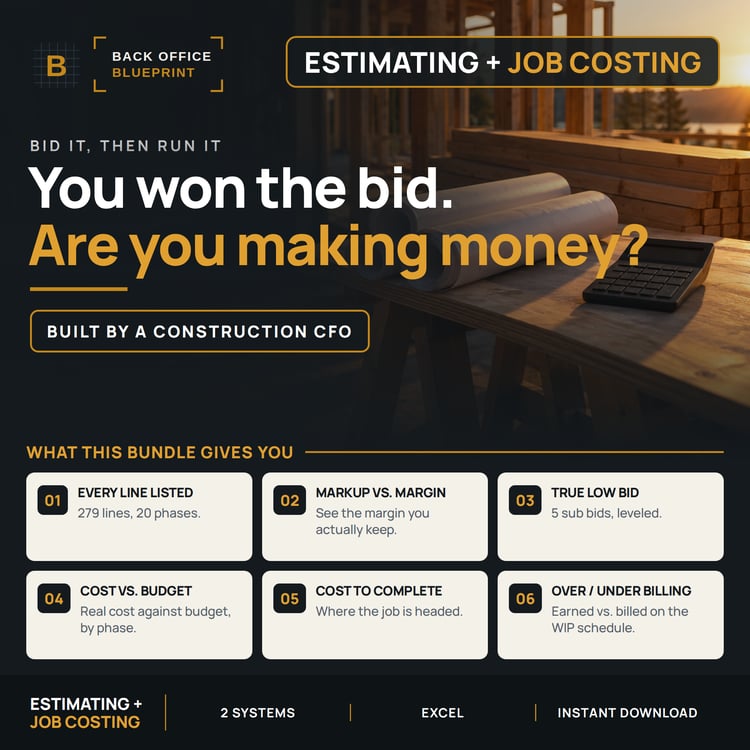
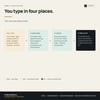

Construction Purchase Order & Job Budget Control System
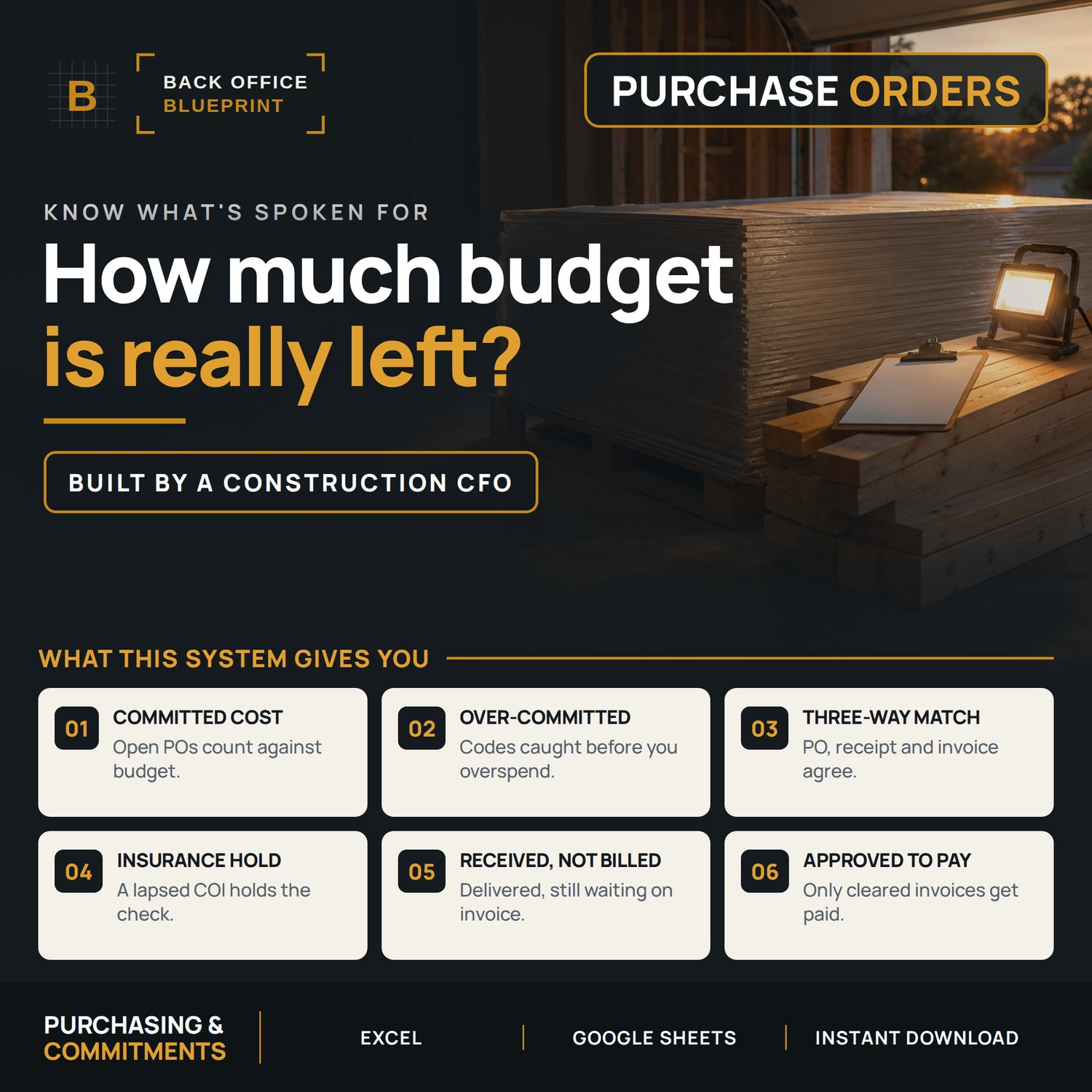
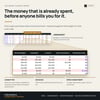
Every PO and subcontract you issue, tracked against the job budget — so you can see the money that's already spent before the invoice shows up.
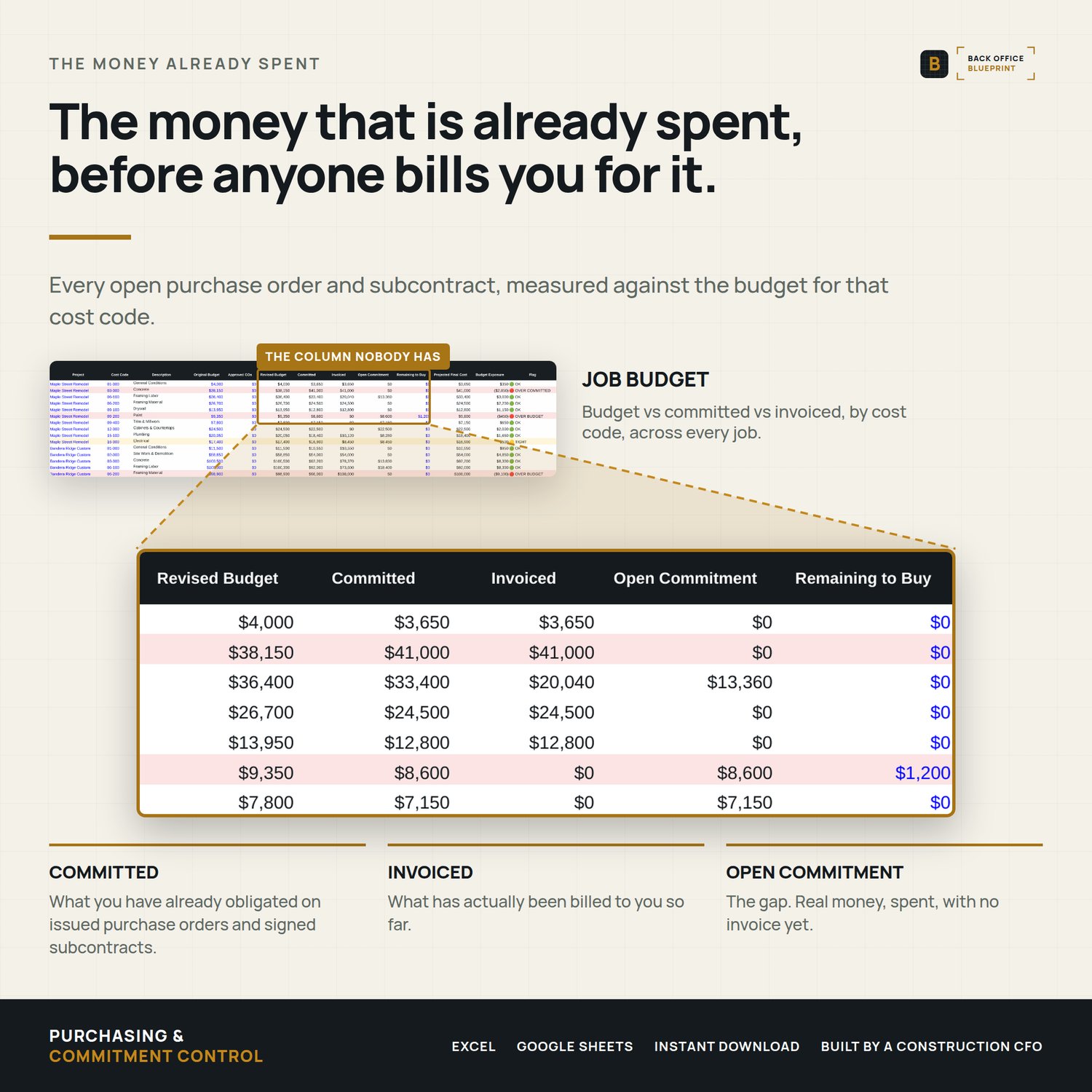
Budget minus actual is not what you have left. Part of it is already committed on open POs and subcontracts nobody has billed yet. That gap is where jobs go underwater quietly, and a job cost report won't show it to you.
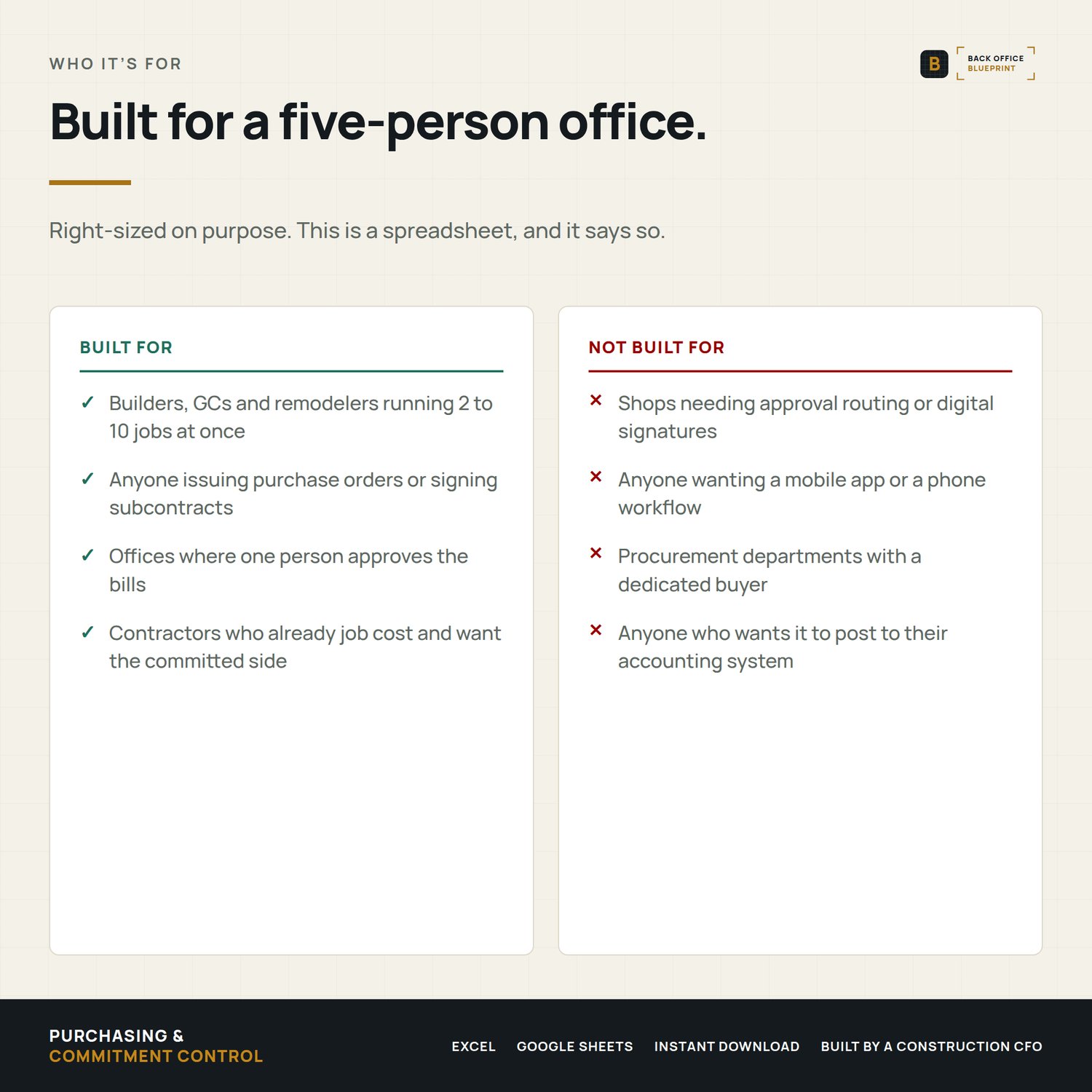
Who it's for
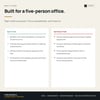
Builders, GCs and remodelers running 2 to 10 jobs at a time who issue purchase orders and subcontracts and want to know the real number before the job closes.
Who it's not for
If you need approval routing, digital signatures or a mobile app, this isn't it. This is a spreadsheet built for a five-person office, not a procurement department.
WHAT'S INSIDE — 10 tabs
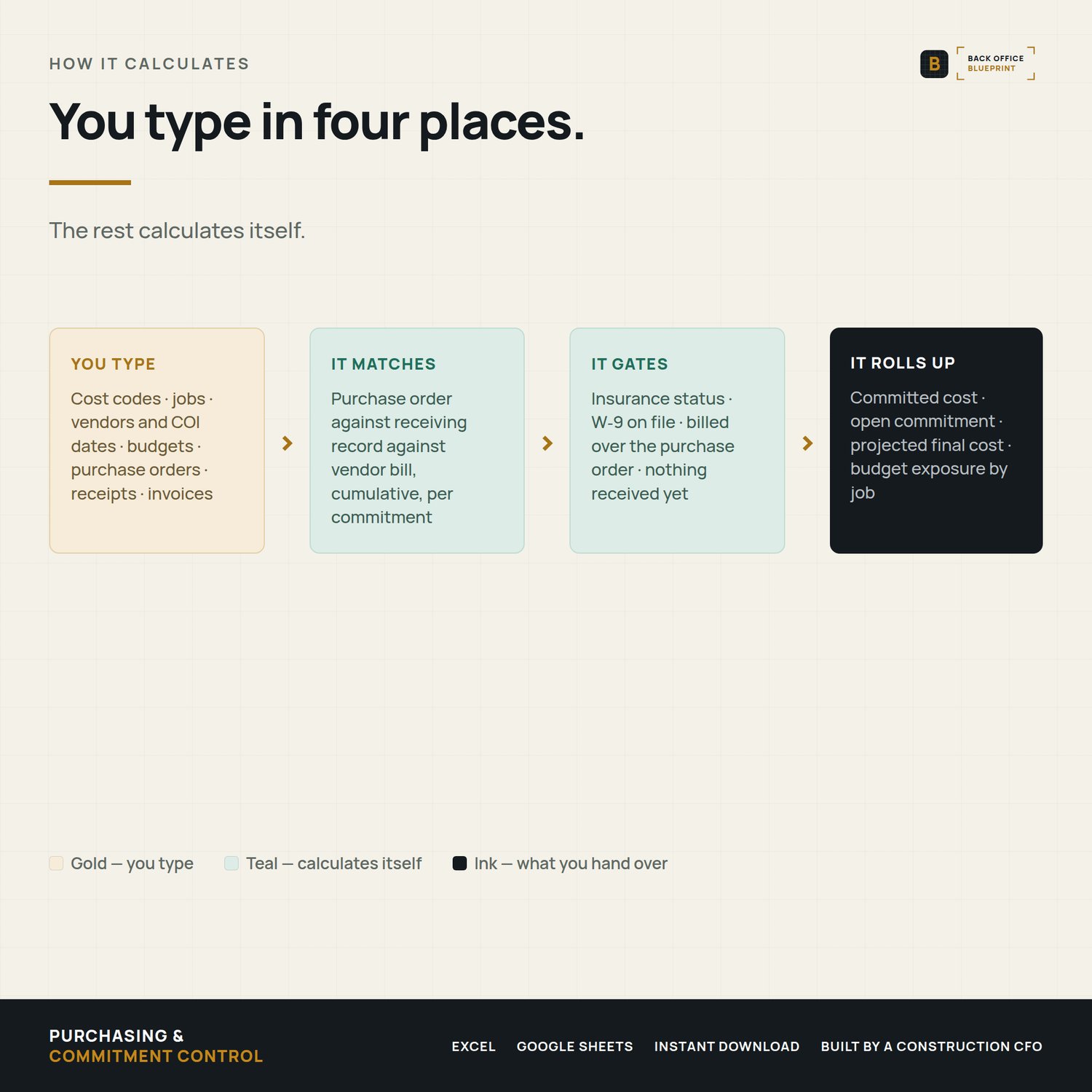
- · Read Me First — setup order and what every flag means
- · Cost Codes — 20 starter codes, edit them to match yours
- · Projects — your job list
- · Vendors — terms, W-9 on file, COI expiry with automatic status
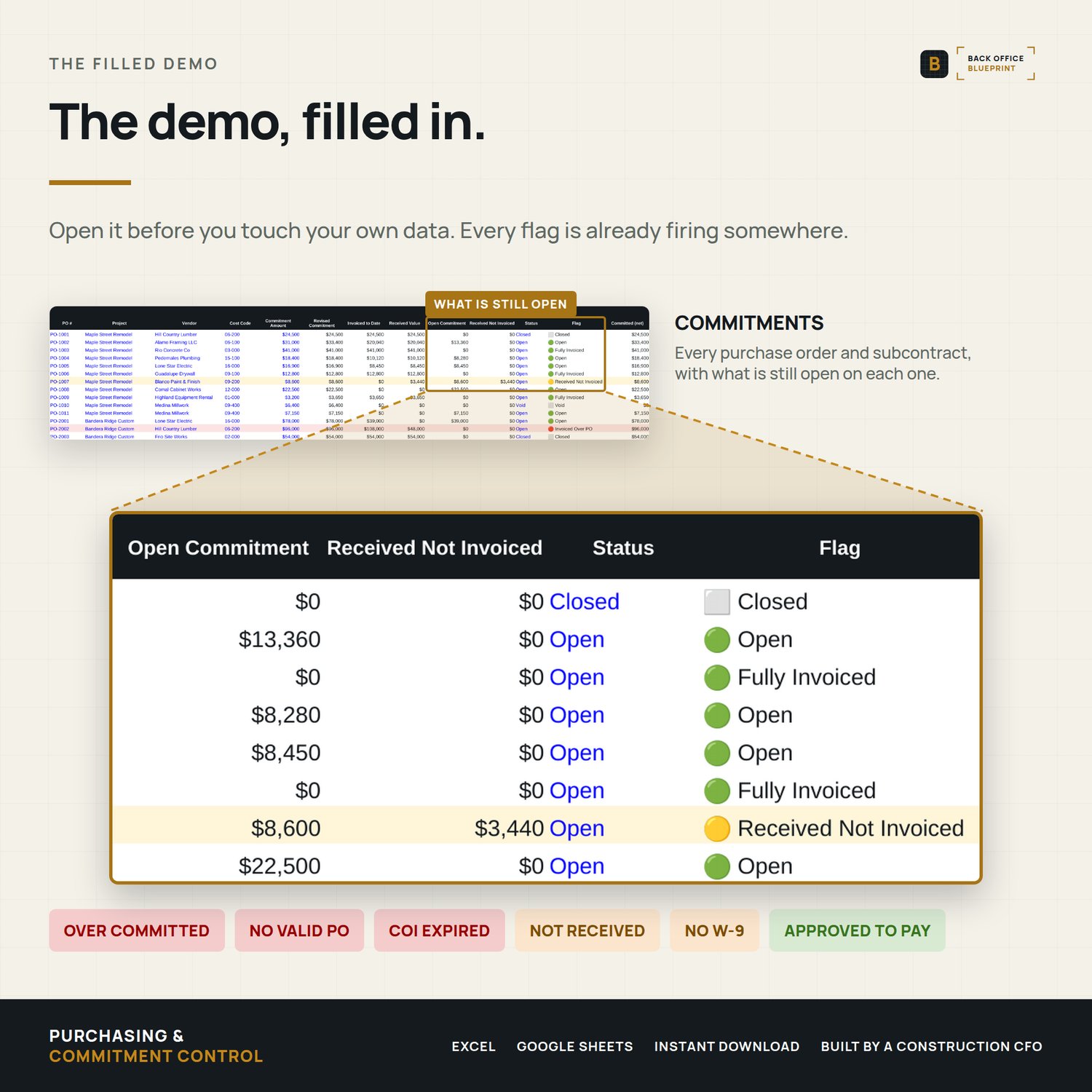
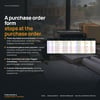
- · Commitments — every PO and subcontract, with open balance and received-not-invoiced
- · Receiving — what actually showed up, by percent complete or dollar value
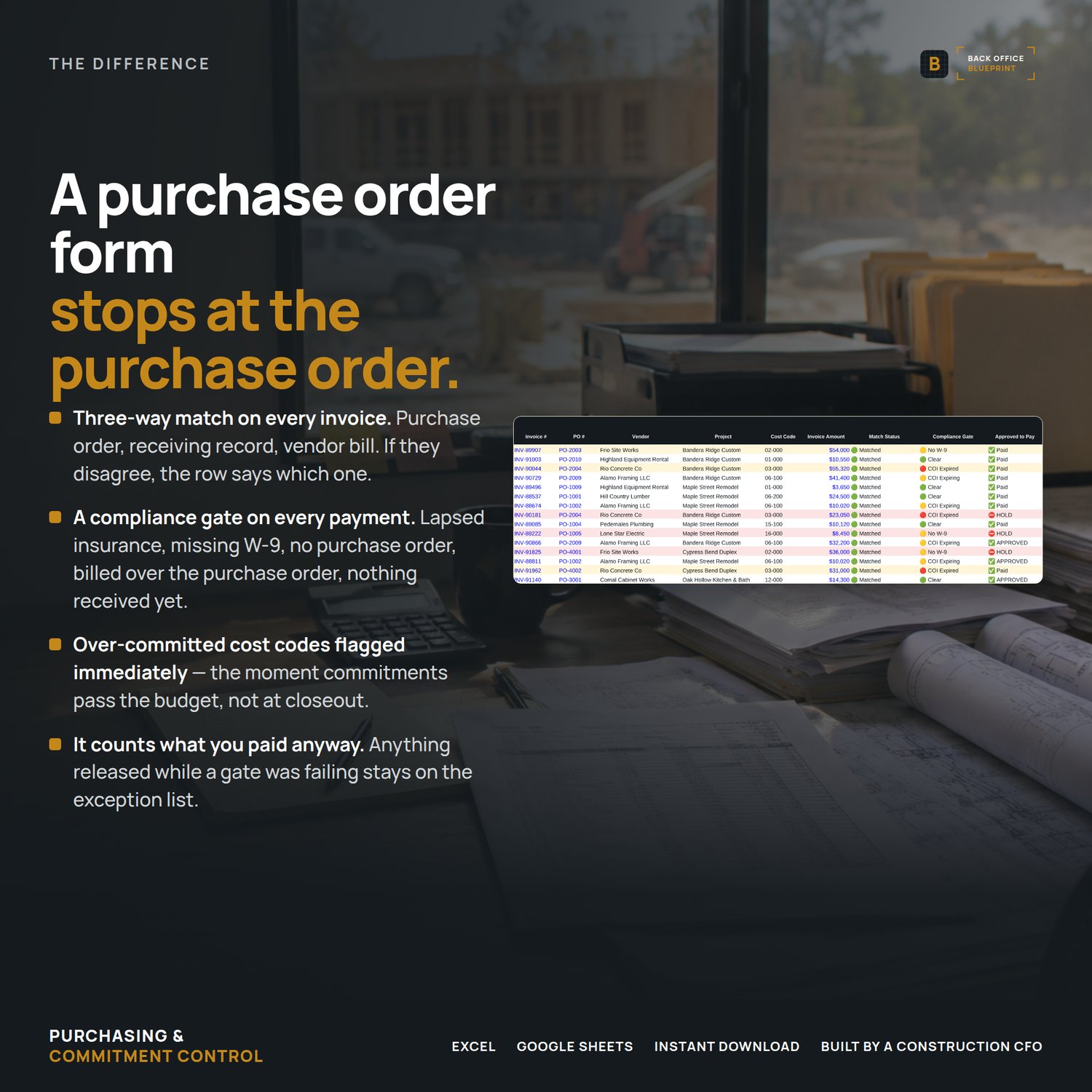
- · Invoices — three-way match plus a compliance gate on every bill
- · Job Budget — budget vs committed vs invoiced vs projected final cost, by cost code
- · CFO View — exposure by job, with projected margin
- · Dashboard — 34 live figures and a worked exception list
The part nobody else does
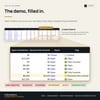
The payment gate holds a check when the three-way match fails, when there's no PO, when the invoice runs over the PO, when the goods haven't been received, when the W-9 is missing, or when the vendor's insurance has lapsed. It tells you which one, on every invoice.
Over-committed cost codes are flagged the moment committed cost passes the budget — not at closeout.
Format
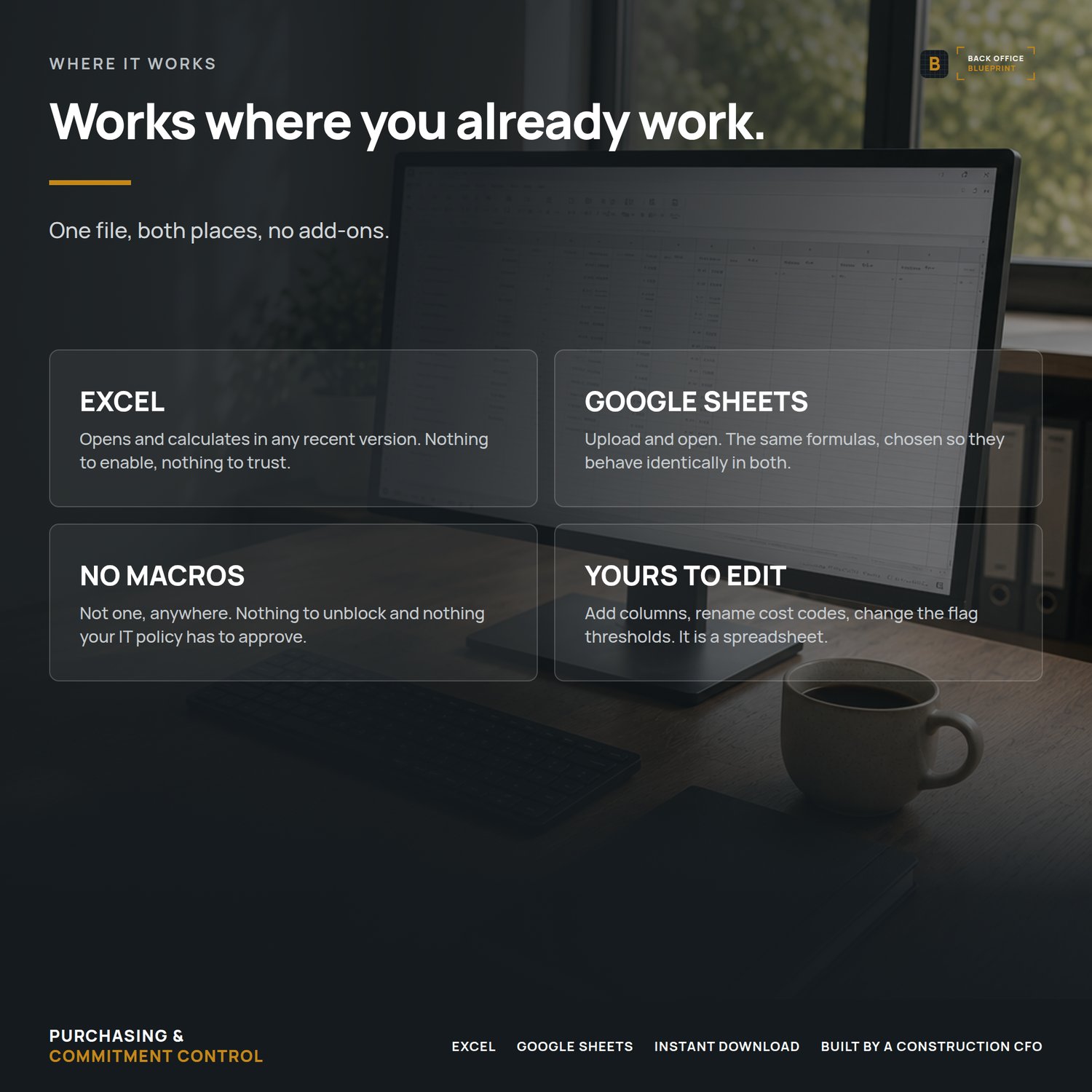
Excel (.xlsx) and Google Sheets. No macros, no add-ons, nothing to install. Works the same in both.
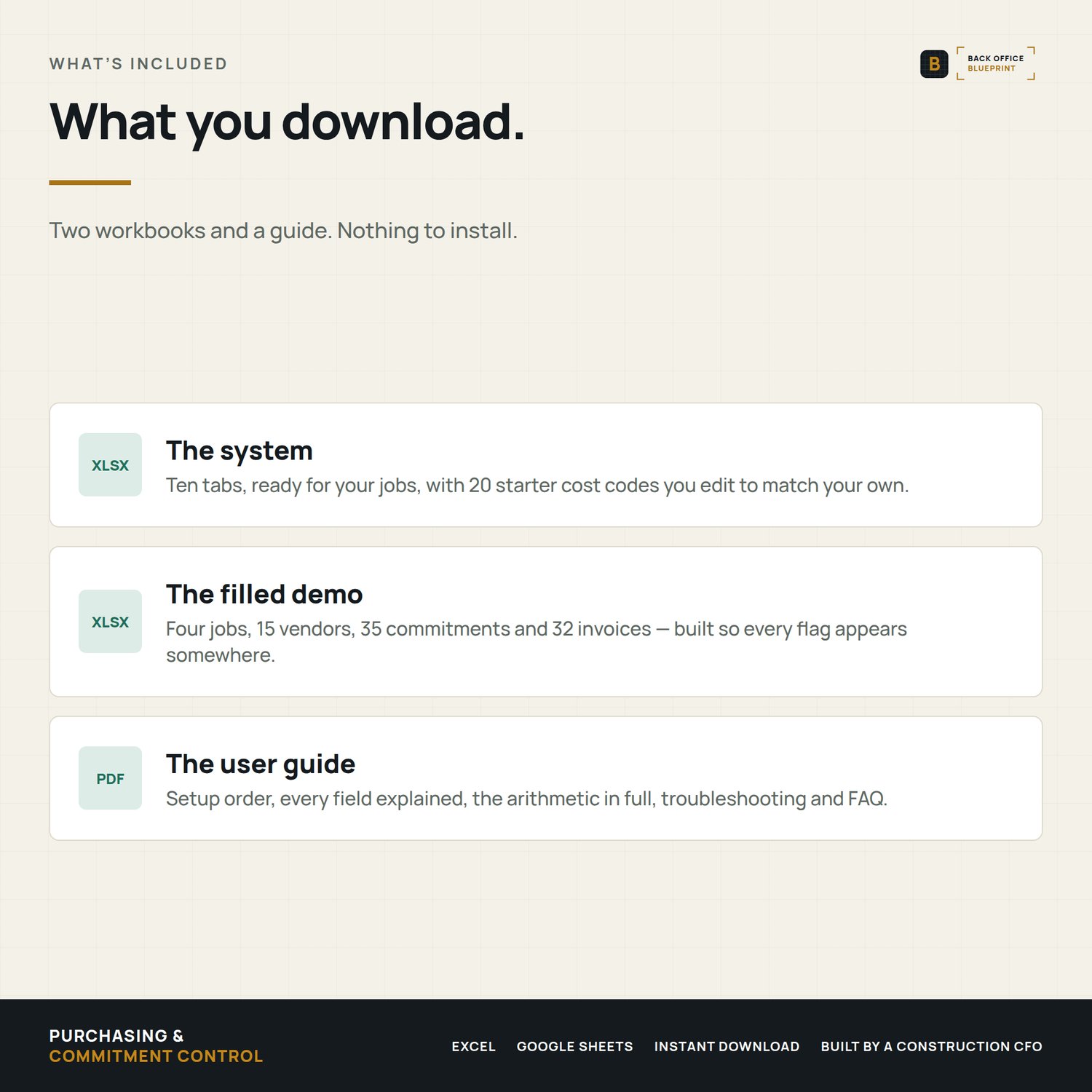
What you get
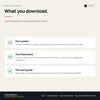
- · The blank system, ready for your jobs
- · A demo file filled with four sample jobs, 15 vendors and 35 commitments so you can see every flag before you touch your own data
- · A user guide
What happens after you buy
The files download immediately. Open the Read Me First tab and follow the four setup steps in order — cost codes, projects, vendors, budget. Then log a PO the day you issue it, not the day it's billed.
Questions before or after you buy? Message me. I answer personally.