

Construction Punch List Tracker — Excel & Sheets Closeout
Closeout is where your retainage sits, and where the email chain goes to die.
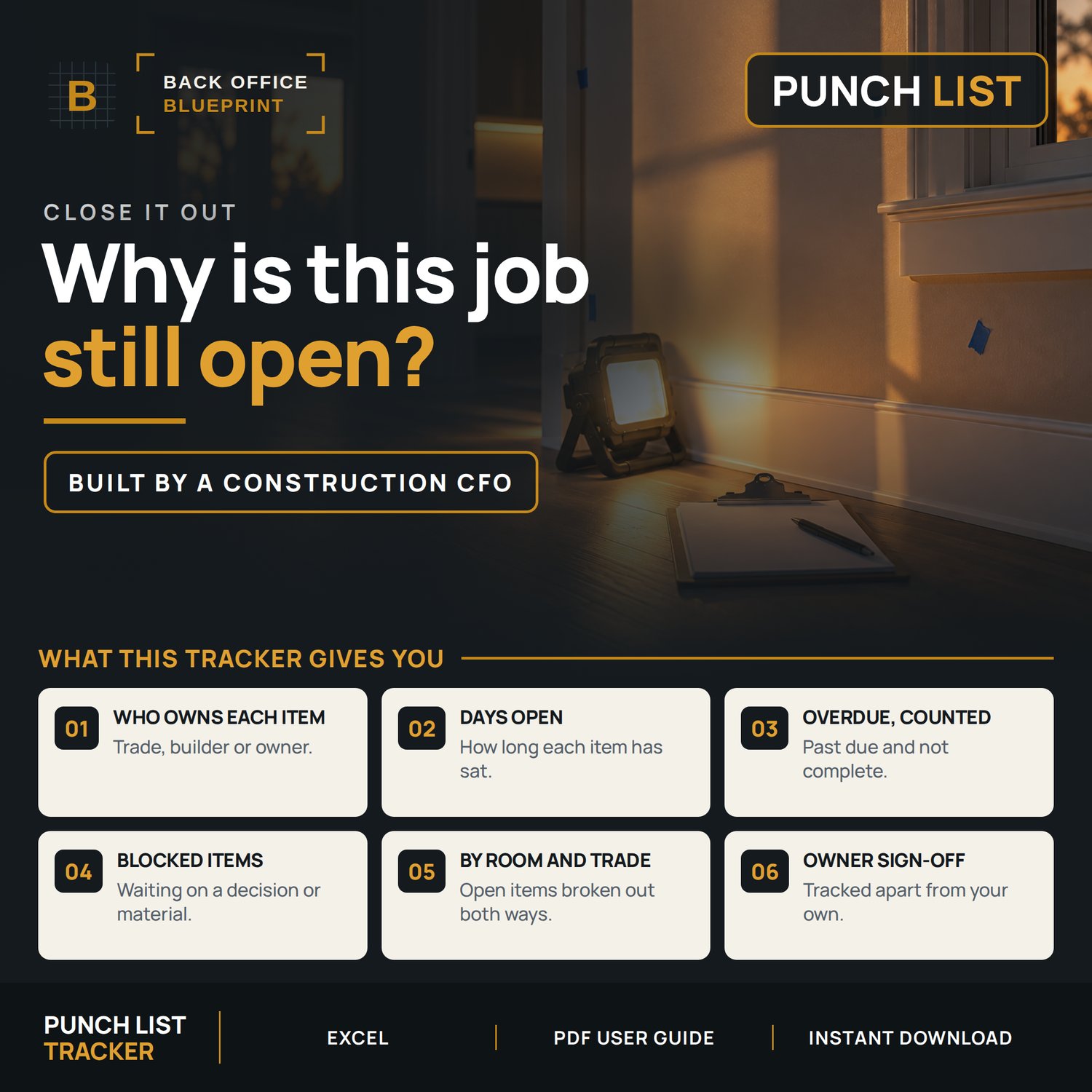
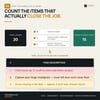
Every punch item gets a row — status, priority, room, trade, due date and owner sign-off — so you can see what's actually left before you ask for final payment.
Built for a five-person crew and not a closeout department.
Who it's for
You close out 3 to 15 jobs a year and retainage is the last money you chase.
Not for you if your punch lists already live in a field app with photo markup.
What's Included
- Punch List Tracker (Excel + Google Sheets compatible)
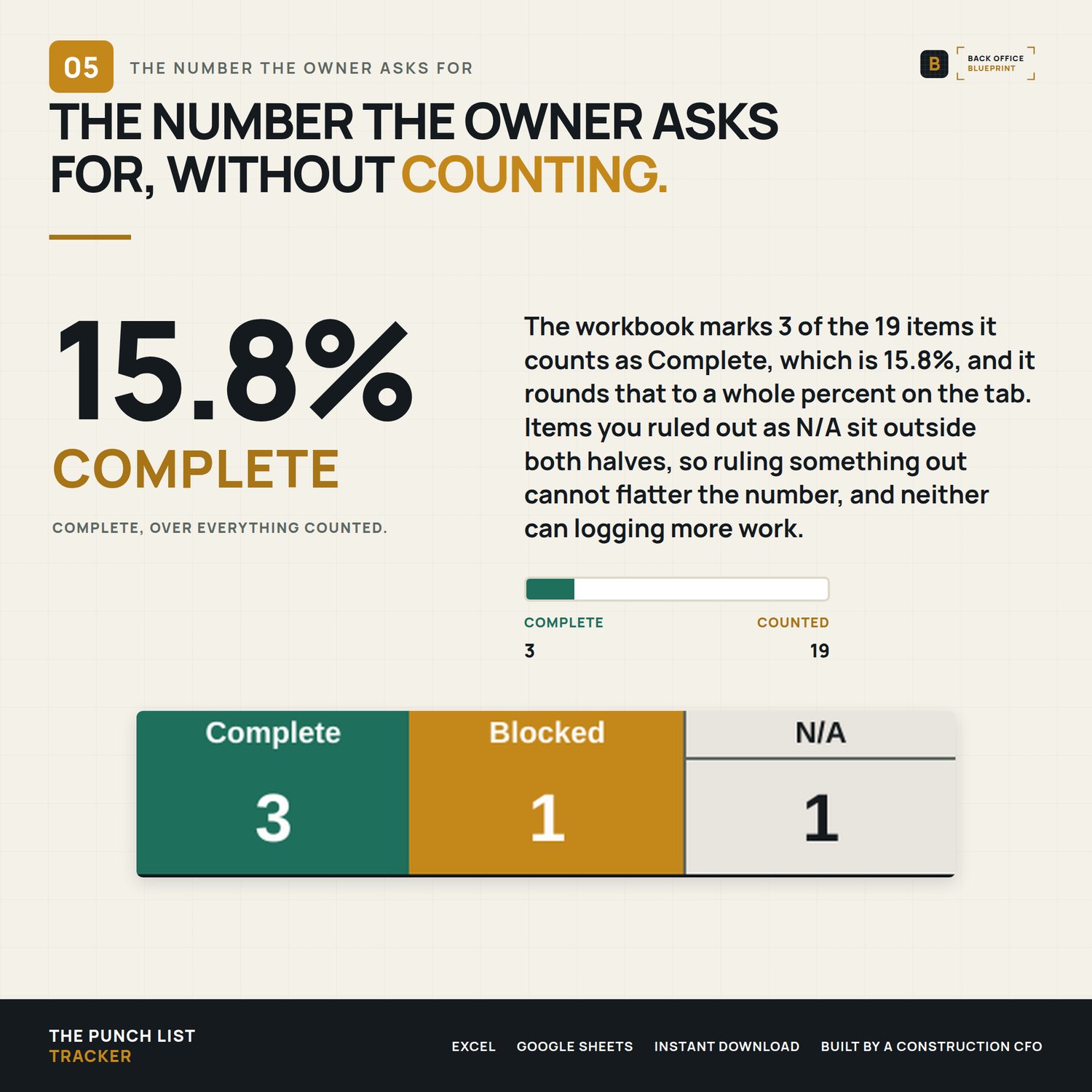
- Live, auto-updating Dashboard
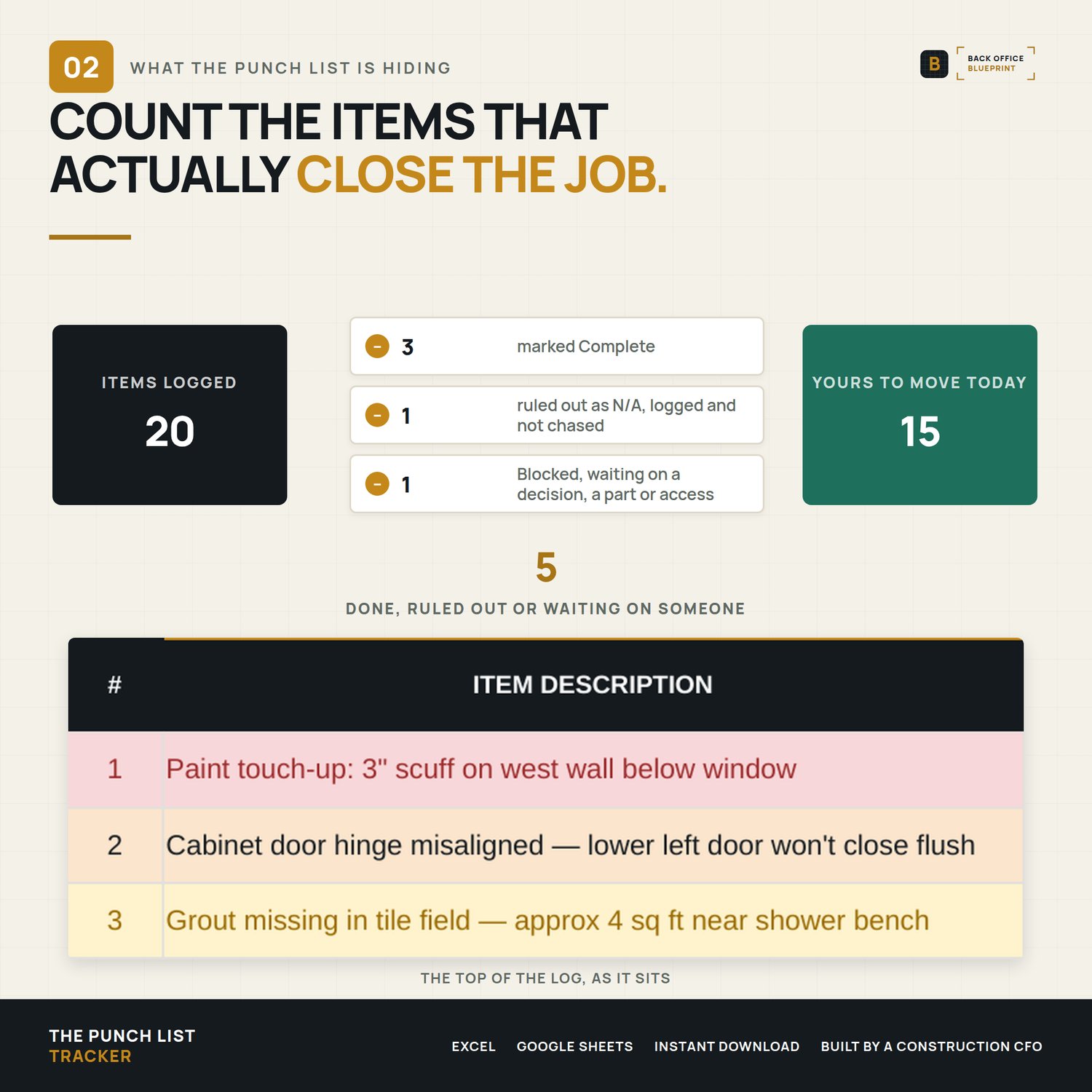
- Demo file with 20 example punch items pre-loaded
- Step-by-step User Guide PDF (14 pages, every column, every formula, every workflow)
- Built-in READ ME FIRST tab for quick reference
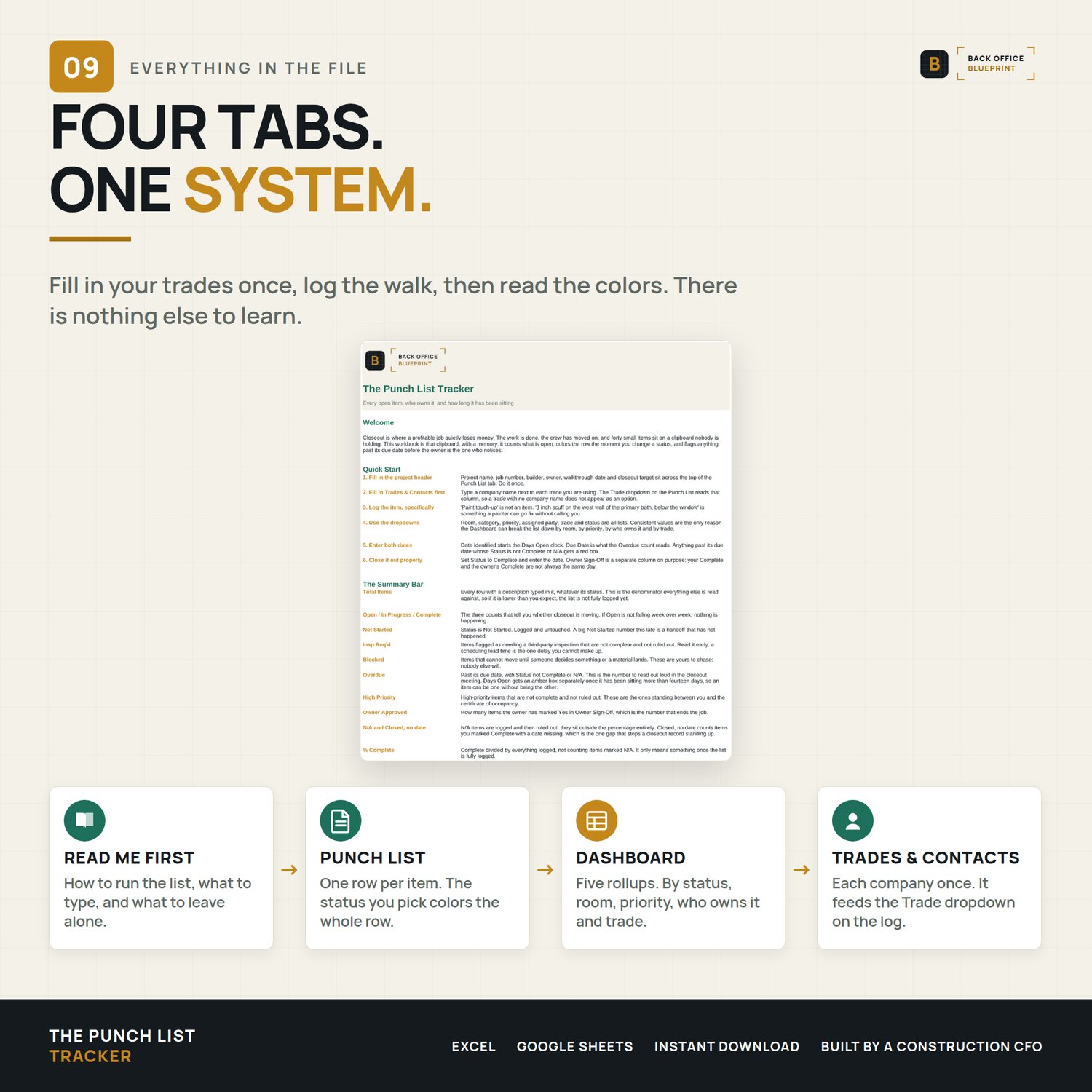
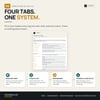
The 4 Tabs
- READ ME FIRST — column definitions, color-coding rules, dropdown setup
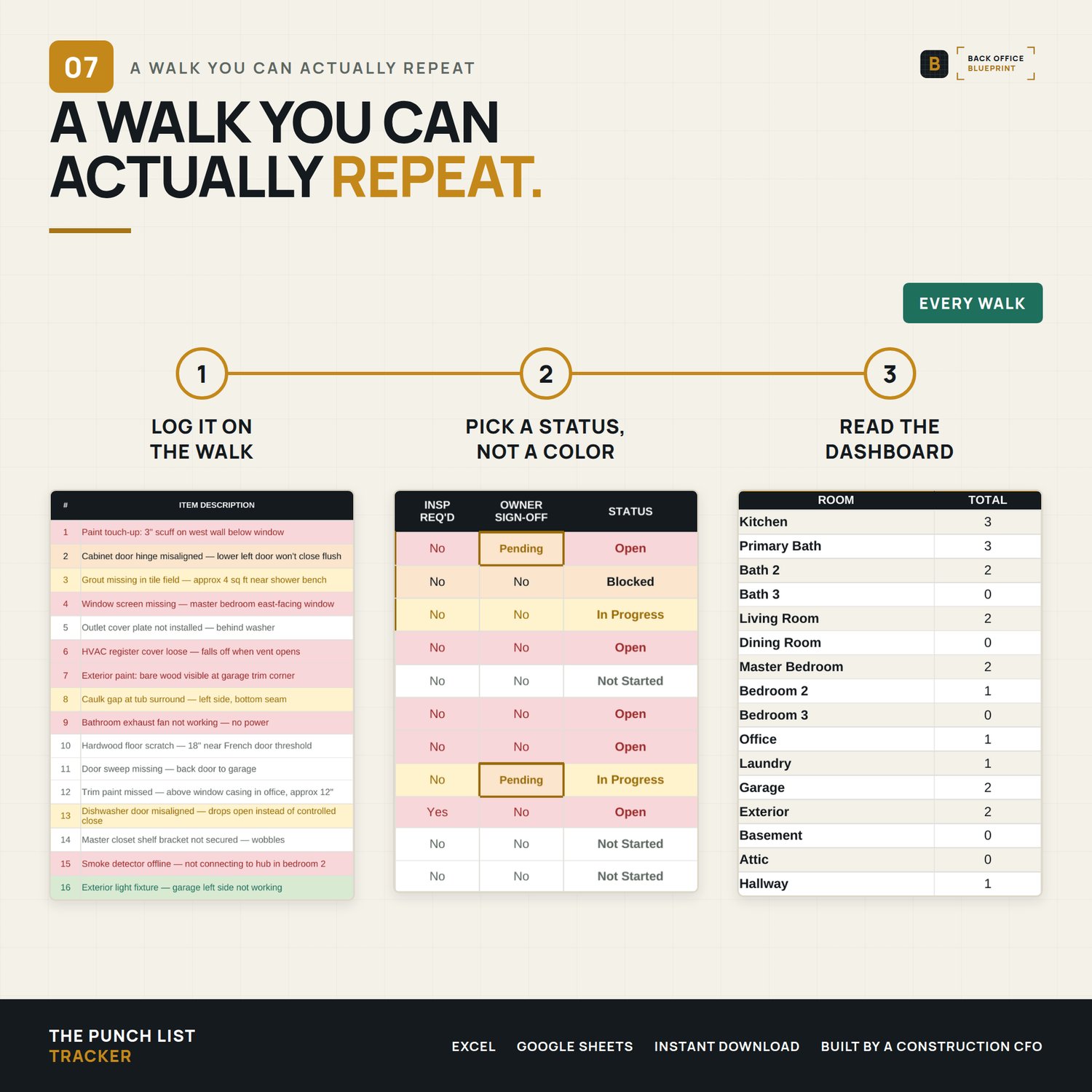
- Punch List — one row per item, 200 pre-built rows, live summary up top
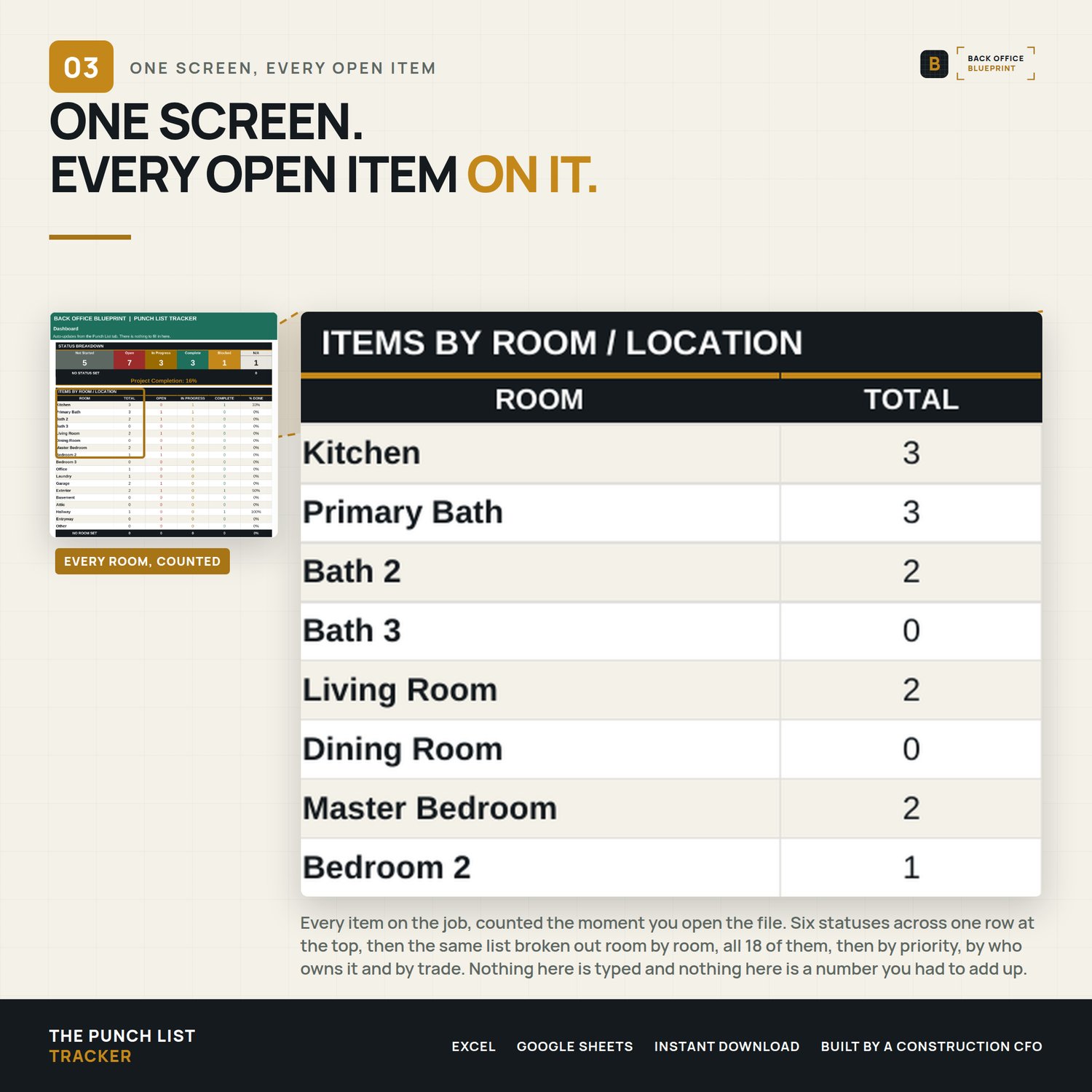
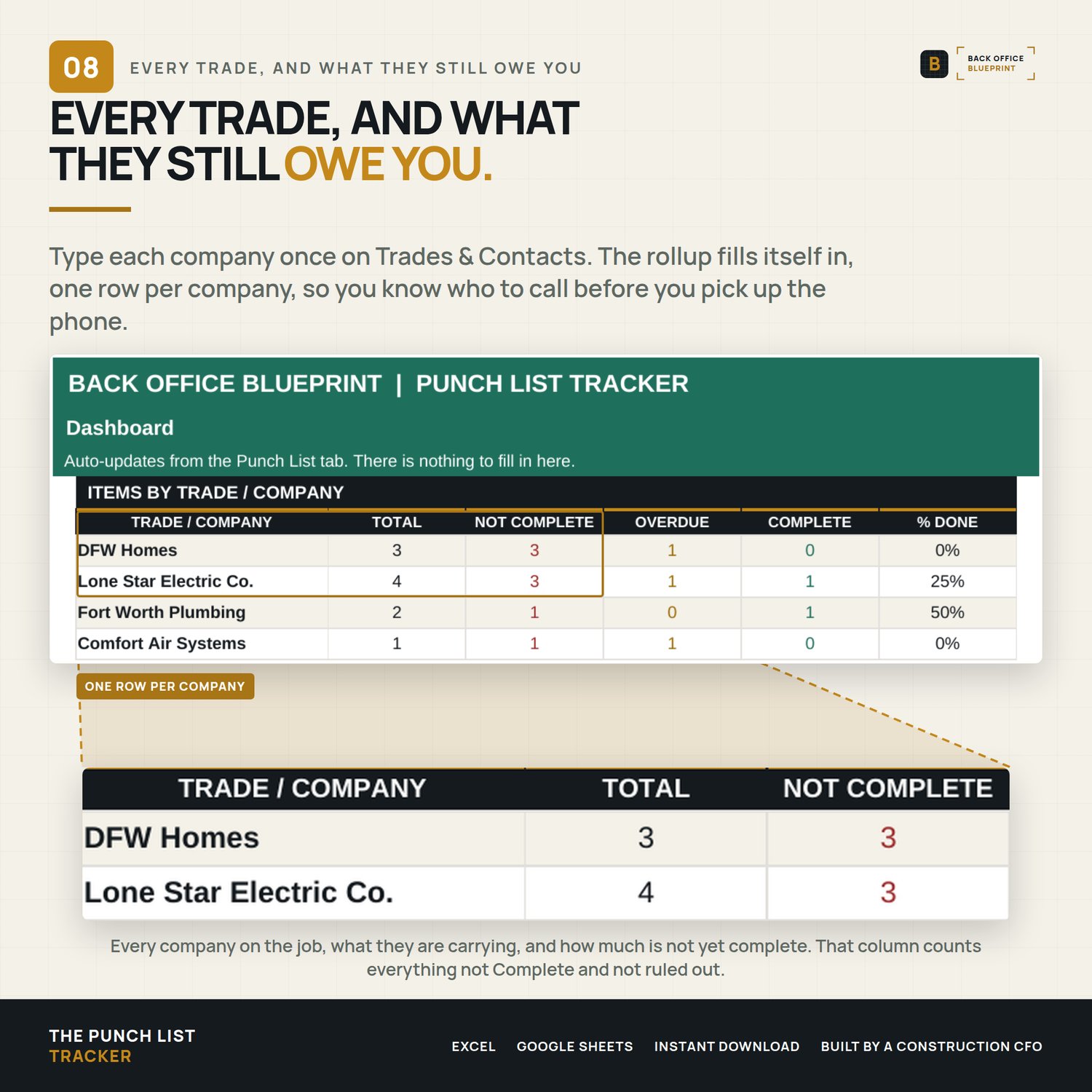
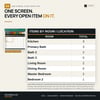
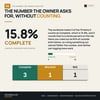
- Dashboard — auto rollups by status, room, priority, assigned party and trade
- Trades & Contacts — your project directory; feeds the Trade dropdown
What It Tracks
- Item description, room/location, category/phase
- Priority (High/Medium/Low), assigned party, trade/company
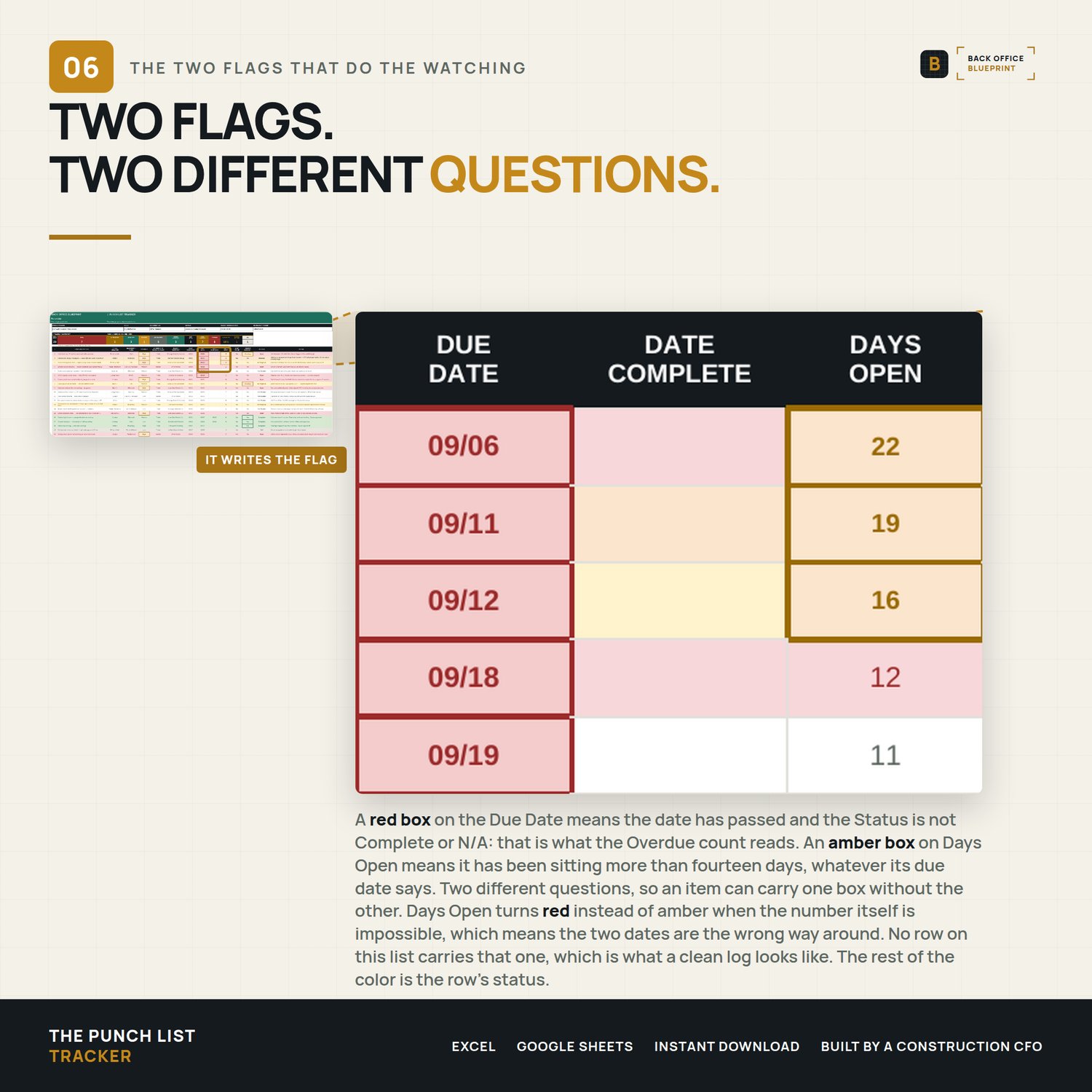
- Date identified, due date, date complete, days open (auto)
- Inspection required, owner sign-off, status, notes
Color-Coded Status Tracking
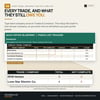
- Green = Complete · Amber = In Progress · Red = Open · Amber with dark text = Blocked · Plain with gray text = Not Started · Stone = N/A
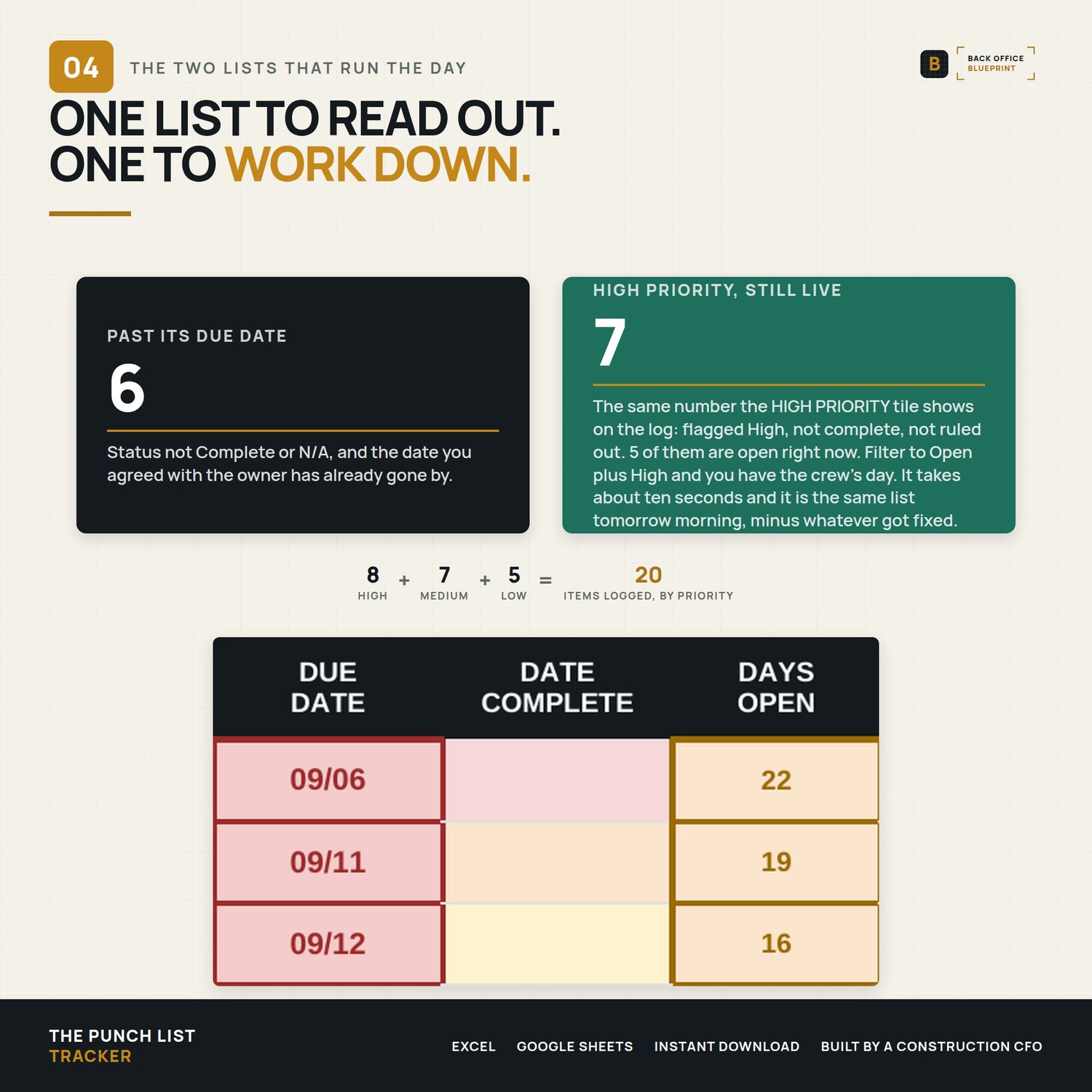
- Overdue items flag automatically, and anything still open more than 14 days gets an amber Days Open box
- High-priority items highlighted so nothing slips through the cracks
Why This Is Different
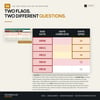
This isn't a blank spreadsheet. It's a system — with dropdowns that keep your data clean, formulas that roll up automatically, and a dashboard that turns 200 rows into a five-second answer. Log the walk once; the counts, percentages, and color-coding take care of themselves.
How To Use It
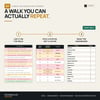
Open the workbook (in Excel, or upload the .xlsx to Google Sheets), fill in your trades, and log one row per punch item. The Dashboard does the rest. Full instructions in the included User Guide.
Works in Microsoft Excel (2007 or newer) and Google Sheets. Single-business commercial license. Instant download.
Questions? hello@getbackofficeblueprint.com