



Construction Labor Cost Control Spreadsheet | Excel
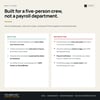
You found out the job lost money on labor after it was already over. Everybody hands you hours; nobody hands you what those hours cost against what you budgeted — and this is built for a five-person crew and an office of one, not a payroll department.
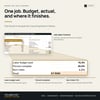
A wage isn't a cost. Once you stack payroll taxes, workers comp, benefits and paid time off on top of it, a $28 carpenter costs you $38.88 an hour. Thirty-two hours of framing isn't $896, it's $1,244. Multiply that across a crew and a season and it's the whole difference between a job that made money and one that didn't.
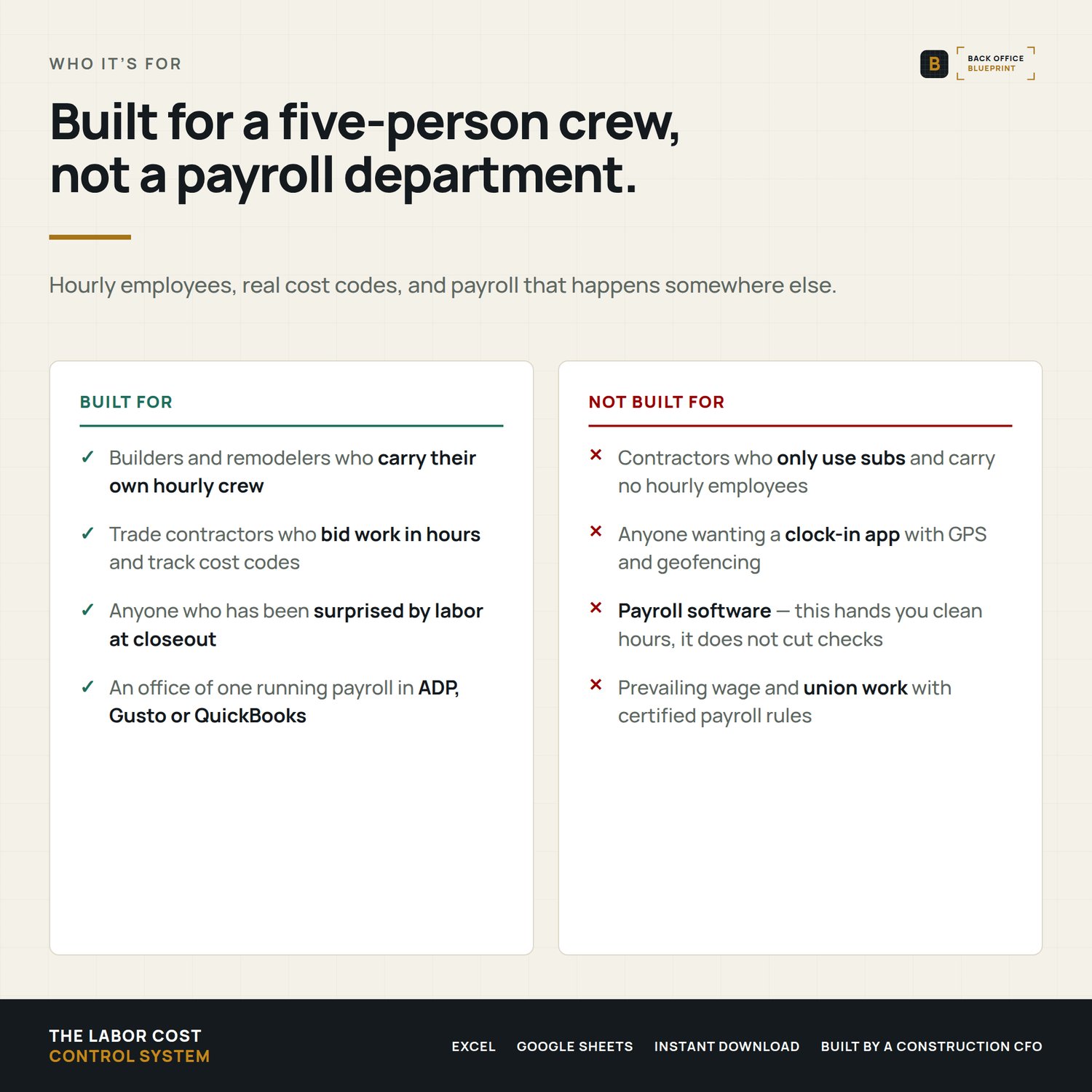
Who it's for
Builders, remodelers and trade contractors who run their own crew, bid work in hours, and already run payroll somewhere else.
Not for you if you only use subs and never carry hourly employees, or if you want a clock-in app with GPS. This is what happens to the hours after somebody collects them.
What's inside
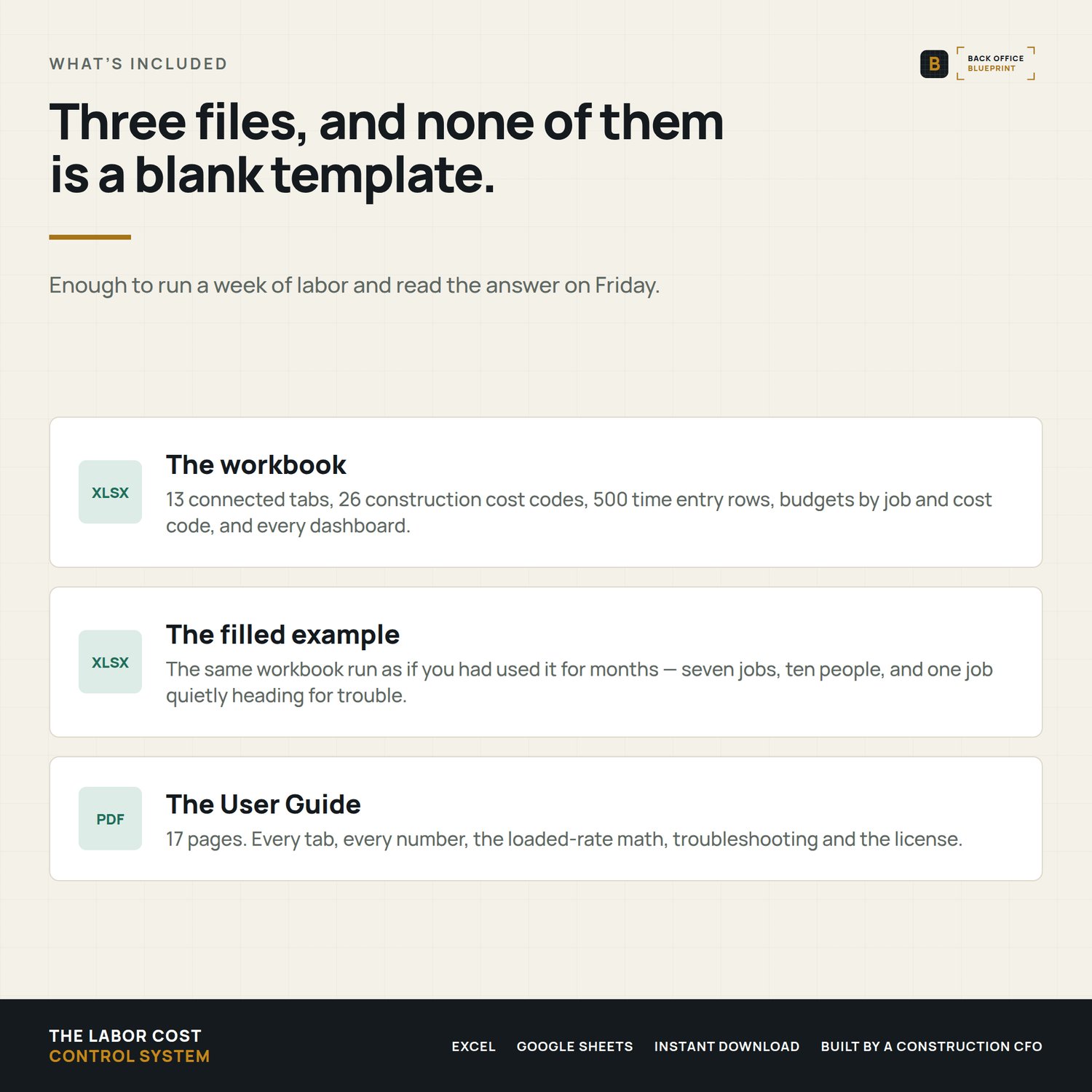
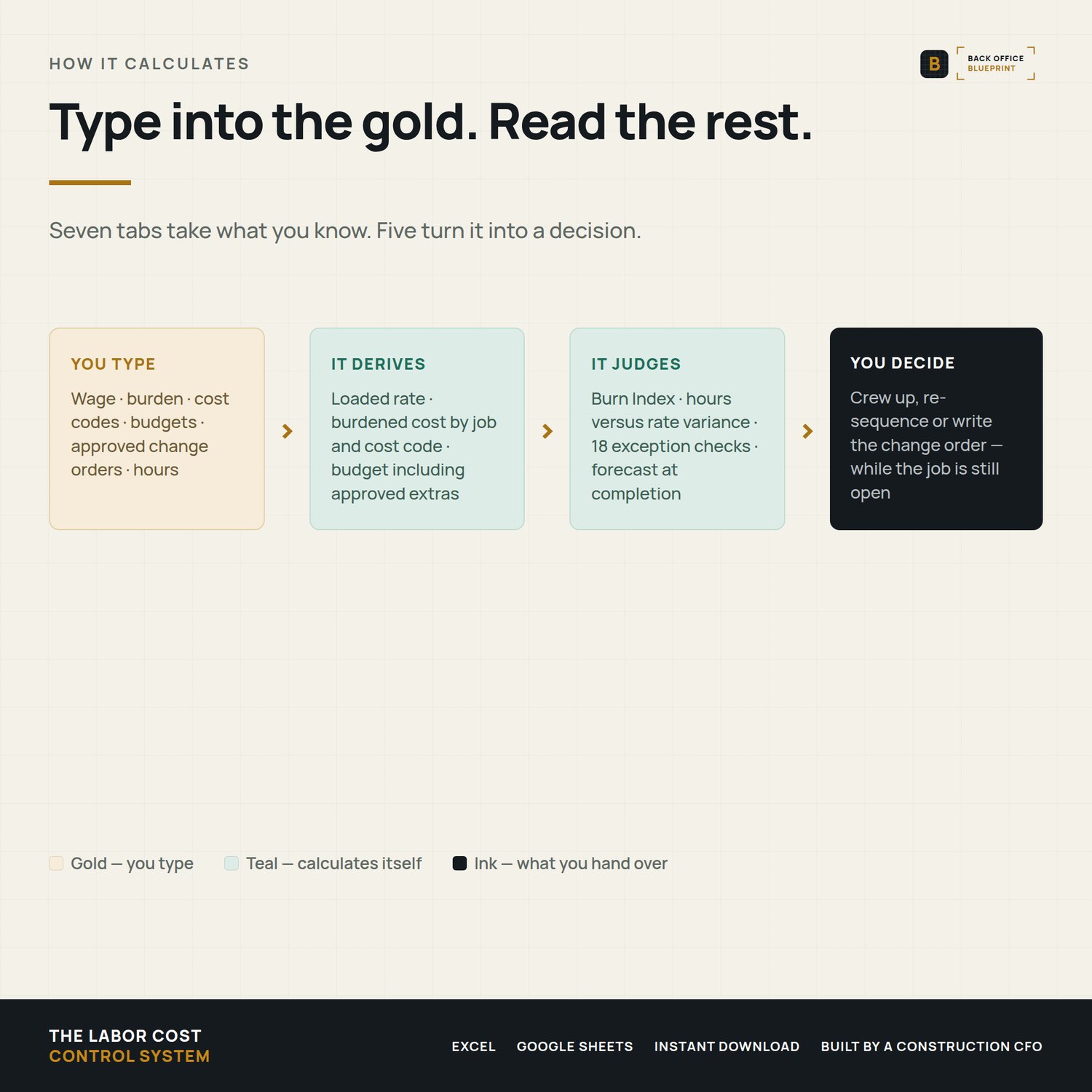
- 13 tabs — seven you fill in, five that calculate and report, one Read Me
- Loaded labor cost per person — wage plus burden plus benefits, calculated once and used everywhere
- Overtime worked out for you — enter hours, and each person's week splits at your standard hours
- Labor budgets by job and cost code, in hours or in dollars
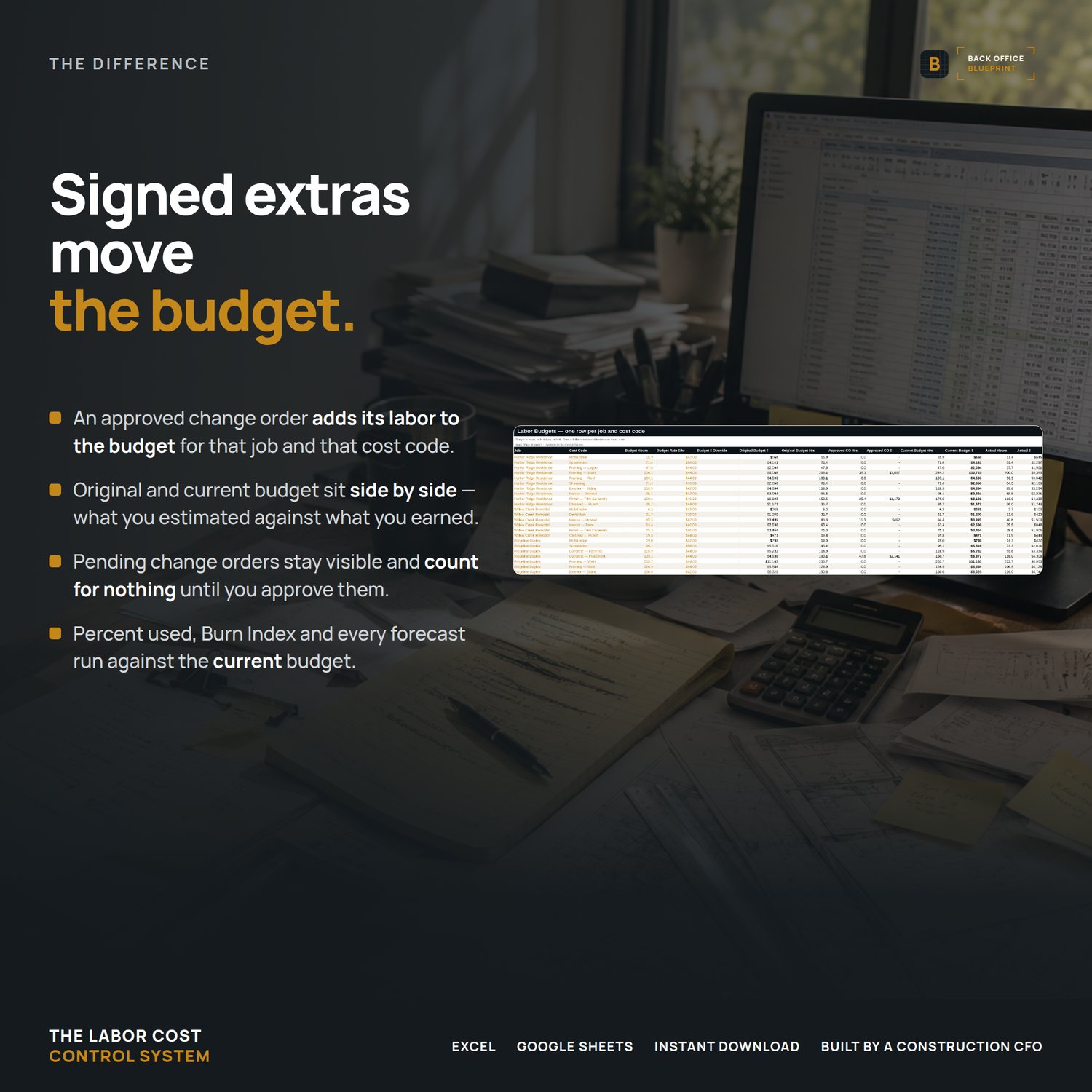
- Approved change orders that actually move the budget, so signed extras stop reading as an overrun
- 500-row time entry table with 18 checks running on every line
- Approval Center that counts what's clean, what needs review, and what's broken
- Payroll Review — approved hours by person for your pay period, ready to key in
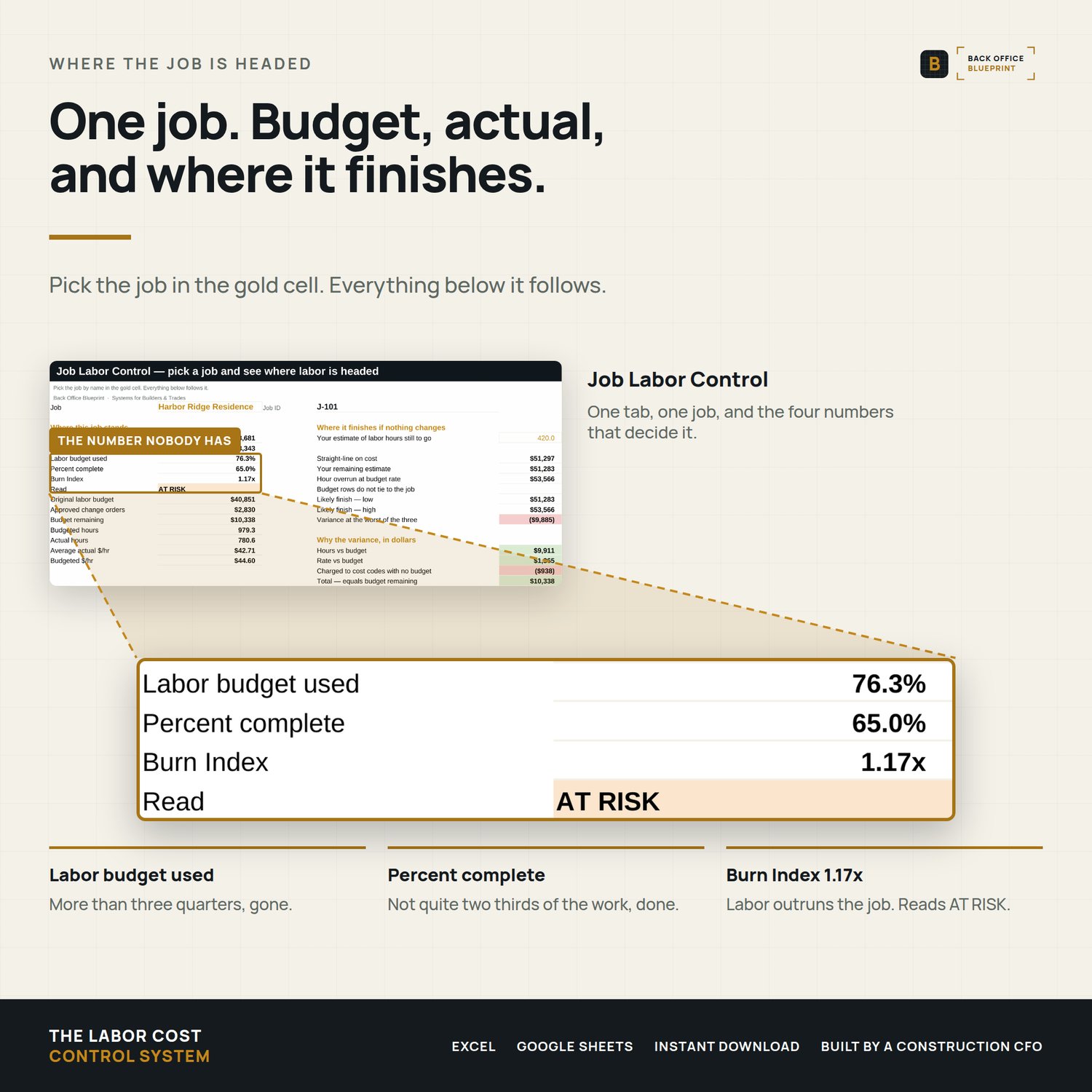
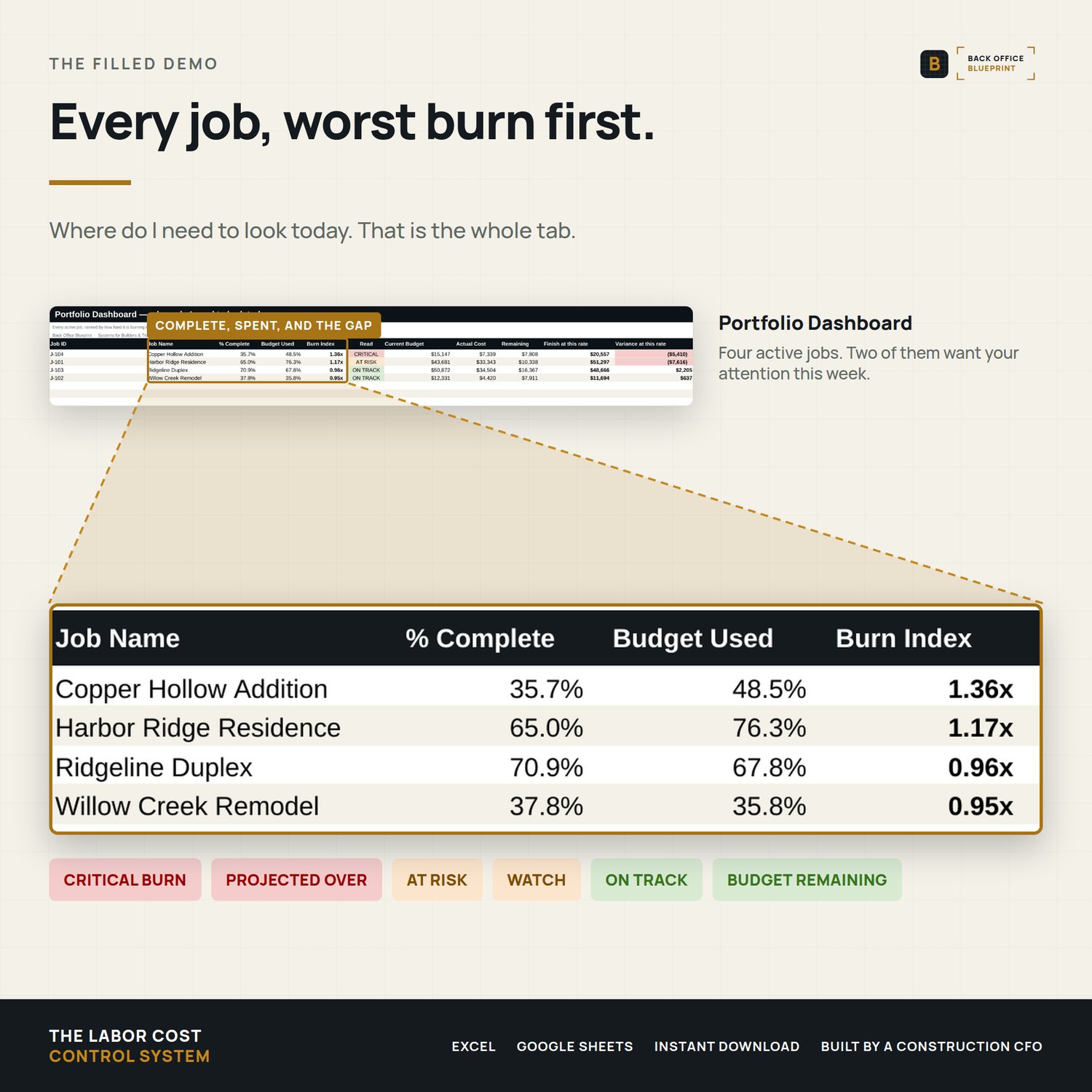
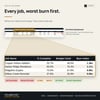
- Burn Index — labor budget used divided by percent complete, with the thresholds you set
- Variance split into hours vs rate, so you know which problem you actually have
- Forecast at completion, three ways, reported as a range
- Portfolio dashboard ranking every job by burn, plus where all your paid hours went
- Historical tab that turns finished jobs into planning factors for your next bid
- 26 construction cost codes ready to rename
- A filled example run as if you'd used it for months, plus a blank to start with
- A 17-page user guide covering every tab, every number, and what to do when one looks wrong
Why it pays for itself
- Catch a job burning labor at 60% complete instead of at closeout, while you can still crew up, re-sequence, or write a change order
- Stop reading as over budget on every job with signed extras — approved change orders move the budget
- See what rework and warranty actually cost you; most contractors have never seen that number
- Find out whether you're over on hours or over on rate, because they have different fixes
- Learn that you bid framing 20% light every time, from your own finished jobs, before you bid the next one
- Catch a duplicated eight hours before it goes through payroll
- Stop paying premium on a week that never reached 40 hours, and stop missing it on a week that did
Format
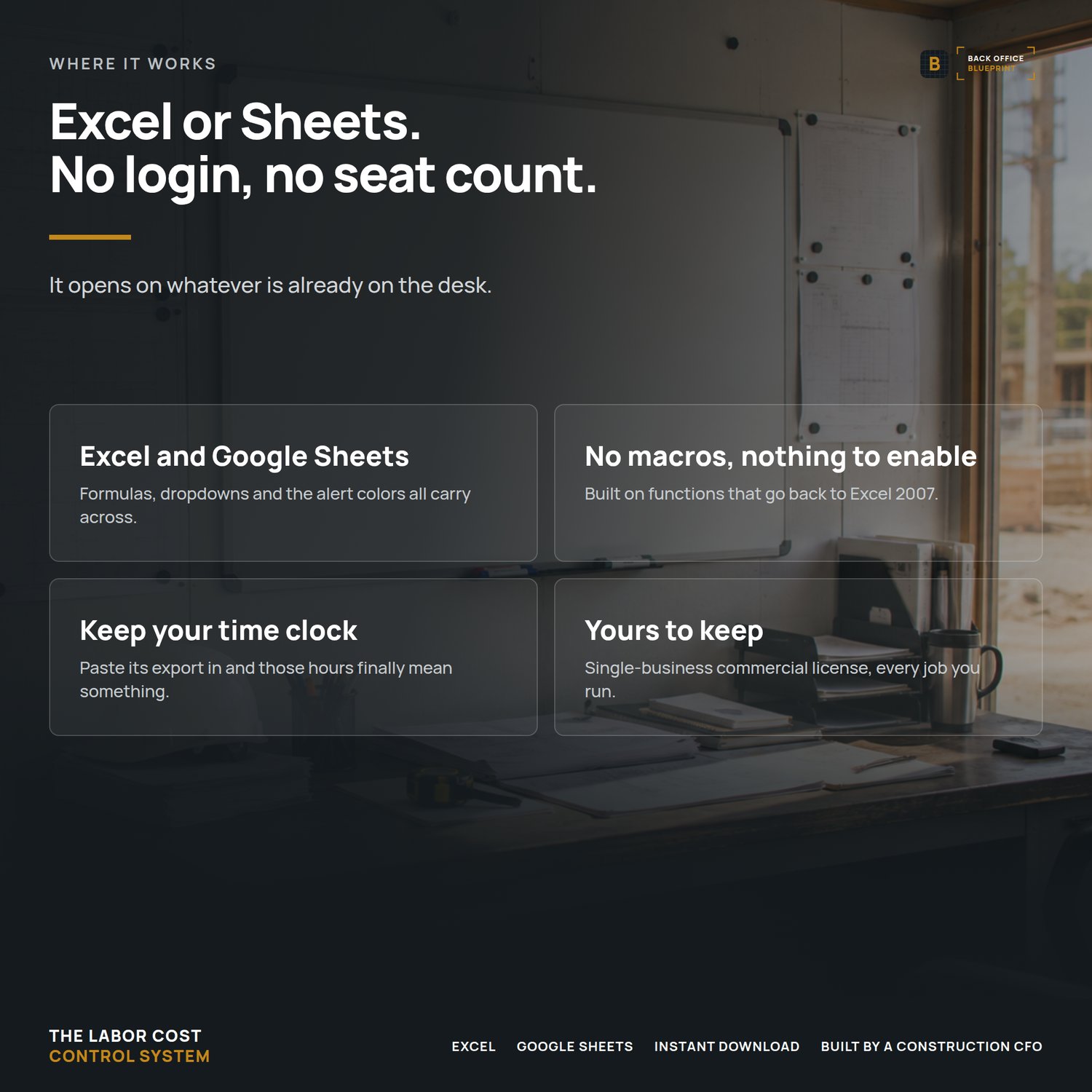
Microsoft Excel (.xlsx). No macros, nothing to enable, nothing your IT will block. Opens and works in Google Sheets. Built on functions that go back to Excel 2007, so it runs on whatever you already have. Print-ready user guide as a PDF.
After you buy
Download both workbooks and the guide right away. Open the filled example first and look at the Job Labor Control tab — that's the answer you're buying. Then spend twenty minutes putting your crew's wages and burden on the Employees tab of the blank one. Enter this week's hours Friday afternoon and you'll have a real number before you go home.
Questions
Email hello@getbackofficeblueprint.com and we'll answer personally.