



Construction Estimating Spreadsheet — Bid & Markup System
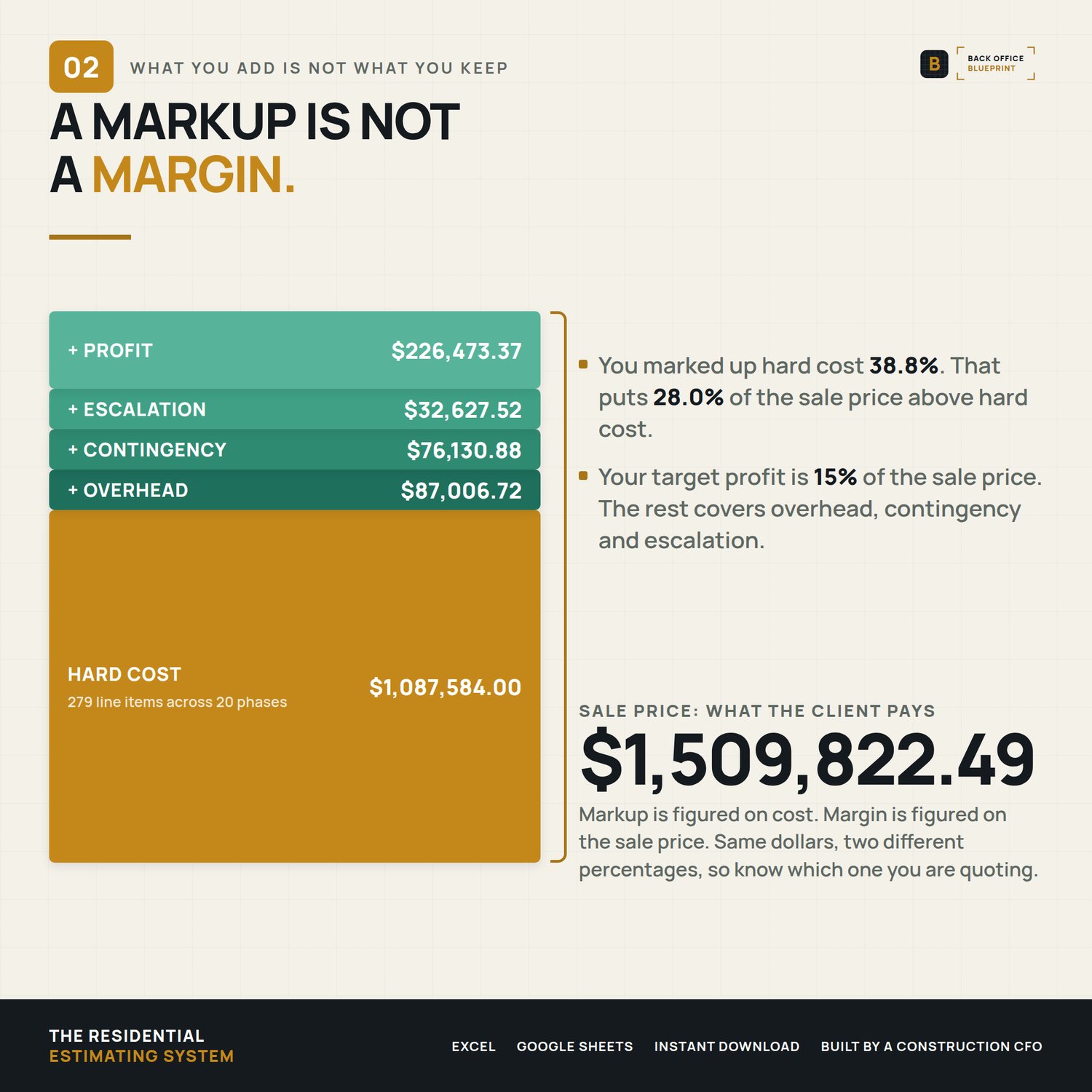
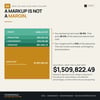
You priced the job at 38.8% markup thinking it was a 38.8% margin. It's 28.0%.
The estimating workbook that builds the bid, applies markup without leaking margin, and hands the client a proposal that closes — Excel and Google Sheets, in one file.
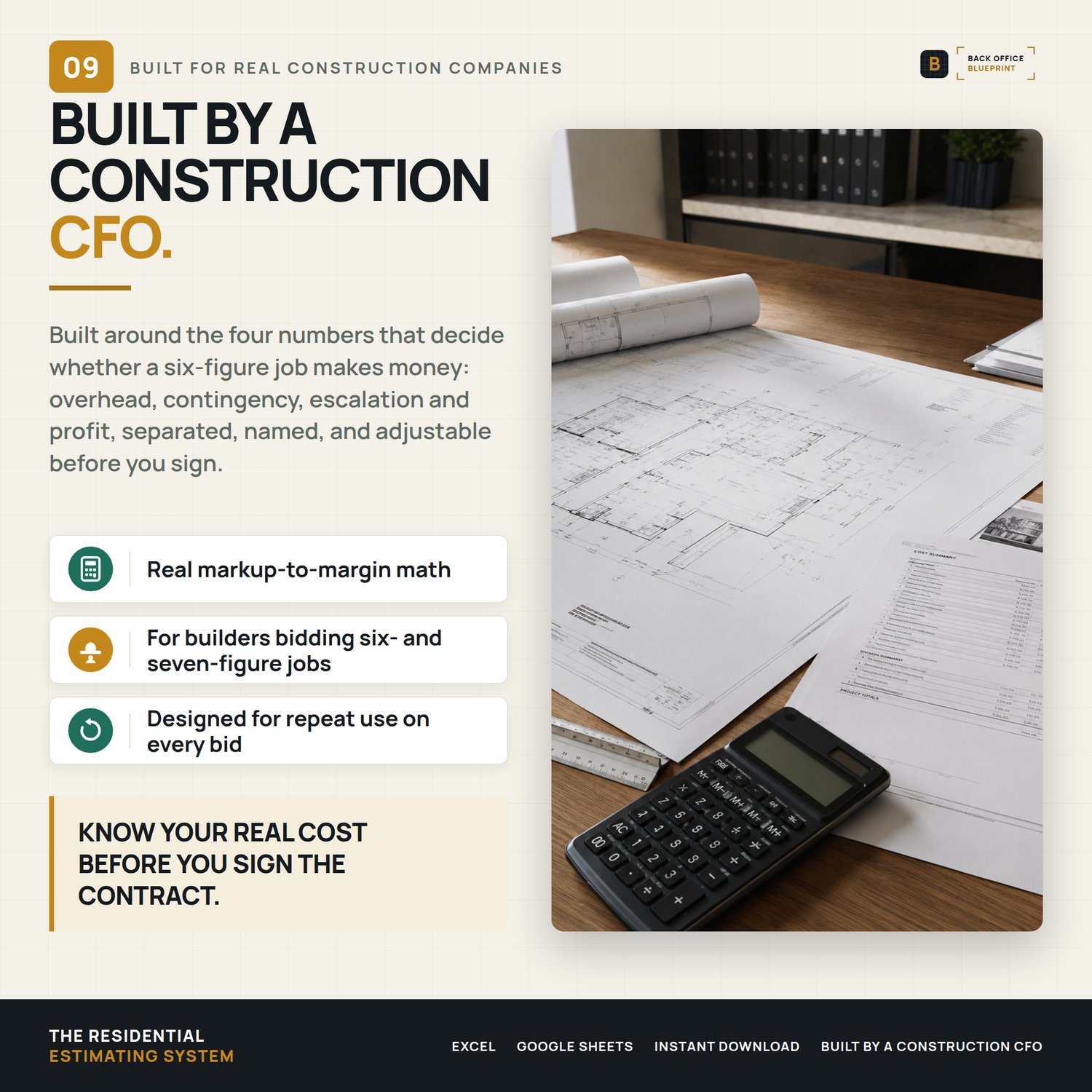
Built for a five-person crew and not an estimating department. Residential jobs don't lose money all at once. They leak, one line item at a time.
Who it's for
You run a crew of 3 to 25 and you bid residential work in Excel — custom builders, remodelers, design-build.
Not for you if you're bidding hard-bid commercial off unit-price schedules. This is built for residential.
This workbook closes the leaks one at a time.
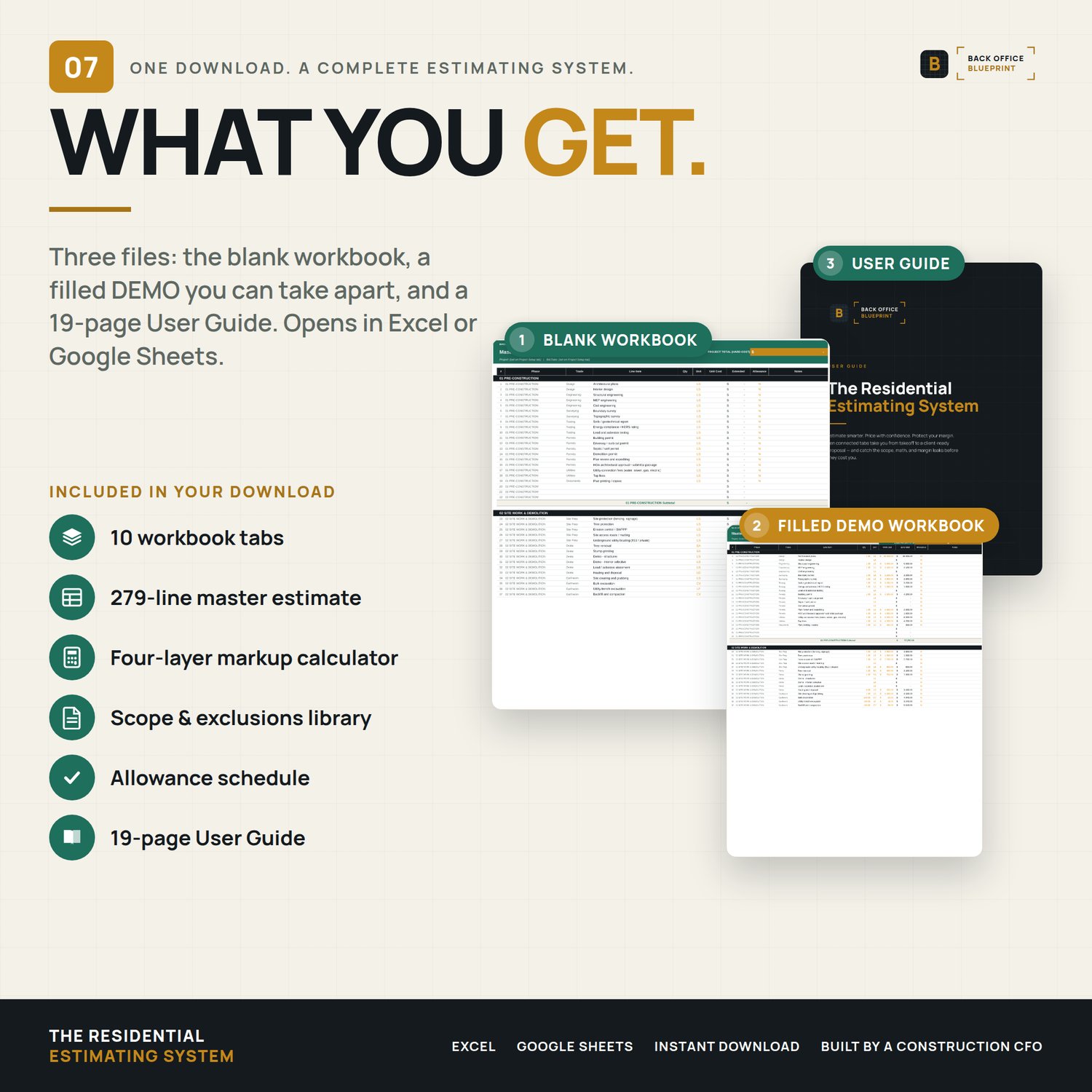
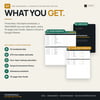
What's in it — 10 connected tabs
- Cover & Instructions. Quick-start guide and navigation. Start here and you are estimating inside an hour.
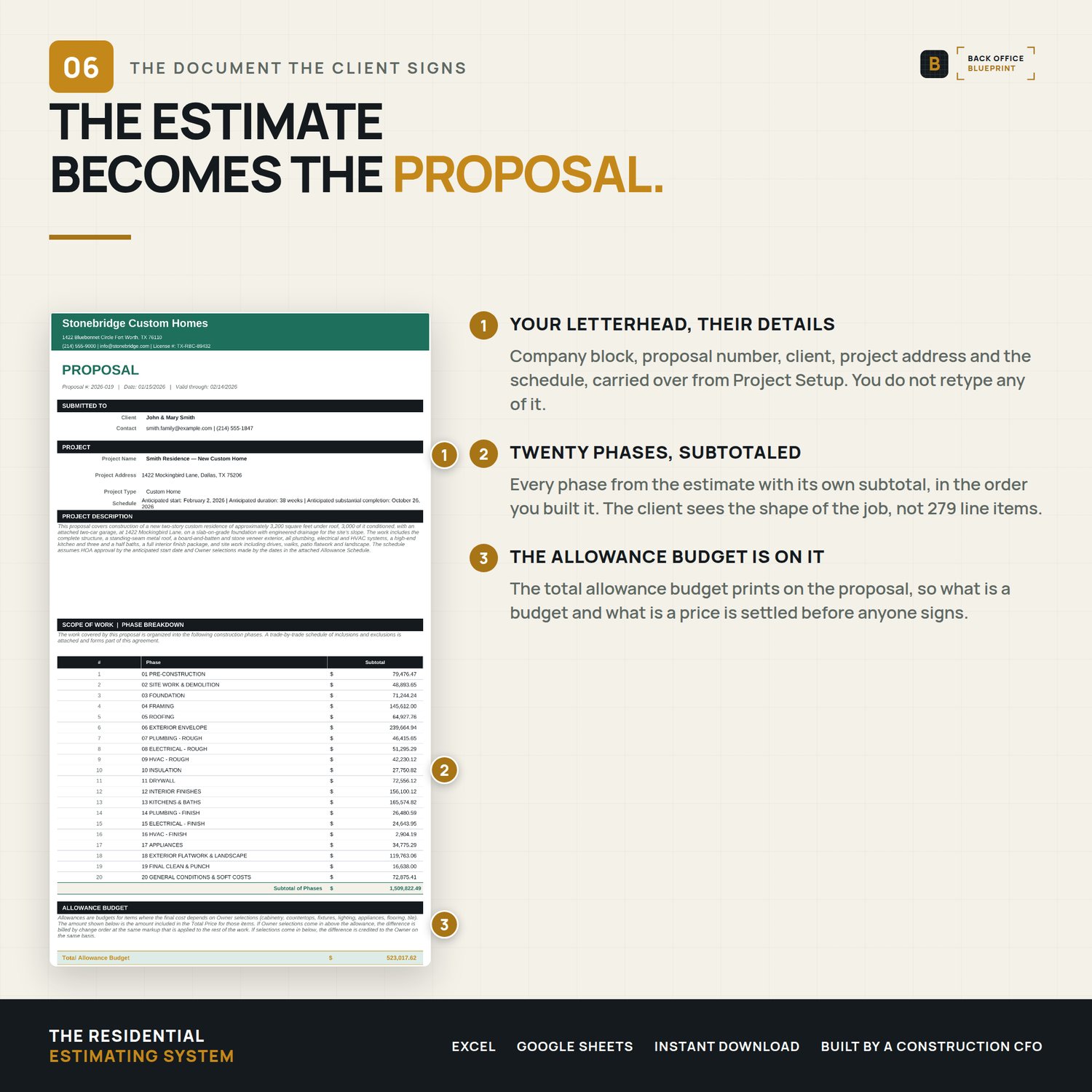
- Project Setup. Project, client and builder details entered once, then carried automatically to every other tab and onto the proposal.
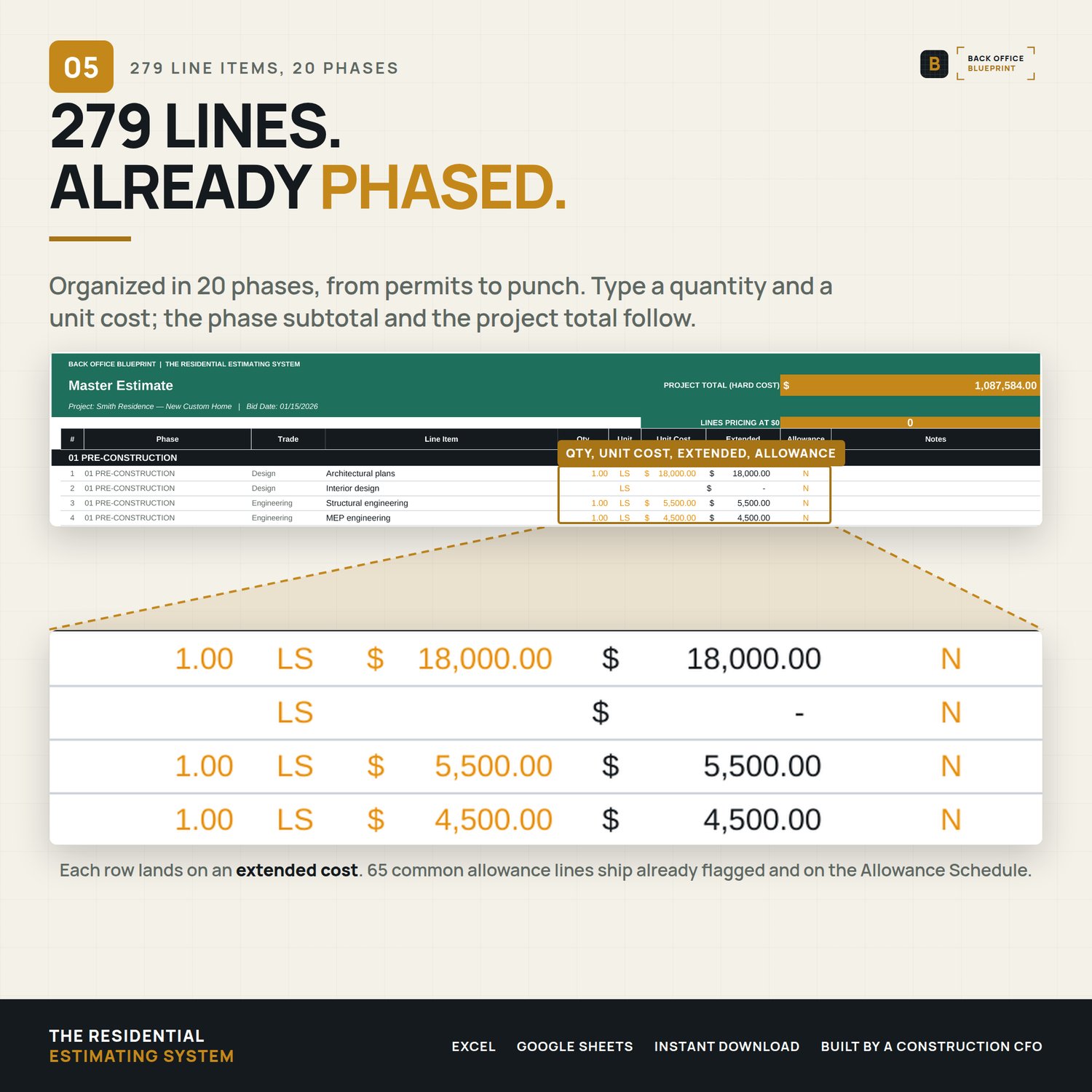
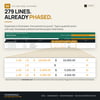
- Master Estimate. 279 pre-loaded line items organized across 20 construction phases, from Pre-Construction through General Conditions. Phase subtotals roll up to the grand total on their own.
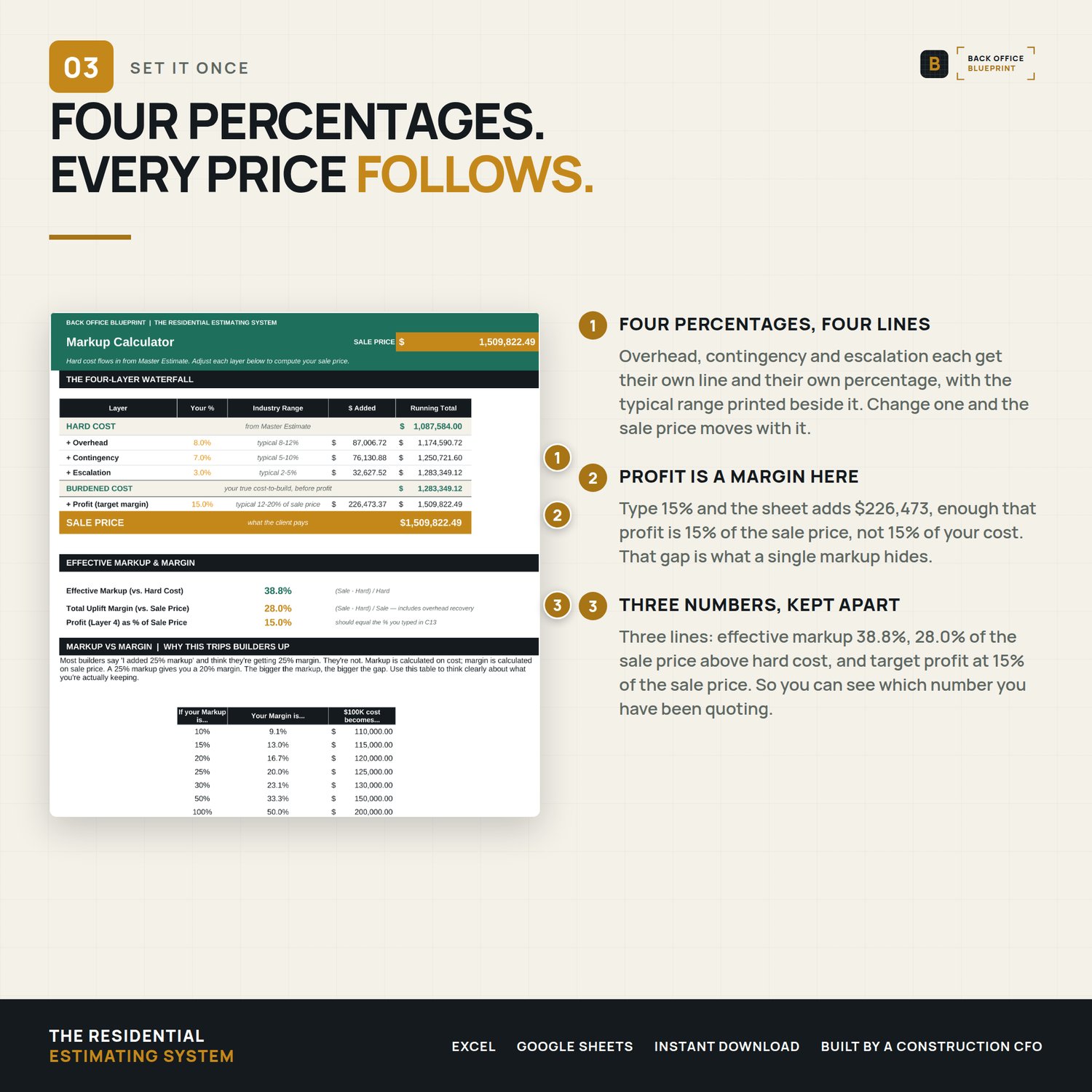
- Markup Calculator. A four-layer waterfall (overhead, contingency, escalation, profit) that returns the sale price, your effective markup on hard cost, the share of the sale price above hard cost, and profit as a percentage of the sale price, in real time.
- Historical Tracker. Logs every job so that after five to ten projects you are estimating from your own cost-per-square-foot history instead of from memory.
- Scope & Exclusions Library. Inclusion and exclusion language for 25 trade and scope sections, written to be pasted straight into a proposal.
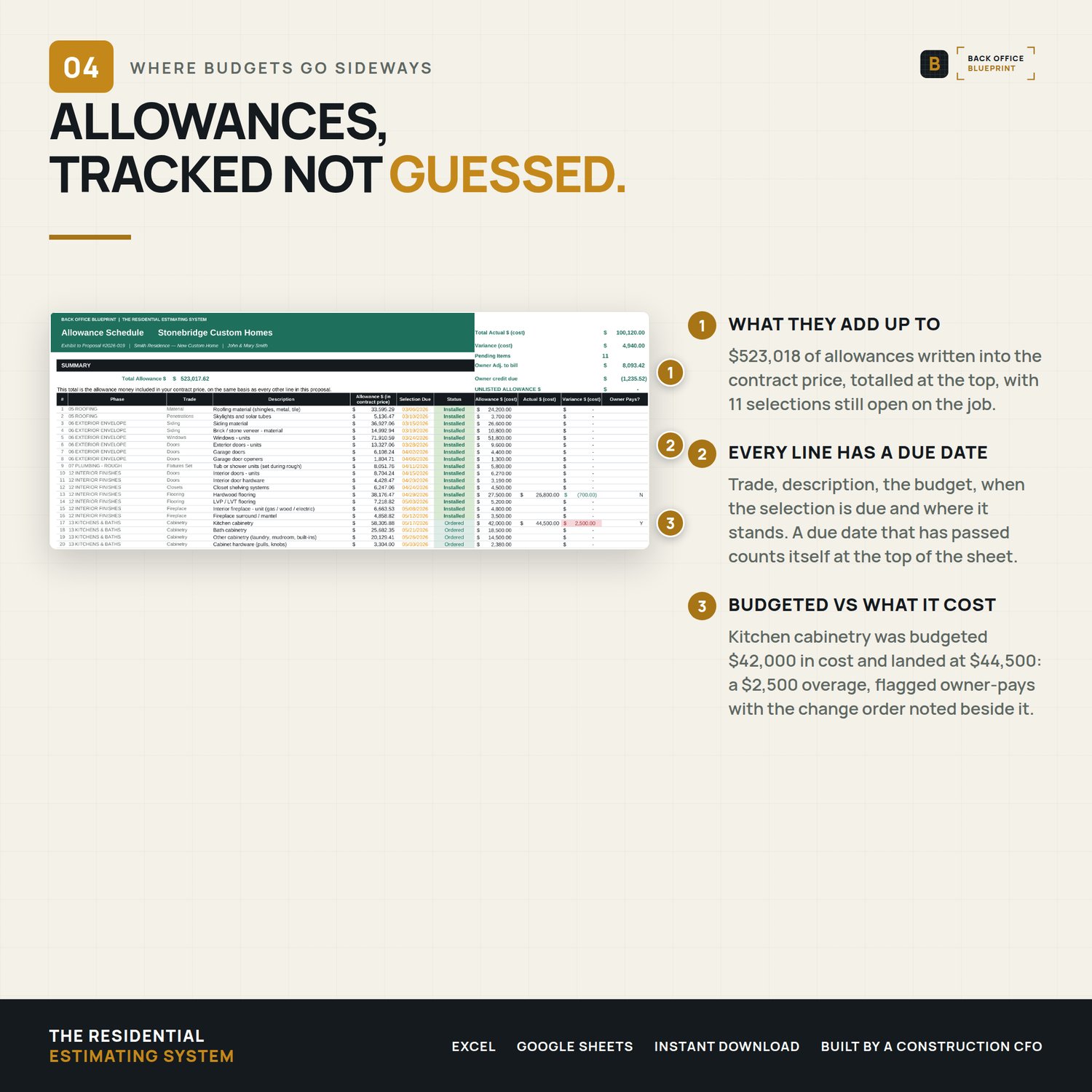
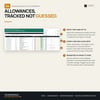
- Allowance Schedule. 65 allowances ship pre-keyed and pull straight from your estimate. Add your own by typing the line number. Selection deadlines, status, and actual against budget flagged red or green.
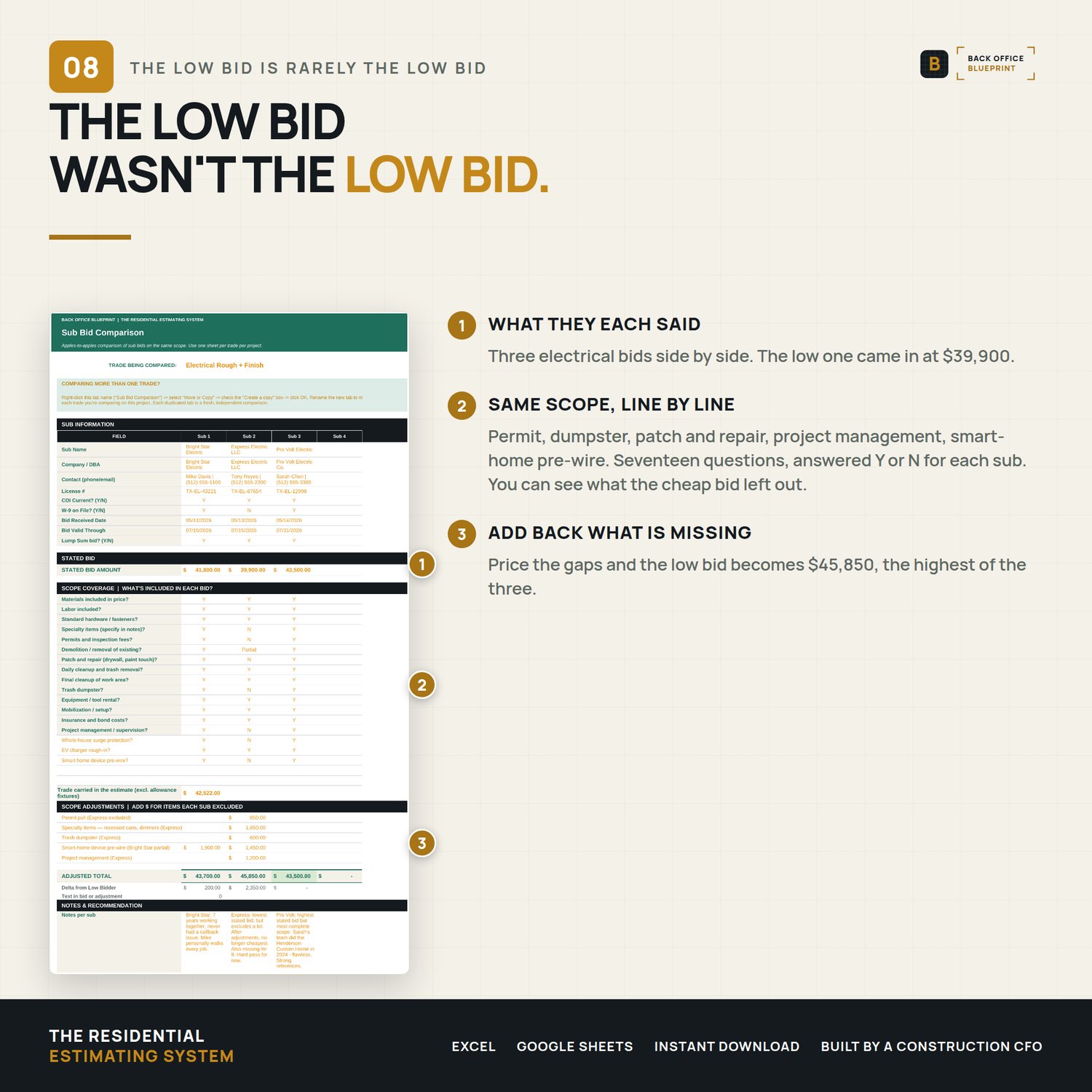
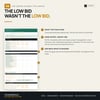
- Sub Bid Comparison. Up to five subs side by side with a scope-coverage matrix, so you can see which bid is genuinely lowest rather than which one left the most out.
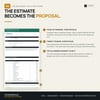
- Proposal Output. A print-ready, client-facing proposal that pulls your branding, the phase breakdown, the allowance budget, the sale price, the payment schedule and your terms.
- Dashboard. Total estimate, total cost, sale less hard cost and total uplift % at a glance, with a cost-by-phase breakdown and a chart of where the sale price goes. Click any card to jump to the tab behind it.
The markup problem, specifically
Plenty of builders run "30% markup" for years believing it means a 30% margin. It does not. A 30% markup on cost is roughly a 23% margin, and the gap widens every time overhead, contingency and escalation get folded into one number. The markup calculator separates those four layers so you can see what you are actually charging for risk, what you are charging for overhead, and what is left over as profit.
Built so you cannot break it
Only the highlighted cells accept input. Every formula is locked. The workbook ships with a complete example project already loaded, so you can see what a finished estimate looks like before you clear it and start your own. A 19-page step-by-step user guide walks the first build.
What you need
Microsoft Excel for Windows, Excel 365 or Excel 2019 and later, for the full experience. Tested in Google Sheets: formulas, drop-downs and the Dashboard chart carry over, but the Excel sheet protection does not, so type only in the amber input cells. Excel for Mac and Apple Numbers have not been tested. No estimating background required.
Instant download. Single-business commercial use — use it on every project your business bids and builds. Questions? Email me — I answer every message personally.