





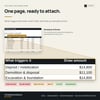

Construction Draw Schedule Builder | Excel Template
You took a third up front because that's what everybody does. Nobody worked out what that payment schedule does to your bank account — and by the time you find out, it's week seven and you're carrying the job on your own money.
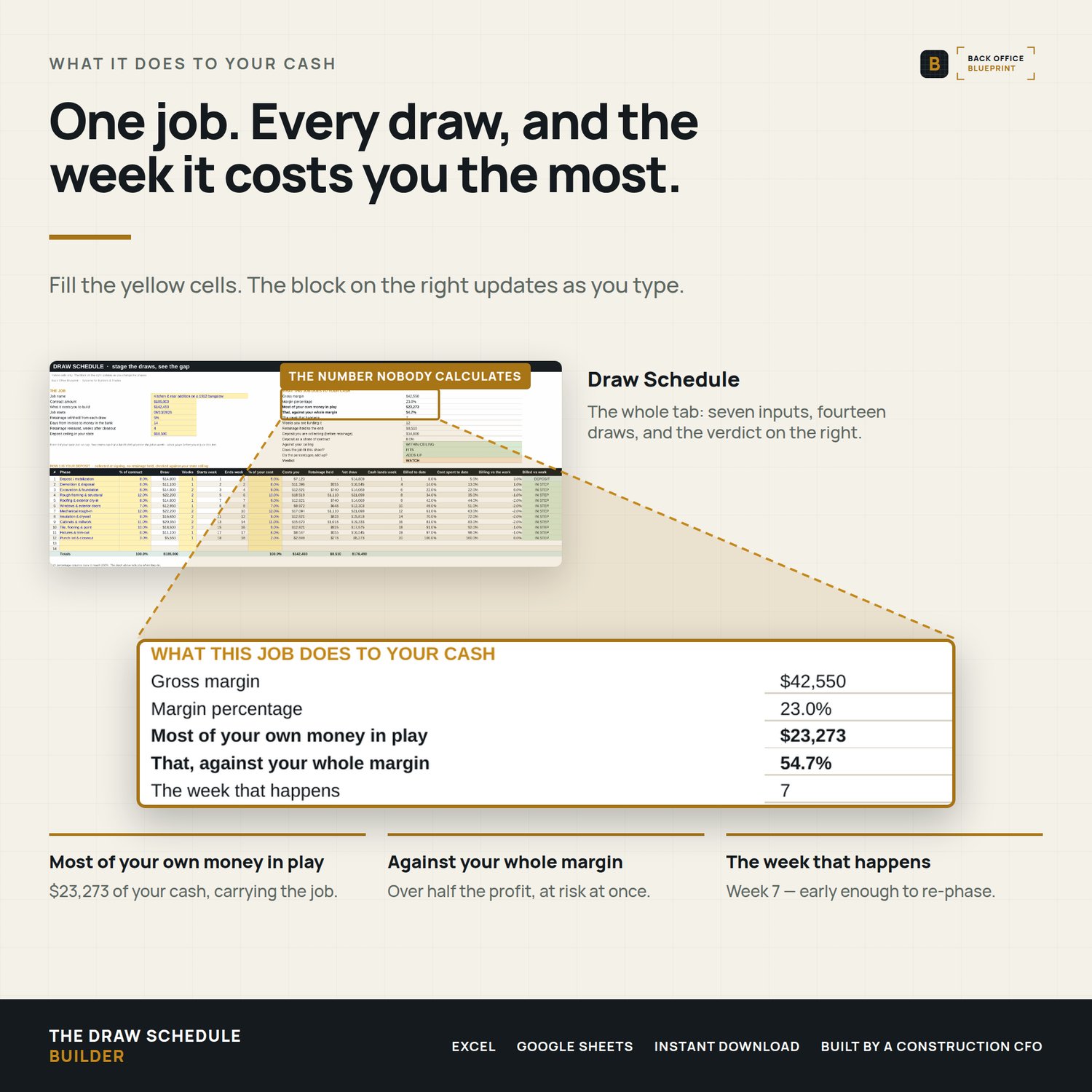
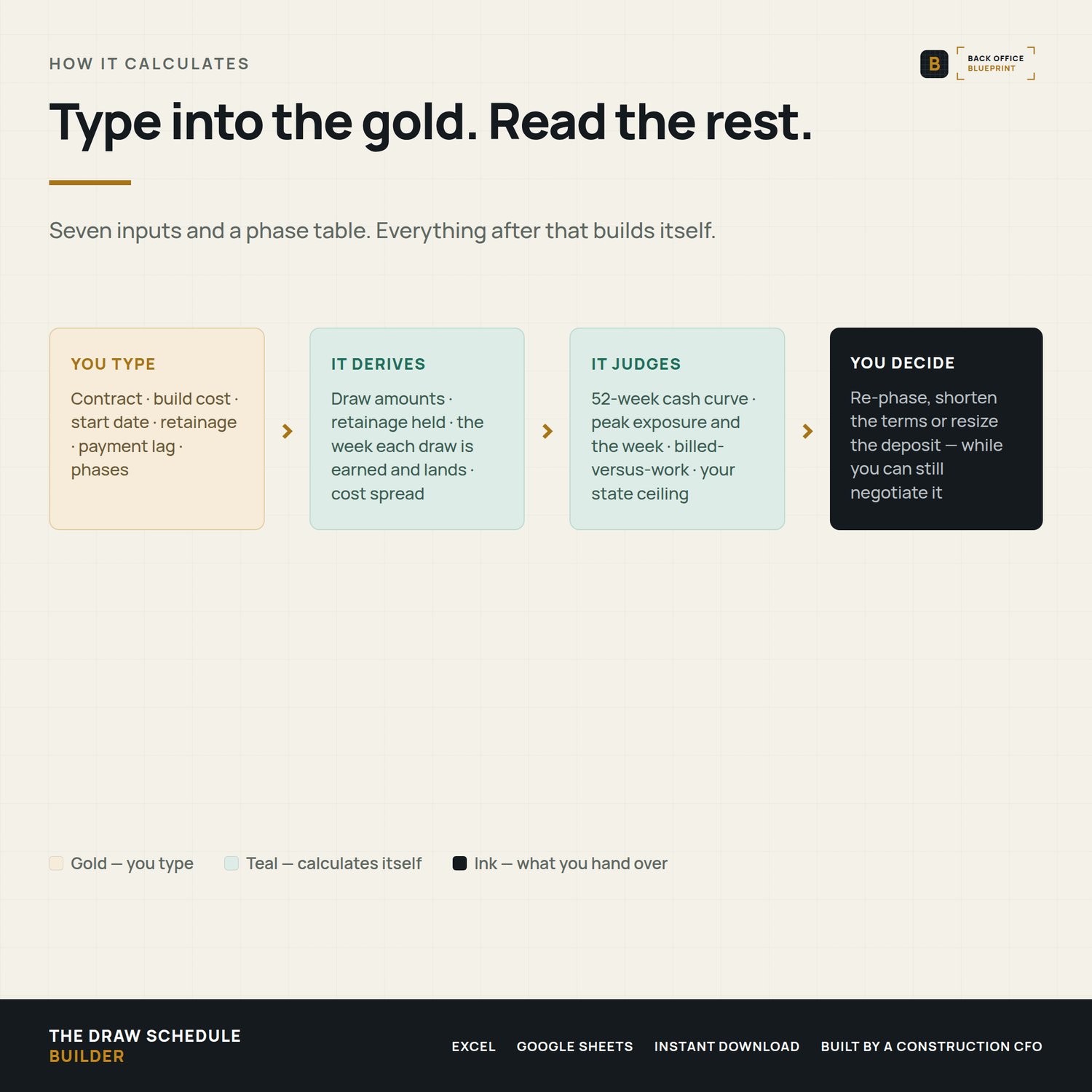
A draw schedule is a financing decision. This prices it before you sign. You enter the contract amount, what the job costs you to build, and how you want to phase it. It lays out the draws, spreads your costs across the same weeks, and tells you the one number nobody ever calculates: how much of your own money this job ties up at its worst point, and the week that happens.
On the worked example inside, a $185,000 kitchen and rear addition with a 12-draw schedule ties up $23,273 of the builder's cash. That's 54.7% of the whole margin on the job, and it peaks in week 7.
Who it's for
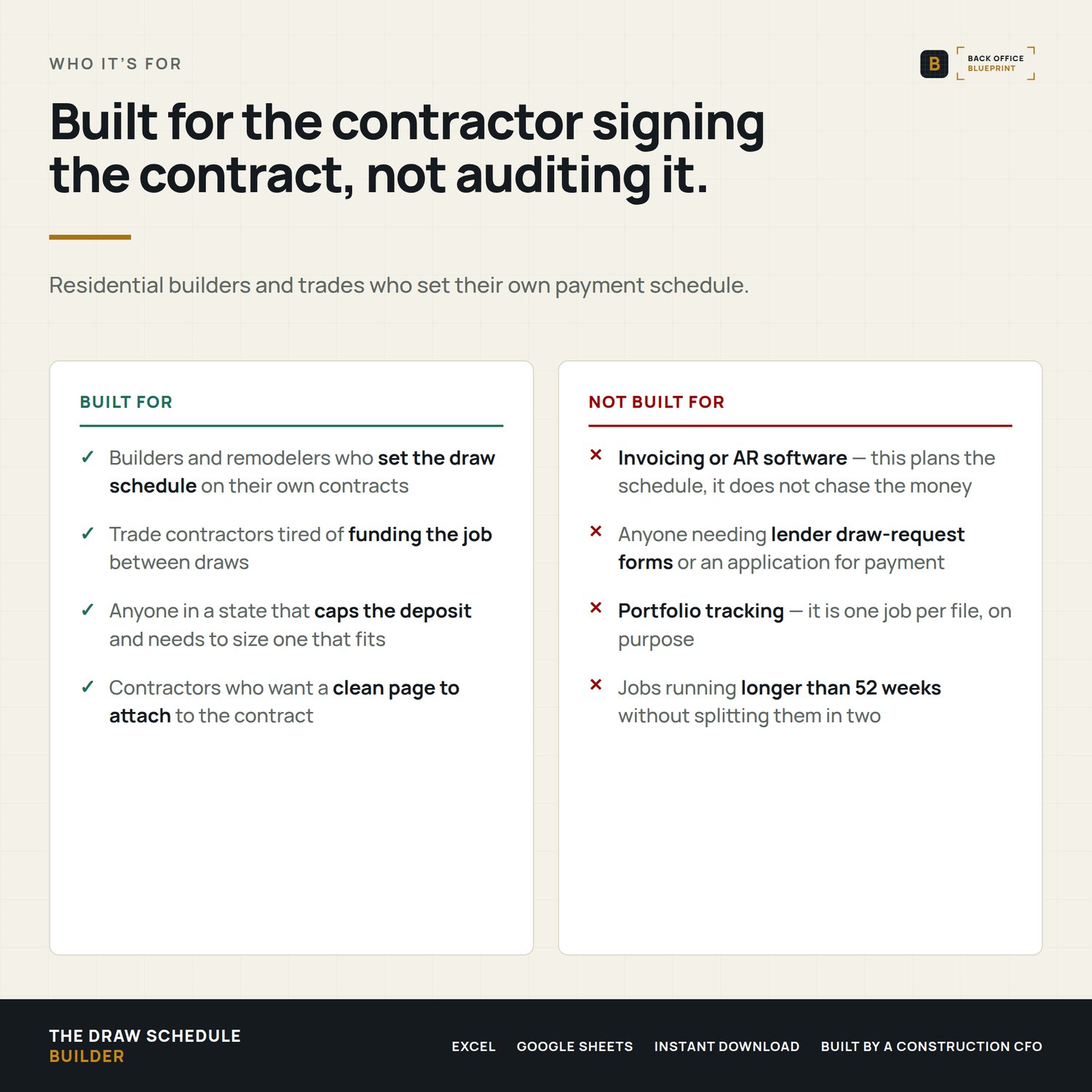
Residential builders, remodelers and trade contractors who set the draw schedule on their own contracts, and want to know what it costs them before they sign it.
Not for you if you need invoicing or AR software — this plans the schedule, it doesn't chase the money. Not for you if you need lender draw-request forms. It's one job per file, on purpose.
What's inside
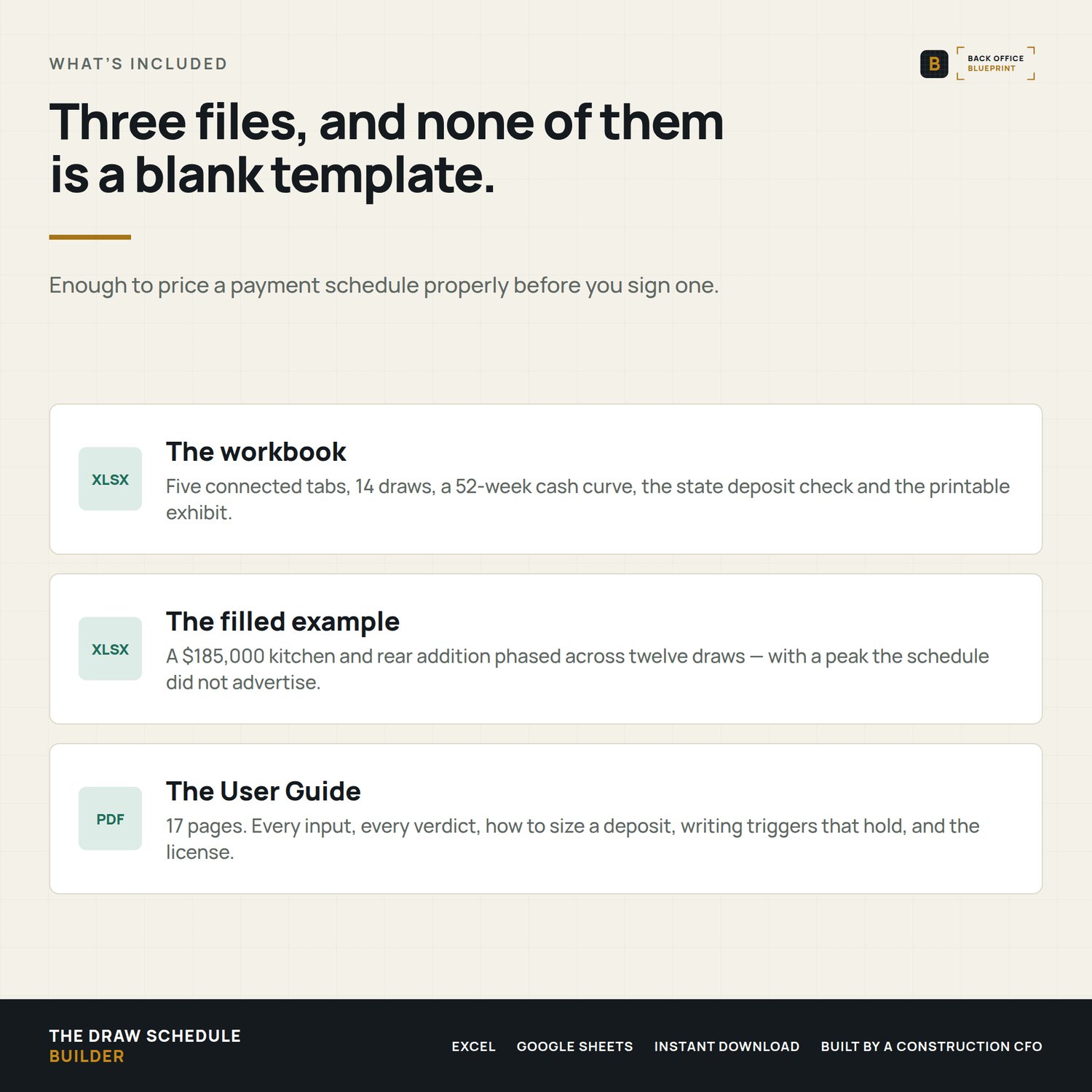
- Five tabs — one you fill in, two that calculate, a Read Me and a plain-language reference
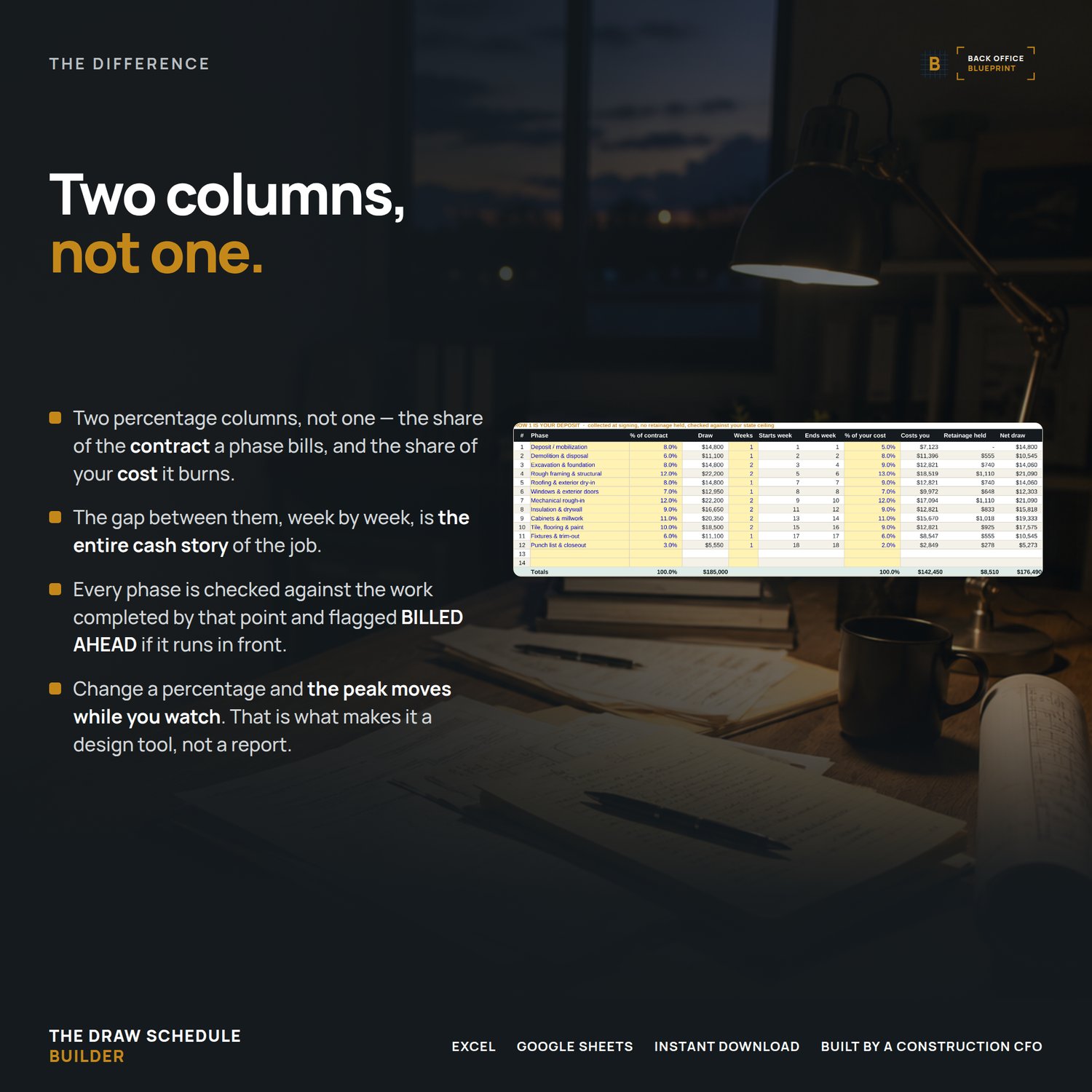
- 14 draws, each with the share of the contract it bills and the share of your cost it burns
- A 52-week cash curve showing money in, money out, and your running position every week
- Peak exposure — the deepest your own money goes into the job, and the week it happens
- That peak measured against your gross margin, so you know what share of the profit is at risk
- How many weeks you're net negative, because a shallow four-month dip isn't a two-week spike
- Retainage withheld from every draw except the deposit, and released on your own timeline
- A payment lag you set from what actually happens, not what the contract says
- Billed-versus-work checked on every phase, flagged BILLED AHEAD when billing runs in front
- A deposit ceiling check — enter your state's cap and it reads WITHIN, NEAR or OVER CEILING
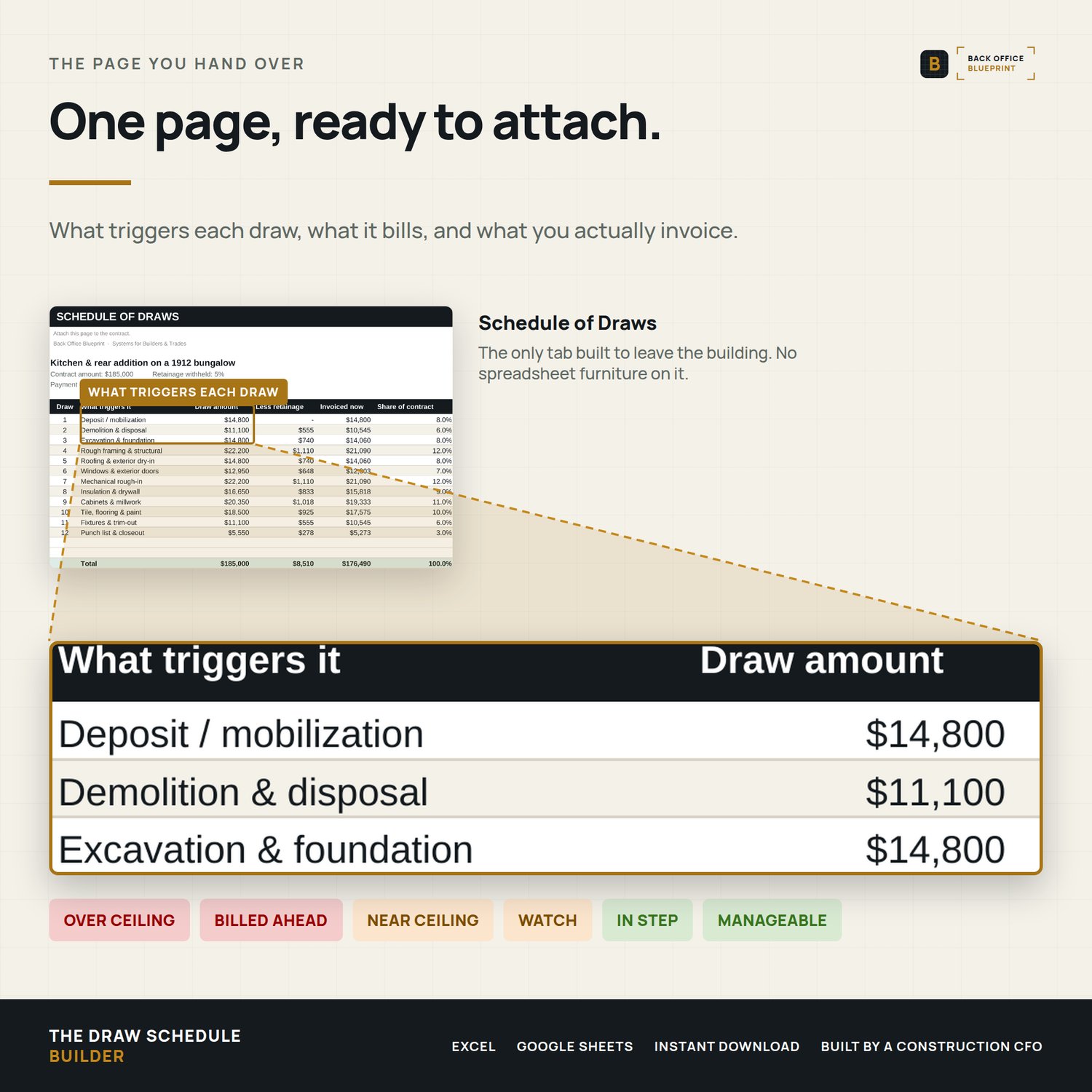
- A printable Schedule of Draws page to attach to the contract, with the trigger for each draw and a line for both parties to sign
- A verdict line that names the worst problem it can find, in plain language
- A filled example worked through twelve draws, plus a blank to start with
- A user guide covering every input, every verdict, and how to size a deposit properly
What it changes before you sign
- Find out you're funding six weeks of the job before you sign, not in week seven
- Size the deposit to what you actually lay out before the first draw clears, which is usually well under a third
- Some states cap the deposit at $1,000 or 10% of the contract, whichever is less — check yours against the schedule you're about to sign
- See what getting paid in 7 days instead of 14 does to the peak, before you negotiate it
- Catch a phase that bills 20% of the contract while it burns 35% of your cost
- Hand the client a one-page schedule with a real trigger on every draw, instead of four milestones that sound about right
- Stop arguing about whether a draw is earned — the trigger is written down and checkable
Format
Microsoft Excel (.xlsx). No macros, nothing to enable, nothing your IT will block. Opens and works in Google Sheets. Built on functions that go back to Excel 2007, so it runs on whatever you already have. Print-ready user guide as a PDF.
After you buy
Download both workbooks and the guide right away. Open the filled example first and read the block on the right of the Draw Schedule tab — that's the answer you're buying. Then move five points from the framing phase onto the deposit row and watch the peak move. Ten minutes later you'll have your own job in the blank one, and a schedule you can defend.
A note on state rules
Deposit limits, retainage and payment timing are set by state law and by your contract, and they change. This is a cash planning tool, not legal advice. Check your licensing board before you change what you collect.
Questions
Email hello@getbackofficeblueprint.com and we'll answer personally.Pairs with
Construction Billing & Collections — AR Aging Tracker. This one sets the payment schedule before you sign. That one chases what is owed once you have billed it: getbackofficeblueprint.com/b/billing-collections-blueprint