




Construction WIP Schedule — Over/Under Billing (Excel)
You bill on a draw schedule. You spend on a jobsite schedule. The gap between the two is where over-billing hides.
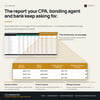
Every open job on one page — percent complete, earned revenue, over and under billing, margin fade, and a balanced journal entry your accountant can actually post.
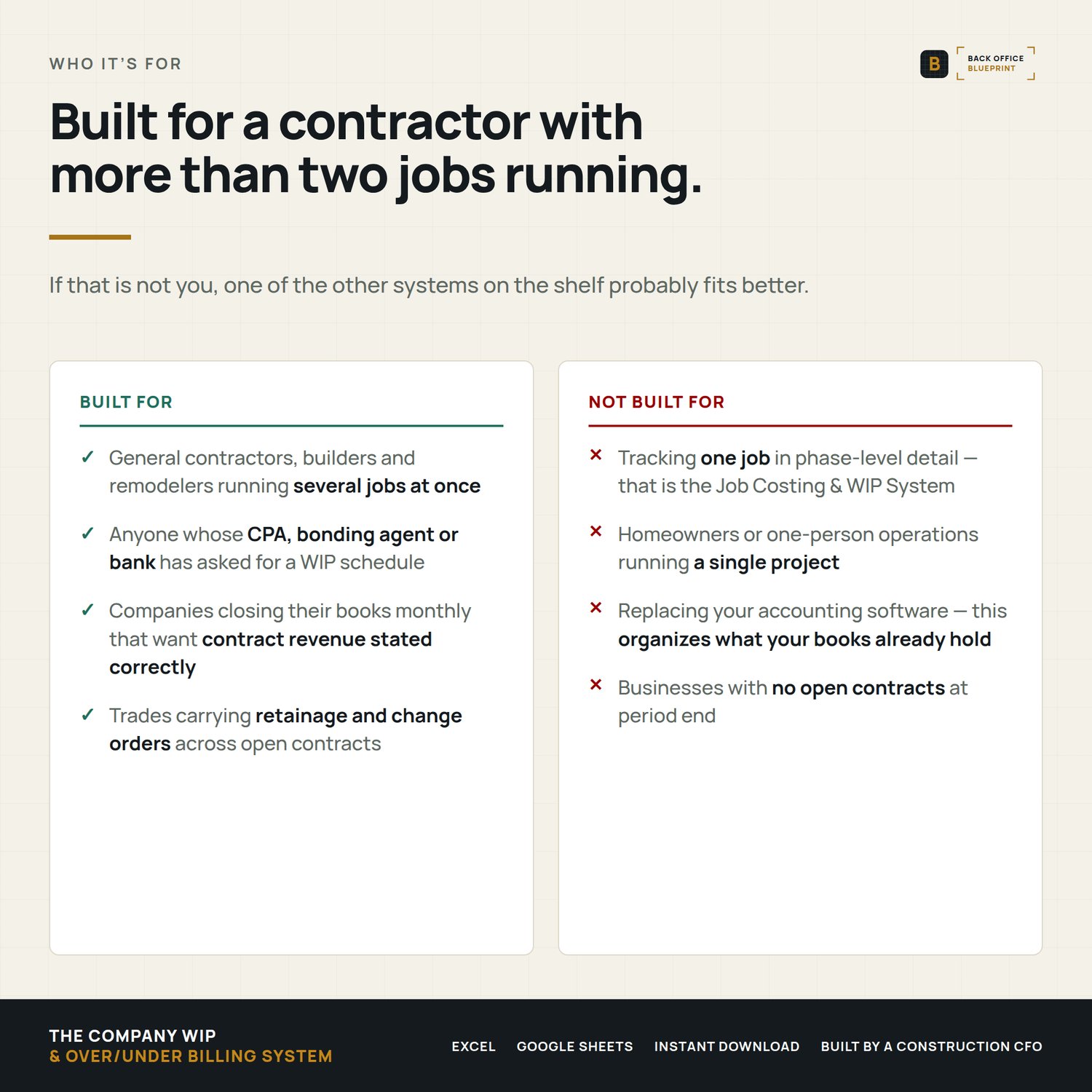
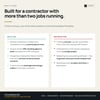
Built for a five-person crew and not a controller's office.
Who it's for
You run 3 to 15 open jobs and your bank, your bonding agent or your CPA has started asking for a WIP schedule.
Not for you if your accounting system already produces WIP every month.
What it does the second you type
- Works out percent complete on every job — cost to date over estimated total cost, the cost-to-cost method your accountant already uses.
- Separates earned from billed — and shows you, job by job, whether you are financing the owner or holding their money.
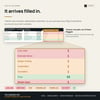
- Catches margin fade — compares today's margin against the margin you actually bid, and flags any job more than 5 points down. Nothing else on your shelf surfaces this.
- Flags forecast losses — the moment a job is projected to lose money it reads LOSS JOB, because the whole loss has to be recognized now, not spread across the months left.
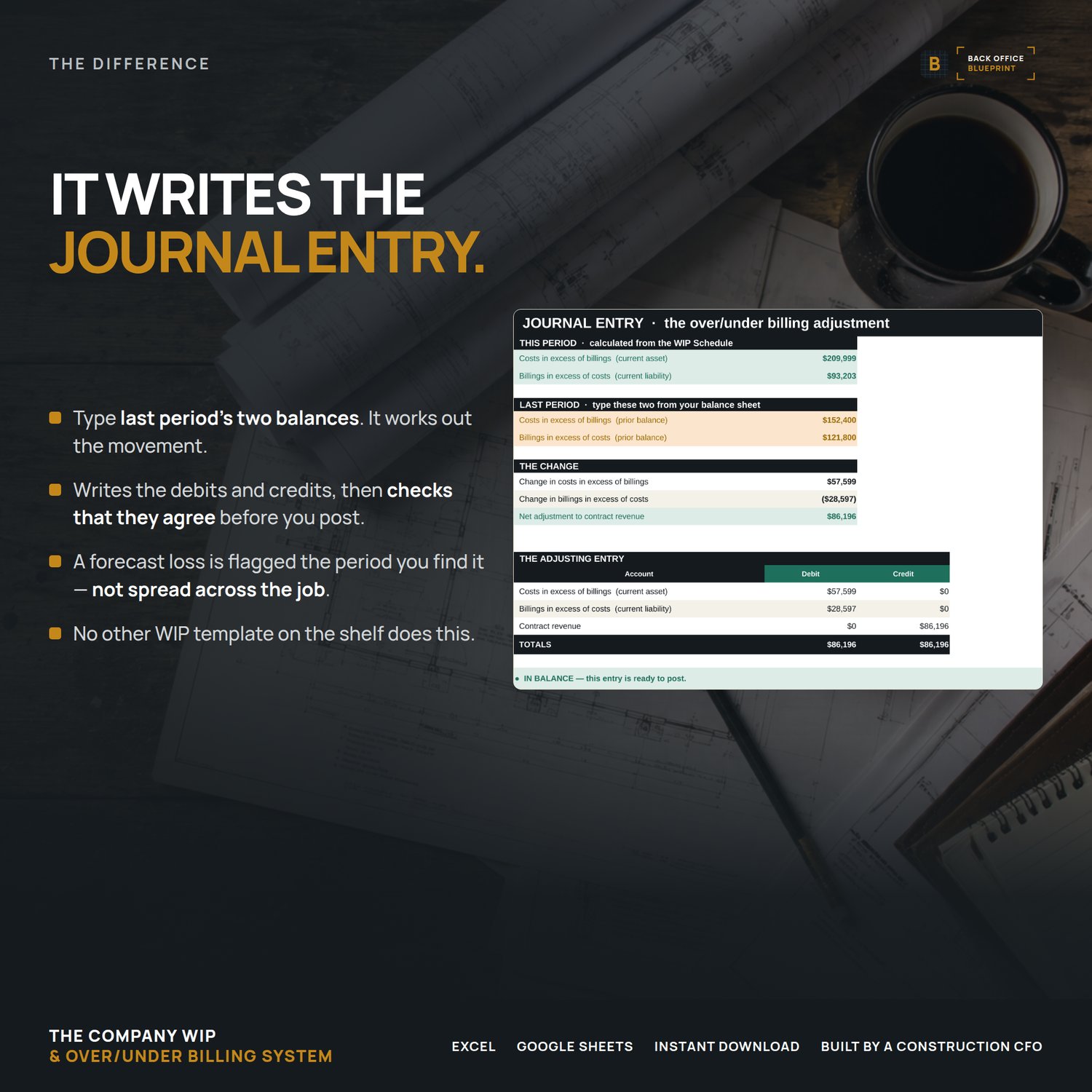
- Writes the journal entry — type last period's two balances and it produces this period's adjusting entry, balanced, ready to post.
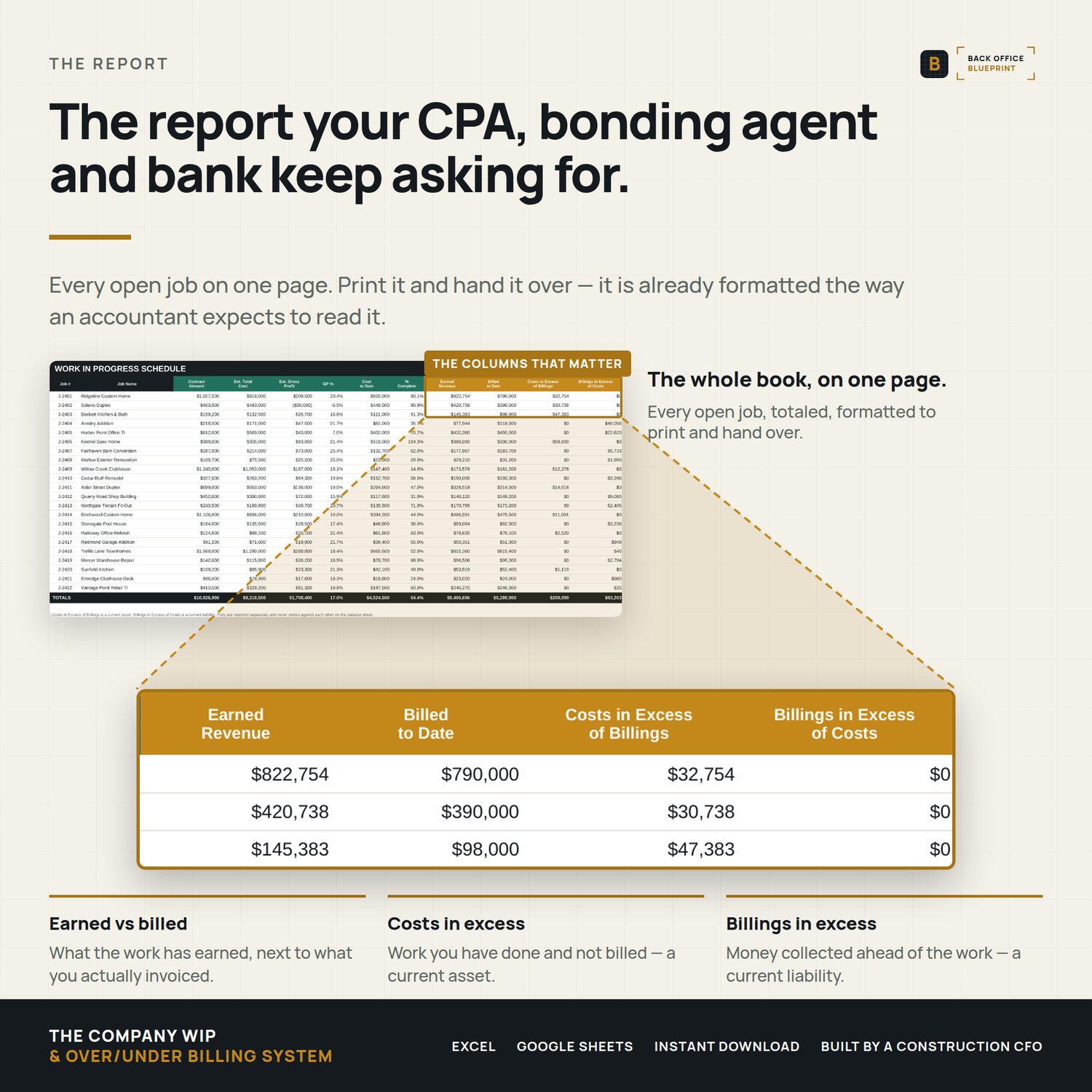
- Prints the report — a formatted WIP schedule with under-billings and over-billings in separate columns, the way sureties and lenders expect to read it.
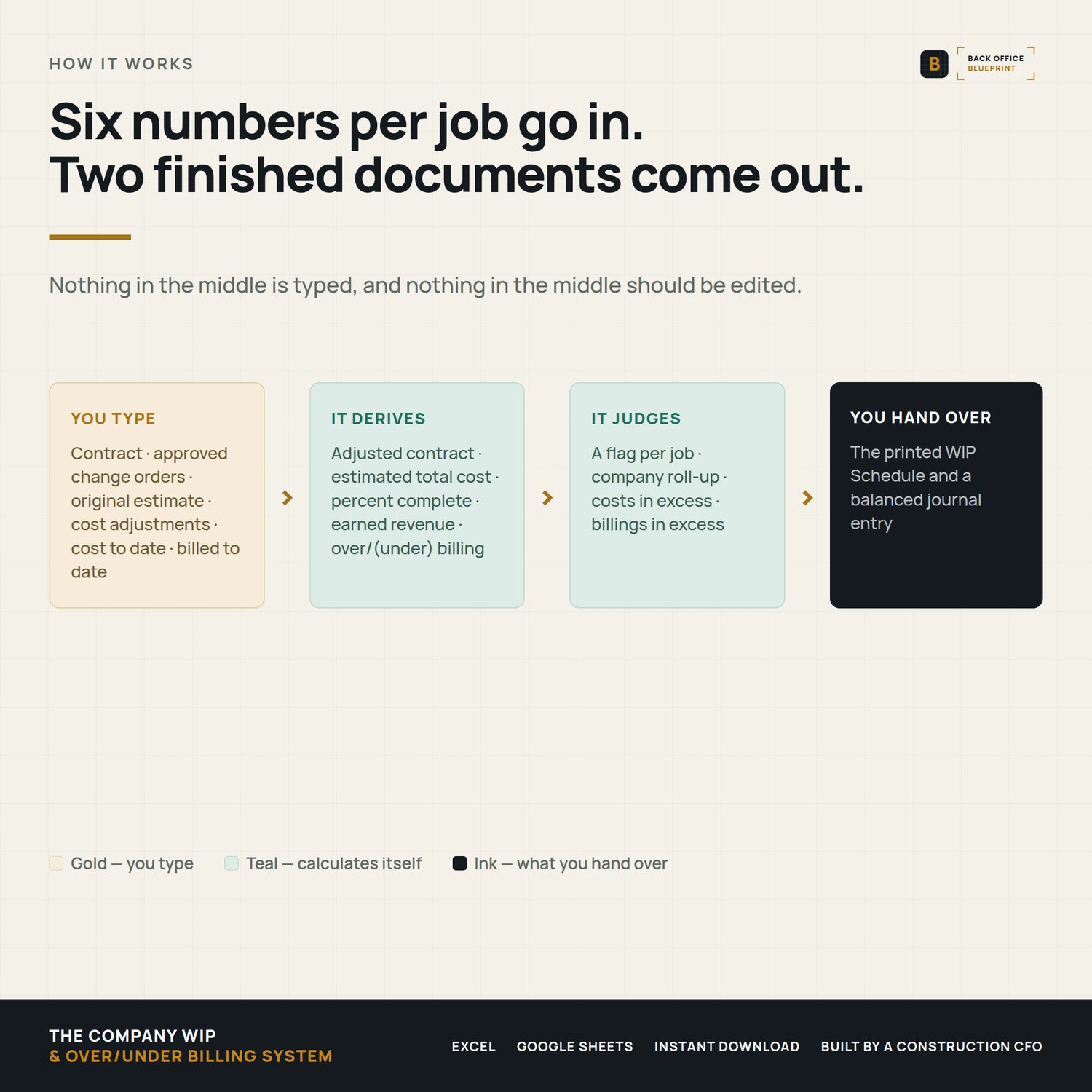
You type six numbers per job. Everything else builds itself.
What's inside
- The Job Register (Excel) — every open job on one row. Contract, approved change orders, original estimate, cost adjustments, cost to date, billed to date. Twenty-five columns, six of which you type.
- The WIP Schedule — the printable report. Contract, estimated cost, gross profit, percent complete, earned revenue, billed, and costs-in-excess and billings-in-excess in their own columns, never netted. Print area already set.
- The Journal Entry Helper — this period's balances minus last period's, turned into a balanced Dr/Cr entry with a self-check that tells you when it is ready to post.
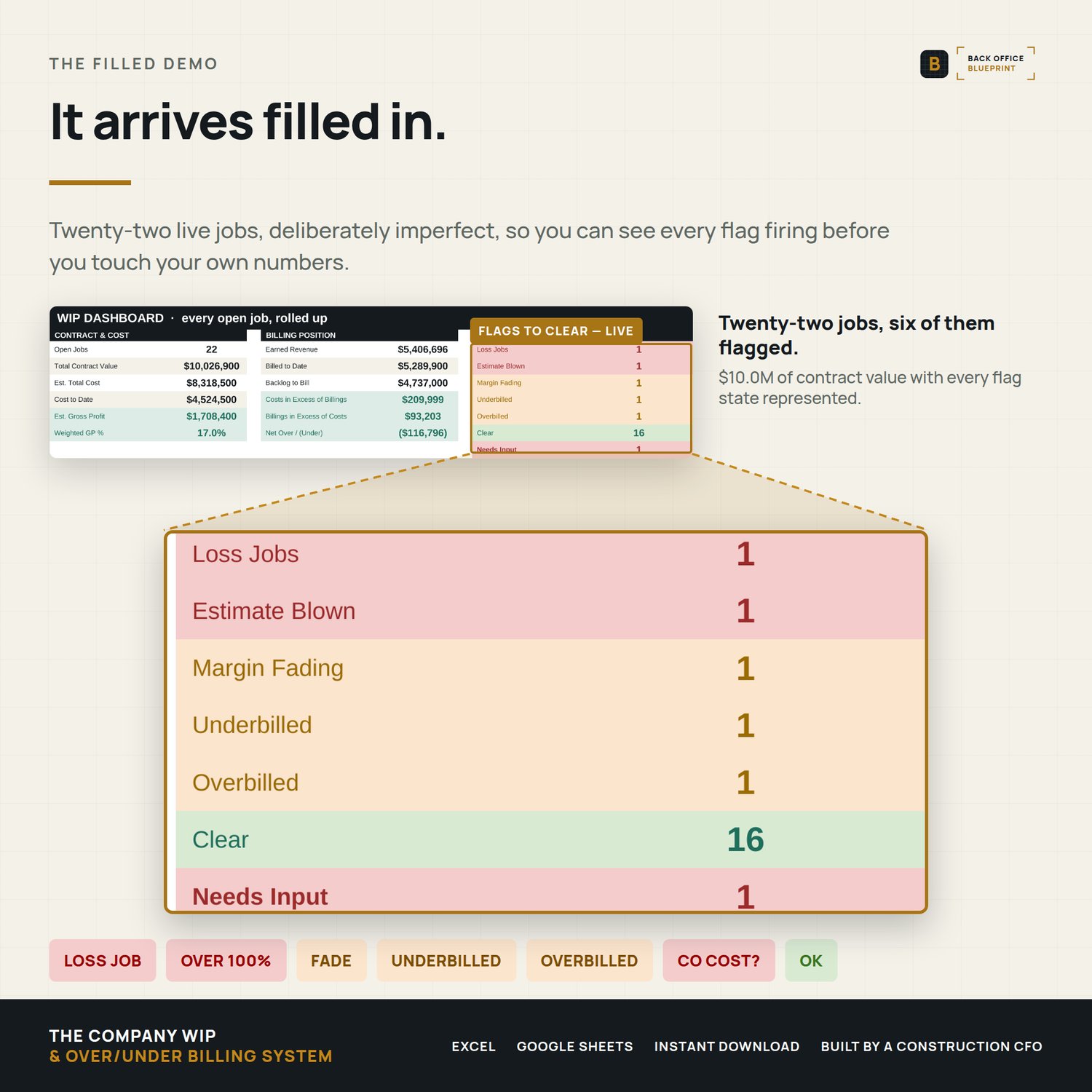
- The WIP Dashboard — company contract value, cost, earned revenue, backlog, weighted gross margin, and a live count of loss jobs, blown estimates, fading jobs and billing drift.
- Monthly History — a period-by-period log so margin fade shows up as a trend six months before it shows up in your bank account.
- Reference tab — percentage-of-completion in plain English, every flag defined, and who wants which report.
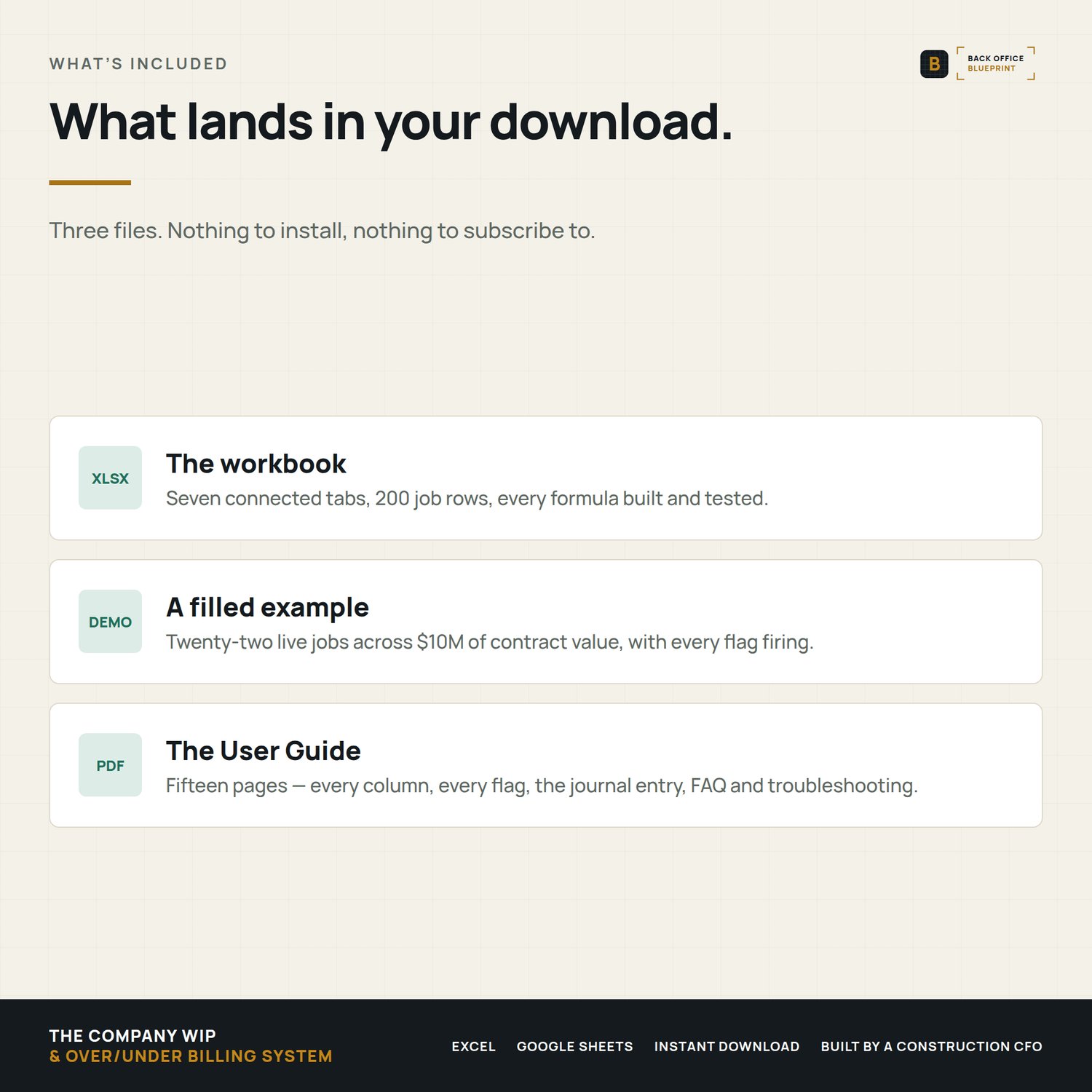
- Step-by-step User Guide (PDF) — fifteen pages: every column, every flag, the journal entry, FAQ and troubleshooting.
- Filled sample (DEMO) — twenty-two live jobs across $10M of contract value, including a loss job, a fading job, a blown estimate and both billing extremes, so you can see every flag firing before you touch your own numbers.
Why it's different
- It covers your whole company, not one job. Job-level trackers are common. A company-wide WIP schedule with a journal entry attached is not.
- It produces the journal entry. Most WIP templates stop at a number. This one tells you what to post, and checks that it balances.
- It shows margin fade. Current margin against bid margin, per job, automatically — the earliest warning you get.
- Under- and over-billings stay separate. They land on opposite sides of the balance sheet. Netting them is the fastest way to get the report handed back to you.
- No subscription. A one-time Excel workbook — not another monthly platform.
- Built by a construction CFO who closes these books every month.
How it works
- Buy and download instantly (Excel .xlsx + a User Guide PDF + a filled DEMO).
- Open in Excel for Mac or Windows (also works in Google Sheets — import the Excel file).
- List every open job, enter the six typed columns from your books.
- Read the flags, print the WIP Schedule, run the journal entry, log the period. About twenty minutes the first time, ten minutes a month after that.
Details
Format: Microsoft Excel (.xlsx) + PDF guide and a filled DEMO. Excel 2019 or newer recommended; also opens in Google Sheets with minor formatting differences.
Capacity: 200 jobs out of the box, extendable by copying the last row down.
License: Single-business commercial use. Use it on every job your business runs; modify freely for your own use. Don't redistribute, resell, or share with another business.
Delivery: Instant digital download. Nothing physical ships. All sales final on digital products.
Please note: Percentage-of-completion accounting has tax and financial-reporting consequences, and the right revenue recognition method depends on your contracts, your size and your tax elections. This workbook organizes your numbers — it is not accounting or tax advice and it is not a substitute for your CPA.
Questions before you buy? Email hello@getbackofficeblueprint.com — we respond personally.