



Commercial Scope of Work | 16-Division CSI MasterFormat
A scope of work that already speaks CSI.
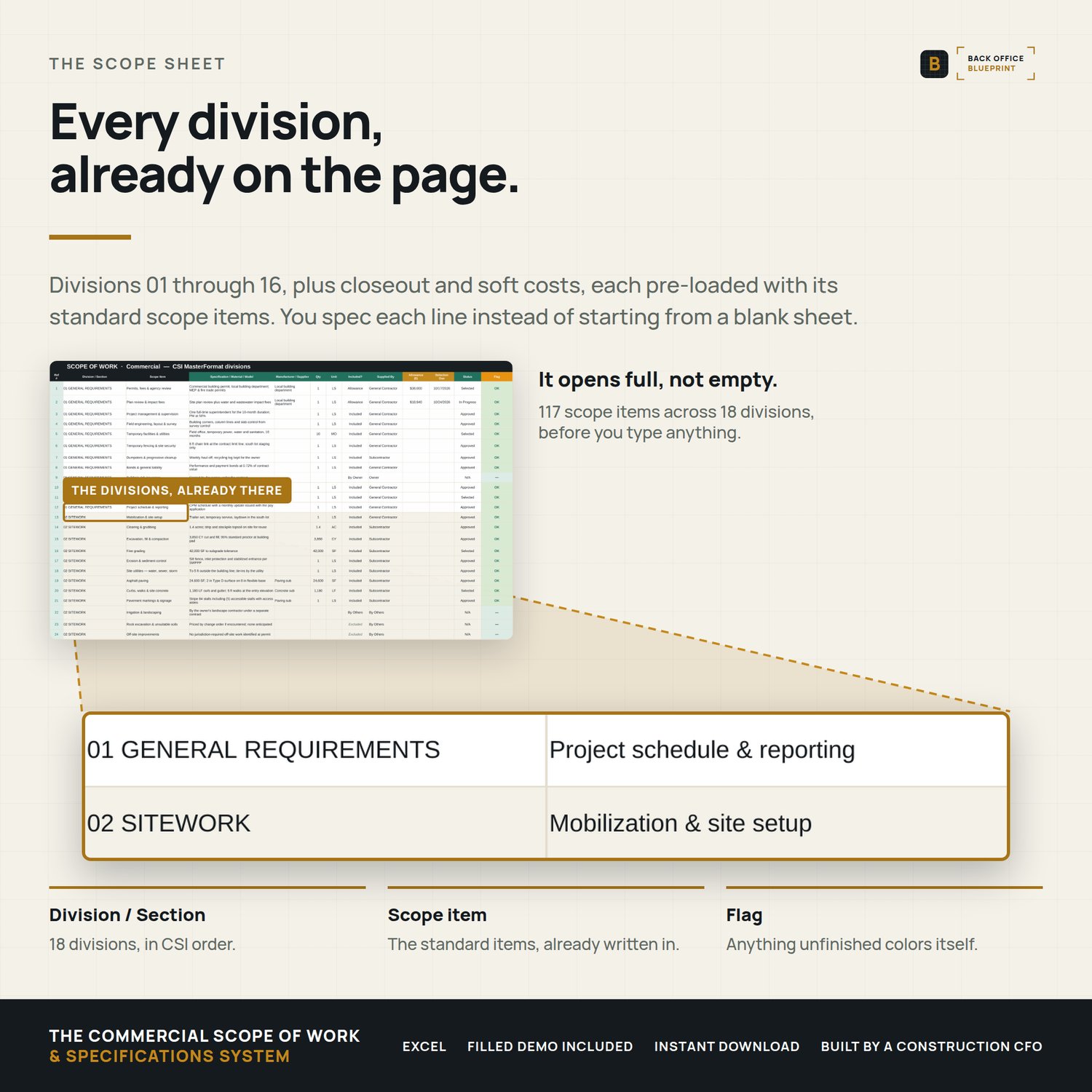
Open it and the divisions are there — 01 General Requirements through 16 Electrical, plus closeout and soft costs. Fill in what's yours and delete what isn't.
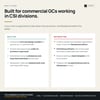
Built for a five-person crew moving into commercial work, not a preconstruction department.
Who it's for
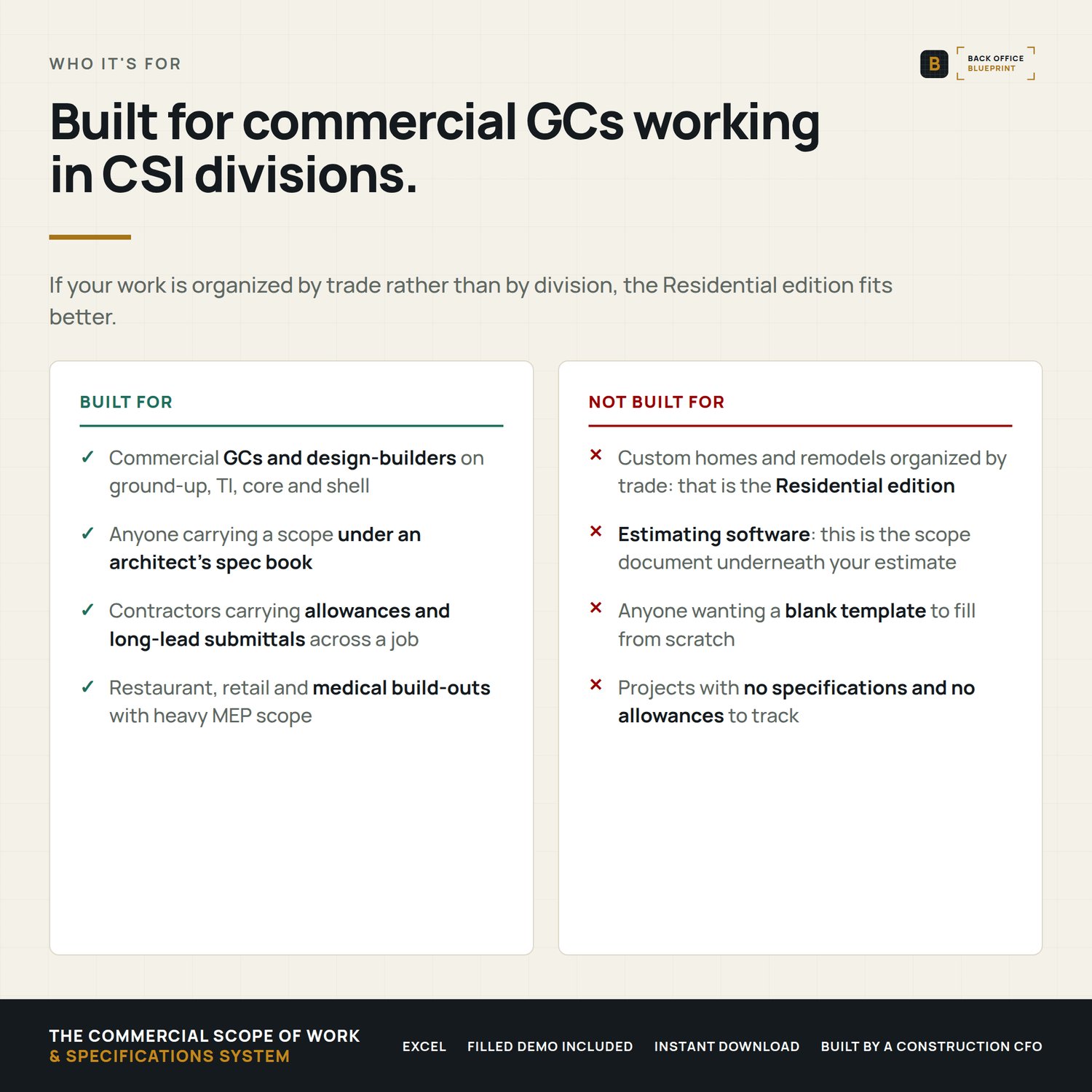
You're a residential or small commercial contractor bidding work organized by CSI division. It runs on the classic 16-division CSI MasterFormat layout, and the User Guide carries a reference crosswalk to the current 50-division edition.
Not for you if you're bidding houses. The Residential Scope of Work is organized by trade instead, and it will fit you better.
What it does the second you type
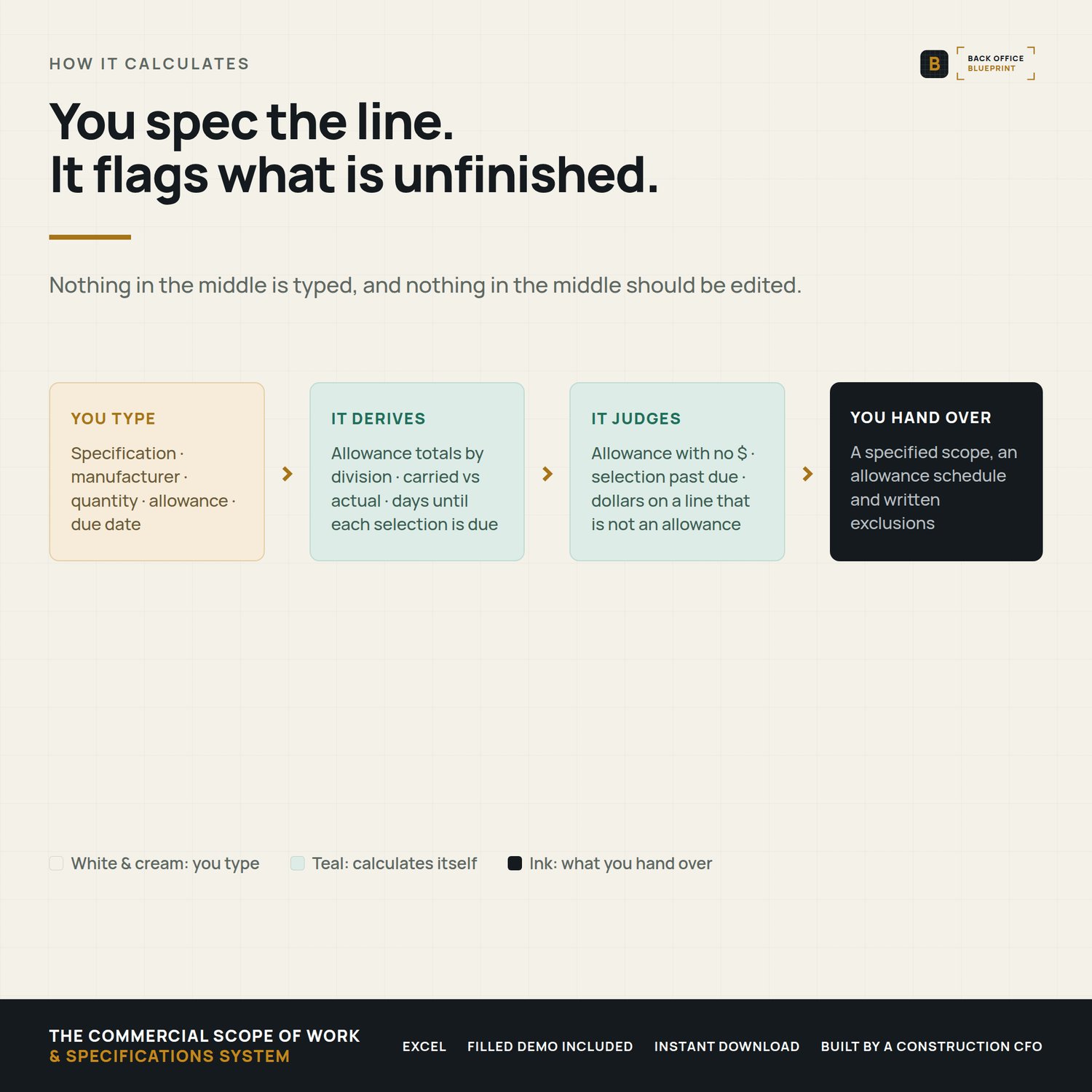
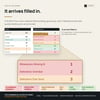
- Flags every unfinished line — an allowance with no dollar amount reads NEEDS $. A selection past its due date reads OVERDUE. A dollar amount on a line that is not an allowance reads $ NOT CARRIED. A line nobody has classified reads Not Set. Color-coded, automatic.
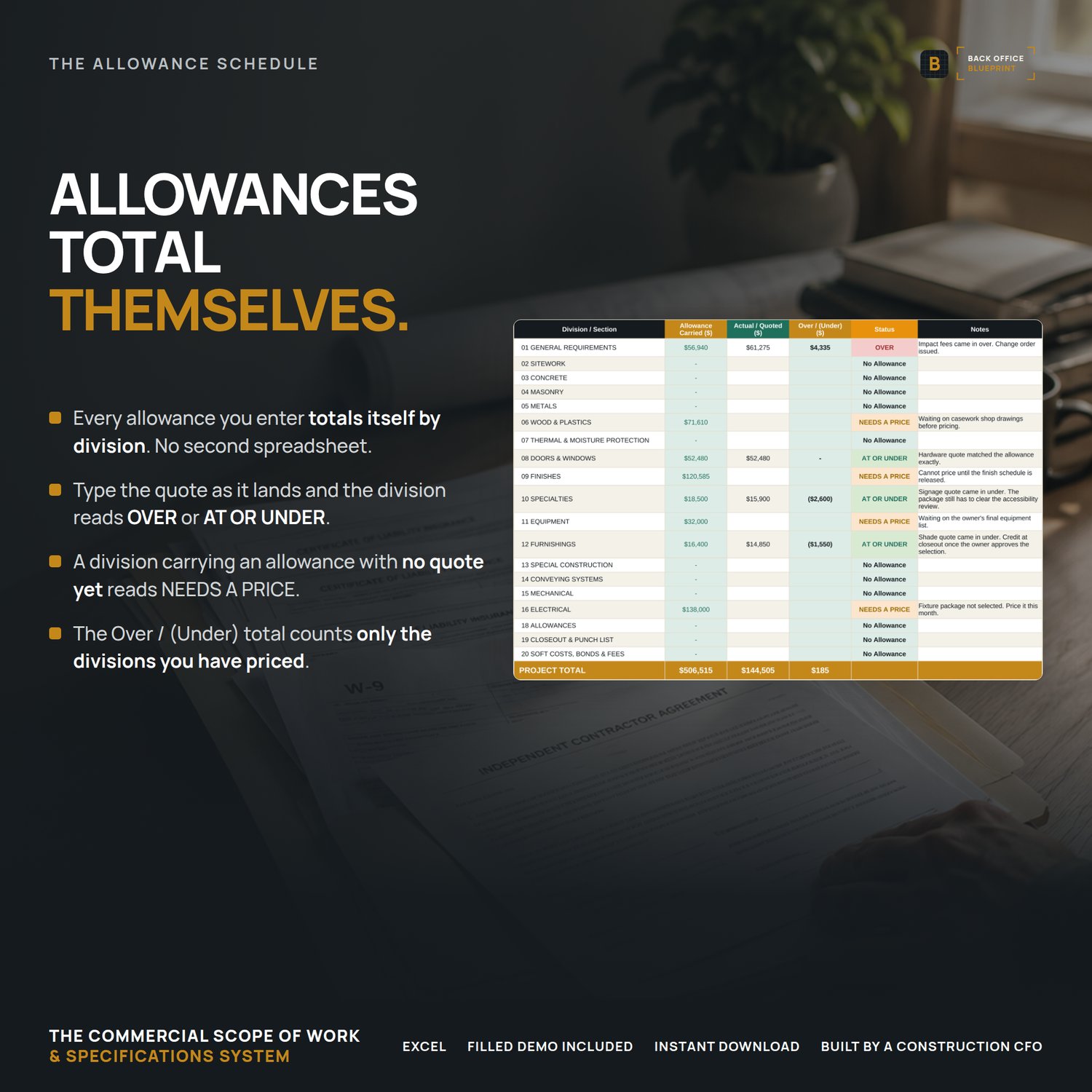
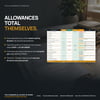
- Rolls up your allowances — every allowance you enter totals itself by CSI division on the Allowance Schedule. Type in the actual quote and it reads OVER or AT OR UNDER, division by division.
- Counts down your submittals — set a due date and it watches it, turning Due Soon at 14 days and OVERDUE the moment it passes.
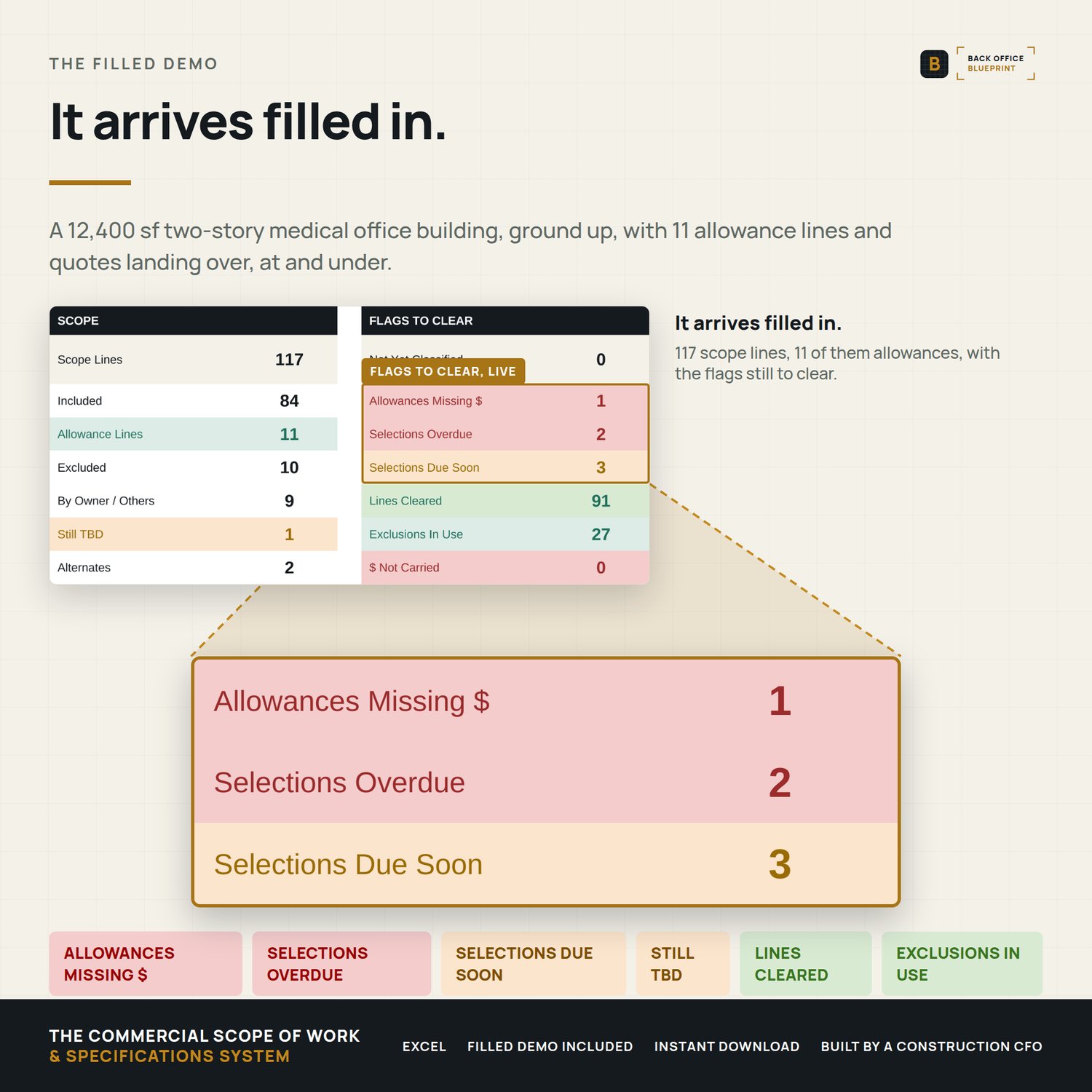
- Summarizes the whole job — line counts, what is still TBD, allowance carried vs. actual, overdue submittals, and the flags left to clear. All live, none of it typed.
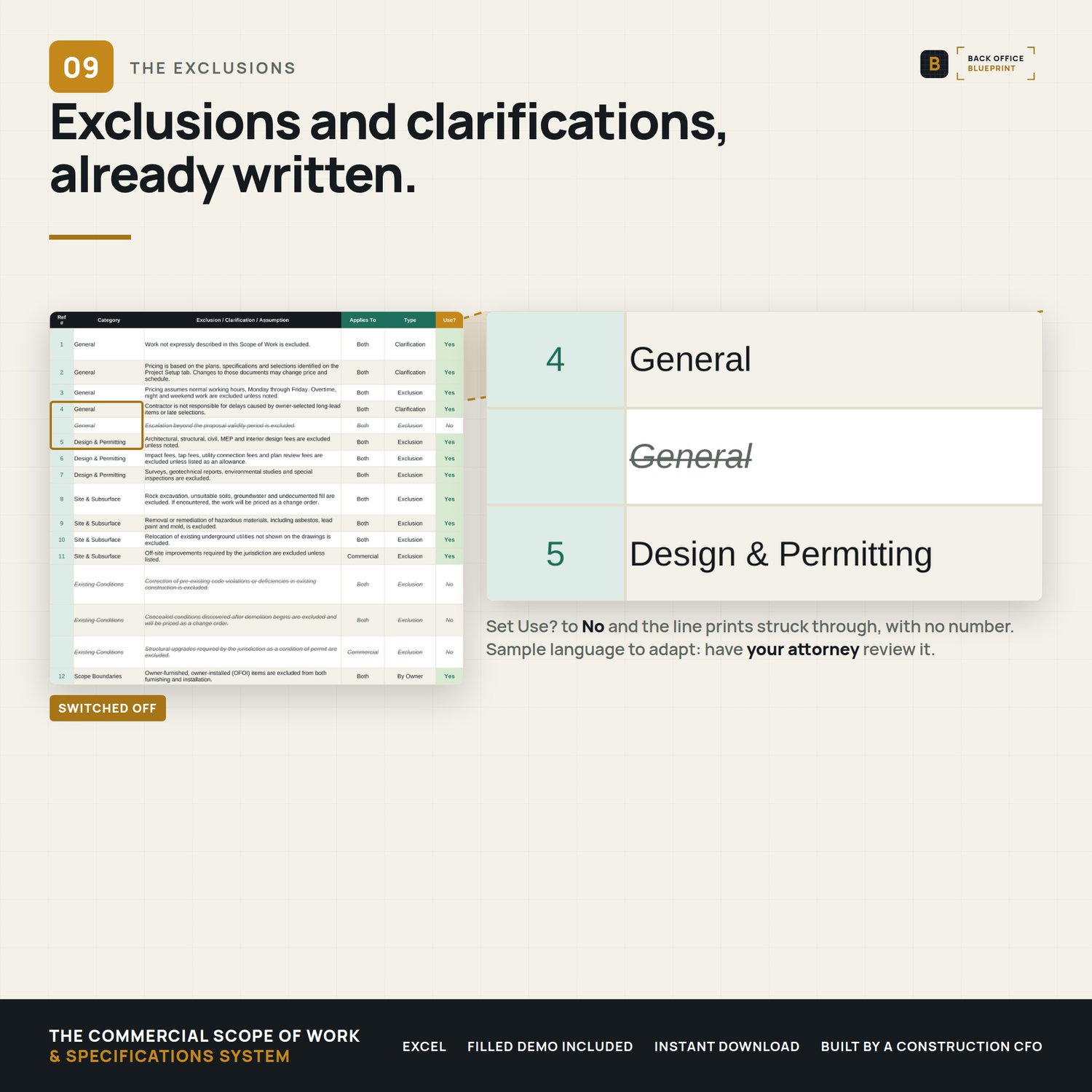
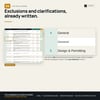
- Comes with your exclusions already written — 33 standard exclusions, clarifications and assumptions for commercial work. Set Use? to No on what does not apply and it prints struck through, with no number.
You fill the white cells. It handles the flagging, the counting, and the math.
───────────────
What's inside
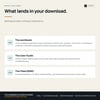
- The Scope of Work (Excel) — 18 divisions (CSI 01 to 16, plus closeout and soft costs), 117 pre-loaded scope items, plus blank rows in every division for whatever is specific to your project. Specification, manufacturer, quantity, included/excluded, supplied by, allowance, due date and status on every line.
- The Allowance Schedule — pulls every allowance you entered and totals it by division automatically. Enter the real quote as it lands and it reads OVER or AT OR UNDER, with a project total at the bottom.
- Selections & Submittals log — the long-lead watch list: structural steel, switchgear, the elevator, rooftop units, storefront and glazing, door hardware and keying, casework and the fire alarm package, pre-loaded with lead times.
- Exclusions & Clarifications — 33 pre-written exclusions and clarifications across general, design and permitting, site and subsurface, existing conditions, scope boundaries, allowances, warranty and closeout, and finishes.
- Project Setup with a Basis of Scope block — the drawing sets, addenda, finish schedules and reports this scope was written against, named and dated, plus an acceptance and signature section.
- A live Scope Summary — the whole project on one screen, updating itself.
- Step-by-step User Guide (PDF) — a plain-English walkthrough of every column, every flag, the automation, best practices and troubleshooting.
- Filled sample (DEMO) — a worked example: a 12,400 sf two-story medical office building, ground up, with 11 allowance lines and quotes landing over, at and under.
- ───────────────
Why it's different
- It starts full, not empty. 117 scope items across 18 divisions. The question stops being "what did I forget?"
- It speaks CSI. The same division labels as the commercial estimating, pay application and job costing systems, so an allowance carried here sits under the same heading there.
- The exclusions are already written. 33 exclusions and clarifications, sample language drawn from common construction practice — the tab most contractors skip is the tab that protects them.
- Allowances close themselves out. Carried versus actual, by division, without a second spreadsheet.
- No subscription. A one-time Excel workbook — not another monthly platform.
- Built by a construction CFO who writes scopes, carries allowances and argues about exclusions for a living.
───────────────
How it works
- Buy and download instantly (Excel .xlsx + a User Guide PDF + a filled sample).
- Open in Microsoft Excel.
- Fill in Project Setup, then work down the Included? column — one decision per line.
- Write the specifications, set your allowances and due dates. The flags, the roll-ups and the summary fill themselves. Print the scope and the exclusions to PDF and attach both to your proposal.
───────────────
Details
Format: Microsoft Excel (.xlsx) + PDF guide and a filled DEMO. Excel 2019 or newer recommended; it should open in Google Sheets, but we have not tested it there.
License: Single-business commercial use. Use it on every project your business runs; modify freely for your own use. Don't redistribute, resell, or share with another business.
Delivery: Instant digital download. Nothing physical ships. All sales final on digital products.
Please note: The exclusions, clarifications and acceptance language are sample text drawn from common construction practice. They are not legal advice and they are not a contract. On a fully-specified project the architect's specifications govern. Construction law and required contract language vary by state — have a licensed attorney review and adapt anything you attach to an agreement.
Questions before you buy? Email hello@getbackofficeblueprint.com — we respond personally.