








Commercial Job Costing & Subcontract Buyout System
You bid the job at a 21% margin. Nobody can tell you what it is today.
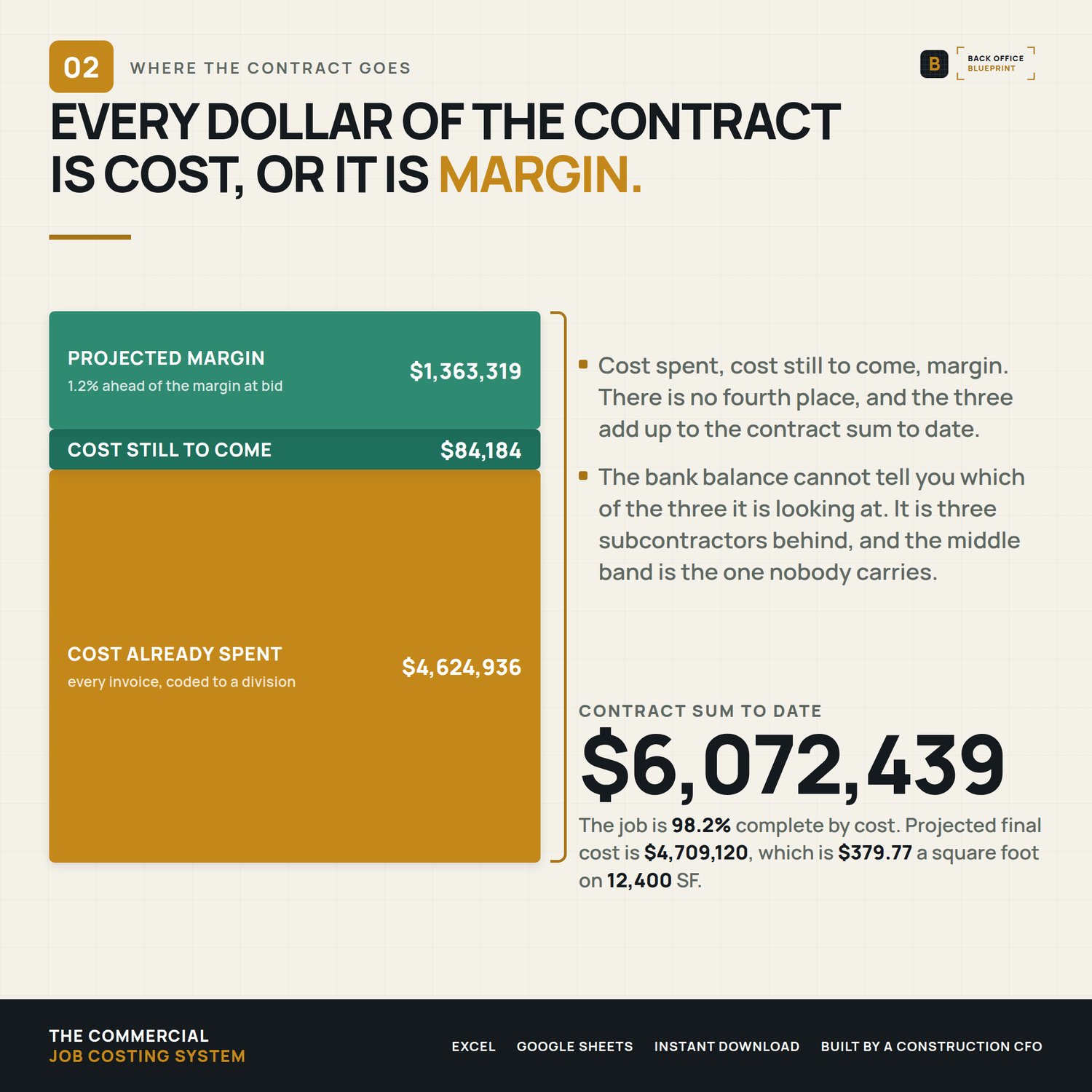
The bank balance says the job is fine. The bank balance is three subcontractors behind.
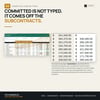
This is one commercial job, costed by CSI division: what you budgeted, what you actually bought each scope for, what you have spent, and what the job finishes at if nothing else changes.
Built for a builder running 1 to 12 commercial jobs, not for a company with a project accountant.
────────────────
Who it's for
You are a general contractor on ground-up commercial, tenant improvement, medical, retail or light industrial work. Most of your cost is subcontracts. You bill the owner against a schedule of values, and you hold retainage from your subs while the owner holds retainage from you.
Not for you if you build houses on phase codes — that's a different file, and I make a separate job costing system for it.
────────────────
What's in it
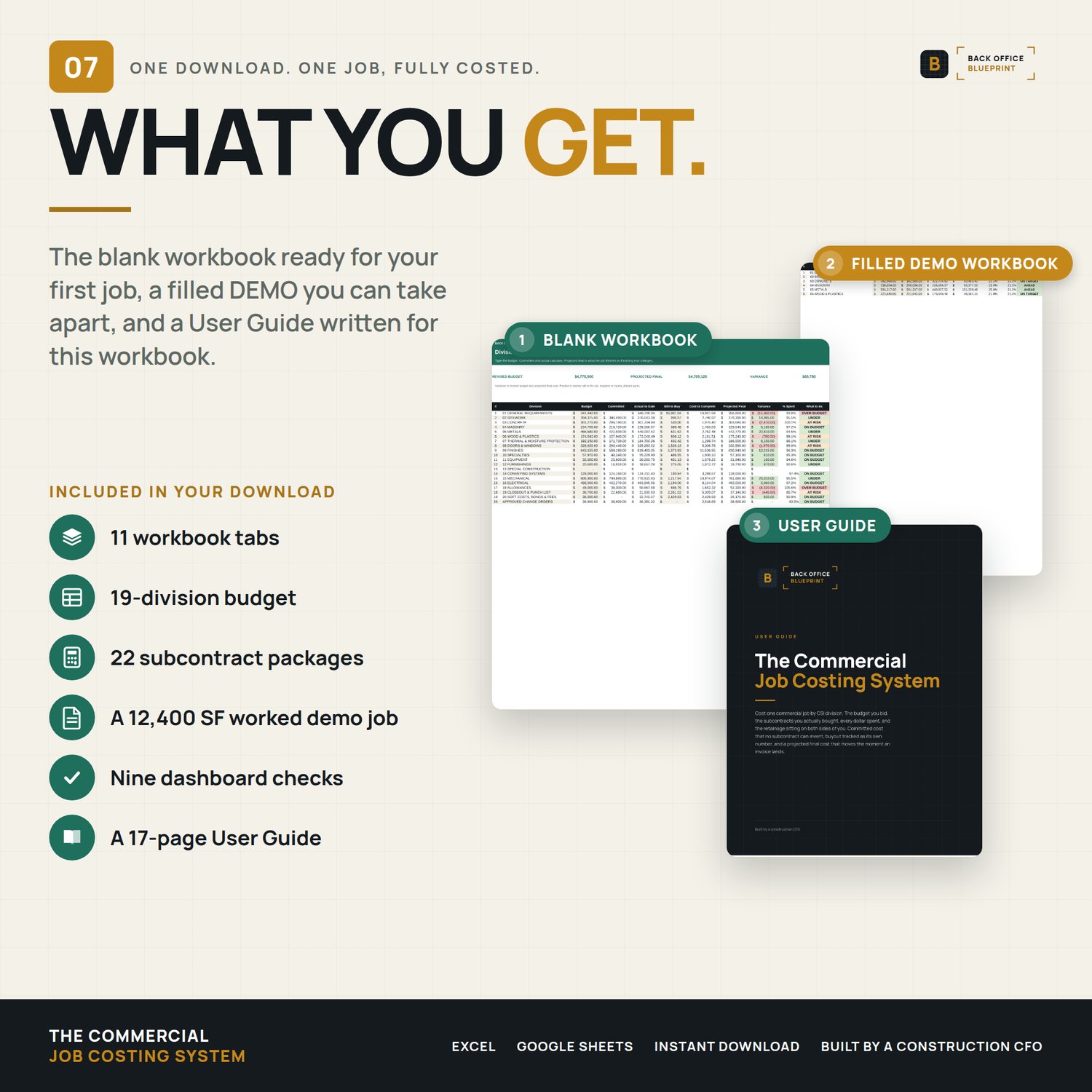
Eleven tabs. You type in seven of them.
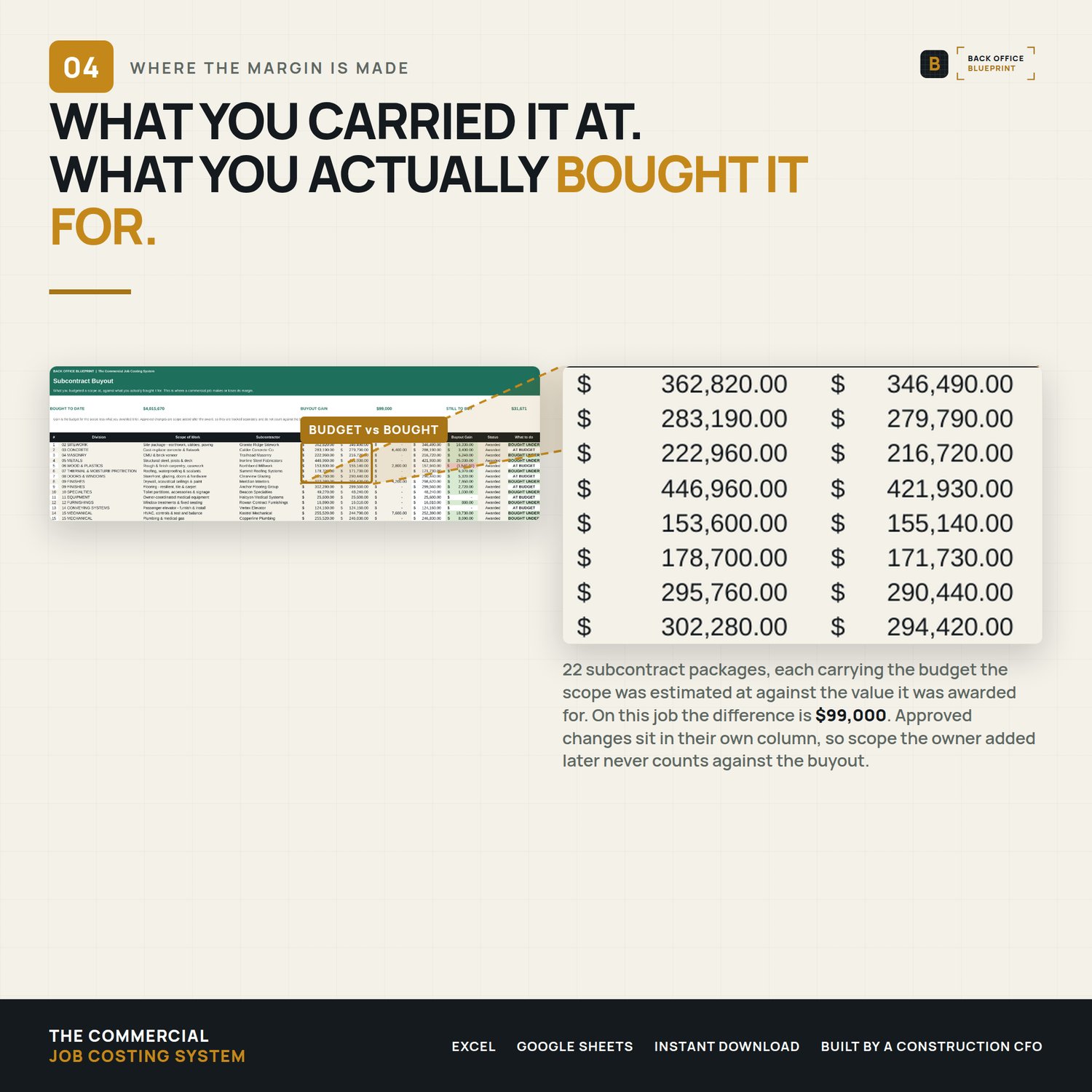
- Subcontract Buyout — what you carried a scope at against what you actually bought it for. Thirty packages, gain or loss per subcontract, and approved changes tracked separately so scope the owner added never counts against your buyout. This is where a commercial job makes or loses its margin, and it is the tab no other spreadsheet here has.
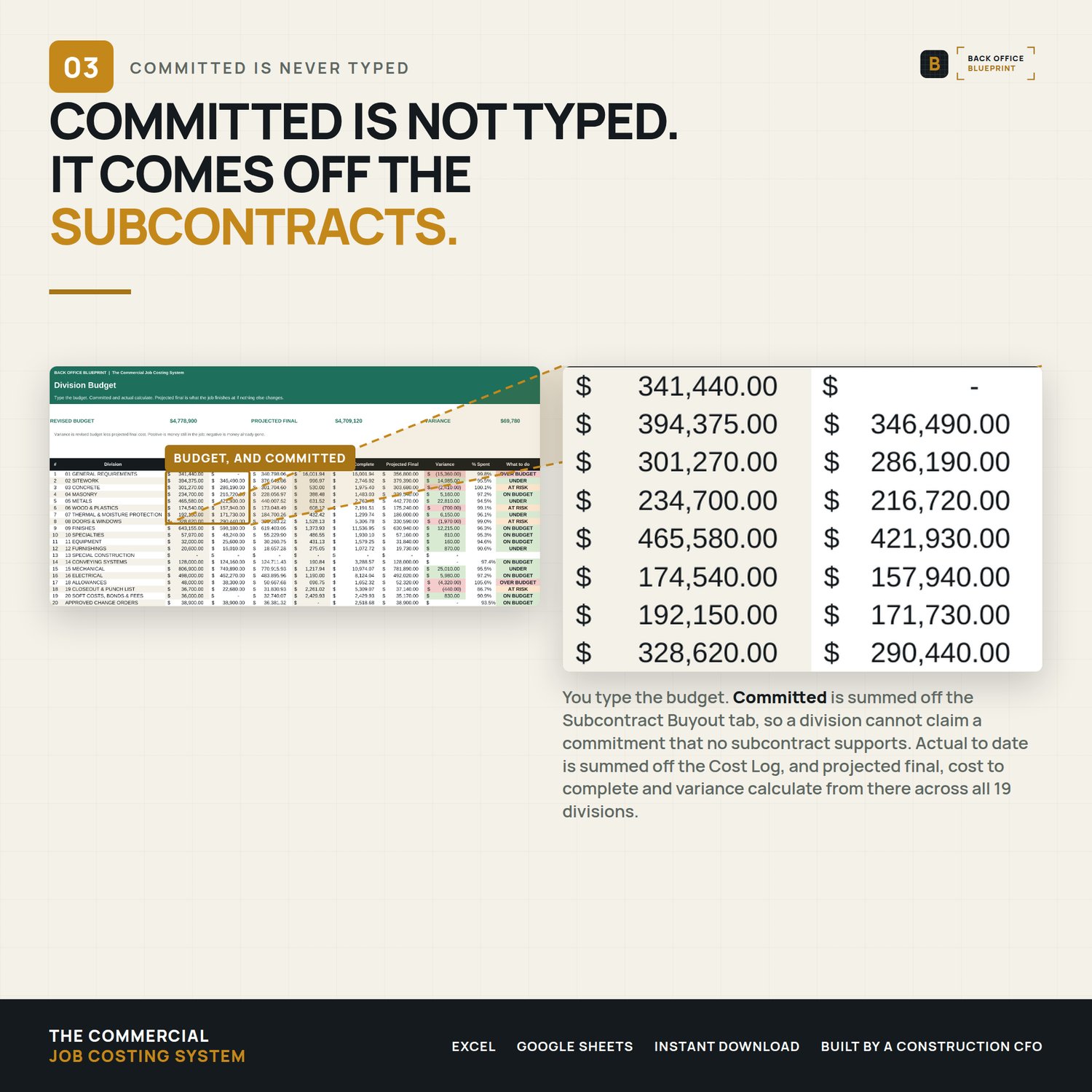
- Division Budget — 19 divisions (the 16 classic CSI MasterFormat divisions plus allowances, closeout and soft costs), the same ones my commercial estimating system prices and my pay application bills. Committed cost is summed off the subcontracts, never typed, so a division cannot claim a commitment no subcontract supports. Projected final, cost to complete and variance calculate.
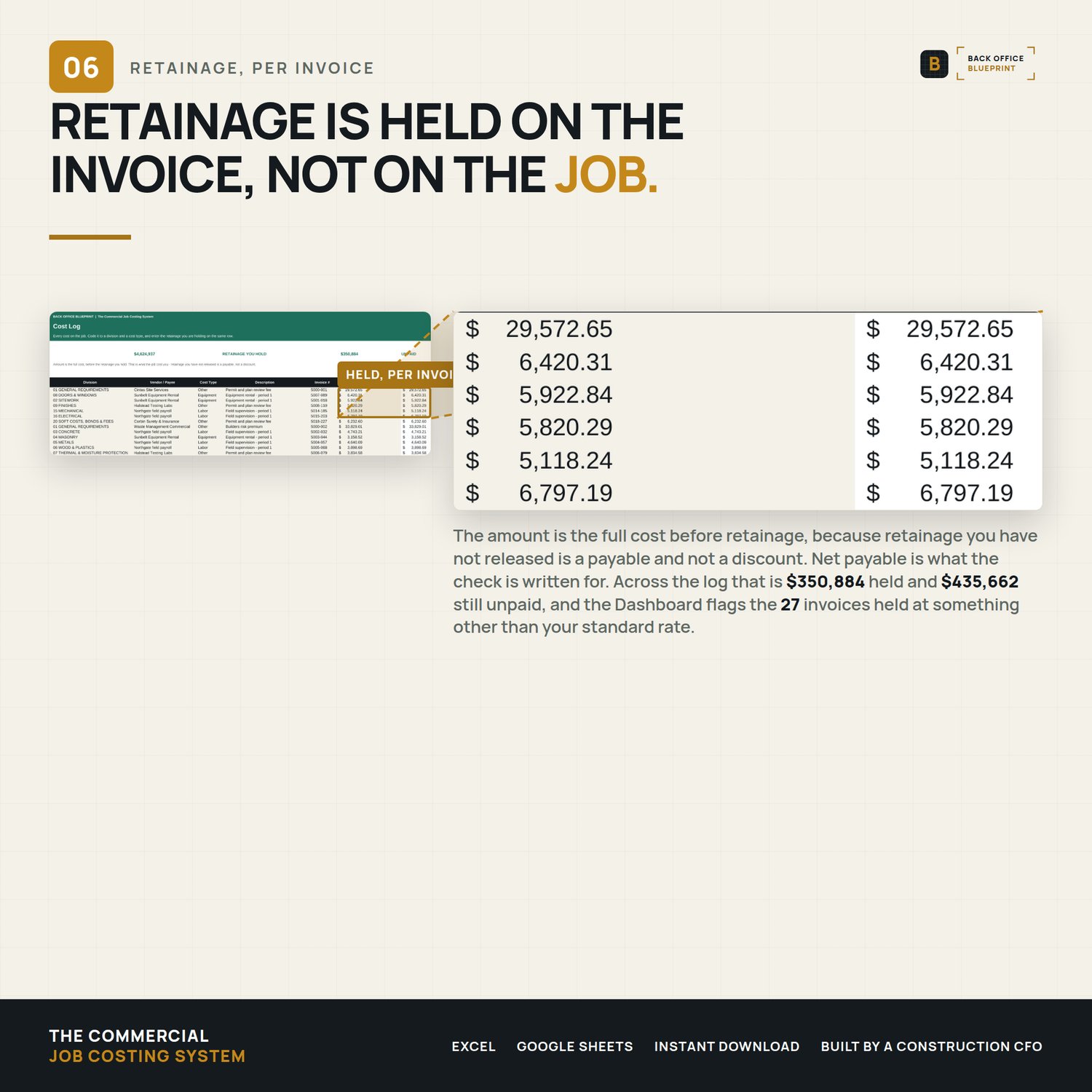
- Cost Log — 250 rows. Every cost coded to a division and a cost type, with the retainage you are holding entered on the same row. Per invoice, not one rate on the total, because two subcontracts are never written at the same number.
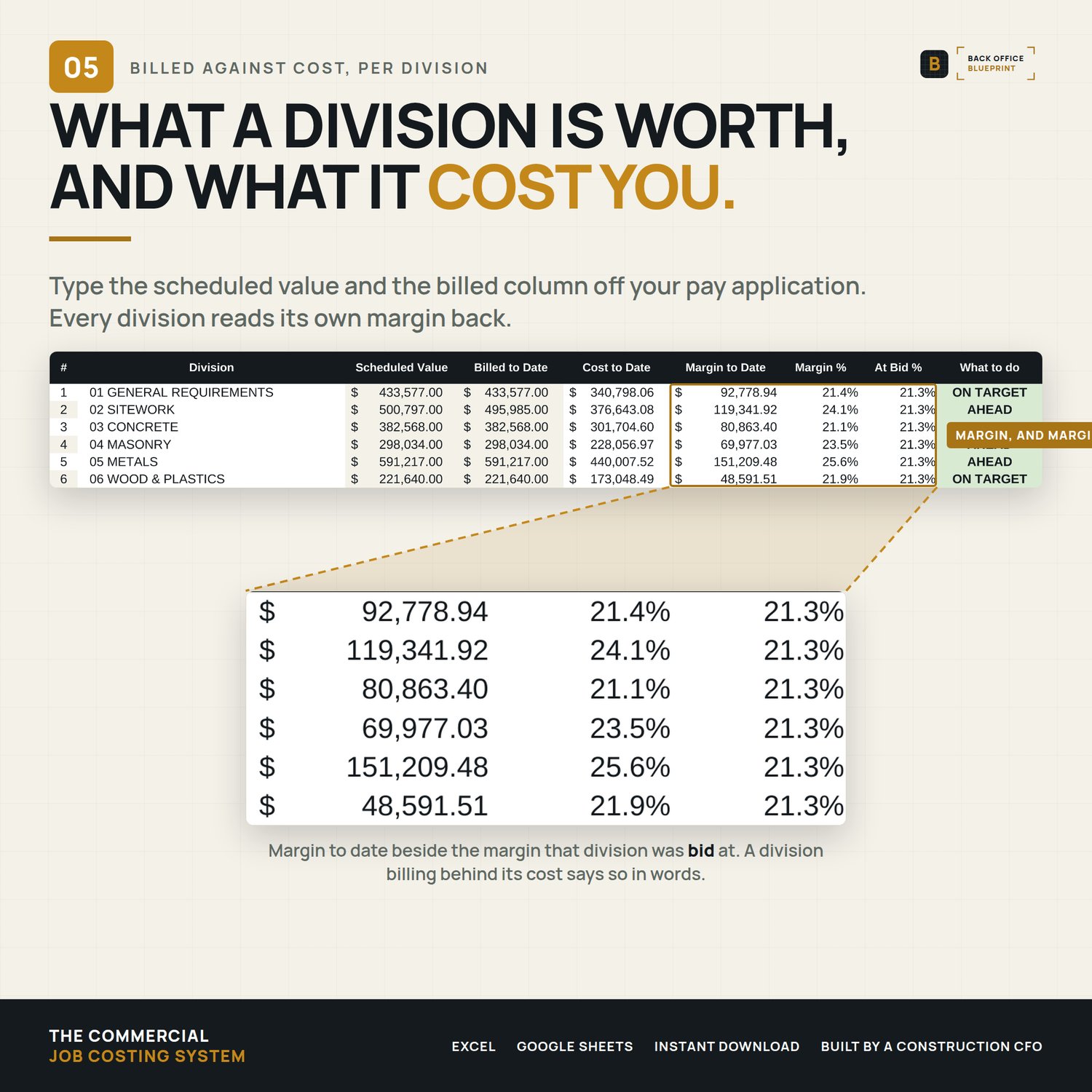
- Billed vs Cost — what each division is worth in the contract, what you have billed on it, what it has cost you, and the margin between. Type two columns off your pay application and the rest reads back.
- Retainage Position — what the owner is holding from you, what you are holding from your subs, and the difference. That number is your retainage exposure and most builders have never seen it written down.
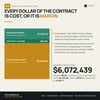
- Job Margin — projected margin against the margin you bid, in dollars and in percentage points. The fade.
Plus Project Setup, Change Order Cost, a Start Here tab, and a Dashboard running nine checks before you trust a number.
────────────────
What you get
- The blank workbook, ready for your first job
- A filled example — a 12,400 SF medical office at 98% complete, $99,000 of buyout gain, two divisions over budget and a projected margin 1.2 points ahead of the bid
- A 17-page user guide with the license terms
Excel format. Opens in Excel and Google Sheets. Every formula is the plain kind — nothing that needs a current subscription to calculate.
- It uses the same CSI divisions as my commercial estimating system and my pay application, so a bid becomes a budget and a schedule of values becomes a cost report without retyping anything.
- ────────────────
What happens after you buy
The files are yours immediately. Nothing to install, no account to make, no add-in.
If something doesn't work the way you expected, write to hello@getbackofficeblueprint.com. We answer personally.
────────────────
This is a cost report, not an accounting system, and it isn't tax or legal advice. It tells you where a job is going while you can still do something about it.
I built this after watching a builder find out at closeout that he had given away eleven points at the buyout table, one scope at a time, and never seen it happen.