







Commercial Construction Estimating System for Excel
The bid is due Friday and the sprinkler number is a guess.
Commercial estimating breaks differently than residential. It isn't one forgotten line item — it's the scope gap between two subs nobody caught, the alternate that quietly got added to the base bid, and the allowance that was a budget until somebody spent it.
This is the estimate, the markup, the scope language and the proposal in one file, organized the way a commercial estimator already works: by division, on the classic 16-division CSI MasterFormat layout.
Built for a builder bidding $500K to $10M jobs, not for a company with an estimating department.
────────────────
Who it's for
You bid ground-up commercial, tenant improvement, medical, retail or light industrial work, and you estimate in Excel.
Not for you if you bid residential remodels and custom homes — I make a separate residential edition, and it's organized around the way those jobs actually price.
────────────────
What's in it
Ten tabs, and every one of them earns its place.
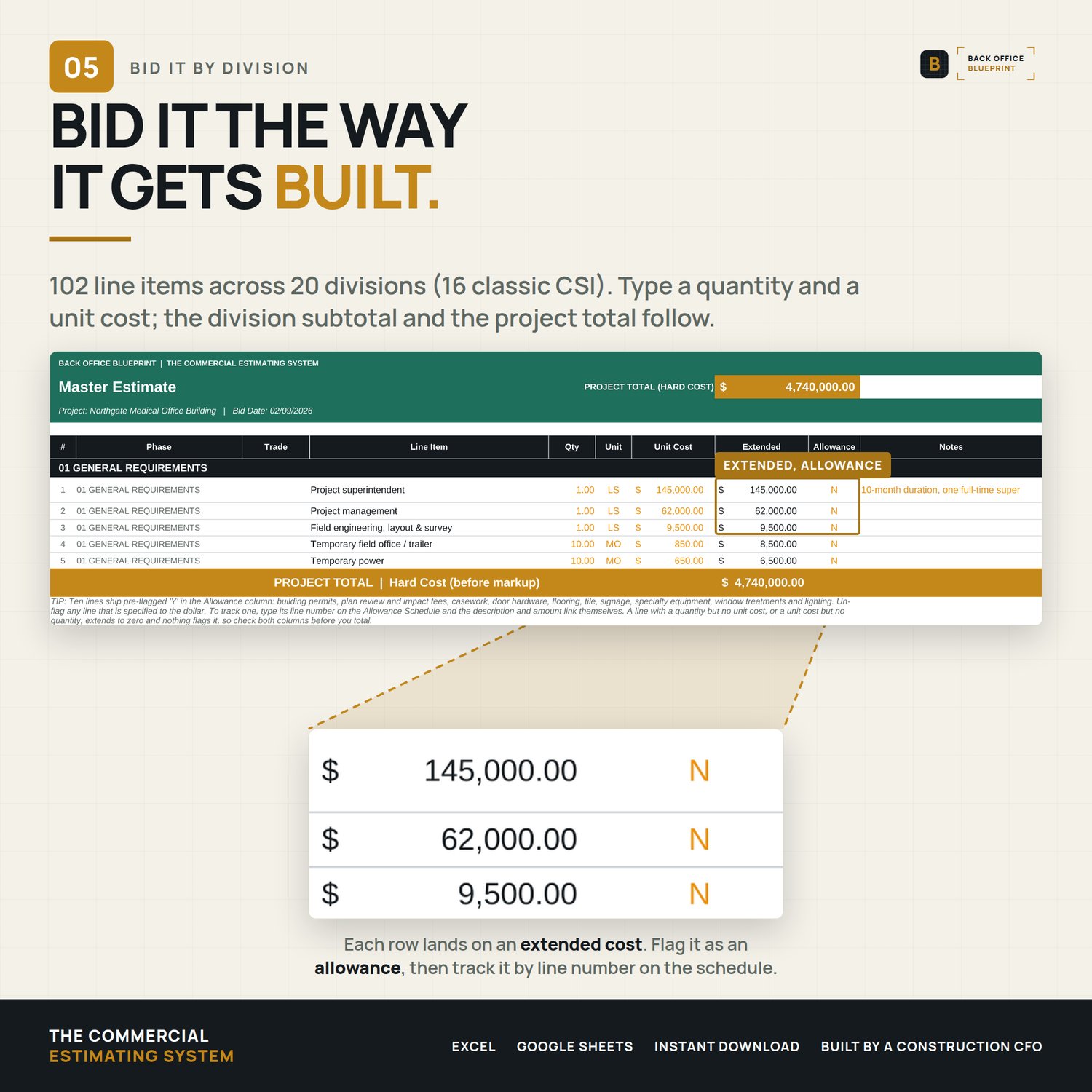
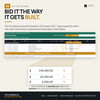
- Master Estimate — 102 line items across 20 divisions: the 16 classic CSI MasterFormat divisions plus alternates, allowances, closeout and soft costs. General conditions built out in full: superintendent, temporary power, dumpsters, bonds, builder's risk, scaffolding, closeout documents. 237 pre-numbered blank rows underneath so you add your own without touching a formula.
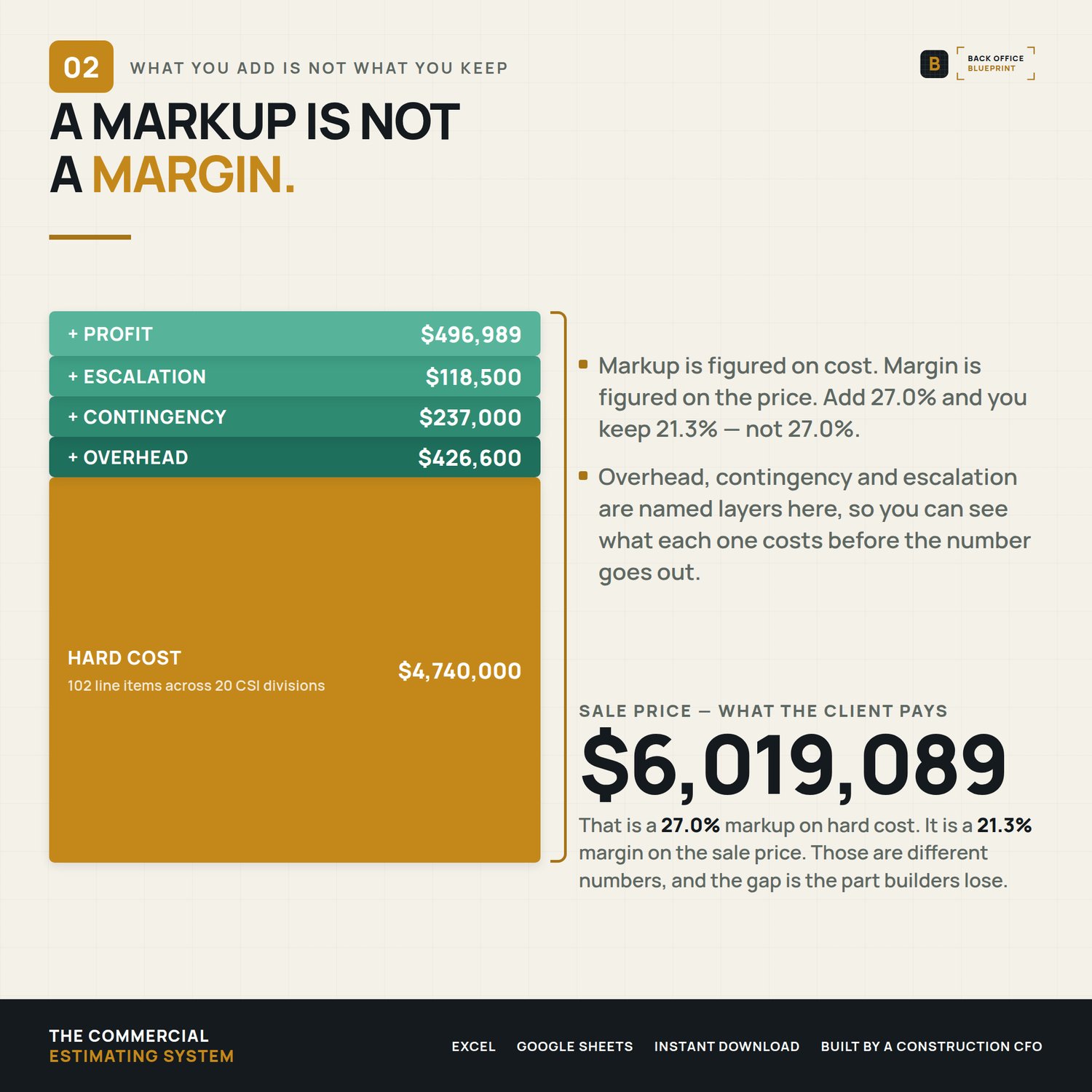
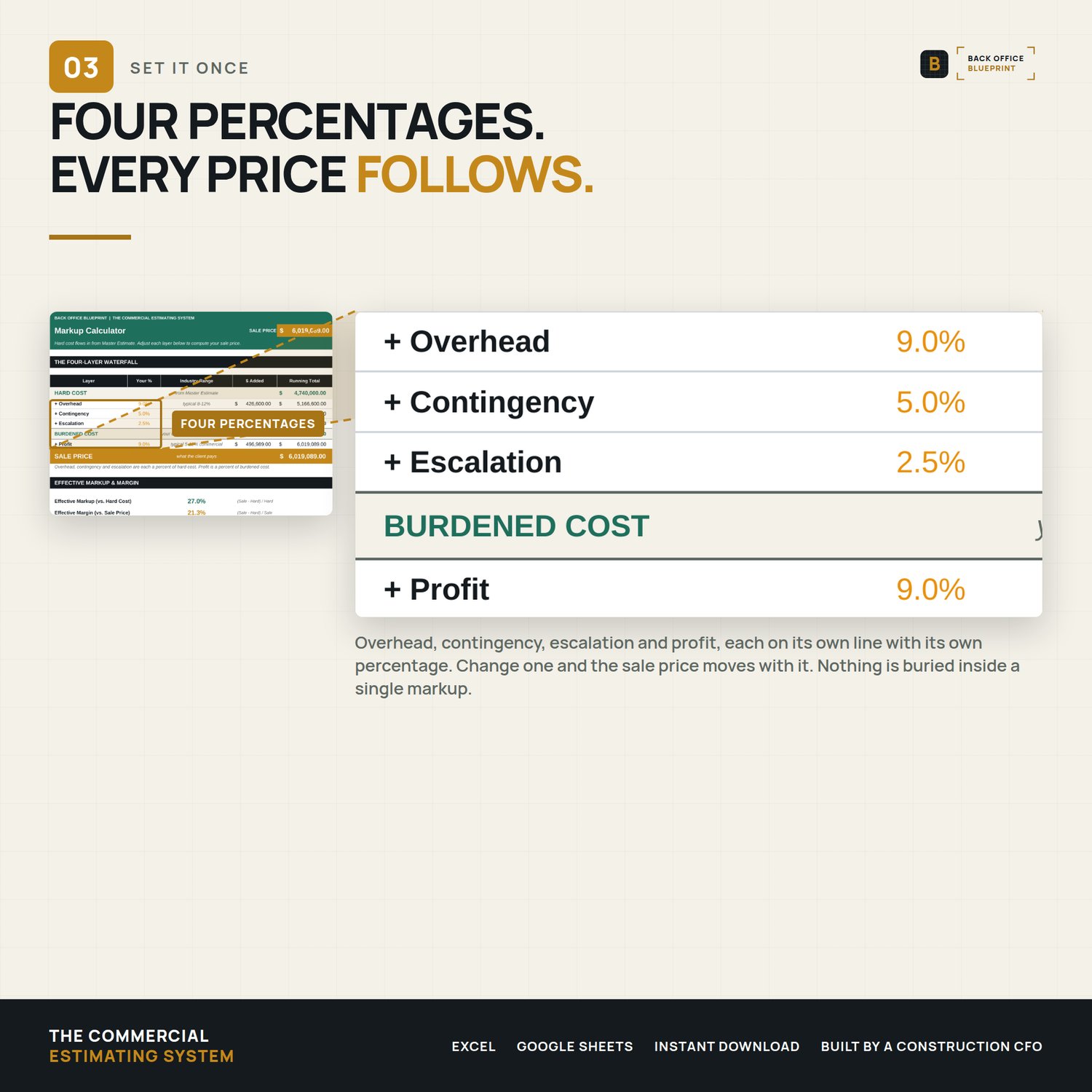
- Markup Calculator — a four-layer waterfall. Overhead, contingency, escalation, then profit. It shows you the difference between markup and margin, because a 25% markup is a 20% margin and that gap is where the money goes.
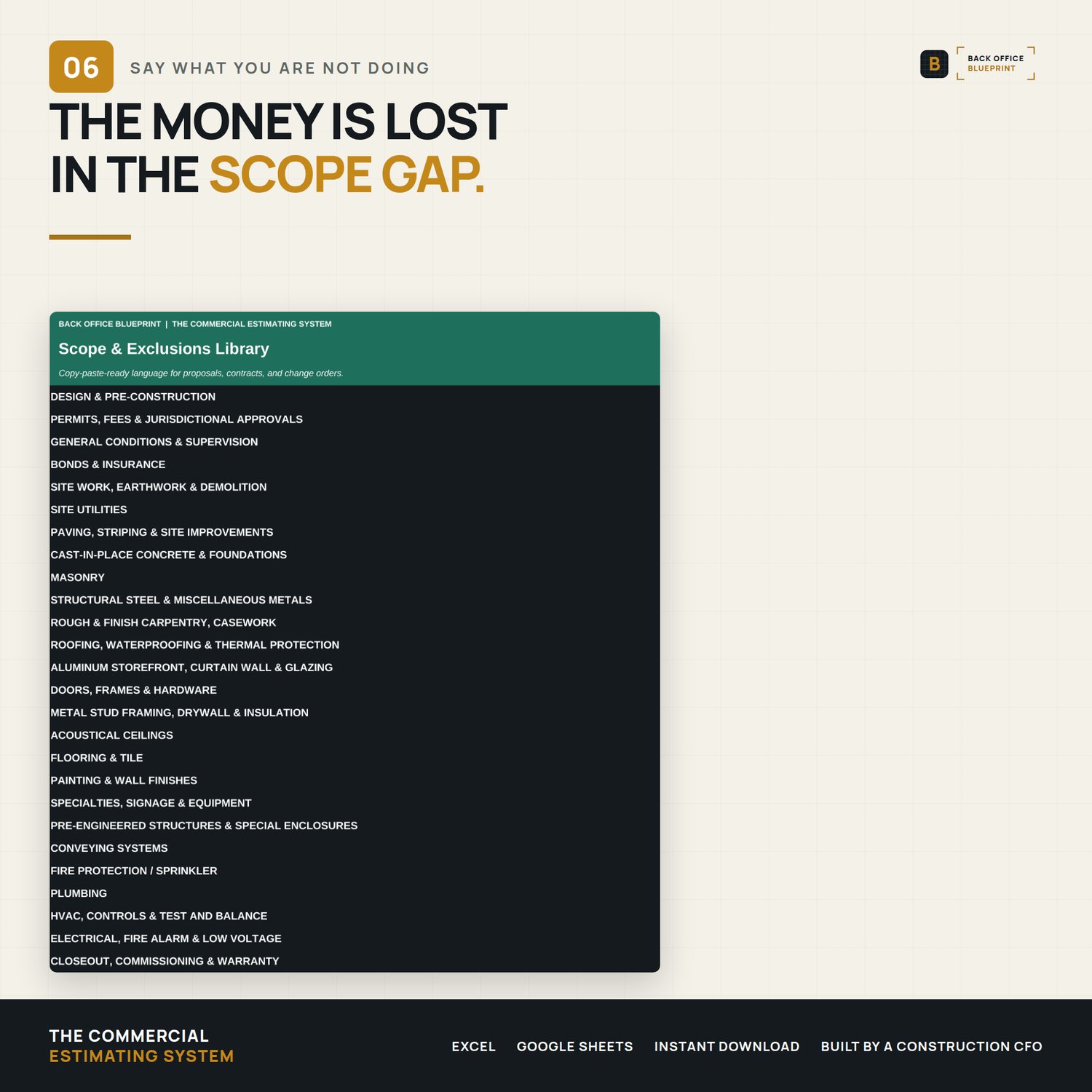
- Scope & Exclusions — 26 trades of copy-paste inclusion and exclusion language, written for commercial work. Sprinklers, fire alarm, elevators, storefront and curtain wall, acoustical ceilings, site utilities, BAS controls, test and balance, bonds and insurance. Every trade the estimate can price, this tab has language for.
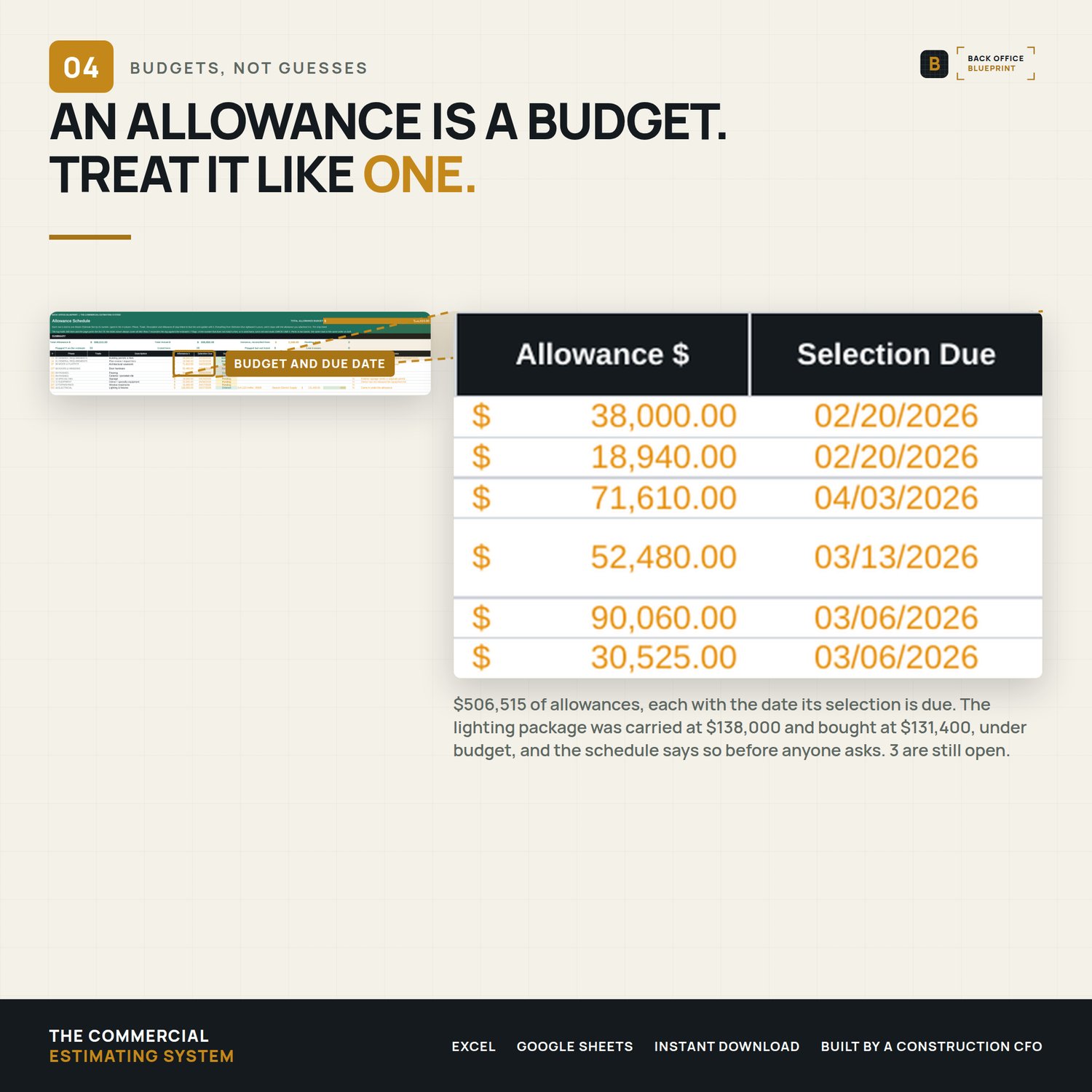
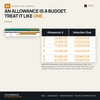
- Allowance Schedule — ten common allowance lines ship pre-flagged and already listed here. Selection deadline, actual cost, variance, and who pays the difference.
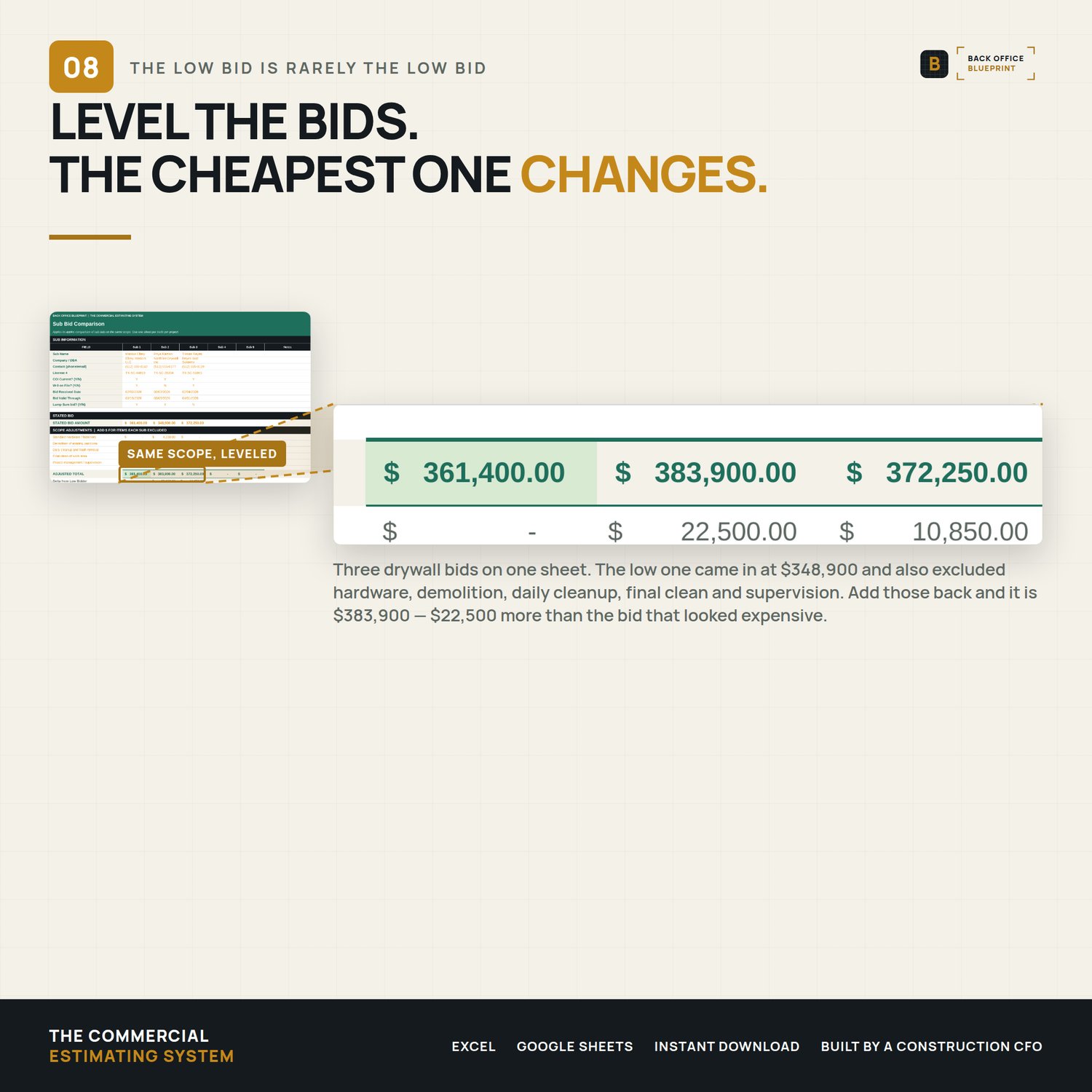
- Sub Bid Comparison — five subs, one scope, side by side. Add back what each one excluded and the ranking changes. In the filled example, the low bidder at $348,900 becomes the highest at $383,900 once five missing scope items go back in.
- Proposal Output — the client-facing document. Your company at the top, the division breakdown, allowances, alternates priced separately, payment milestones, terms and signature blocks. Print-ready.
- Historical Tracker and Dashboard — cost per square foot and margin by project type, so next year's bid is priced off what actually happened instead of what you hoped.
Plus Project Setup, and a Cover tab that explains the whole system in one screen.
────────────────
What you get
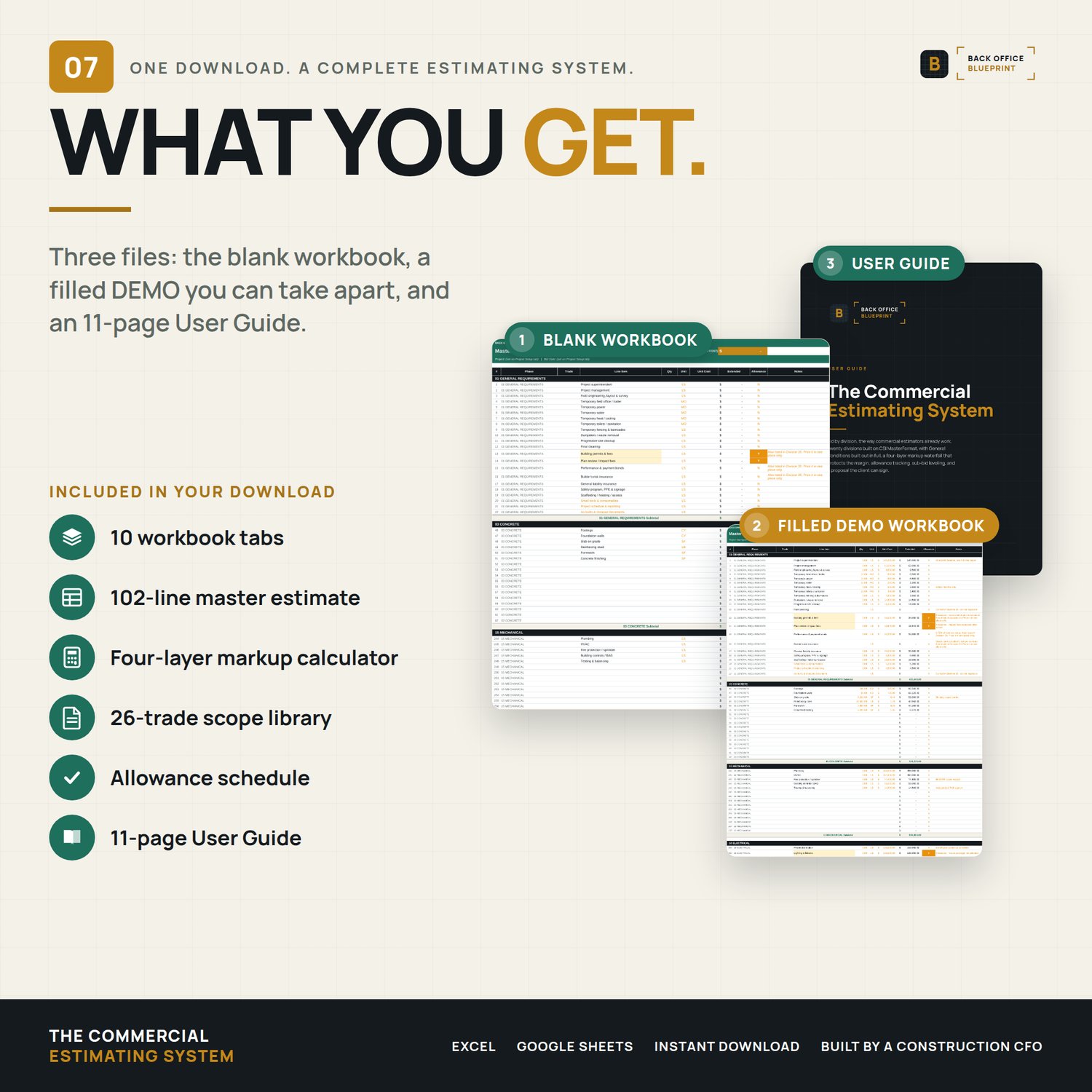
- The blank workbook, ready for your first bid
- A filled example — a two-story, 12,400 SF medical office at $4.74M hard cost, worked all the way through to a signed-ready proposal
- An 11-page user guide with the license terms
Excel format. Opens in Excel and Google Sheets. Every formula is the plain kind — nothing that needs a current subscription to calculate.
────────────────
What happens after you buy
The files are yours immediately. Nothing to install, no account to make, no add-in.
If something doesn't work the way you expected, write to hello@getbackofficeblueprint.com. We answer personally.
────────────────
I built this after watching a builder eat the cost of a fire alarm scope nobody had priced, on a job where every other number was right. The estimate wasn't wrong. The scope was.