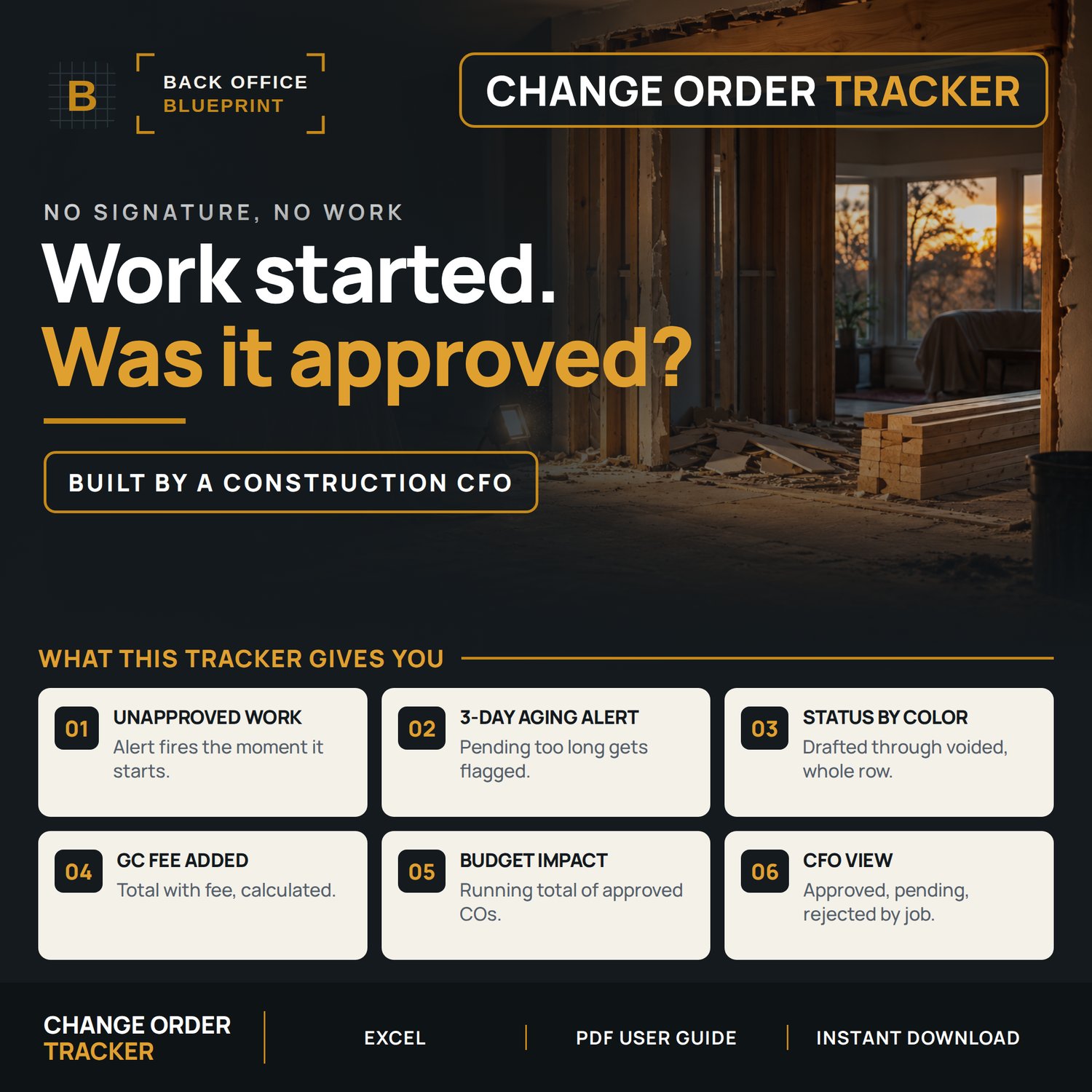






Construction Change Order Tracker — Log, Dashboard, Excel
You wrote the change order. Did the owner ever sign it, and did it ever make the final invoice?
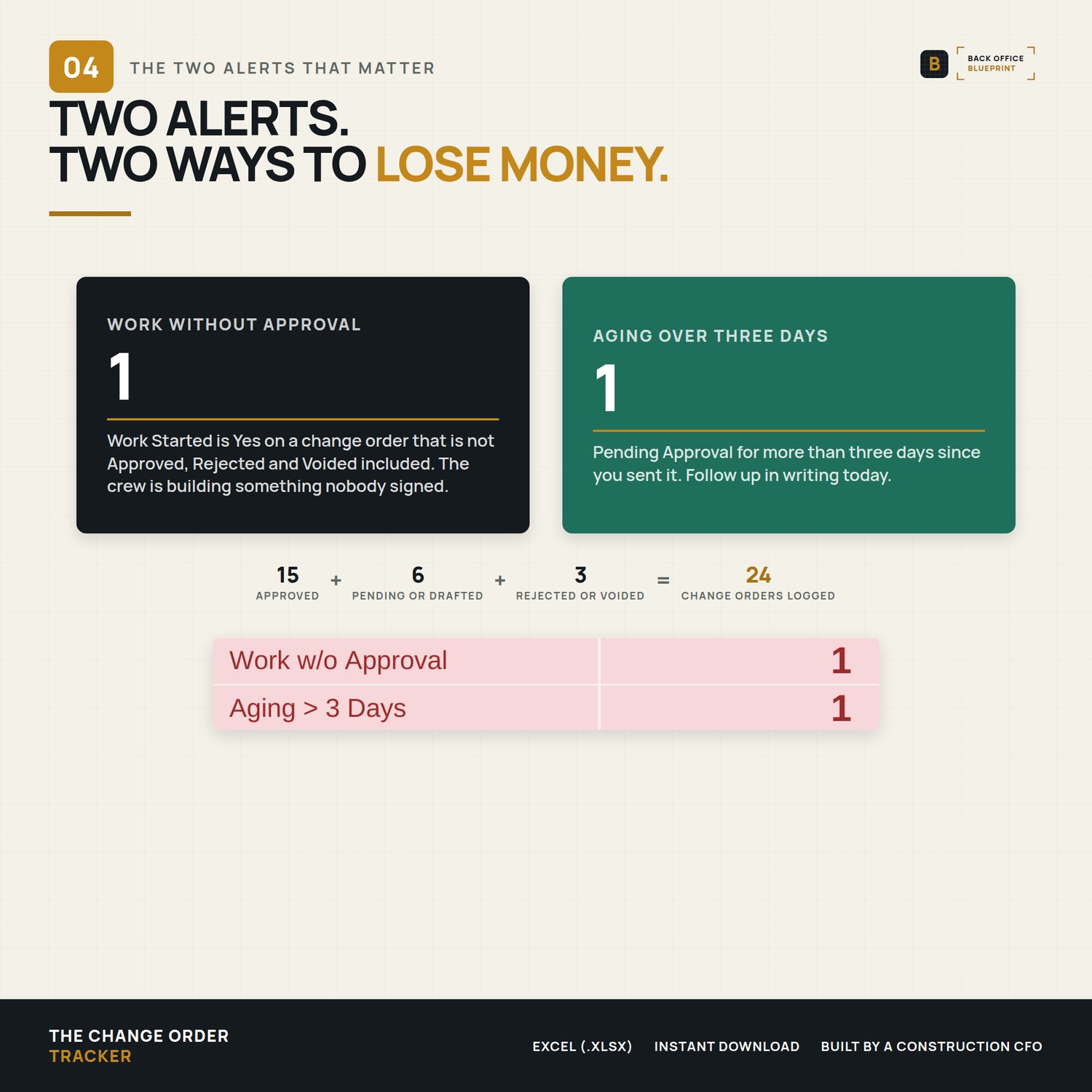
This Excel log tracks every change order on every job from drafted to approved, and flags the two moments the money leaves: work started without a signature, and a change order the owner has sat on for more than three days. Built for a five-person crew, not a project management department.
Who It's For
You run 3 to 15 jobs at a time and you have lost track of at least one change order this year.
Not for you if you run one job at a time; the Change Order Form on its own will do it. Not for you if your change orders already live in Procore or Buildertrend.
What's Inside
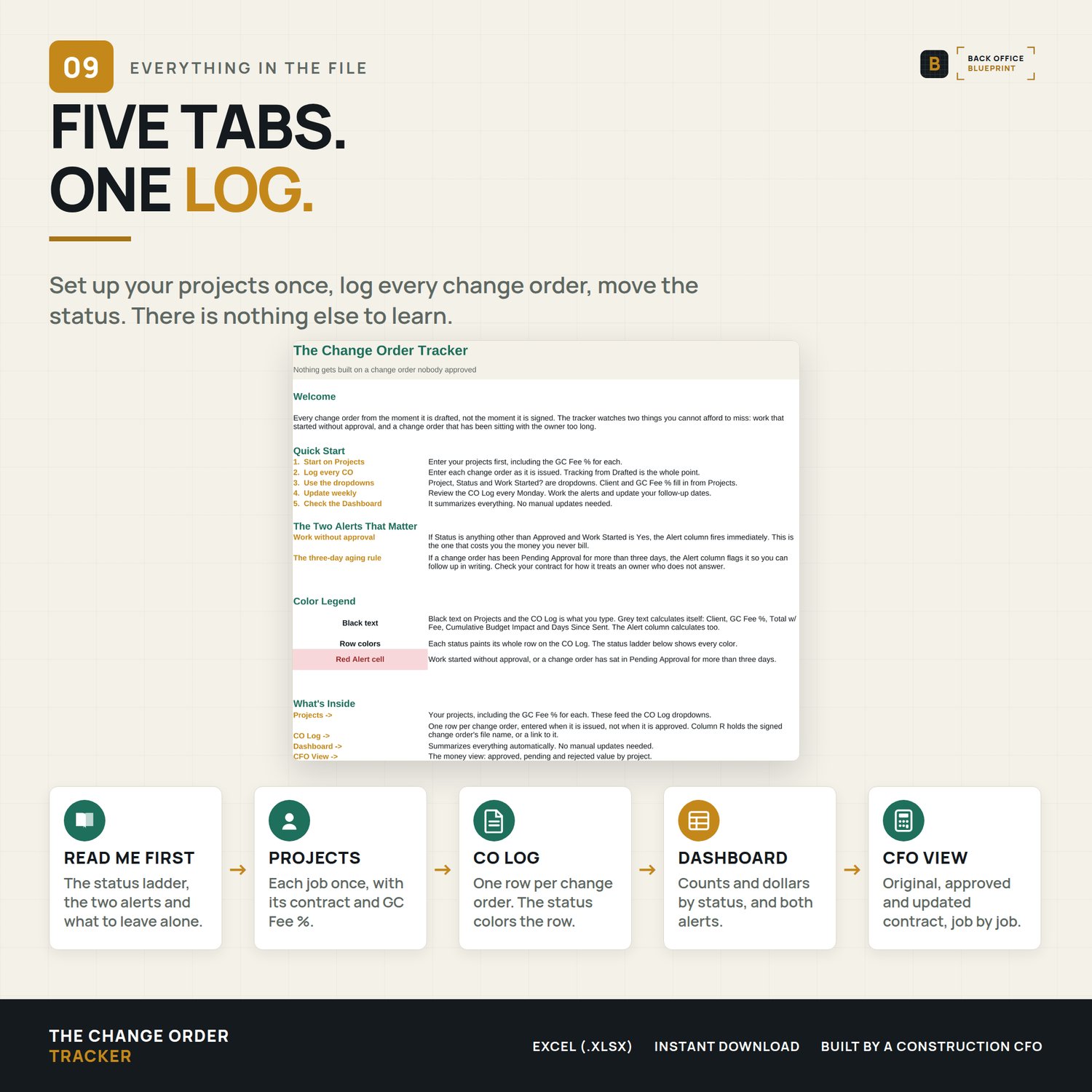
- The Change Order Tracker (.xlsx), five tabs: READ ME FIRST, Projects, CO Log, Dashboard and CFO View
- Room for 25 projects and 250 change orders
- A DEMO copy with change orders logged in every status across three sample jobs, including a live alert
- A User Guide (PDF): column by column, the two alerts, a Monday routine, FAQ and troubleshooting
What It Does
- Pick a project and the client and GC Fee % fill in. Total with fee calculates.
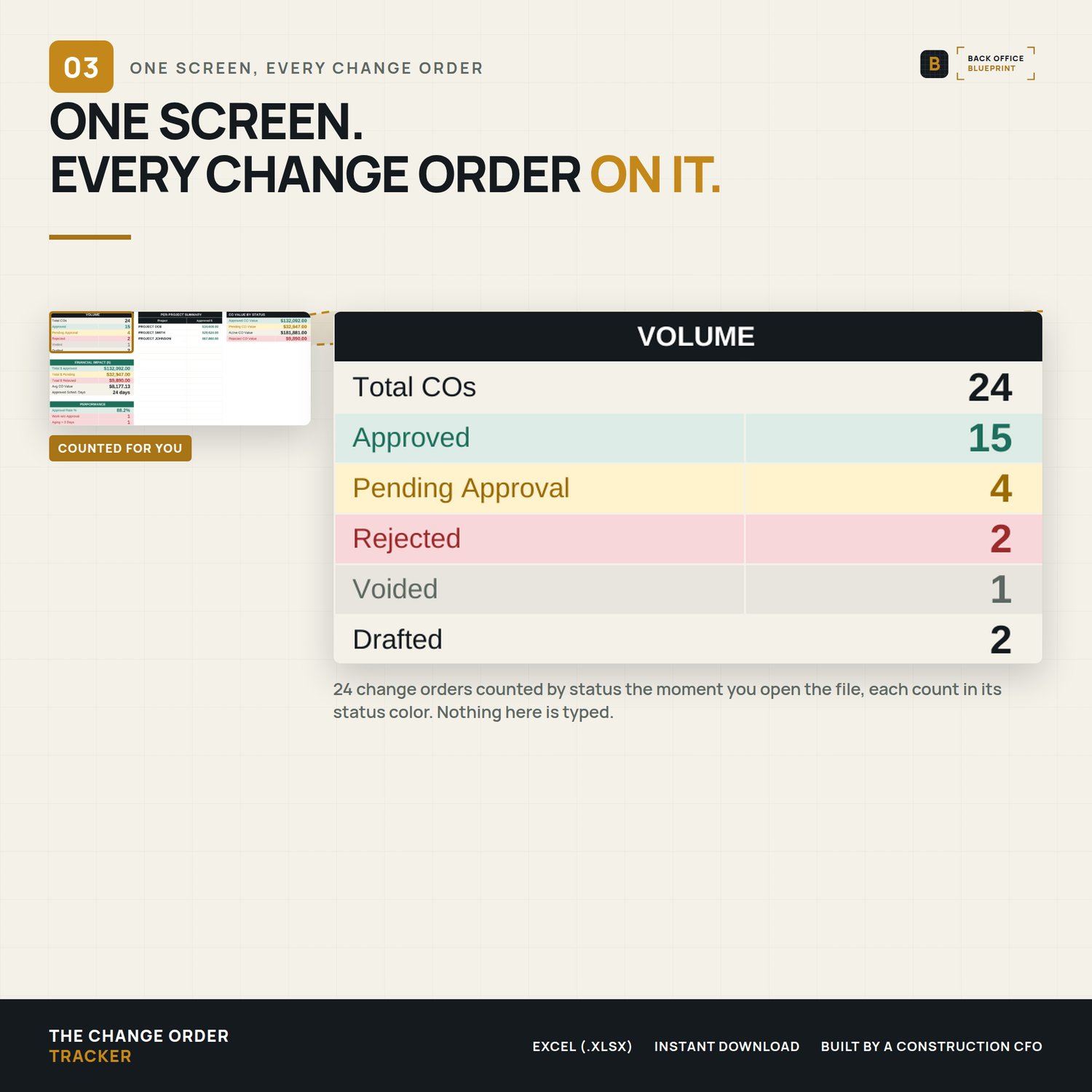
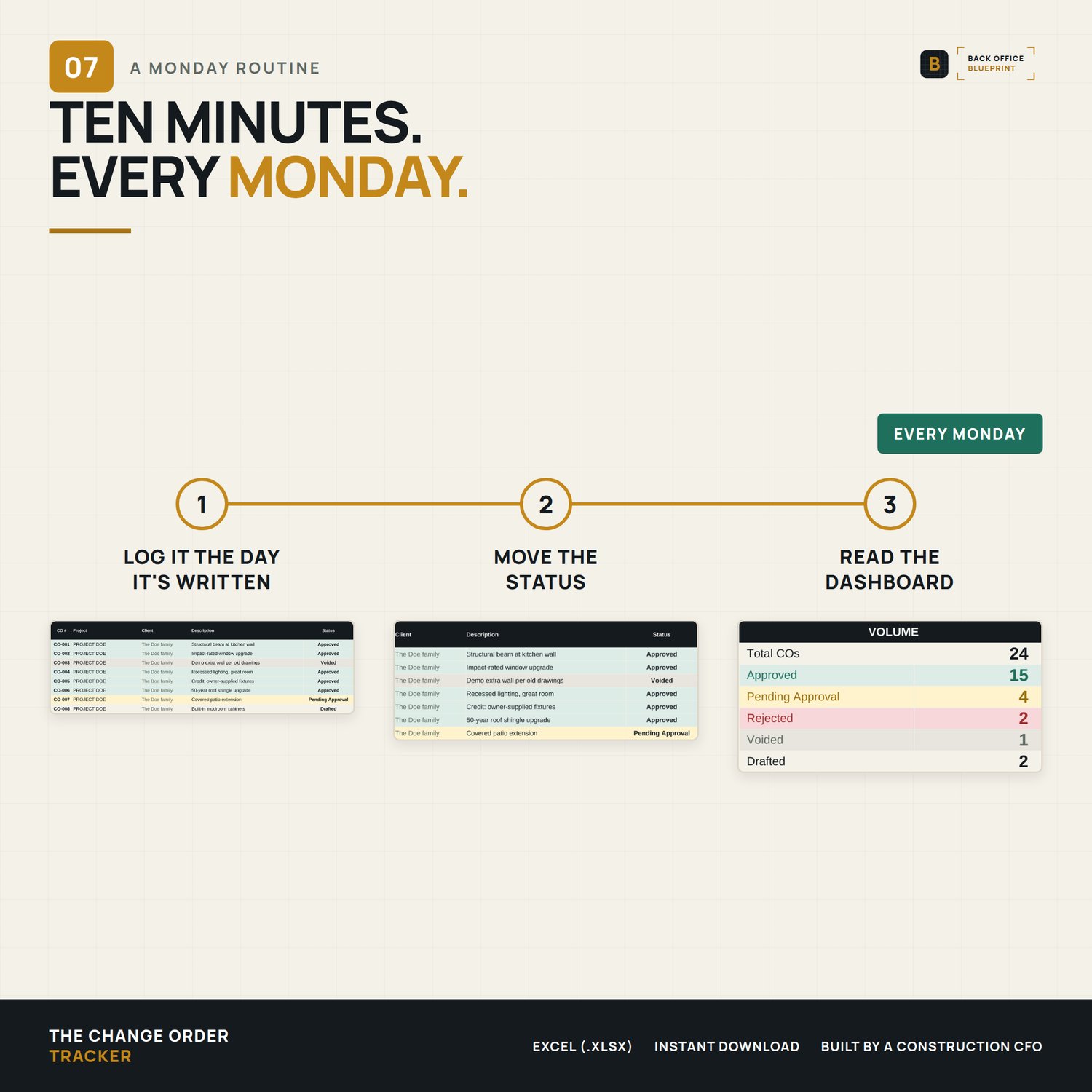
- Each status colors its row: Drafted cream, Pending Approval amber, Approved green, Rejected red, Voided grey
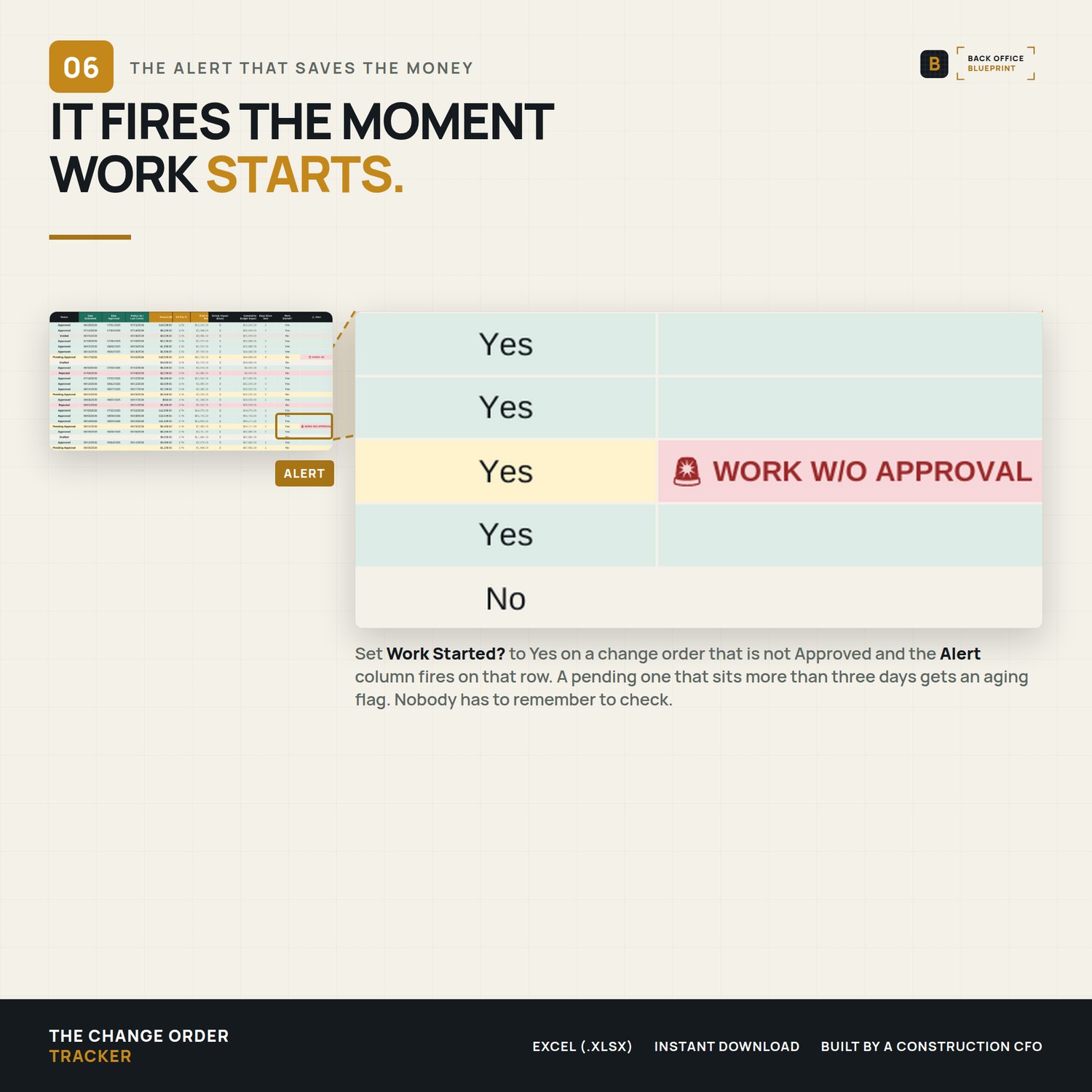
- WORK W/O APPROVAL fires when Work Started is Yes on anything not Approved, Rejected and Voided included
- AGING fires when a change order sits in Pending Approval for more than three days
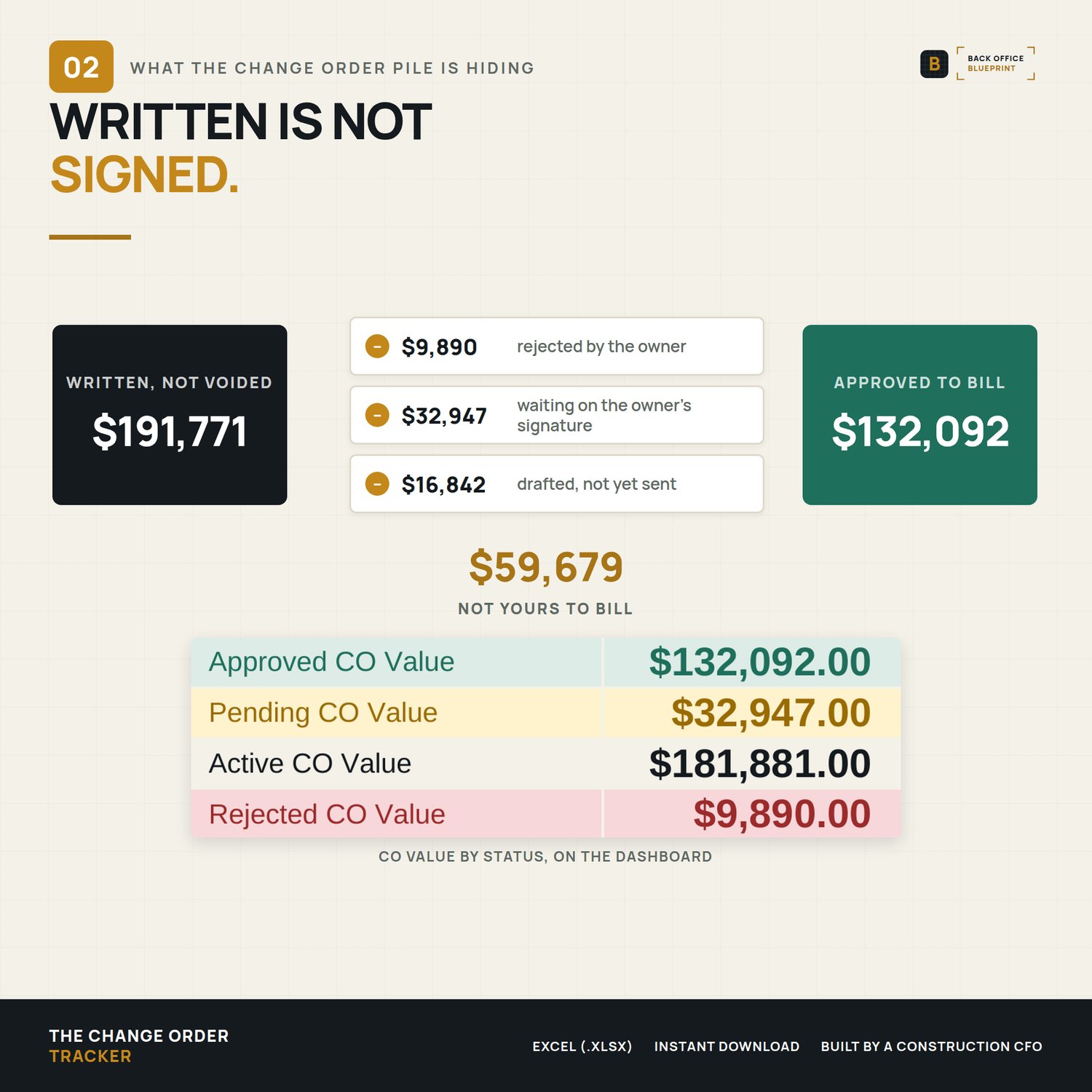
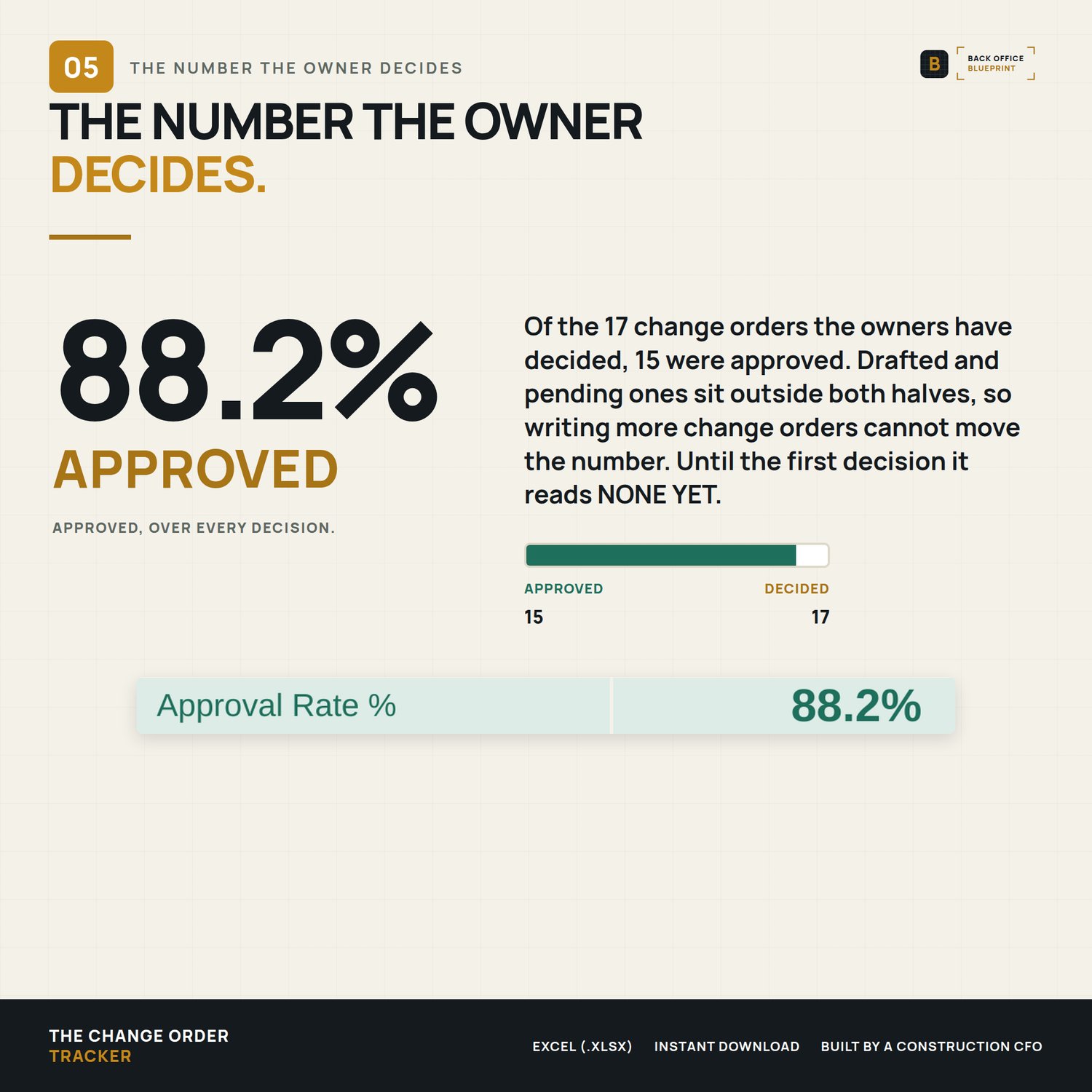
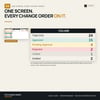
- The Dashboard counts change orders and dollars by status, the approval rate and both alerts
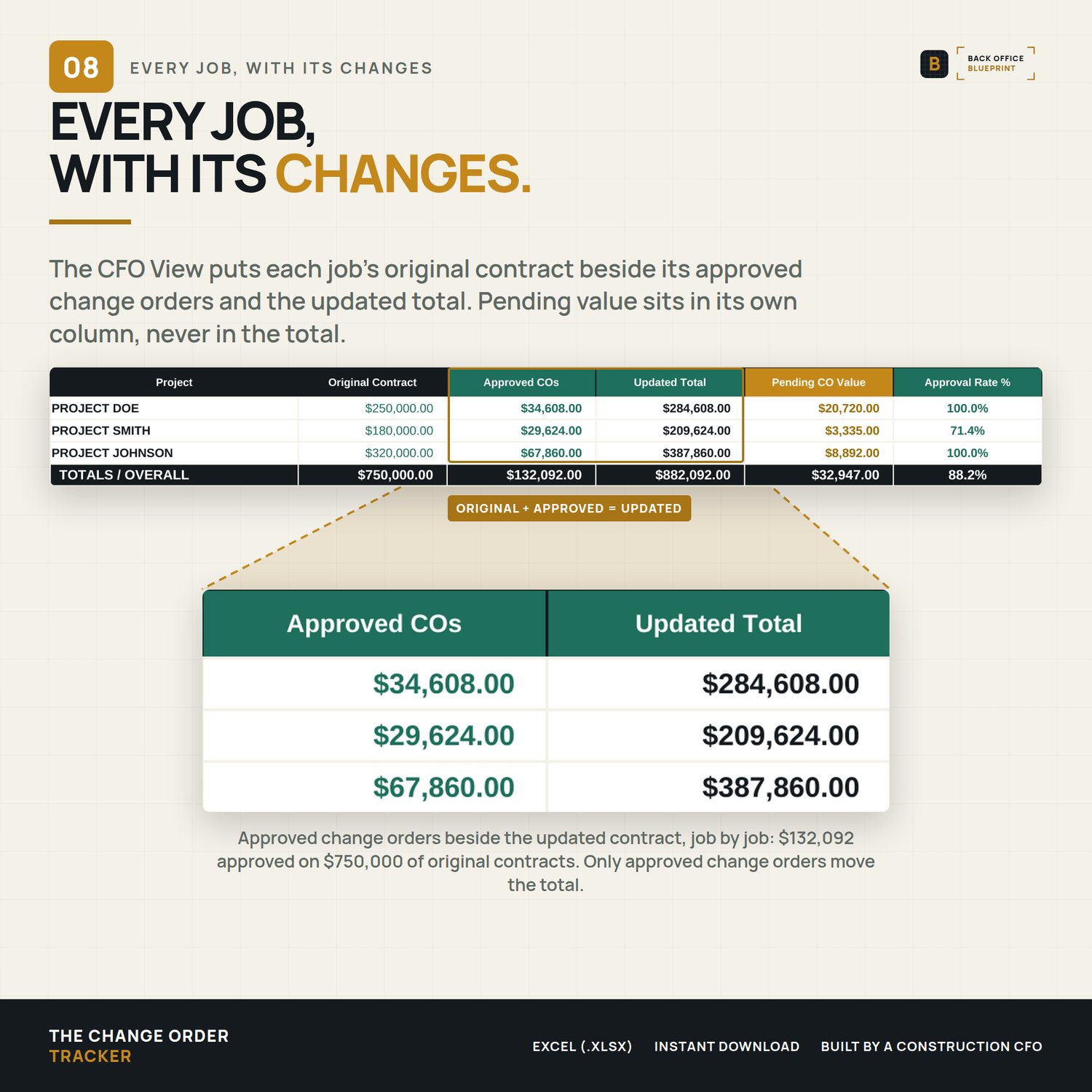
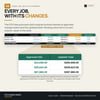
- The CFO View puts each job's original contract beside its approved change orders and the updated total, with pending value in its own column
Why It Pays For Itself
- The change order started on a handshake gets caught before closeout, not after
- An owner who hasn't answered in three days gets a written follow-up
- Only signed change orders move the contract total, so the number you bill is the number you can defend
Format
Instant digital download. An Excel (.xlsx) workbook, and Excel is the reference version. Every formula uses functions Google Sheets also supports; it has not been tested inside Sheets, so row colors, drop-downs and print setup can differ there. Nothing is shipped.
After You Buy
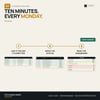
Open the DEMO to see it working. Then open the blank, enter your jobs on the Projects tab, and log the change orders you have out right now.
A change order logged here is a project record, not a signed contract document. Your contract governs what authorizes extra work.
Questions?
Email me. A real person reads every message and answers personally.
Built by a construction CFO · Back Office Blueprint · Systems that run the business so you can build it.
Single-business commercial use: use it on every job your business bids and builds.